Fiber Optic Gigabit Internet High Speed Connectivity Guide
Fiber optic gigabit internet provides symmetric or near-symmetric data transfer speeds of 1,000 Mbps, utilizing light pulses transmitted through glass strands to achieve superior latency and bandwidth compared to traditional copper-bas...
Fiber optic gigabit internet provides symmetric or near-symmetric data transfer speeds of 1,000 Mbps, utilizing light pulses transmitted through glass strands to achieve superior latency and bandwidth compared to traditional copper-based infrastructure. This guide evaluates the technical requirements, service verification, hardware prerequisites, and performance benefits necessary to optimize high-speed home and business connectivity.
Contents
Understanding Fiber Optic Infrastructure
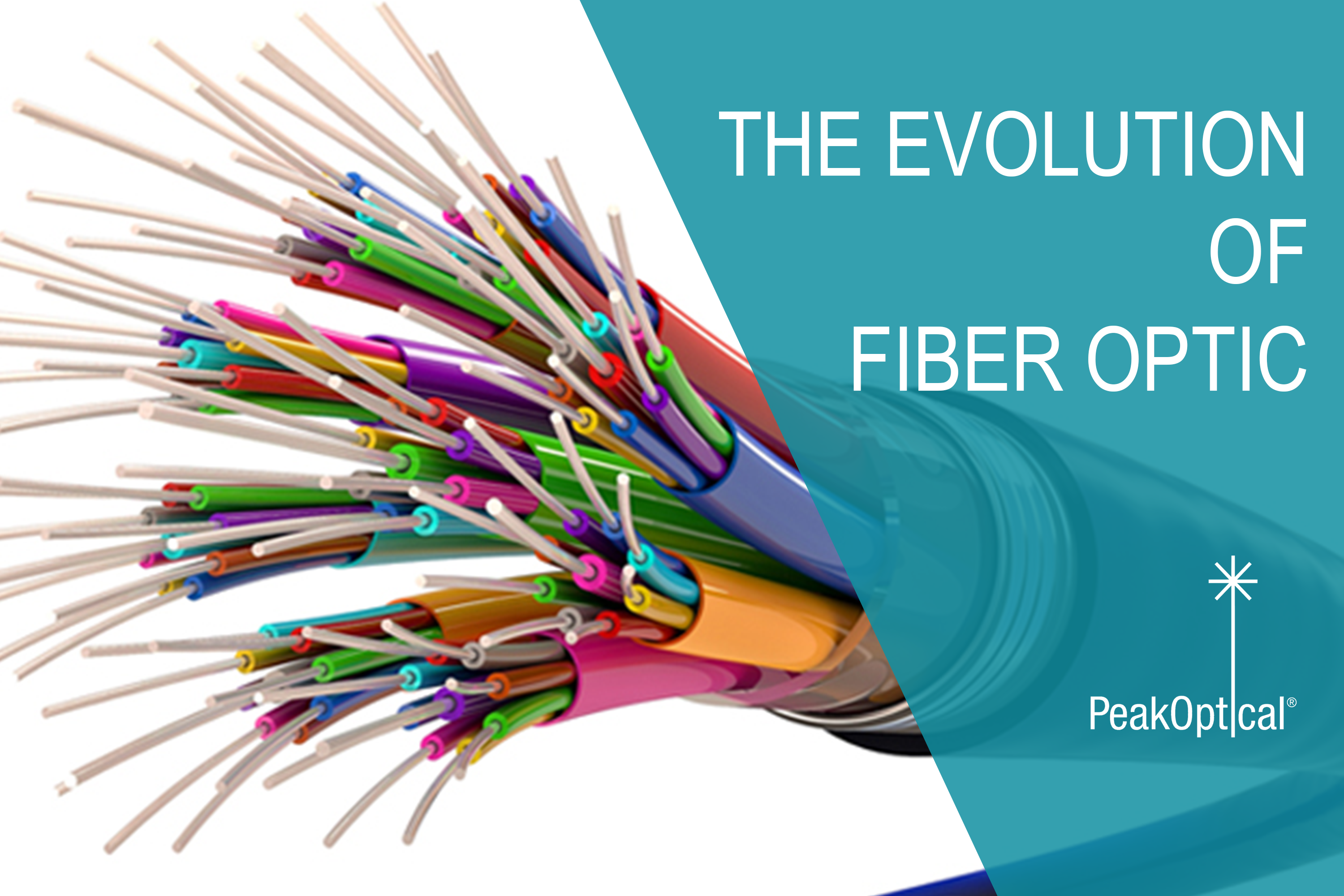
Fiber optic internet, often referred to as Fiber-to-the-Premises (FTTP) or Fiber-to-the-Home (FTTH), represents the current gold standard in residential and commercial networking. Unlike legacy broadband—such as Digital Subscriber Line (DSL) or cable—which relies on electrical signals traveling over metallic copper wires, fiber technology uses laser-generated light pulses to transmit binary data through hair-thin strands of glass.
The primary advantage of this physical medium is its immunity to electromagnetic interference and significantly lower signal attenuation over long distances. In a gigabit configuration, the connection is capable of supporting massive data throughput, which is essential for multi-user environments, high-resolution media streaming, cloud-based workflow synchronization, and real-time interactive applications.
Prerequisites for Gigabit Connectivity
Securing a gigabit connection involves more than simply selecting a high-speed service tier. Achieving true gigabit performance requires a combination of ISP-provided infrastructure and local network equipment capable of handling the high data rates.
1. Availability and Serviceability
Before upgrading, you must verify service availability at your specific location. Fiber deployment is geographically fragmented, as it requires physical installation of lines to the building entry point, often known as the Optical Network Terminal (ONT) installation. Check local municipal records or regional ISP coverage maps to determine if fiber, rather than hybrid fiber-coaxial (HFC) cable, is available at your address.
2. Local Area Network (LAN) Hardware
Upgrading to a gigabit plan will not provide the expected results if the internal hardware creates a bottleneck. To realize 1,000 Mbps speeds, your network equipment must meet specific technical standards:
- Router Specifications: The router must feature "Gigabit WAN/LAN ports." Older hardware often limits wired connections to 100 Mbps.
- Wi-Fi Standards: For wireless connectivity, equipment should support Wi-Fi 6 (802.11ax) or Wi-Fi 7 to maximize throughput over the air.
- Cabling: Use Category 6 (Cat6) or Category 6a (Cat6a) Ethernet cables. While Cat5e can technically support 1 Gbps, Cat6 provides better shielding and performance consistency for high-speed data transmission.
Comparing Connectivity Technologies
Choosing the right connection type is critical for performance reliability. The following table compares common broadband delivery methods based on typical operational characteristics.
| Technology | Delivery Medium | Latency | Symmetrical Potential | Reliability |
|---|---|---|---|---|
| Fiber Optic | Glass Strands | Very Low | Yes | Very High |
| Cable (HFC) | Copper Coaxial | Moderate | No (Asymmetric) | Moderate |
| DSL | Twisted Copper | High | No | Low |
| Satellite | Wireless/Space | Very High | No | Variable |
Hardware Setup and Optimization Steps
Once service is installed, the configuration of the local environment determines the final performance metrics. Follow these steps to ensure the network is optimized for high-speed operation:
- Strategic Router Placement: Position the router in a central, elevated location. Avoid placing the device inside cabinets, near large metal objects, or behind televisions, as these materials obstruct radio frequency signals.
- Prioritizing Wired Backhaul: For stationary devices—such as desktop workstations, gaming consoles, or smart home hubs—always use a direct Ethernet connection. Wireless signals are subject to interference from neighboring networks and physical structural density.
- Firmware Maintenance: Regularly update your router's firmware. Manufacturers often release updates that improve routing efficiency and patch vulnerabilities in 2026 security protocols.
- Band Steering: Enable band steering on your router settings to ensure devices automatically connect to the 5GHz or 6GHz frequency bands rather than the slower 2.4GHz band, which is prone to congestion.
Troubleshooting Common Connectivity Issues
If you subscribe to a gigabit plan but observe lower-than-expected speeds, troubleshoot systematically before contacting technical support.
- Isolate the Test: Perform a speed test using a wired Ethernet connection directly to the router. If the wired connection achieves 900–1,000 Mbps, the issue is likely your wireless network configuration or environmental interference rather than the ISP delivery.
- Check Device Capability: Verify if the device being tested (e.g., an older laptop) possesses a Gigabit Ethernet network interface card (NIC). If the NIC is capped at 100 Mbps, the test will never exceed that threshold regardless of the internet plan.
- Background Process Audit: Ensure no other devices on the network are performing large background downloads or updates during the testing phase, as these consume available bandwidth.
Frequently Asked Questions
Is gigabit internet necessary for a standard household? Gigabit internet is generally considered high-capacity for most households. While a standard family may only use 100–300 Mbps for streaming and browsing, gigabit connections provide the "headroom" necessary to prevent buffering during simultaneous high-bandwidth activities, such as 4K video conferencing and large software updates occurring at once.
Why is my Wi-Fi speed slower than my wired connection? Wi-Fi speeds are affected by physical obstacles, interference from other electronic devices, and the inherent limitations of radio wave protocols. Even with a gigabit subscription, real-world Wi-Fi throughput is often lower than wired Ethernet due to signal attenuation.
Does distance from the fiber node affect speed? Unlike DSL, where distance from the central office significantly degrades speed, fiber optic signals remain consistent over much longer distances. However, the connection between your home and the neighborhood distribution point is still subject to the quality of the local fiber installation.
Are there data caps on gigabit fiber plans? Data policies vary by provider. In 2026, many gigabit fiber plans offer unlimited data, but some providers impose "soft caps" or fair usage policies. Always review the service agreement provided during the signup process to confirm your specific data allowance.
Next Actions
To finalize your transition to high-speed connectivity, conduct a thorough audit of your current hardware. If your existing router is more than three years old, prioritize upgrading to a Wi-Fi 6 or Wi-Fi 7 capable device to ensure you can adequately distribute the incoming 1 Gbps bandwidth throughout your home or office. Contact your local service provider to confirm the specific ONT installation requirements for your premises and schedule a site survey if necessary.
Image Gallery