The Witcher 3 Remastered PS5 Resolution: Technical Breakdown and Performance Analysis
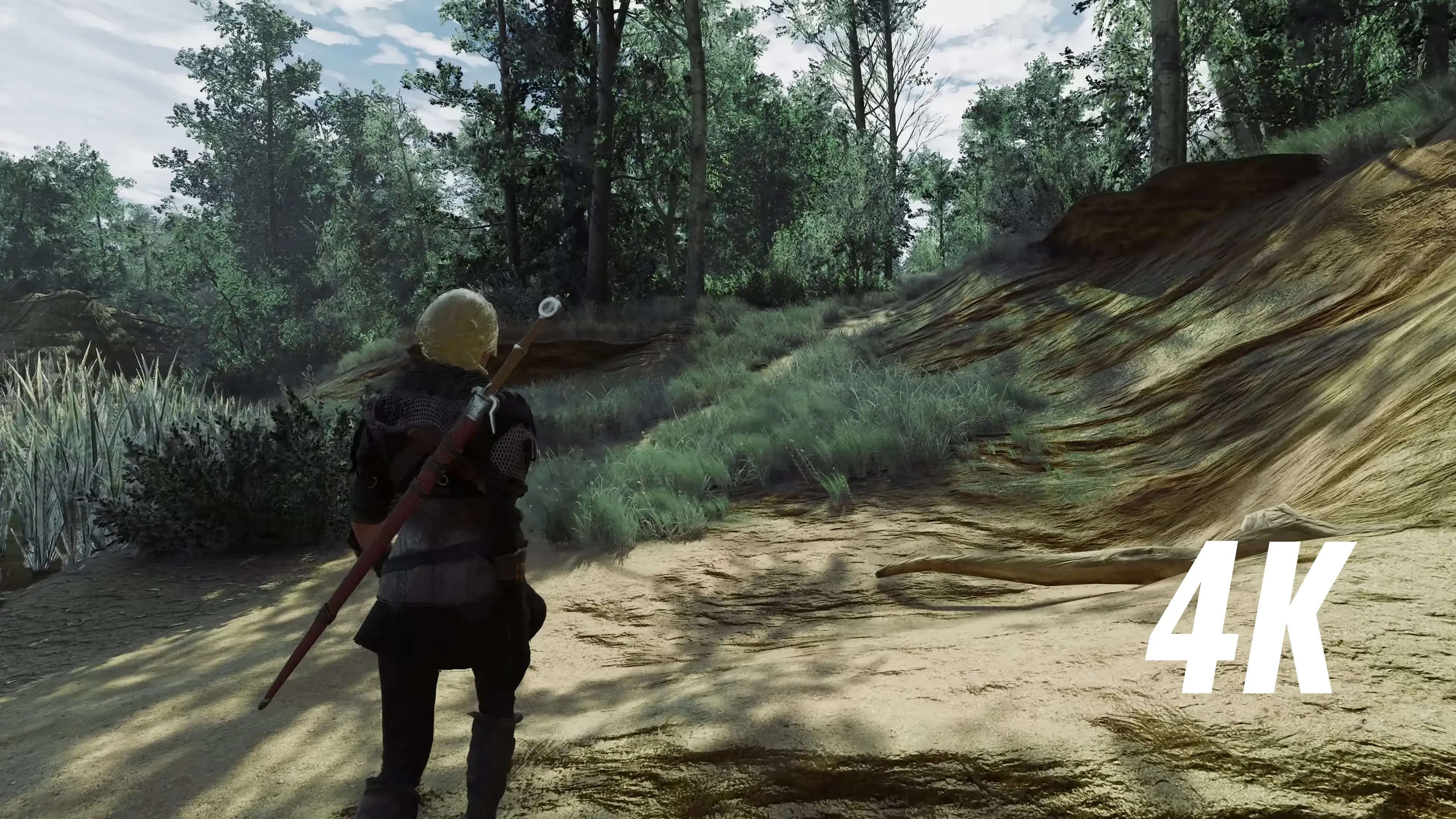
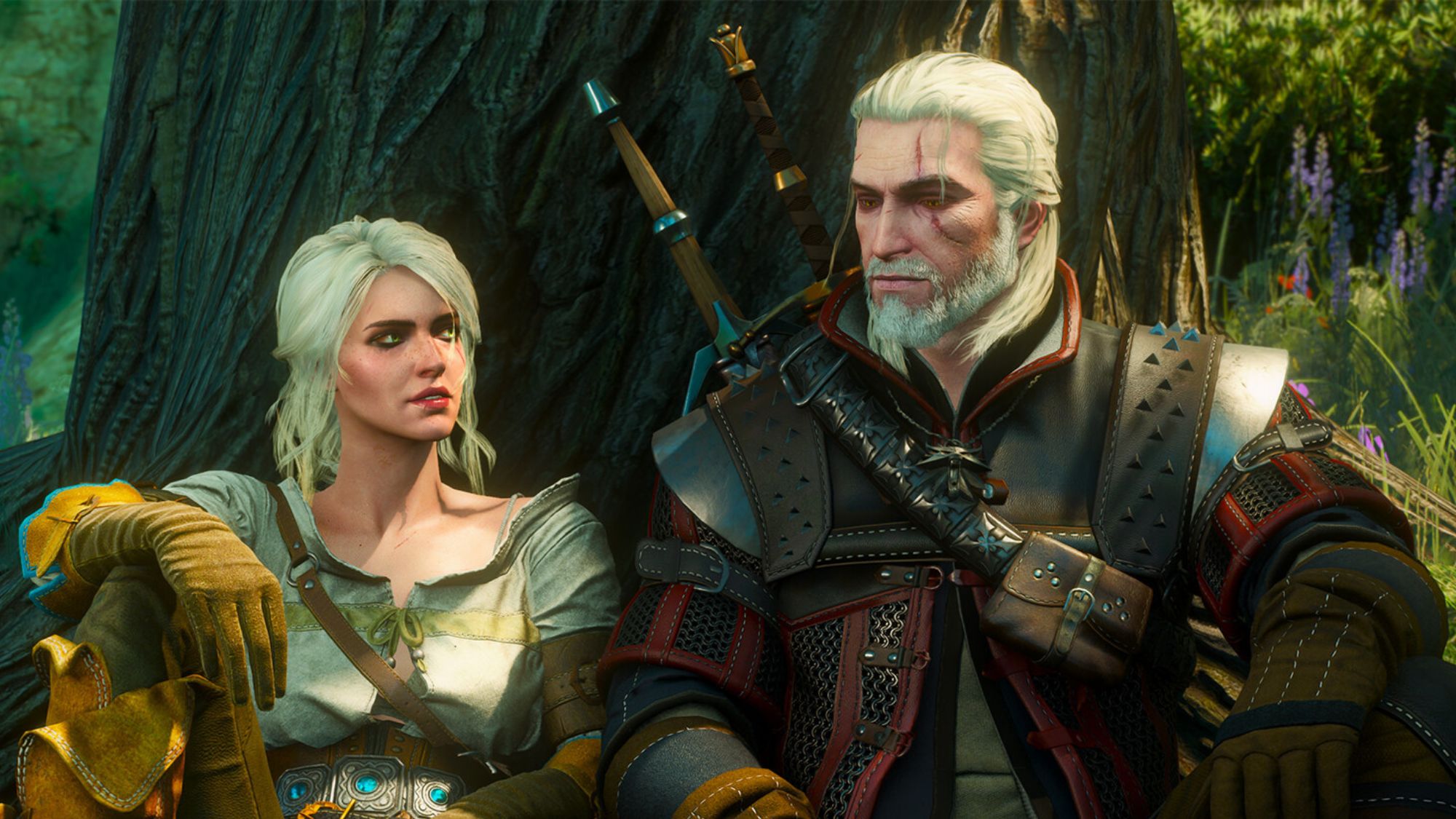
The Witcher 3 Remastered on PlayStation 5 features two distinct display modes: Performance Mode targets a dynamic 4K resolution at a fluid 60 frames per second using FSR 2 scaling, while Quality Mode delivers native 4K resolution at 30...
The Witcher 3 Remastered on PlayStation 5 features two distinct display modes: Performance Mode targets a dynamic 4K resolution at a fluid 60 frames per second using FSR 2 scaling, while Quality Mode delivers native 4K resolution at 30 frames per second with enhanced ray-traced global illumination and ambient occlusion effects enabled.
Contents
Understanding how CD Projekt Red optimized their open-world masterpiece for ninth-generation console hardware requires looking past simple marketing numbers. The transition from the original PlayStation 4 release to the native PlayStation 5 version introduced a complete graphical overhaul, implementing modern rendering techniques, higher asset quality, and flexible output options. Evaluating the resolution performance on the PS5 helps players choose the optimal visual setup for their playthrough.
Evolution of Next-Gen Visuals in The Witcher 3 Remastered
When CD Projekt Red released the complete next-generation update for The Witcher 3: Wild Hunt, the core objective was modernizing a 2015 game to leverage the custom AMD RDNA 2 architecture inside the PlayStation 5. The older checkerboard rendering and sub-1080p dynamic resolutions of the base console versions were replaced with fully realized high-definition pipelines.
The console implementation relies on temporal reconstruction and advanced upscaling algorithms to deliver high pixel density without compromising frame rate stability. Developers restructured the engine to handle denser foliage, longer draw distances, higher-resolution textures, and improved volumetric cloud rendering. These enhancements demand significant GPU processing power, making resolution scaling an absolute necessity to maintain playable frame rates during intense combat encounters and complex weather simulations in Novigrad or Skellige.
Performance Mode vs. Quality Mode Resolution Specifications
The PlayStation 5 provides two primary rendering presets through the in-game graphics menu. Each mode allocates system resources differently, trading raw pixel count or ray-tracing features for fluid motion or maximum graphical fidelity.
- Performance Mode: Targets 60 frames per second. It utilizes a dynamic resolution scale that typically fluctuates between 1440p and 2160p (4K), depending on scene complexity. It leverages AMD FidelityFX Super Resolution 2 (FSR 2) to reconstruct the final image output.
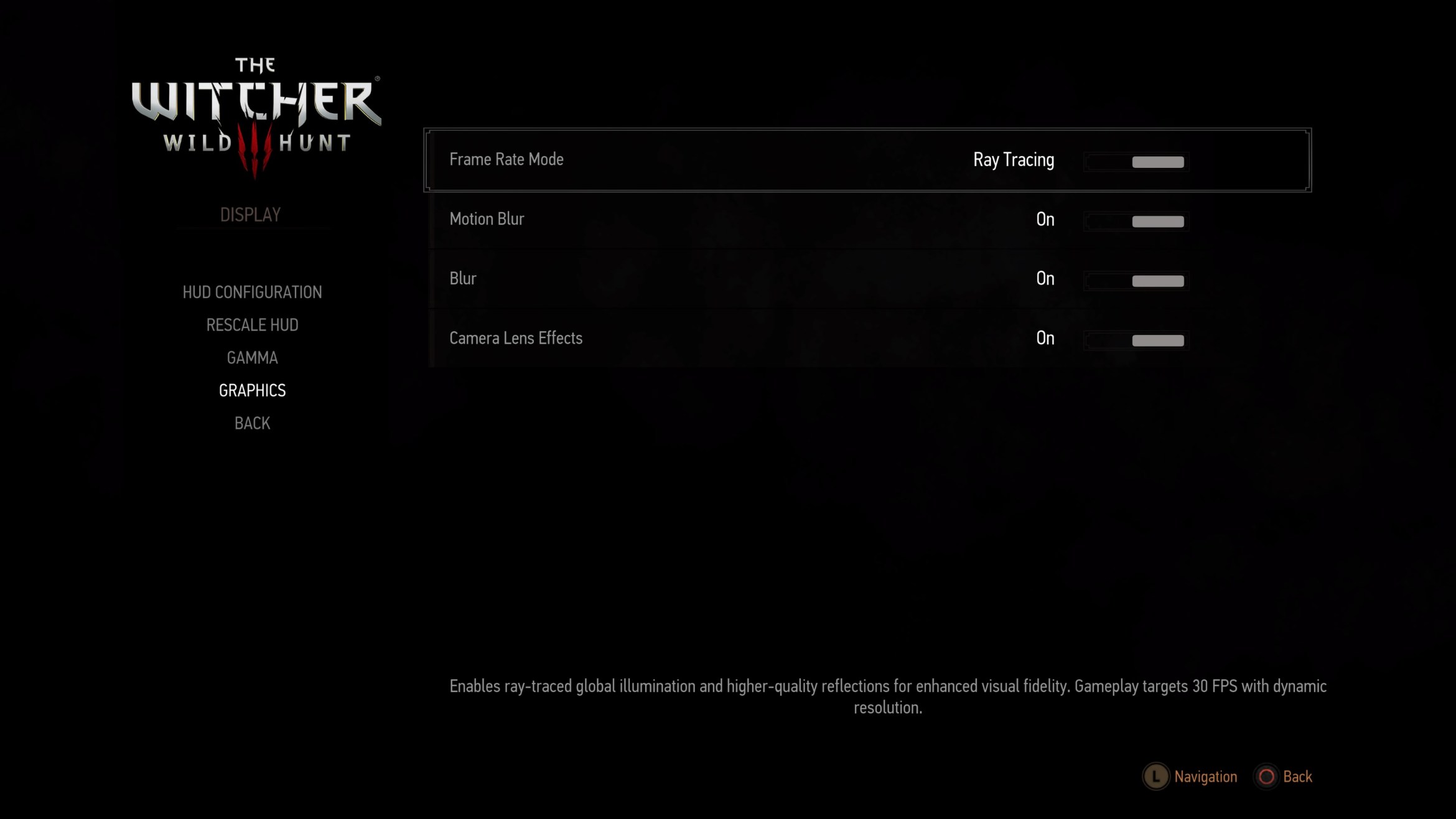
- Quality Mode: Targets 30 frames per second. It locks the output to a native 4K resolution (3840x2160 pixels) while introducing hardware-accelerated ray tracing for global illumination and ambient occlusion, resulting in realistic light bounces and contact shadows.
| Graphics Preset | Target Resolution | Frame Rate Target | Ray Tracing Status | Upscaling Technology |
|---|---|---|---|---|
| Performance Mode | Dynamic 1440p to 4K | 60 FPS | Disabled | AMD FSR 2 |
| Quality Mode | Native 4K (3840x2160) | 30 FPS | Enabled (Global Illumination & AO) | Native / Temporal Anti-Aliasing |
Technical Deep Dive Into Performance Mode
For the vast majority of players, Performance Mode is the preferred setting due to the responsiveness offered by 60 frames per second. In fast-paced action RPG combat, input latency is a critical factor, and doubling the frame rate halves input lag compared to the 30 FPS cap.
To achieve a stable 60 FPS on the PS5 hardware, the game dynamically scales its internal resolution. During less demanding scenarios, such as exploring open fields or indoor dialogue scenes, the game frequently renders at or near a full 4K pixel count. However, when entering dense urban environments like Oxenfurt or Novigrad—where NPC counts, alpha particle effects, and geometry complexity skyrocket—the internal resolution drops toward 1440p. AMD FSR 2 upscaling reconstructs these lower-resolution frames, minimizing temporal shimmering and edge aliasing while preserving fine details like chainmail textures and distant horizon lines.
Visual Impact and Compromises of Quality Mode
Quality Mode caters to virtual photographers, narrative-focused players, and those willing to trade high frame rates for cinematic lighting accuracy. By enabling ray tracing, light behaves much more naturally in the world of the Continent.
Ray-traced global illumination allows sunlight and torchlight to bounce off surfaces, casting realistic color bleeding and soft shadows into corners and crevices. Ambient occlusion becomes more pronounced, grounding objects, monsters, and Geralt realistically into the environment. However, the heavy computational cost of ray tracing forces the game to lock the frame rate to 30 FPS. Furthermore, even in Quality Mode, certain complex scenes may occasionally experience minor frame pacing variations, though VRR (Variable Refresh Rate) displays on compatible HDMI 2.1 televisions can help smooth out these inconsistencies.
Hardware Requirements and Display Optimization
To get the absolute best experience out of The Witcher 3 Remastered on PlayStation 5, display configuration plays a vital role. While standard 4K televisions will display the output correctly, utilizing features unique to modern displays elevates the presentation.
- HDMI 2.1 Compatibility: Essential for unlocking high refresh rate support and seamless VRR integration, mitigating judder when frame rates fluctuate slightly in heavy combat.
- HDR Calibration: The remaster includes a revised HDR implementation. Properly calibrating peak brightness and paper white settings in the game menu prevents crushed blacks in dark caves and blown-out highlights during sunsets.
- Performance Mode Preference: For users with 120Hz-capable screens, ensuring the console's video output settings prioritize performance allows the game to run with minimal stutter.
Pros and Cons of Each Resolution Preset
Choosing between the two available modes involves understanding personal preferences regarding motion fluidity versus visual realism.
- Performance Mode Pros:
- Fluid 60 FPS gameplay significantly improves combat responsiveness.
- Dynamic resolution scaling keeps images sharp during most gameplay moments.
- Reduced motion blur fatigue during fast camera movements on horseback.
- Performance Mode Cons:
- Absence of ray-traced lighting features.
- Noticeable softening of image clarity during heavy GPU loads in crowded cities.
- Quality Mode Pros:
- Stunning ray-traced global illumination creates breathtaking atmospheric lighting.
- Uncompromised native 4K resolution guarantees maximum texture crispness.
- Quality Mode Cons:
- 30 FPS cap introduces noticeable input lag and motion judder.
- Slower camera response times during fast-paced swordplay and sign casting.
Frequently Asked Questions
Does The Witcher 3 Remastered run at native 4K on PS5?
Yes, but only in Quality Mode, which locks the game at a native 3840x2160 resolution while capping the frame rate at 30 FPS and enabling ray-tracing features. Performance Mode uses a dynamic resolution scaling system combined with FSR 2 to hit high frame rates.
What is the frame rate in Performance Mode on PS5?
Performance Mode targets a stable 60 frames per second. It achieves this by dynamically adjusting the internal rendering resolution and employing advanced upscaling technology to maintain fluidity during demanding sequences.
Can I use ray tracing in 60 FPS mode on PS5?
No. Enabling ray tracing requires switching to Quality Mode, which locks the frame rate to 30 FPS. The PS5 hardware cannot sustain 60 frames per second while simultaneously processing heavy ray-traced global illumination and reflection workloads for this title.
Does the PS5 version support Variable Refresh Rate (VRR)?
Yes. The game fully benefits from PS5 system-level VRR support. If you have an HDMI 2.1 display with VRR enabled, minor frame rate dips in either mode will be smoothed out dynamically by your television or monitor.
How do I change between Performance and Quality modes?
You can switch between the two modes at any time from the main menu or the in-game pause menu by navigating to Options, selecting Video, and modifying the Graphics Mode setting according to your preference.
Conclusion and Recommendations
Selecting the right graphics setting for The Witcher 3 Remastered on PlayStation 5 ultimately depends on what you value more during your journey through the Northern Realms. If your priority is smooth, responsive combat and responsive movement, Performance Mode is the definitive choice. If you prefer capturing stunning screenshots, exploring at a leisurely pace, and experiencing next-generation lighting physics, Quality Mode delivers a striking visual showcase. Adjust your settings based on your display capabilities and personal comfort to experience CD Projekt Red's open-world masterpiece at its absolute technical best.
Image Gallery