The Ultimate Guide to Lore Friendly Police Cars FiveM in 2026
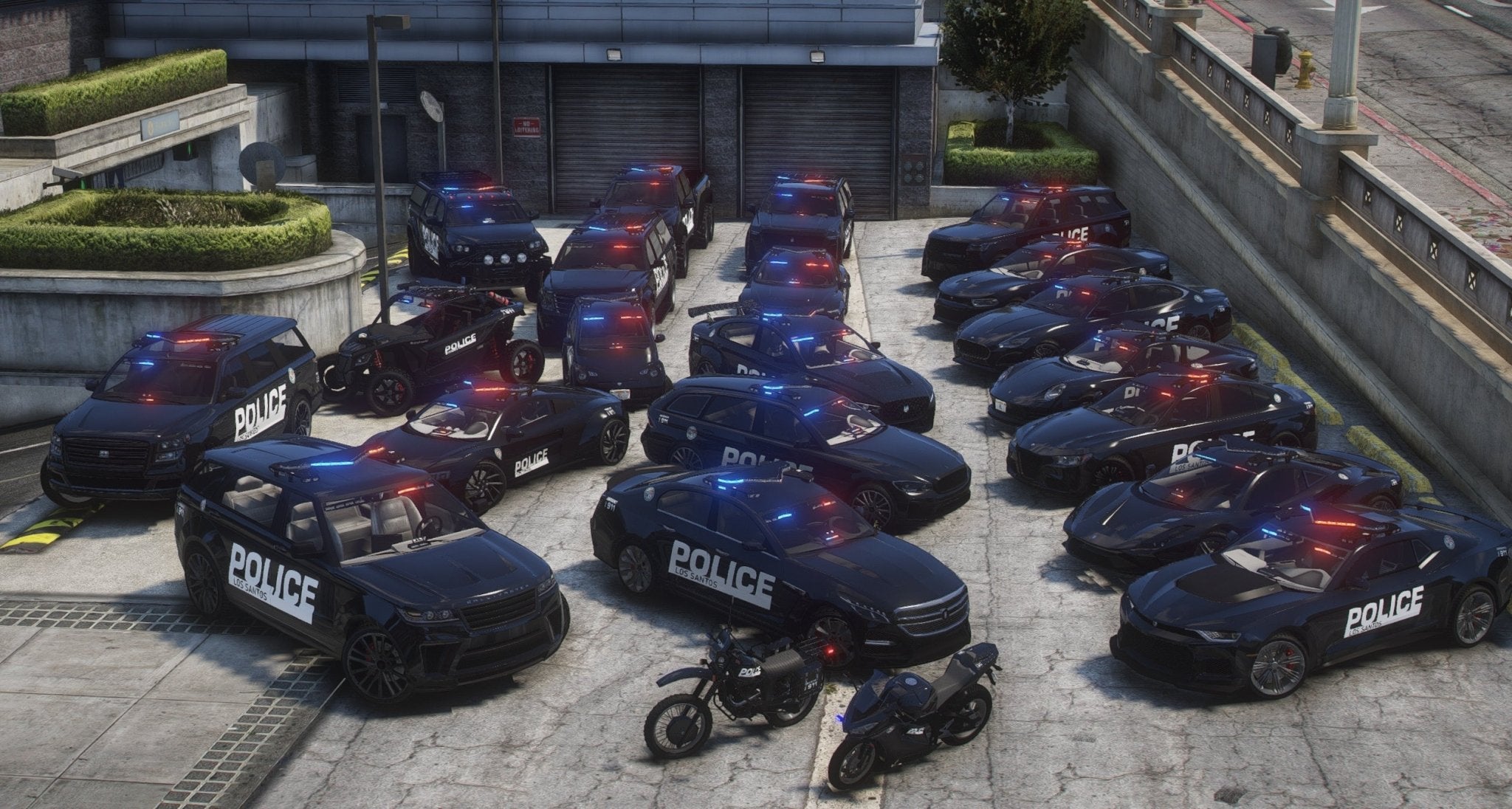
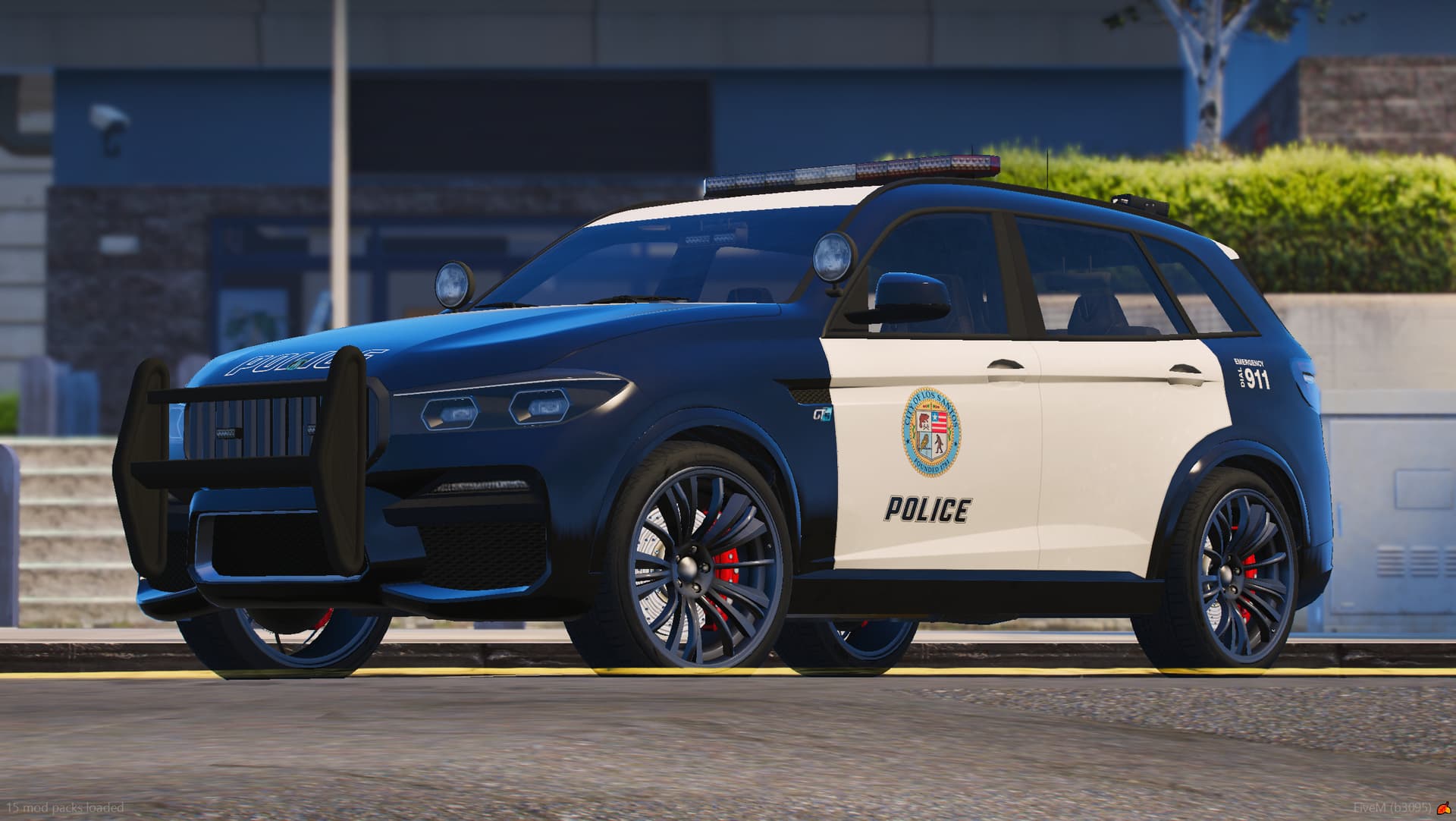
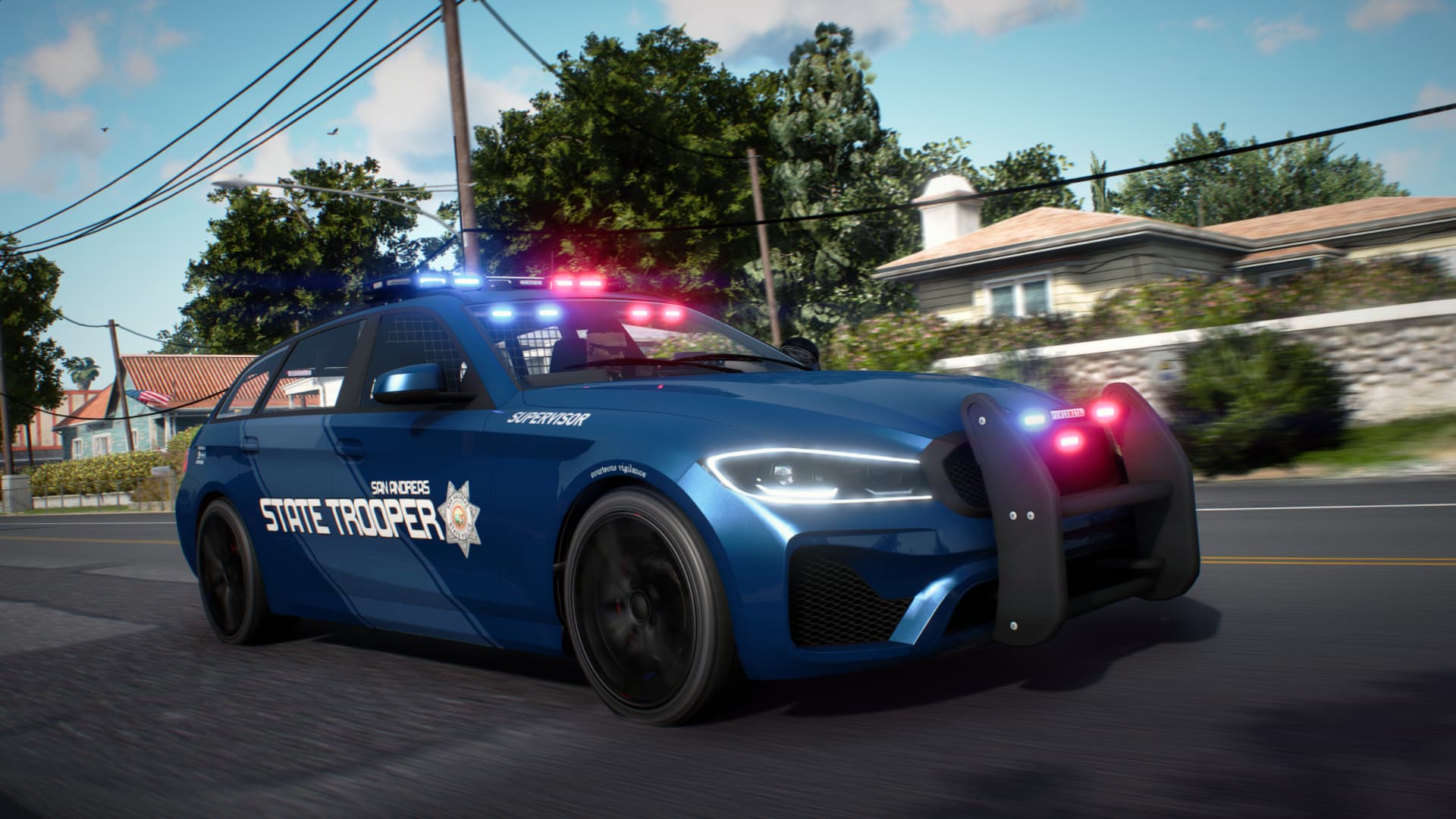
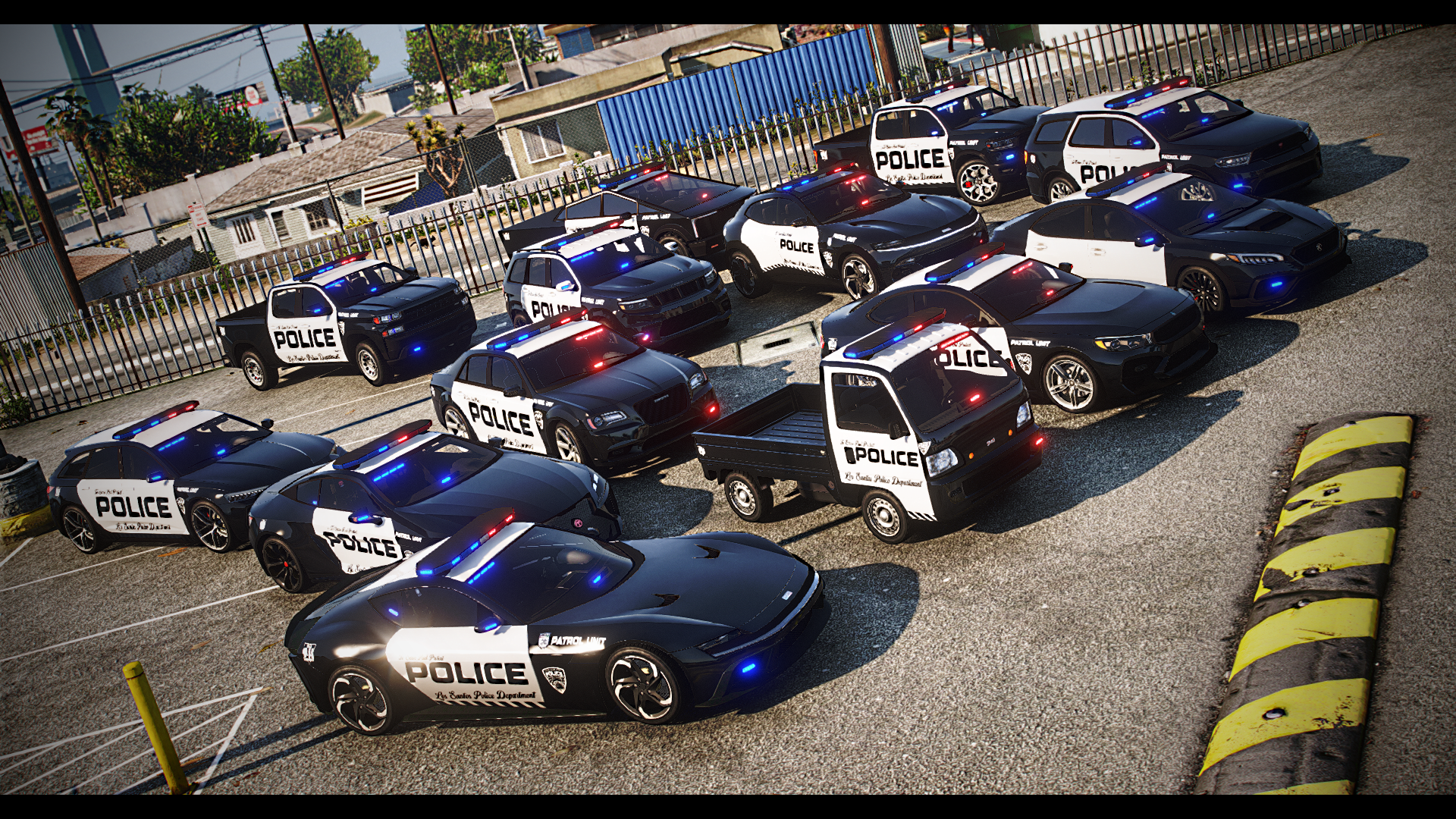
Finding and installing lore friendly police cars FiveM configurations allows server administrators to maintain the authentic atmospheric immersion of Grand Theft Auto V while upgrading law enforcement fleets with modern emergency vehic...
Finding and installing lore friendly police cars FiveM configurations allows server administrators to maintain the authentic atmospheric immersion of Grand Theft Auto V while upgrading law enforcement fleets with modern emergency vehicles. This comprehensive guide covers everything from selecting high-fidelity vehicle packs to optimizing handling metadata, organizing resource folders, and troubleshooting common optimization bottlenecks for 2026 FiveM servers.
Contents
Understanding Lore Friendly Vehicle Design in GTA V
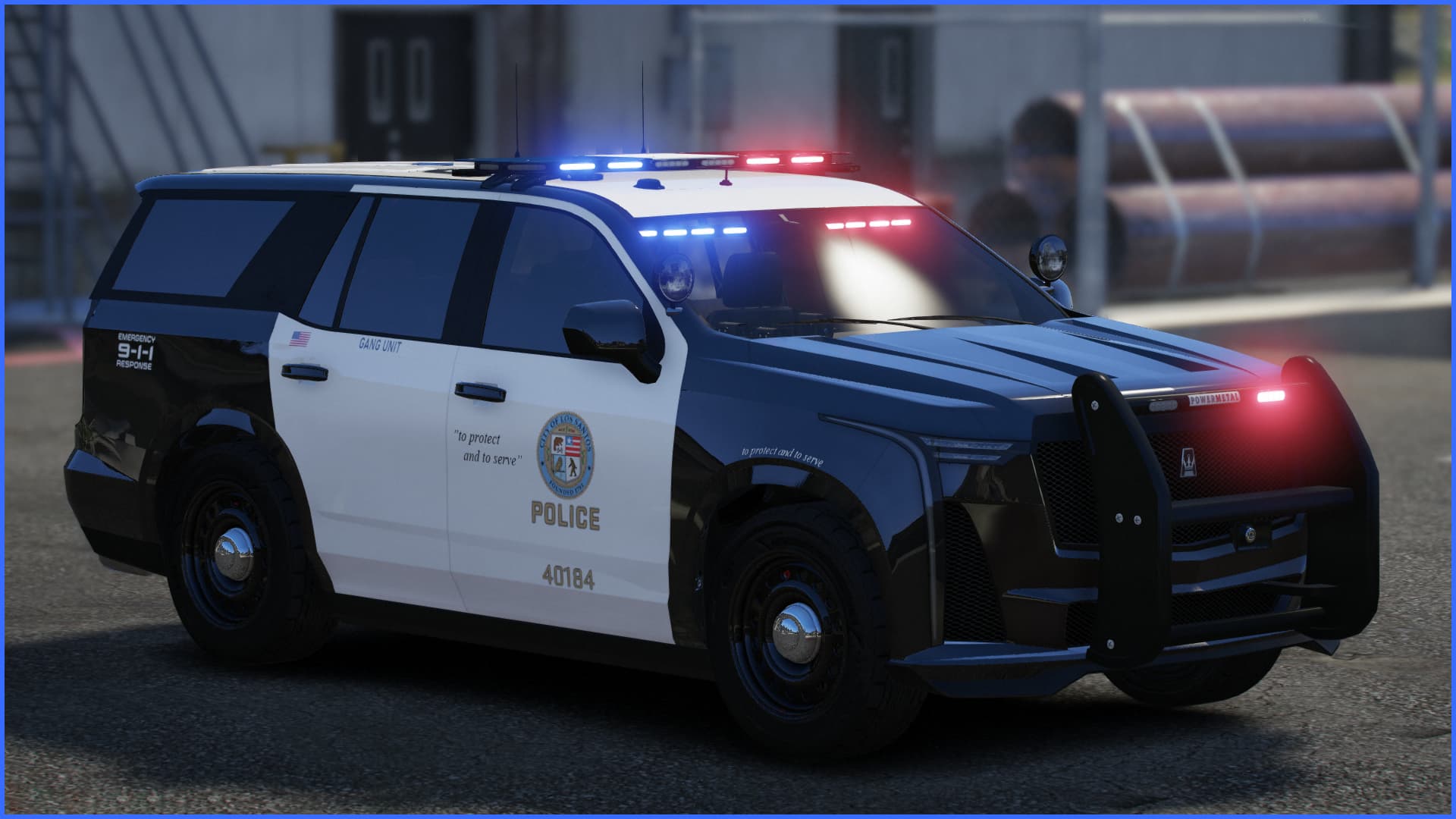
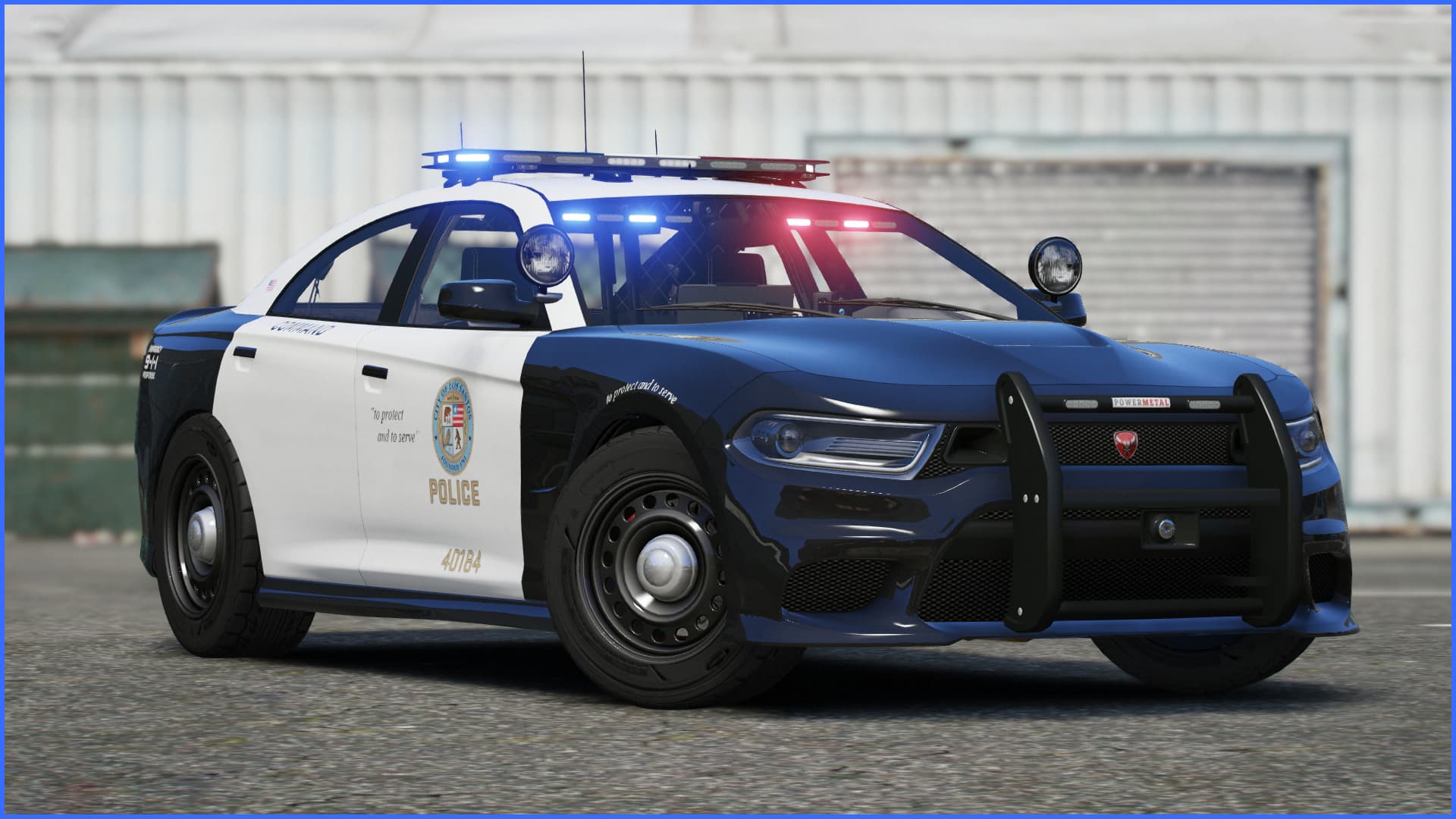
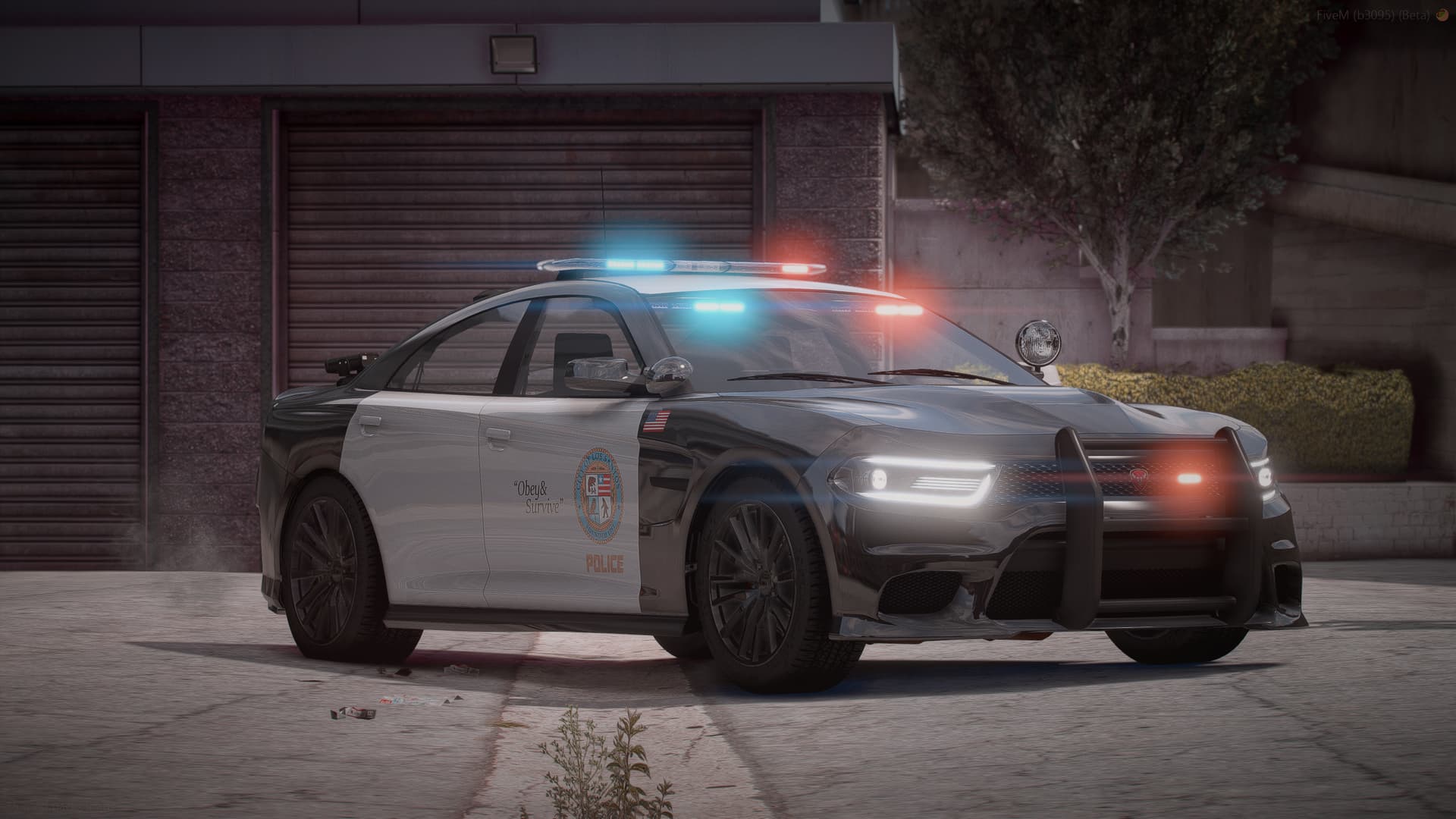
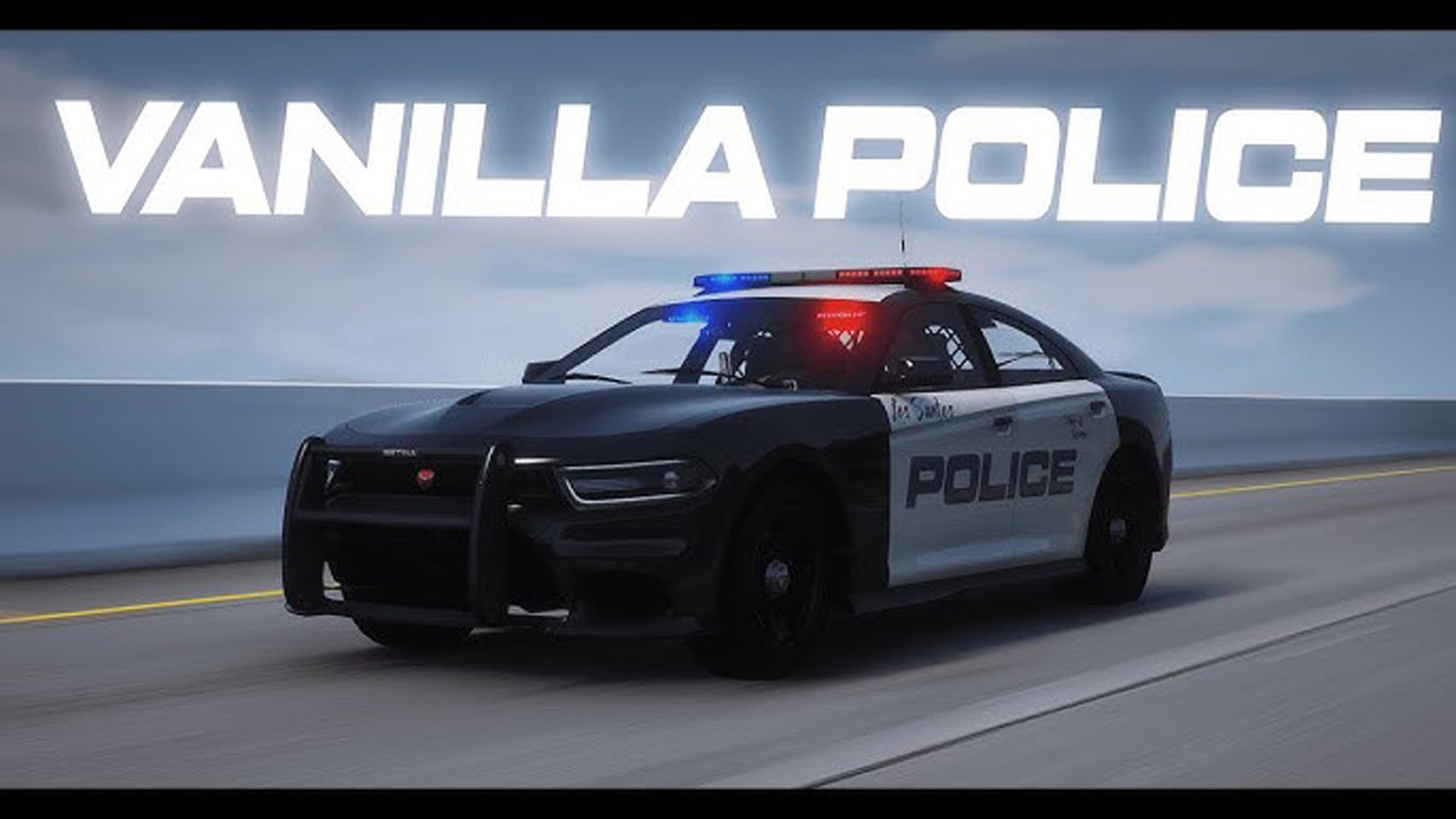
Lore-friendly vehicle modifications operate within the fictional universe established by Rockstar Games. Unlike real-world vehicle imports, which introduce authentic brands like Ford, Chevrolet, or Dodge into Los Santos, lore-friendly variants utilize fictional manufacturers such as Vapid, Bravado, Declasse, and Karin. These vehicles feature realistic badging, manufacturer fonts, and design cues that mirror real-world counterparts without breaking the satirical visual fidelity of the base game.
Maintaining aesthetic continuity prevents the jarring visual contrast often introduced by hyper-realistic real-world imports speeding through sandy desert environments or neon-lit city blocks. When players encounter law enforcement fleets built on in-game brands, the roleplay experience remains grounded in the authentic fictional universe.
The standard fictional manufacturers utilized for law enforcement fleets include:
- Vapid: The primary manufacturer for classic American utility vehicles, speed-oriented sedans, and heavy-duty patrol units, closely mirroring Ford.
- Bravado: The heavy-duty muscle and law enforcement standard provider, heavily inspired by Dodge design principles.
- Declasse: Traditional American fleet vehicles, including classic cruisers and modern interceptors inspired by Chevrolet.
- Karin: Imported-style utility and high-performance tactical response vehicles mirroring Japanese engineering.
Essential Prerequisites for FiveM Fleet Integration
Before adding new emergency vehicles to a FiveM server, administrators must establish a structured development environment. Deploying vehicle modifications incorrectly leads to server crashes, missing textures, missing sirens, and severe synchronization issues for players connecting to the session.
A standard FiveM server requires specific file structures and configuration entries to stream custom handling, vehicles, and emergency lighting packages successfully. The foundational requirements for any vehicle streaming setup comprise:
- A Dedicated Resource Folder: Create an organized directory within the server resources path, typically structured under a subfolder such as
resources/vehicles/police/. - fxmanifest.lua: Every resource folder must contain a properly configured manifest file declaring data files, stream files, and client scripts.
- Vehicle Meta Files: Essential data files including
vehicles.meta,carcols.meta,handling.meta, andvehicle_layouts.metato define physics, colors, lighting configurations, and seating layouts. - Audio Data: Custom siren setups require
audioConfigurationentries and custom sound files integrated through the server's data definitions.
Server Performance Best Practice: High-poly models exceeding 200,000 polygons per vehicle can drastically degrade client-side frame rates during multi-vehicle pursuits. Always verify that downloaded vehicle assets utilize optimized level-of-detail (LOD) models to maintain stable server performance.
Evaluating Popular Lore Friendly Police Vehicle Packs
Choosing the right vehicle pack depends on the specific era, department style, and roleplay focus of the FiveM community. Server administrators must balance aesthetic variety, lighting customization, and optimization efficiency.
| Pack Name / Category | Primary Manufacturer Base | Lighting Setup Style | Recommended Use Case | Optimization Rating |
|---|---|---|---|---|
| BCSO Rural Pack | Vapid / Declasse | Halogen & Modern LED Hybrid | County Sheriff and Highway Patrol roleplay | High (Low Poly Count) |
| LSPD Urban Interceptor Series | Bravado / Vapid | Modern Lightbars & Interior Dash Lighting | City-centric metropolitan police departments | Medium-High |
| SASP Highway Interceptors | Karin / Bravado | Low-profile sleek emergency lighting | High-speed pursuit and highway enforcement | High |
| NOOSE Tactical Fleet | Gallivanter / Mammoth | Specialized tactical amber/blue or red/blue | SWAT, counter-terrorism, and high-risk operations | Low-Medium (Heavy Assets) |
Step-by-Step Installation Guide for FiveM Server Administrators
Installing lore-friendly police cars requires precise placement of files and careful editing of the server configuration file. Follow this structured installation workflow to deploy new vehicles seamlessly.
Step 1: Downloading and Extracting Files
Obtain verified assets from reputable community repositories such as GTA5-Mods or dedicated FiveM development forums. Extract the downloaded archive, locating the stream folder containing .yft and .ytd files alongside the corresponding .meta data files.
Step 2: Structuring the Resource Directory
Create a new folder inside your server's resource directory named custom_police. Inside this folder, create two subdirectories: stream and data. Place all .yft and .ytd files inside the stream folder. Place all .meta files (vehicles.meta, carcols.meta, handling.meta) inside the data folder.
Step 3: Writing the fxmanifest.lua File
Create a plain text file named fxmanifest.lua in the root of the custom_police folder. Insert the manifest declarations to instruct the FiveM server engine on how to load the resource:
fx_version 'cerulean' game 'gta5' author 'Server Development Team' description 'Lore Friendly Police Fleet Pack' version '1.2.0' files { 'data/vehicles.meta', 'data/carcols.meta', 'data/handling.meta' } data_file 'VEHICLE_METADATA_FILE' 'data/vehicles.meta' data_file 'CARCOLS_FILE' 'data/carcols.meta' data_file 'HANDLING_FILE' 'data/handling.meta'
Step 4: Registering the Resource in server.cfg
Open your main server configuration file (server.cfg) and add the newly created resource to the startup sequence using the standard ensure command:
ensure custom_police
Configuring Emergency Lighting Systems (ELS vs. Non-ELS)
One of the most critical decisions when adding emergency vehicles to FiveM is choosing between ELS (Emergency Lighting System) and Non-ELS configurations. Each system impacts server synchronization, script dependencies, and visual customization differently.
- Non-ELS Vehicles: Emergency lights are integrated directly into the vehicle model and handled by the native game engine. These require no external client-side plugins, offer superior synchronization across high-player-count servers, and reduce overall resource strain.
- ELS Vehicles: Emergency lights rely on external client-side plugins and specialized configuration files (
.ini). While they provide advanced lighting patterns, custom stage controls, and individual siren tones, they can introduce synchronization lag and require every player to install supporting client modifications.
Modern FiveM server architectures overwhelmingly favor optimized Non-ELS vehicles with custom sirens to ensure seamless performance without requiring mandatory external client-side plugin installations.
Troubleshooting Common FiveM Vehicle Errors
Even experienced administrators encounter deployment errors when adding custom vehicles. Identifying the root cause of these issues prevents prolonged server downtime.
- Invisible Vehicles or Crash on Spawn: This typically occurs due to corrupted
.yftfiles, incorrect model naming insidevehicles.meta, or missing streaming entries. Verify that the spawn name matches precisely across all metadata files. - Missing Textures (Gray or Checkerboard Patterns): Caused by missing or improperly compiled
.ytdtexture dictionaries. Ensure all texture files reside strictly inside thestreamfolder and are not nested within unauthorized subdirectories. - Handling Glitches and Flipping: Occurs when
handling.metaentries conflict with default game definitions or when mass values are set incorrectly. Always test new cruisers on varied terrain types before pushing them to a live production server.
Frequently Asked Questions About Lore Friendly Police Cars FiveM
Where can I find safe downloads for lore-friendly police vehicles?
Reputable community platforms like GTA5-Mods specialize in curated lore-friendly vehicle modifications created by independent community artists. Always scan downloaded archives for unexpected executable files to maintain server security.
Do lore-friendly police cars require custom siren scripts?
No, lore-friendly vehicles utilize standard game audio architectures by default, but administrators can install custom sound resource packs to enhance siren authenticity and audio immersion.
Can I mix ELS and non-ELS vehicles in the same FiveM server?
Yes, but running both systems simultaneously requires careful management of client-side resources and can confuse players accustomed to differing lighting control schemes. Standardizing your entire fleet on one system is strongly recommended.
How do I fix vehicles spawning with incorrect colors or missing lightbars?
This issue stems from misconfigured carcols.meta entries or missing extra flags inside vehicles.meta. Ensure that all vehicle extras are properly declared and assigned valid color generation indices.
Will adding custom police cars increase server ping?
Adding vehicle models increases initial connection loading times (cache download size) rather than ongoing network ping, provided the polygon counts and texture resolutions remain optimized for multiplayer environments.
Conclusion and Next Steps
Implementing lore-friendly police cars in FiveM elevates roleplay standards by preserving the authentic atmosphere of Grand Theft Auto V while offering modern fleet variety. By carefully structuring resource folders, optimizing metadata files, and selecting balanced vehicle packs, server administrators can deliver a stable, immersive, and visually cohesive law enforcement experience. Update your resource manifests, test handling profiles thoroughly in a staging environment, and launch your upgraded department fleet today.
Image Gallery