Understanding Your Average Internet Bill Per Month in 2026
Your internet bill per month typically ranges from $50 to $90 for standard residential broadband services, though total costs fluctuate based on connection speeds, underlying technologies like fiber or cable, equipment rental fees, and...
Your internet bill per month typically ranges from $50 to $90 for standard residential broadband services, though total costs fluctuate based on connection speeds, underlying technologies like fiber or cable, equipment rental fees, and regional data caps. Navigating these monthly charges requires a clear breakdown of pricing tiers, hidden fees, and practical strategies to lower your utility expenses.
Contents
Core Factors That Determine Your Monthly Internet Expenses
When reviewing an internet bill per month, several technical and structural elements dictate the final bottom line. Understanding these variables helps demystify why broadband pricing varies significantly between households, cities, and service providers.
- Connection Technology: Fiber-optic networks, cable broadband, 5G home internet, and traditional DSL all carry vastly different infrastructure costs. Fiber generally commands higher introductory rates for symmetrical speeds, while cable offers balanced tier pricing dependent on regional node congestion.
- Bandwidth and Speed Tiers: Download and upload speeds measured in Megabits per second (Mbps) or Gigabits per second (Gbps) form the primary pricing metric. Basic plans under 100 Mbps cater to light browsing, whereas gigabit pipelines cater to multi-user households running heavy data streams.
- Promotional Periods vs. Standard Rates: Many major Internet Service Providers (ISPs) lure consumers with low introductory rates that automatically expire after 12 or 24 months, causing a sudden spike in the internet bill per month.
- Geographic Location and Competition: Households in dense urban centers with multiple fiber providers benefit from aggressive pricing and local promotions. Conversely, rural areas serviced by a single monopoly provider often face elevated rates for lower performance tiers.
Comprehensive Breakdown of Internet Pricing Tiers
Broadband pricing is structured around distinct speed brackets and delivery mechanisms. Reviewing these structural brackets allows you to match your actual household usage with the correct service level, preventing unnecessary overspending on bandwidth you never utilize.
| Connection Type | Average Speed Range | Typical Monthly Cost (2026) | Best Suited For |
|---|---|---|---|
| DSL / Copper | 10 to 50 Mbps | $35 – $55 | Basic web browsing, email, single-user households |
| Cable Broadband | 100 to 1,000 Mbps | $55 – $90 | Streaming 4K video, remote work, moderate gaming |
| Fiber-Optic (FTTH) | 300 to 5,000 Mbps | $65 – $130 | Symmetrical uploads/downloads, heavy cloud computing, smart homes |
| 5G Home Internet | 50 to 300 Mbps | $40 – $60 | Wireless plug-and-play setups, budget-conscious cord-cutters |
| Satellite Internet | 25 to 150 Mbps | $90 – $150+ | Remote locations lacking terrestrial infrastructure |
Uncovering Hidden Fees on Your Monthly Statement
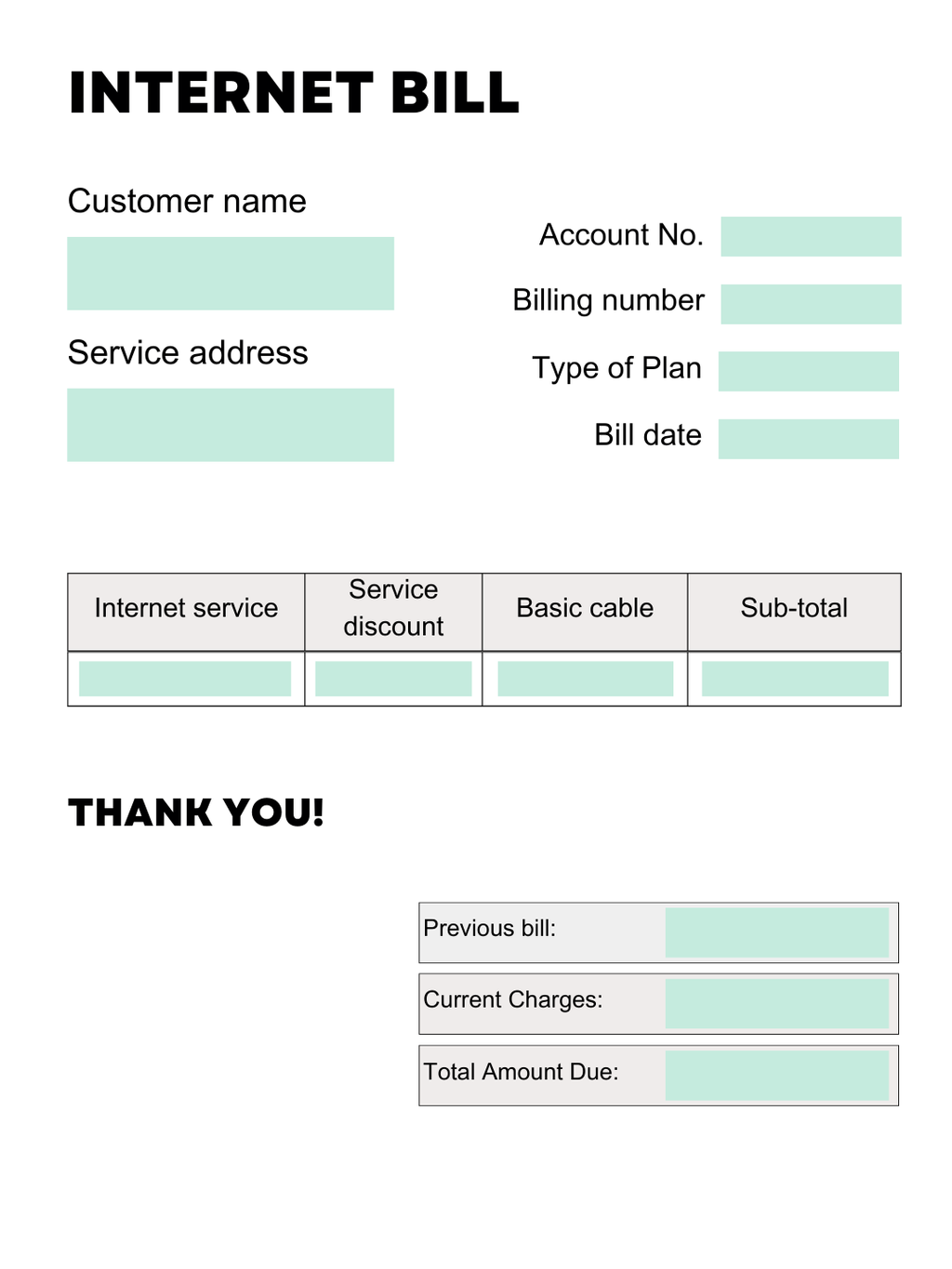
The advertised price on a provider's website rarely matches the actual internet bill per month. Service providers frequently append mandatory miscellaneous charges that inflate the final invoice. Scrutinizing your billing statement for these common line items is essential for accurate budgeting.
- Gateway and Router Rental Fees: Most ISPs charge $10 to $18 monthly to rent their combination modem and Wi-Fi router hardware. Purchasing your own compatible modem and high-performance router eliminates this recurring charge entirely within a single year.
- Data Overage Charges: Certain cable and fixed-wireless providers enforce monthly data caps—typically ranging from 1.2 Terabytes to unlimited. Exceeding these limits triggers automatic block fees or tiered overage penalties on your internet bill per month.
- Activation and Installation Costs: Professional technician setups often incur one-time or installment-billed fees. Opting for self-installation kits when available avoids these upfront service charges.
- Regulatory and Local Taxes: Municipal, state, and federal surcharges can add modest percentage bumps to your total statement depending on local utility tax codes.
Step-by-Step Guide to Lowering Your Monthly Internet Bill
If your internet bill per month has crept upward following the expiration of a promotional contract, you can take deliberate action to reduce the expense without sacrificing connection quality.
- Audit Your Actual Bandwidth Consumption: Check your router analytics or account portal to determine how much data your household actually consumes. If you pay for a gigabit connection but rarely exceed 100 Mbps of simultaneous usage, downgrade to a lower tier.
- Review Competitor Availability: Check which alternative ISPs operate in your neighborhood. Even if you prefer not to switch providers, knowing the active pricing of local rivals gives you leverage during negotiations.
- Contact Retention Departments: Call your current ISP's customer service line and ask to speak with the loyalty or retention department. Politely state that your internet bill per month has become unaffordable and inquire about current promotional rates or loyalty discounts.
- Purchase Proprietary Hardware: Calculate the cumulative cost of renting your gateway device over a two-year period. Buying a standalone cable modem and a separate mesh Wi-Fi system eliminates the monthly equipment tax.
- Inquire About Low-Income Assistance: Check your eligibility for federal or provider-specific broadband assistance programs if you meet qualifying criteria for financial aid or community support initiatives.
Pros and Cons of Modern Broadband Options
Evaluating the trade-offs between fixed-line connections and emerging wireless alternatives ensures you select a service plan that balances reliability against your target internet bill per month.
- Fiber-Optic Internet:
- Pros: Symmetrical upload and download speeds, ultra-low latency, highly reliable during peak hours, and future-proof bandwidth capacity.
- Cons: Limited physical availability in rural or older suburban developments, and higher starting price points for multi-gigabit tiers.
- Cable Broadband:
- Pros: Widespread geographic availability, flexible speed tiers, and bundled television or phone packages.
- Cons: Asymmetrical speeds with slower uploads, potential bandwidth throttling during neighborhood peak hours, and common data caps.
- 5G Home Internet:
- Pros: Rapid self-installation, no contracts, transparent flat-rate pricing, and portability across compatible coverage zones.
- Cons: Performance heavily dependent on cellular tower distance, signal interference, and local network congestion.
Frequently Asked Questions About Broadband Billing
Why did my internet bill per month suddenly increase?
Most promotional rates expire after 12 or 24 months, causing your plan to revert to standard, non-discounted pricing. Additionally, ISPs occasionally adjust their base rates, equipment rental fees, or data cap penalties without advance warning.
Is it cheaper to bundle internet with mobile or television services?
Bundling services can yield significant monthly savings if you already utilize multiple utilities from the same provider. However, always calculate the standalone cost of each service to ensure the bundle does not include unneeded features that inflate your total internet bill per month.
How can I stop paying modem rental fees?
You can stop paying rental fees by purchasing a certified, ISP-compatible cable modem and connecting it to a standalone Wi-Fi router. Contact your provider's customer support line or check their online compatibility list before purchasing hardware to guarantee network registration.
Do data caps impact the standard monthly cost of broadband?
While data caps do not alter your baseline monthly service fee, exceeding them triggers automatic overage charges that inflate your internet bill per month. Upgrading to an unlimited data add-on or switching to a provider without data limits prevents these unpredictable fees.
What is the most cost-effective internet speed for remote work?
For standard remote work involving video conferencing, cloud file sharing, and web applications, a download speed of 100 to 300 Mbps is typically sufficient. This tier provides ample headroom for multiple devices without requiring you to pay for expensive gigabit infrastructure.
Optimizing Your Utility Budget Moving Forward
Managing your internet bill per month requires ongoing vigilance against creeping equipment fees, expired promotional discounts, and unnecessary speed tier inflation. By auditing your actual household bandwidth needs, investing in your own hardware, and periodically challenging your provider's rate increases, you can secure a stable, high-performance connection that aligns cleanly with your financial goals.
Image Gallery