Why Your Watch Not Charging May Be Simple: Troubleshooting Steps and Solutions
When your smartwatch fails to power up, the issue is frequently related to physical contact, debris accumulation, or power source instability rather than a total hardware failure. In most cases, simple maintenance and environmental adj...
When your smartwatch fails to power up, the issue is frequently related to physical contact, debris accumulation, or power source instability rather than a total hardware failure. In most cases, simple maintenance and environmental adjustments can restore functionality to your device, ensuring that the charging pins align correctly and the circuit remains uninterrupted during the charging cycle.
Contents
Understanding the Charging Mechanism
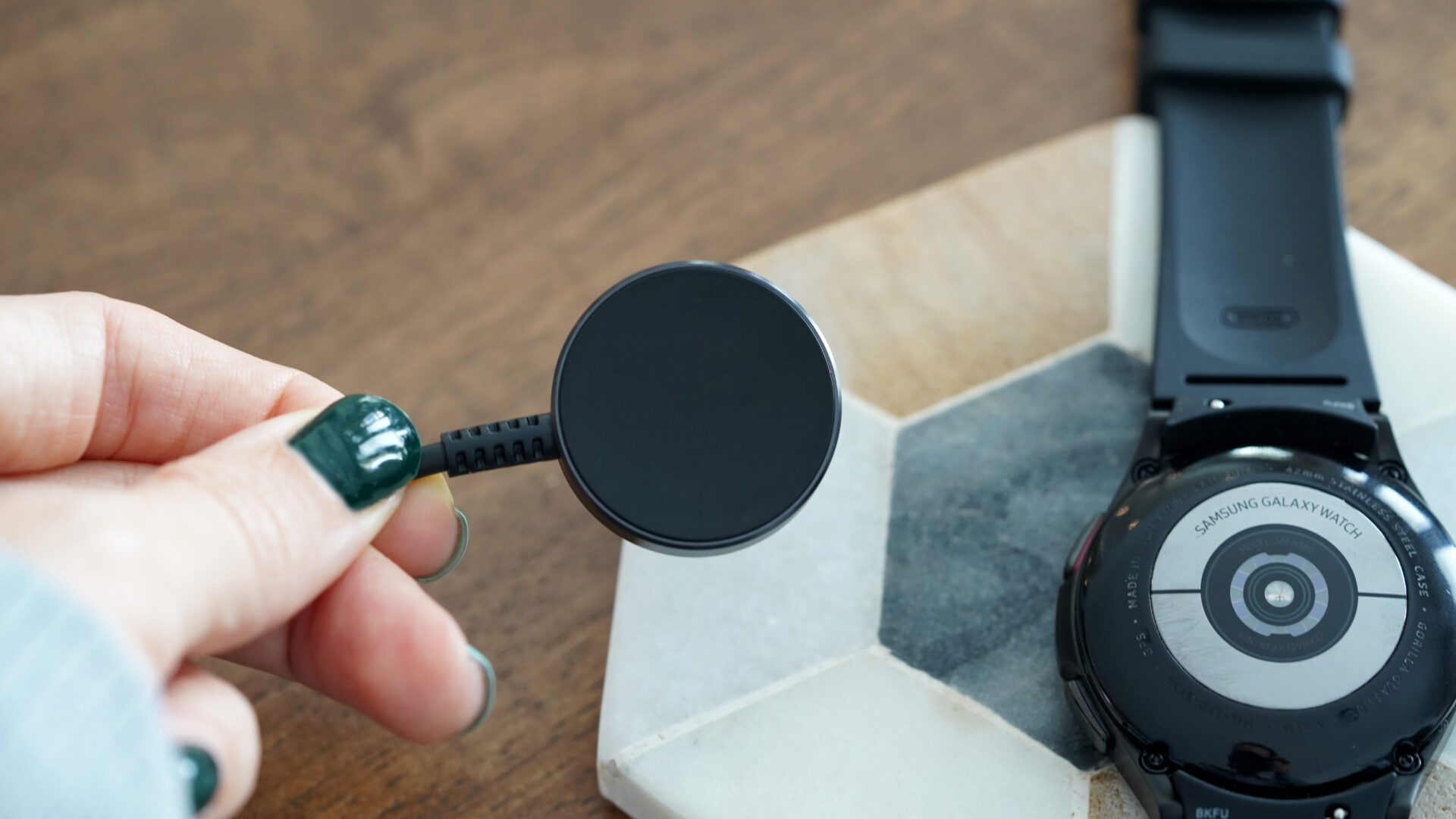
Smartwatches rely on small, often exposed metal contact points on the back of the watch casing to receive energy from a dedicated charging dock or magnetic cable. Unlike smartphones that use a standardized USB-C or Lightning port, these proprietary interfaces are susceptible to oxidation, sweat buildup, and physical obstruction. Because the current flowing through these pins is low voltage, even a thin layer of microscopic residue—such as dried perspiration, skin oils, or skin cells—can act as an insulator, preventing the electrical flow.
Before assuming that your battery has reached the end of its cycle life or that the motherboard has failed, it is essential to systematically isolate the potential failure points. Most charging issues stem from a loss of continuity in the electrical circuit. If the electricity cannot travel from the wall outlet, through the adapter, into the cable, and finally across the metallic contact points, the watch will remain unresponsive.
Prerequisites for Reliable Charging
To ensure your device charges safely and effectively, you must maintain a consistent environment. This includes using manufacturer-approved hardware and verifying the state of your power supply.
- Manufacturer-Approved Adapters: While many USB power adapters appear identical, they vary in voltage regulation. Using a low-quality or damaged adapter can lead to inconsistent power delivery.
- Dry Contact Points: Ensure that the charging pins on the watch and the charging dock are completely dry. Moisture can cause short-circuiting or corrosion over time.
- Flat Surface Placement: Many magnetic chargers require the watch to sit perfectly flush against the pins. An uneven surface can cause the connection to be intermittent.
Systematic Troubleshooting Steps
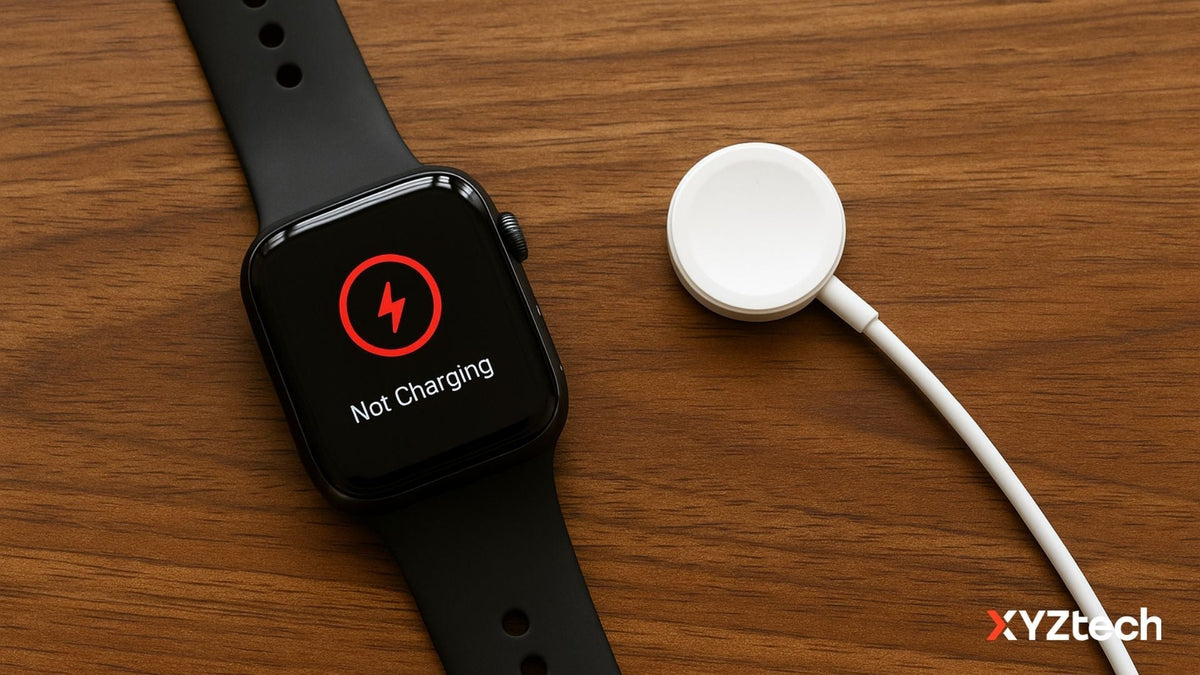
Follow this hierarchy of actions to diagnose why your watch is not charging. Begin with the least intrusive steps before moving to more intensive cleaning or hardware checks.
1. Inspect the Physical Connection
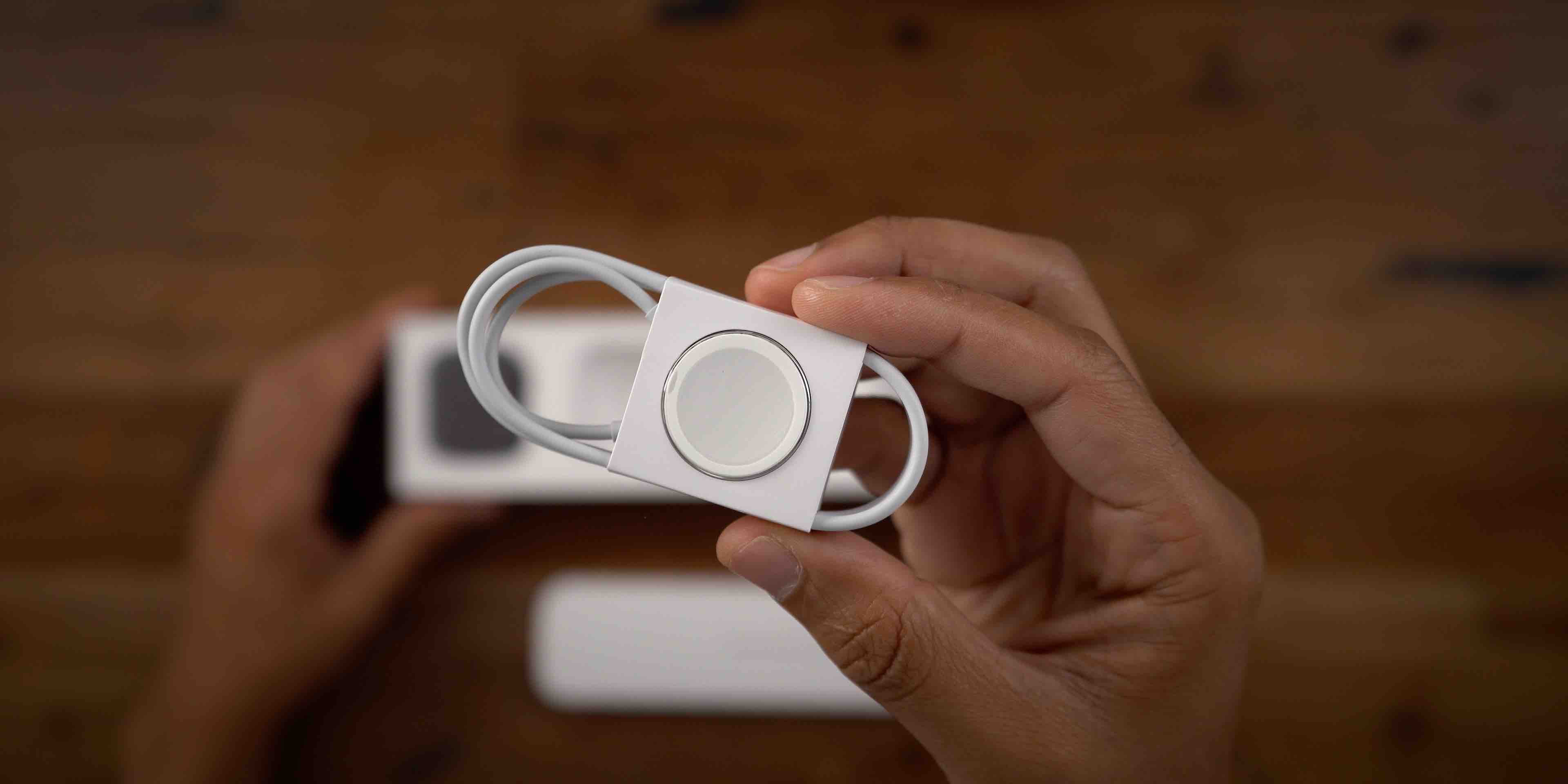
The most common point of failure is the physical coupling between the watch and its cable. Magnetic chargers often struggle to maintain a perfectly flush alignment if the cable is pulled at an angle.
- Realign: Remove the watch from the charger and place it back, ensuring a firm “snap” if using a magnetic system.
- Check for Obstructions: Look for loose fabric, dust, or hair caught between the charger and the watch.
- Verify the Cable: Check the cable for visible fraying or bends. If the internal wires are damaged, the cable may no longer conduct power even if it appears intact from the outside.
2. Clean the Contact Points
Over time, the accumulation of organic material on the charging terminals is inevitable, especially for users who wear their devices during exercise.
- Use Isopropyl Alcohol: Dampen a cotton swab with a small amount of 70% or higher isopropyl alcohol. Gently wipe the metal pins on the back of the watch and the corresponding contacts on the charging dock.
- Remove Debris: If there is visible oxidation or gunk, use a soft-bristled, non-metallic brush to carefully dislodge the buildup. Avoid using abrasive tools like metal files, as they can scratch the conductive coating and lead to permanent hardware damage.
- Dry Thoroughly: Allow both surfaces to air dry for at least five minutes before attempting to charge again.
3. Power Source Verification
If the watch and charger are clean, the issue may lie with the power delivery system.
- Test a Different Port: If you are charging from a laptop or a multi-port USB hub, the power output may be insufficient for your watch. Plug the charging cable directly into a dedicated wall power adapter.
- Rotate Outlets: Use a different wall outlet to rule out a localized power fault in your home’s electrical infrastructure.
- Check the Adapter: Swap your current power brick with one from a different device to ensure your original adapter has not failed.
Troubleshooting Comparison Table
| Symptom | Probable Cause | Recommended Action |
|---|---|---|
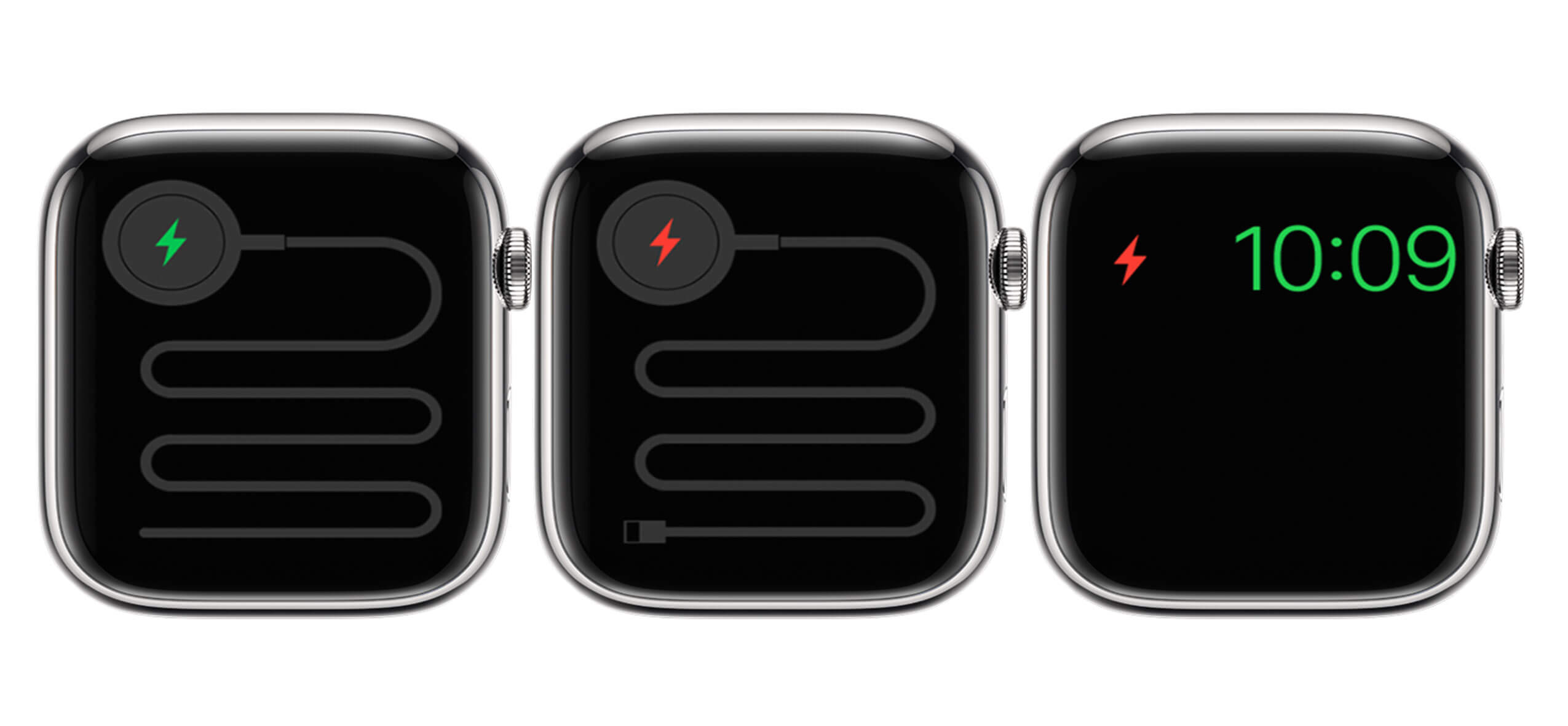
| Watch vibrates but screen remains black | Low battery or software freeze | Perform a "forced restart" while on the charger. |
| Magnetic connection feels weak | Accumulation of metallic dust/debris | Wipe the magnet and watch back with a microfiber cloth. |
| Charging starts then stops | Overheating or loose cable | Move the charger to a cooler area; ensure cable is not pulled tight. |
| "Charging" icon appears but % does not rise | Insufficient power output | Switch from a USB port to a dedicated wall adapter. |
Advanced Considerations: The Forced Restart
If you have verified that the hardware is clean and the power source is active, but the watch remains unresponsive, the operating system may be experiencing a "hung" state. A forced restart is often effective in these scenarios, as it bypasses the standard software interface to reset the device's power management controller.
To perform a forced restart, most modern smartwatches require holding the side button and the crown (or a secondary button) simultaneously for 10 to 15 seconds until the manufacturer's logo appears on the screen. It is advisable to leave the watch on the charger during this process to ensure it has the necessary current to complete the boot sequence.
When to Seek Professional Support
If you have performed the cleaning, verified the power supply, and attempted a forced restart without success, the issue likely resides within the battery’s internal management system or the device's charging integrated circuit.
Lithium-ion batteries have a finite lifespan. If your watch is several years old and has been through hundreds of discharge-charge cycles, the battery may have entered a state of "deep discharge" where it can no longer hold a charge. In this case, the device requires a professional repair service. Avoid attempting to open the casing yourself, as the water-resistant seals are typically broken during disassembly, which will render the device vulnerable to moisture and void any remaining warranty protections.
Frequently Asked Questions
Can I use a fast-charger with my smartwatch? Yes, most modern smartwatches feature internal power regulators that will only draw the necessary amount of current. However, it is always recommended to use the charging cable and power adapter provided by the manufacturer to ensure optimal voltage compatibility.
My watch gets hot while charging; is this normal? Some warmth is typical during the energy transfer process, especially if the device was fully depleted. However, if the device becomes uncomfortably hot to the touch, disconnect it immediately. High temperatures can degrade battery health and suggest a fault in the charging circuitry.
Why does my watch stop charging at 80%? Many modern devices incorporate "optimized battery charging" features. This software-driven behavior protects the longevity of the lithium-ion battery by slowing or pausing the charge once it reaches a certain threshold to prevent heat-induced wear.
How do I know if my charging cable is broken? The most effective way to test a cable is to attempt to charge a secondary device if possible, or swap it with an identical cable from a friend or family member. If the watch charges with a different cable, the original cable has experienced internal wire fatigue.
Should I charge my watch every night? Modern lithium-ion batteries do not suffer from the "memory effect" found in older battery technologies. You do not need to wait for the battery to be fully depleted to charge it. Keeping the battery between 20% and 80% is generally considered the healthiest practice for long-term battery capacity retention.
Next Steps for Restoration
If your watch remains unresponsive after applying these measures, your next action should be to consult the device's official support portal. Ensure you have your serial number ready—usually found on the original packaging or in the companion app settings—to verify your warranty status. If the device is out of warranty, authorized service centers can provide a diagnostic check, often for a fixed fee, to determine if the battery or the internal charging port requires replacement.
Image Gallery