How to Find Current Events Worksheet Answers: A Complete Guide for Students and Parents
To find answers for current events worksheets, determine whether your assignment relies on a structured educational platform—such as Newsela, Scholastic, or CNN 10—or an open-ended news research prompt. Classroom publisher answer keys...
To find answers for current events worksheets, determine whether your assignment relies on a structured educational platform—such as Newsela, Scholastic, or CNN 10—or an open-ended news research prompt. Classroom publisher answer keys are located within verified educator portal accounts, whereas answers for general news worksheets require matching headlines, dates, and core facts using targeted search strategies across reliable news archives.
Contents
Distinguishing Between Publisher Worksheets and Open News Assignments
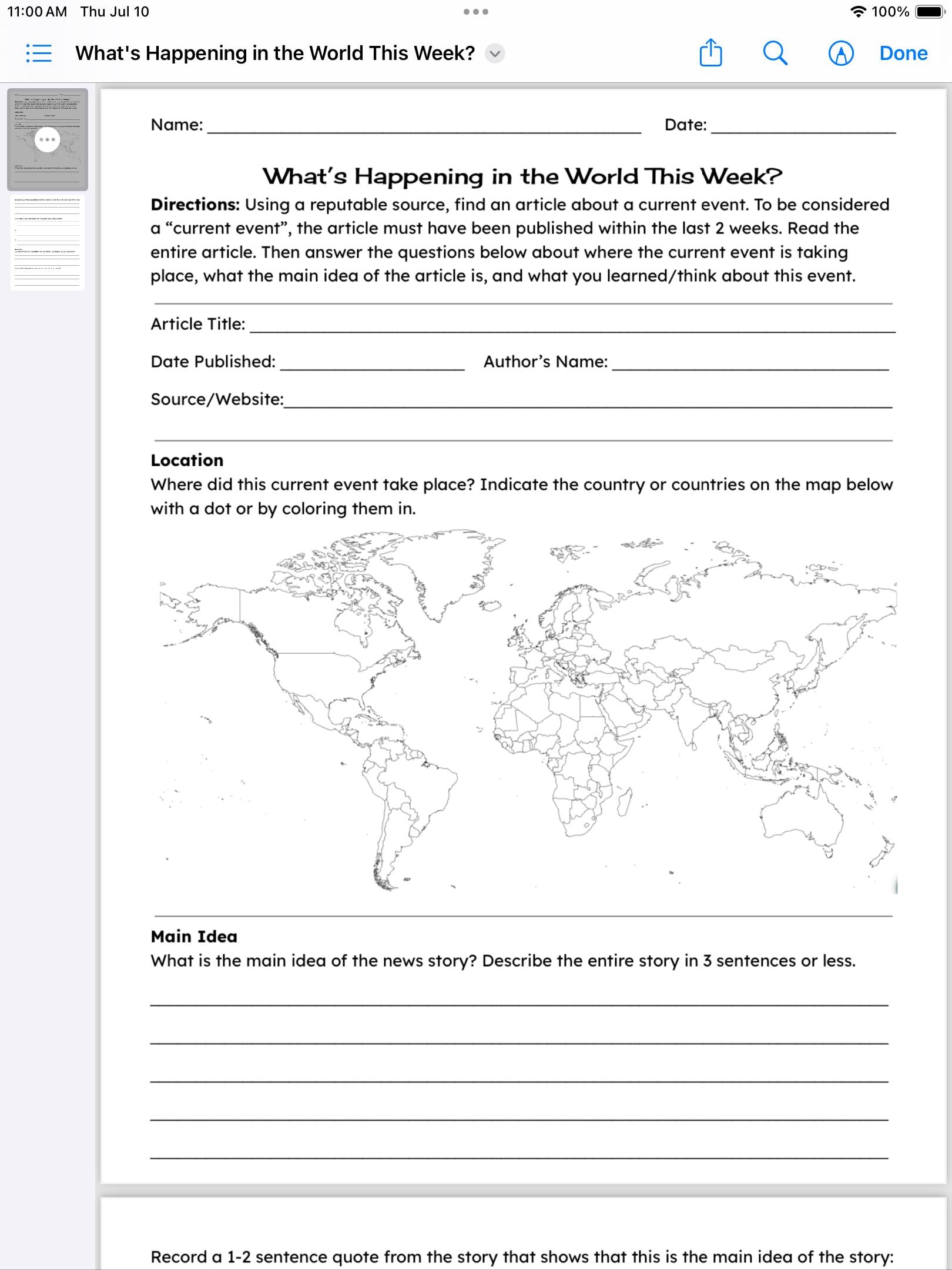
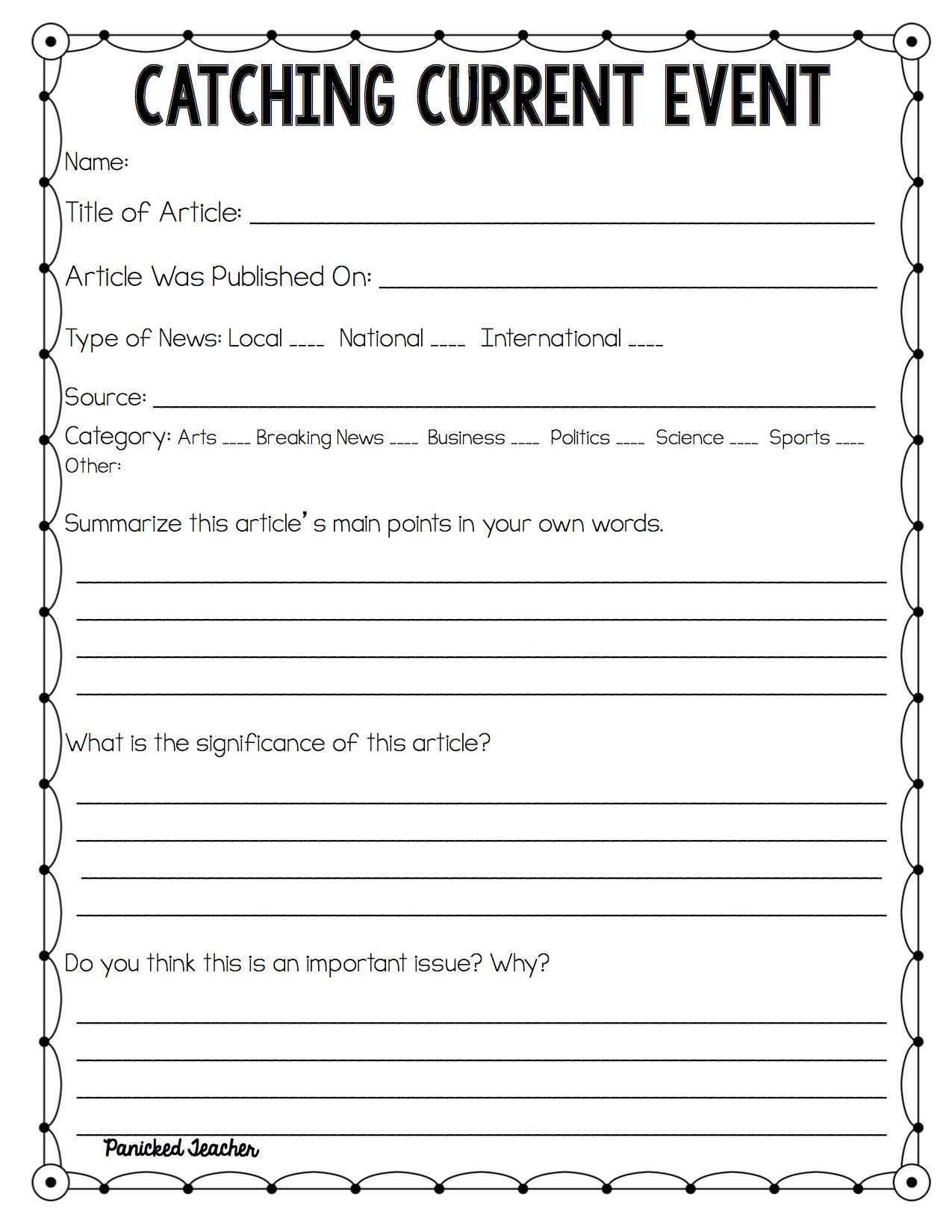
Navigating a current events worksheet successfully begins with recognizing the exact format of your assignment. Teachers generally assign current events work in one of two ways: structured curriculum worksheets tied to specific educational publications, or open-ended summary templates where students choose or analyze breaking news stories. Identifying which category your worksheet falls into dictates the exact steps needed to find the correct information.
1. Curriculum-Based Publisher Worksheets
These assignments originate from educational media outlets designed specifically for school use. Common examples include Scholastic News, Junior Scholastic, Newsela, Time for Kids, and Upfront Magazine.
- Characteristics: The worksheet features standardized multiple-choice questions, reading comprehension prompts, vocabulary matching, or short-answer sections tied directly to an assigned article or video episode.
- Where Answers Reside: These worksheets have standardized answer keys created by the publisher. However, these keys are strictly protected within teacher-only dashboard accounts to maintain academic integrity.
2. Open-Ended News Analysis Worksheets
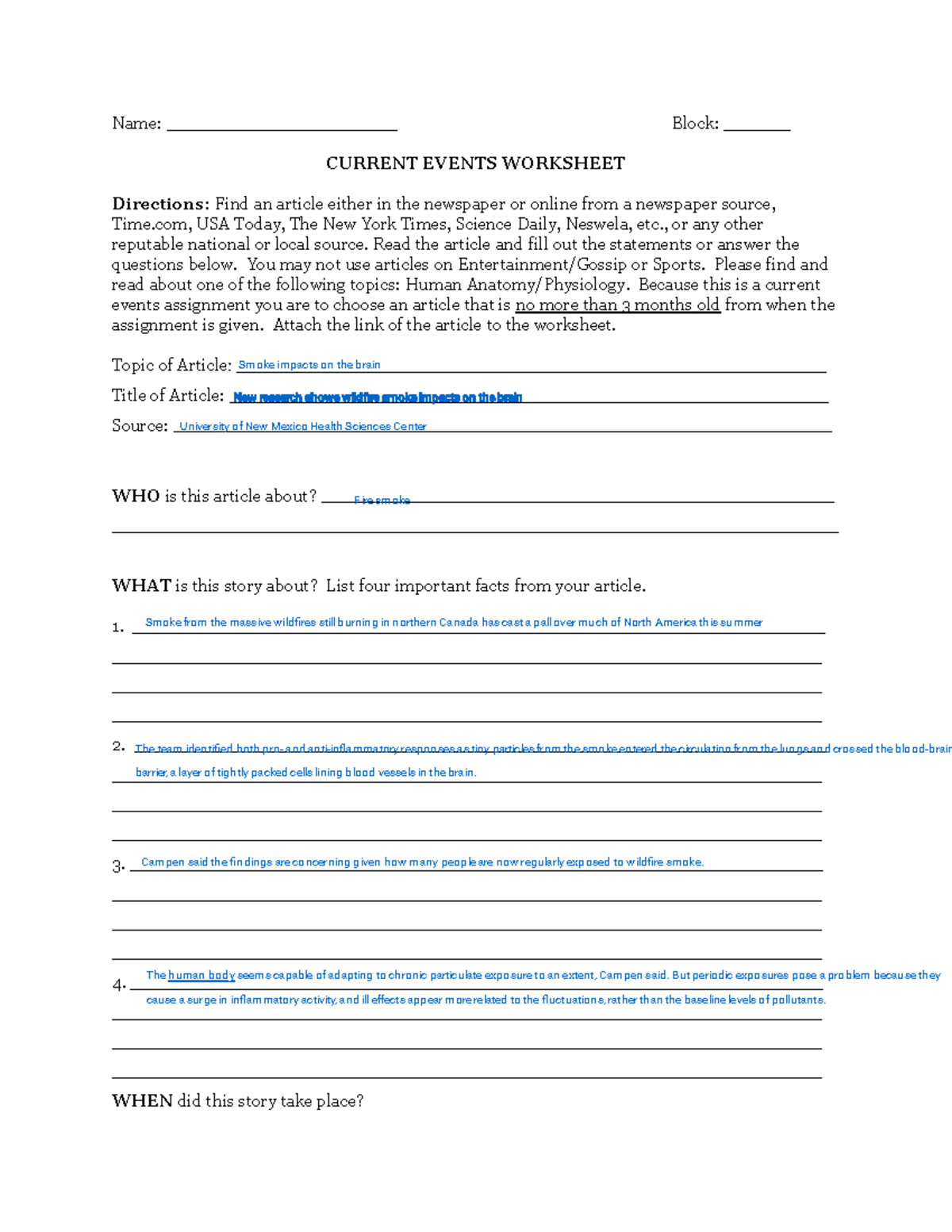
These assignments ask students to select a recent news article from a major publication or analyze a specific event assigned by the teacher using a generic framework.
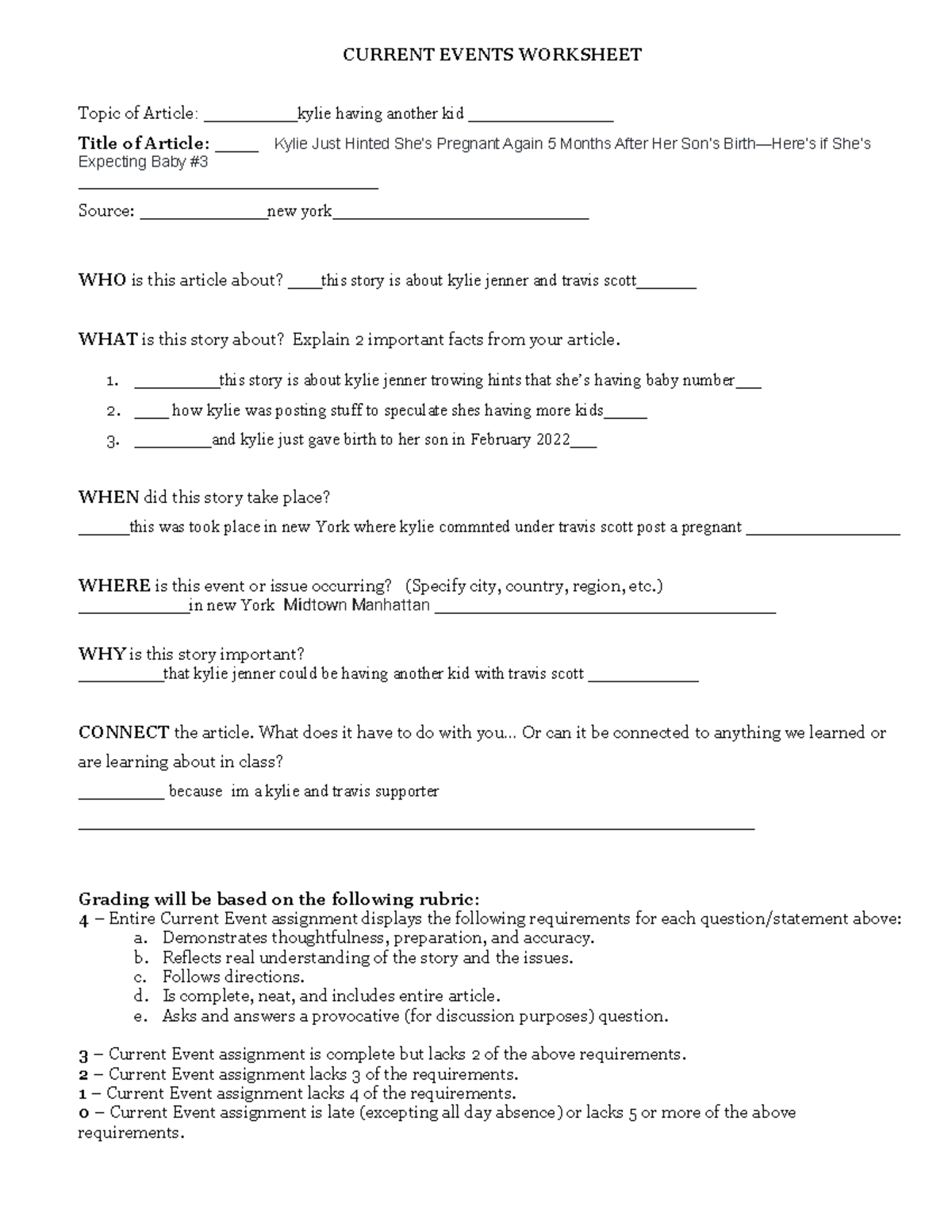
- Characteristics: Prompts generally focus on identifying core journalism elements: the "5 Ws and H" (Who, What, When, Where, Why, and How), source credibility, bias identification, and personal reflections.
- Where Answers Reside: There is no single "answer key" for open-ended assignments. The answers exist directly within the text of the news article selected for the assignment, requiring information-extraction techniques rather than publisher keys.
Accessing Answer Keys on Major Educational News Platforms
When working with curriculum-based news programs, understanding how publishers distribute content and answer keys helps students and parents troubleshoot missing materials legitimately.
Current Events Worksheet Type:
- Publisher Based (Scholastic, etc)
- Check Teacher Portal / Access Code
- Open-Ended Prompt (General News)
- Apply 5 Ws & H Search Operators on Primary Source
Newsela
Newsela adapts real-world news articles into multiple Lexile reading levels. Each article is paired with a reading comprehension quiz and writing prompt tailored to the selected reading tier.
- Finding the Answers: Quizzes on Newsela are scored automatically through the digital platform. If a student is assigned a printed PDF version of a Newsela quiz, the official answer key is visible exclusively to the verified teacher account under the Activities panel for that specific article level.
- Student Strategy: Because Newsela content is adapted from mainstream wire services (such as the Associated Press or The Washington Post), reviewing the original headline or adjusting the Lexile level upward in the digital reader often clarifies difficult text passages.
Scholastic News & Junior Scholastic
Scholastic prints bi-weekly and monthly news magazines featuring companion activity sheets and skills books.
- Finding the Answers: Scholastic provides full digital access—including answer keys, lesson plans, and alternative reading levels—through its web portal. Teachers receive an Access Code with their physical subscription that unlocks teacher resources.
- Student Strategy: If you have lost your physical worksheet, logging into the student view of the Scholastic website using your classroom code allows you to read the interactive digital magazine, watch video extensions, and complete digital versions of the skill sheets.
CNN 10
CNN 10 is a ten-minute digital news show aimed at middle and high school students. Teachers frequently use daily transcripts to create fill-in-the-blank or short-answer quizzes.
- Finding the Answers: CNN 10 does not publish standalone answer keys for custom teacher worksheets. However, CNN provides a full, verbatim transcript for every daily episode on its official website.
- Student Strategy: Access the CNN 10 transcript for the specific date of the episode. Use the text search function (
Ctrl + ForCmd + F) to search for proper nouns, country names, or specific terminology listed on the worksheet to locate answers immediately within the transcript.
Time for Kids
Time for Kids offers news articles across age-appropriate grade tiers (Grades K-6), accompanied by printable worksheets focusing on chart reading, main ideas, and vocabulary.
- Finding the Answers: Complete answer keys for printable skills pages are located in the teacher resource center of the portal, accessible via subscriber credentials.
- Student Strategy: Students working on Time for Kids assignments can use the online edition's interactive glossary and target media features to find precise vocabulary definitions and graphic data answers.
Comparison of Major Current Events Platforms
The following table outlines how standard educational news platforms operate, where their core information is stored, and how answers are generated:
| Platform | Target Audience | Primary Content Format | Location of Official Answer Keys | Recommended Method for Finding Answers |
|---|---|---|---|---|
| Newsela | Grades 2–12 | Differentiated news articles with adaptive Lexile levels | Educator Dashboard under "Activities" tab | Review article text; adjust Lexile level for clearer context |
| Scholastic News | Grades K–8 | Print magazines and digital multimedia modules | Teacher Portal (requires magazine subscription code) | Access digital student edition using classroom entry code |
| CNN 10 | Grades 6–12 | Daily 10-minute video broadcast covering global news | No official key; teacher-created from broadcast content | Search daily episode transcript on CNN website using key terms |
| Time for Kids | Grades K–6 | Print and digital articles focused on age-appropriate news | Teacher Resource Center / Printable PDF keys | Consult online article vocabulary boxes and graphic charts |
| The Week Junior | Grades 3–8 | Weekly news magazine covering science, culture, and events | Educator Guide attachments published weekly | Match specific page numbers cited in weekly issue index |
Search Techniques for Locating News Sources and Specific Answers
When an assignment requires finding answers within general news outlets—or when a worksheet references an unnamed article—utilizing advanced web search parameters streamlines the search process.
Targeted Search Syntax Example
| "James Webb Space Telescope" | site:reuters.com | after:2026-01-01 |
|---|---|---|
| [Exact Phrase Search] | [Domain Restriction] | [Date Filter] |
1. Use Exact Phrase Matching
If your worksheet contains a distinct sentence, unique phrase, or direct quote from the source article, enclose that text in quotation marks within your search engine:
"scientists discovered a new species of deep-sea jellyfish"
Quotation marks force search engines to return only pages that contain that exact string of words, leading you directly to the original news story.
2. Restrict Results by Web Domain (site:)
To eliminate unverified blog posts or forum answers, restrict your search to recognized journalism outlets or educational institutions using the site: operator:
site:apnews.com solar energy grid site:bbc.com trade agreement
Limiting search results to established news platforms ensures that dates, statistics, and quote references match legitimate sources required for social studies coursework.
3. Filter by Timeframe and Date Range
Current events assignments often pertain to stories breaking within a specific calendar window. Search engines allow filtering by date:
- Using Operators: Append date parameters directly into the search bar, such as
after:2026-01-01orbefore:2026-02-15. - Using Search Tools: On major search engines, click Tools > Any time and select Past hour, Past 24 hours, Past week, or set a Custom range corresponding to the date of your worksheet.
4. Search Specialized Historical and News Archives
For historical current events or older classroom assignments, general web searches may yield too much clutter. Use dedicated archives:
- Library of Congress Chronicling America: Useful for historical current events worksheets requiring primary historic news sources.
- Google News: Filters out non-news content to display indexed articles from global publications, categorized by date and reporting agency.
Step-by-Step Method to Complete Open-Ended Worksheets
If your current events worksheet requires summarizing a self-selected article, follow this systematic workflow to extract answers quickly and accurately.
- Step 1: Identify Key Details (The 5 Ws & H)
- Who: Key figures, organizations, countries
- What: Central event, policy, discovery, conflict
- When: Exact date, timeline, historical context
- Where: City, region, geographic coordinates
- Why: Primary causes, underlying factors
- How: Methods, implementation, resolution
- Step 2: Isolate Central Ideas & Quotations
- Locate thesis statement in leed paragraph
- Select 1-2 primary source quotes for evidence
- Step 3: Evaluate Source Credibility
- Verify reporting agency (wire service vs blog)
- Cross-reference facts across two independent outlets
- Step 4: Draft Concise Answers & Bibliography
- Answer worksheet questions using active voice
- Format citation (MLA, APA, or standard URL block)
Step 1: Identify the "5 Ws and H"
Journalistic writing standardly places critical information at the top of an article (the inverted pyramid structure). Scrutinize the first two paragraphs (the lead) to answer:
- Who is involved? (Identify individuals, organizations, or nations.)
- What happened? (Identify the central event, policy change, or discovery.)
- When did it occur? (Note exact dates, timeframes, or deadlines.)
- Where did it take place? (Specify city, state, country, or geographical feature.)
- Why did it happen? (Explain the root cause, background context, or trigger event.)
- How does it impact the future? (Describe consequences, next steps, or solutions.)
Step 2: Extract Key Terminology and Quotes
Worksheets frequently ask for direct evidence or vocabulary definitions. Locate these elements efficiently:
- Direct Quotations: Look for attribution verbs such as stated, announced, reported, or argued. Quote official spokespersons or experts verbatim when requested.
- Domain-Specific Terms: Highlight bolded words or unfamiliar technical terms (e.g., inflation, jurisdiction, ratification). Context clues usually surround these words in the news text.
Step 3: Verify Fact Accuracy Across Sources
If a question on your worksheet appears ambiguous, cross-reference the claim. Search the central topic on a secondary news outlet (such as Reuters or Associated Press) to confirm that statistics, spelling of proper nouns, and chronological sequences align across publishers.
Common Pitfalls and Ethical Considerations
When searching for worksheet solutions online, avoid common mistakes that lead to incorrect answers or academic violations.
Unverified Homework Helper Websites
Searching for pre-completed worksheet keys on user-generated Q&A forums or homework-sharing sites often results in outdated or inaccurate answers. Because teachers frequently modify standard publisher templates or update target news articles year-over-year, answers posted online by other students may reference entirely different news stories.
Paywalls and Access Restrictions
Major news organizations (such as The Wall Street Journal or The New York Times) restrict full-text access behind subscriber paywalls.
- Legitimate Access Routes: Check whether your local public library or school media center provides free database credentials (such as Gale, EBSCOhost, or ProQuest). These databases allow students to search full-text news archives legally without encountering paywalls.
Ethical Use of AI Assistance
Generative AI tools can summarize complex news articles or assist in clarifying difficult concepts. However, relying on AI to write complete answers for current events worksheets presents risks:
- Hallucinations: Large language models may invent dates, quotes, or statistics if they lack direct internet access to the specific article assigned.
- Academic Integrity: Submitting AI-generated summaries without reading the source material violates most school honor codes. Use AI tools strictly to clarify vocabulary or break down dense political topics, always verifying facts against the primary news text.
Frequently Asked Questions
Where can I find teacher answer keys for printed news worksheets?
Official answer keys for commercial educational magazines (such as Scholastic or Time for Kids) are located inside subscriber-only teacher portals. Teachers access these keys by logging into their verified school accounts. Students should use their designated student access codes to view the digital version of the assigned article, where answers can be derived directly from the text.
How do I find the source article if my worksheet only has a headline?
If your assignment lists a headline without naming the news outlet, enter the exact headline enclosed in quotation marks into a search engine (e.g., "New Space Telescope Captures Distant Galaxy"). If the headline was altered by your teacher, search for the key nouns, proper names, and dates combined with the site:news.google.com search parameter.
What should I do if a news article mentioned on my worksheet is behind a paywall?
If an assigned article is locked behind a paywall, check if your school or local public library offers access to news databases like Gale, JSTOR, or ProQuest. Alternatively, search the core event topic on free wire services such as the Associated Press (AP News) or Reuters, which report on the same primary facts without requiring paid subscriptions.
How can I complete a CNN 10 worksheet if I missed the video broadcast?
CNN provides complete, written transcripts for every CNN 10 episode on its official website under the CNN 10 section. Locate the transcript for the exact date of your assigned episode and use your browser's find feature (Ctrl + F or Cmd + F) to search for the worksheet's keywords and find the required answers in the text.
Why do the answers on online homework forums not match my worksheet?
Educational publishers frequently update their articles, reading levels, and comprehension questions annually while keeping similar titles. Answers found on open homework forums are often based on outdated versions of the magazine or alternate Lexile levels of the same article, leading to incorrect responses on your current assignment.
Next Steps for Students and Educators
To consistently complete current events assignments accurately and efficiently:
- Establish a Primary Source Verification Routine: Before answering worksheet questions, locate the original publication date and reporting agency to ensure your source matches the teacher's assignment parameters.
- Utilize School Library Portals: Bookmark your school media center's research page to access full-text databases, eliminating paywalls and unverified web content.
- Master Basic Search Syntax: Practice using quotation marks (
"") and site restrictions (site:) to pinpoint quotes, statistics, and definitions directly within primary news coverage.
Image Gallery