Complete Guide to Moving Xfinity Home Services in 2026
Moving Xfinity home services requires a systematic approach to transferring your internet, television, and security packages to your new address without experiencing prolonged service downtime or unexpected activation fees. Whether you...
Moving Xfinity home services requires a systematic approach to transferring your internet, television, and security packages to your new address without experiencing prolonged service downtime or unexpected activation fees. Whether you are relocating across town or to an entirely different state within the Xfinity service footprint, coordinating your transfer at least two weeks before your moving date ensures a seamless transition of your digital life.
Contents
Understanding Your Xfinity Relocation Options
When you decide on moving Xfinity home services, your primary consideration should be whether your new address falls within the active Xfinity network infrastructure. Xfinity services span numerous states, but regional availability varies significantly regarding fiber-to-the-home availability, legacy coaxial cable footprints, and localized promotional pricing structures for 2026.
Before initiating a transfer request, verify that the new property is serviceable. You can run an availability check through the Xfinity My Account app or the official Xfinity moving portal. If your new home is within the service area, you can transfer your existing plan, maintaining your current billing cycle, equipment contracts, and promotional rates where applicable. If you are moving outside the Xfinity footprint, you must schedule a service cancellation and return all leased hardware to avoid unreturned equipment fees.
Service Availability Matrix
| Location Type | Service Status | Equipment Requirements | Potential Fee Implications |
|---|---|---|---|
| Within Xfinity Footprint | Fully Transferable | Keep or upgrade current gateway | One-time professional installation or self-install kit fee |
| Outside Xfinity Footprint | Permanent Disconnection | Return all leased modems and cable boxes | Final bill reconciliation, equipment non-return penalties |
| New Build / Unserviced | Pending Construction | Specialized professional installation required | Potential construction or wiring fees |
Step-by-Step Relocation Checklist
Executing a smooth service transfer involves careful timing and adherence to specific operational milestones. Establishing a structured timeline prevents gaps in your internet connectivity, which is particularly critical if you work remotely or manage a smart home ecosystem.
- Check Availability: Visit the Xfinity moving portal up to 30 days before your move to confirm that your new address has active infrastructure.
- Choose Your Moving Date: Select the exact date you want service stopped at your old home and activated at your new residence. You can overlap service by a day or two to facilitate remote work and smart device migration.
- Select Equipment Handling: Decide whether you will self-install using a mailed kit or schedule a professional technician appointment for complex wiring setups.
- Update Account Details: Ensure your forwarding address, contact phone number, and billing preferences are current in the Xfinity system.
- Pack Your Gear: Disconnect your Xfinity Gateway, TV boxes, and power cords, packing them securely if you plan to self-install at the new location.
Equipment Management: Self-Installation vs. Professional Setup
Managing your hardware correctly is one of the most critical aspects of moving Xfinity home services. Using the Xfinity Self-Install Kit is typically the fastest and most cost-effective method for standard residential relocations, provided the previous occupants left the cable outlets in good condition.
Self-Installation Best Practices
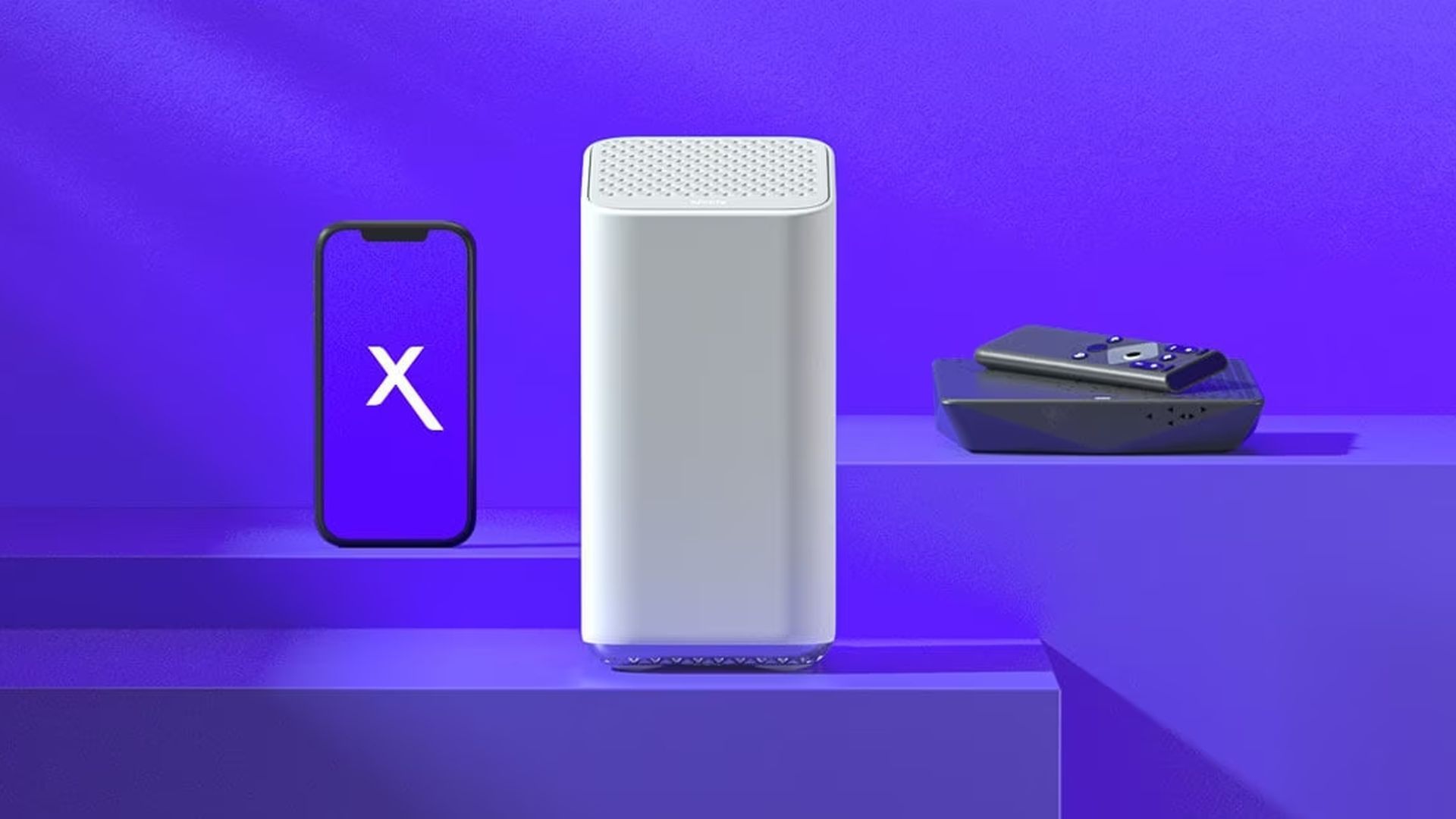
- Keep your existing Xfinity Gateway (such as the XB7 or XB8) and voice/video equipment with you during the move rather than packing them in the moving truck.
- Locate the primary coaxial wall outlet in your new home that connects directly to the outside drop line.
- Connect the power cord and coaxial cable to the gateway, then use the Xfinity app to complete activation and set up your Wi-Fi network name and password.
When to Request Professional Installation
- Your new home is a newly constructed property that has never had cable service connected.
- The interior wiring appears damaged, split excessively, or relies on outdated splitters that degrade signal-to-noise ratios.
- You are integrating a complex Xfinity Home Security system with multiple wireless cameras, touchscreens, and automated sensors that require professional calibration.
Transferring Specialized Services: Internet, TV, and Security
Different Xfinity product lines carry unique requirements when transitioning to a new address. Understanding how each service migrates will prevent unexpected disruptions to your daily routine.
Xfinity Internet and Mobile
Your broadband plan typically transfers seamlessly, retaining your current download and upload speeds, data allowances, and gateway rental agreements. If you bundle Xfinity Mobile, your cellular service remains uninterrupted regardless of your physical location, though you should update your billing and shipping addresses within the mobile portal.
Xfinity X1 TV and Streaming
Your X1 TV boxes are generally tied to your account profile, but regional channel lineups can change if you cross municipal or state boundaries. Be sure to pack all voice remotes, HDMI cables, and power adapters for each television box to avoid replacement charges.
Xfinity Home Security
Moving an Xfinity Home Security system requires careful handling of life-safety equipment. While you can often pack and reinstall door sensors, motion detectors, and wireless cameras yourself, certain components—such as hardwired control panels or specialized smoke detector integrations—may require a certified technician to ensure local fire code compliance and proper central monitoring station connectivity.
Troubleshooting Common Relocation Issues
Even with meticulous planning, technical hurdles can occasionally arise during a household relocation. Knowing how to diagnose and resolve these issues saves time and reduces frustration.
Signal Degradation and Outlets If your self-install gateway fails to connect or displays a blinking amber light, the issue is frequently related to interior coaxial outlet selection. Ensure the cable is plugged into the main active wall outlet where the exterior service line enters the home, bypassing unnecessary splitters that weaken the radio frequency signal.
Account Activation Delays If the automated activation sequence in the Xfinity app stalls, your account may still be registering service at your previous address. Contact Xfinity customer support directly to manually release the MAC address of your gateway and force an update to the new service location database.
Pros and Cons of Moving Your Xfinity Services
Evaluating the advantages and disadvantages of transferring your current provider versus shopping the local market helps ensure you secure the best value for your telecommunications needs.
- Pros:
- Seamless retention of current email addresses, account history, and billing configurations.
- Potential preservation of grandfathered pricing tiers or promotional bundle discounts.
- Avoidance of activation delays common with entirely new utility providers.
- Cons:
- Regional availability limitations prevent service transfer if you move outside the footprint.
- Potential requirement to sign a new service agreement or contract term upon relocation.
- Risk of scheduling conflicts if professional technician availability is limited during peak moving seasons.
Maximizing Value and Timing Your Transfer
To secure the best outcome when moving Xfinity home services, initiate your request at least two weeks in advance. Take advantage of concurrent service overlapping if your moving schedule permits, allowing you to shut down the old location only after your new home network is fully operational. Review your monthly billing statements prior to the move to ensure no erroneous equipment rental charges or legacy fees carry over to your new address profile.
Frequently Asked Questions
Can I keep my current Xfinity account number when I move?
Yes, your account number remains the same when you transfer your Xfinity services to a new address within the service footprint. Maintaining the same account ensures your billing profile, user credentials, and payment methods remain intact.
Will moving my Xfinity services trigger a new contract term?
Transferring service to a new address does not automatically trigger a new contract unless you explicitly agree to a promotional upgrade or sign up for a new service bundle during the relocation process. Always verify your contract status with customer support before finalizing the move.
What should I do if Xfinity is not available at my new address?
If your new home falls outside the Xfinity service footprint, you must schedule a service disconnection date and return all leased equipment to an Xfinity Store or via mail using a pre-paid shipping label to avoid unreturned hardware fees.
How long does it take to activate Xfinity services at a new home?
Self-installation using the Xfinity app can be completed in under an hour once the physical connections are established. Professional technician installations depend on scheduling availability, typically requiring an appointment window within three to five business days.
Can I install my Xfinity equipment at the new home before moving day?
You can request a self-installation kit to be delivered directly to your new address or a temporary location prior to moving, enabling you to plug in and test the gateway as soon as you gain access to the property.
Conclusion
Successfully managing your relocation involves proactive planning, accurate equipment tracking, and timely communication with your provider. By verifying your service availability early, selecting the appropriate installation method, and testing your network connections promptly, you can ensure your digital ecosystem remains fully operational from day one in your new home.
Image Gallery