How to Use an Unlocked Phone Safely: A Complete Security Guide
To use an unlocked phone safely, you must verify the device's origin via IMEI checking, keep the operating system updated directly from the manufacturer, and secure your network connections with a VPN. Prioritize using eSIMs for better...
To use an unlocked phone safely, you must verify the device's origin via IMEI checking, keep the operating system updated directly from the manufacturer, and secure your network connections with a VPN. Prioritize using eSIMs for better physical security and always implement a SIM PIN to prevent unauthorized identity theft through SIM swapping.
Contents
Using an unlocked phone provides unparalleled freedom to switch carriers and avoid restrictive contracts. However, this flexibility introduces specific security responsibilities that are often managed by carriers on locked devices. In 2026, as the mobile landscape shifts toward total eSIM adoption and 5G-Advanced networks, understanding the nuances of device security is essential for protecting your data and your identity.
Understanding the Two Types of "Unlocked" Devices
Before implementing safety protocols, it is critical to distinguish between a network-unlocked phone and a bootloader-unlocked phone. Misunderstanding these terms can lead to significant security vulnerabilities.
Network-Unlocked (Carrier-Unlocked)
A network-unlocked phone is a device that is not restricted to a specific service provider. You can insert a SIM card or download an eSIM profile from any compatible carrier worldwide. This is the standard definition of an "unlocked phone" and is generally safe to use, provided you follow standard cybersecurity hygiene. These devices are either purchased "factory unlocked" from manufacturers like Apple or Samsung or are unlocked by a carrier after a contract is fulfilled.
Bootloader-Unlocked (Rooted or Jailbroken)
A bootloader-unlocked device allows the user to modify the core operating system (OS) or install custom firmware. While this offers technical freedom, it significantly lowers the device's security threshold. Modern security features like "Verified Boot" are disabled, making it easier for malware to persist at the system level. For most users, using a bootloader-unlocked phone is not recommended for banking or sensitive communications due to the increased risk of compromise.
Verifying Device Legitimacy and Integrity
Safety begins before you even insert a SIM card. If you are purchasing an unlocked phone—especially from a third-party marketplace—you must verify that the device is not blacklisted or compromised.
The Importance of the IMEI Check
The International Mobile Equipment Identity (IMEI) is a unique 15-digit number identifying your device. Use official databases like the GSMA Device Check or your local regulator's database to ensure the phone has not been reported as lost or stolen. A "blacklisted" phone may work temporarily but can be remotely disabled by carriers, leaving you with a non-functional device and a potential legal headache.
Assessing "Gray Market" Risks
Unlocking services and third-party resellers sometimes offer "international versions" of phones. While these are unlocked, they may be designed for different regions (e.g., a phone intended for the East Asian market being sold in Europe). These devices may lack specific 5G bands used in your country or, more critically, may not receive localized security patches at the same frequency as local models. Always confirm that the model number is compatible with your region's infrastructure to ensure consistent access to emergency services and security updates.
Network Security: Protecting Data on the Move
One of the primary reasons to use an unlocked phone is for travel. However, switching between various networks and using public Wi-Fi hotspots increases your exposure to man-in-the-middle (MITM) attacks.
Implementing a Reliable VPN
When using an unlocked phone on unfamiliar networks—whether it is a local carrier in a foreign country or a public airport Wi-Fi—your traffic can be intercepted. A Virtual Private Network (VPN) encrypts your data from the device to the VPN server. In 2026, look for VPN providers that utilize the WireGuard protocol for high-speed 5G connectivity without draining your battery.
Managing eSIM and Physical SIM Security
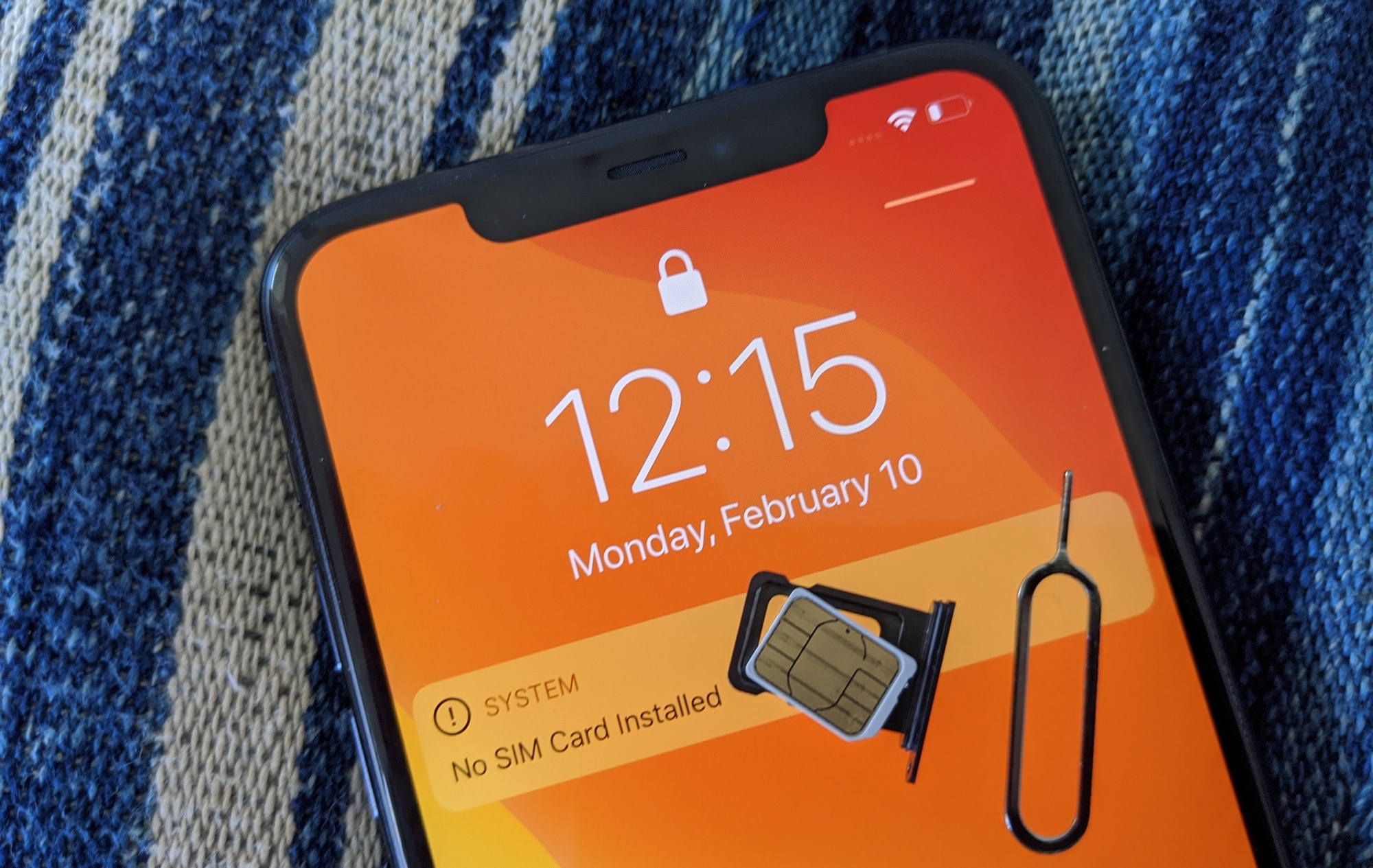
eSIM technology has become the standard for unlocked phones due to its convenience. From a safety perspective, eSIMs are superior because they cannot be physically removed if your phone is stolen. If your device still uses a physical SIM card, you must set a SIM PIN. Without a PIN, a thief can take your SIM card, put it in their device, and potentially intercept your 2FA (Two-Factor Authentication) codes to access your bank or social media accounts.
How to set a SIM PIN:
- On iOS: Go to Settings > Cellular > SIM PIN.
- On Android: Go to Settings > Security > SIM Card Lock.
- Note: Ensure you have your PUK (Personal Unlocking Key) from your carrier before doing this, as three incorrect attempts will lock the SIM card entirely.
Software Hygiene and Update Management
On a carrier-locked phone, software updates are often vetted and distributed by the carrier. On an unlocked phone, these updates typically come directly from the manufacturer.
The Advantage of Direct Updates
Unlocked phones often receive security patches faster than carrier-branded versions because there is no "middleman" to delay the rollout. Ensure that "Automatic Updates" are enabled. In 2026, mobile OS vulnerabilities are patched rapidly; being even a month behind can leave your device open to zero-day exploits.
Avoiding Sideloading and Unofficial App Stores
The freedom of an unlocked device often tempts users to "sideload" applications (installing apps from outside the official Google Play Store or Apple App Store). This is the most common vector for mobile malware. Even if a phone is unlocked, you should stick to official repositories. If you must use a third-party store, ensure it is a reputable one like F-Droid (for open-source Android apps) and never grant "Install Unknown Apps" permissions to your browser or file manager permanently.
Physical Security and Theft Deterrence
An unlocked phone often has a higher resale value than a locked one, making it a prime target for theft. Enhanced physical security measures are non-negotiable.
Advanced Biometrics and Strong Passcodes
Move beyond simple 4-digit PINs. Use a minimum of a 6-digit alphanumeric passcode and pair it with biometric authentication (Face ID or ultrasonic fingerprint scanning). Most modern unlocked phones in 2026 feature "Stolen Device Protection," which requires a biometric scan and a time delay for changing sensitive settings (like your Apple ID or Google Account password) when the phone is away from familiar locations.
Remote Tracking and Wiping
Ensure that "Find My Device" (Android) or "Find My" (iOS) is active. In the event of theft, your primary goal is to protect your data, not the hardware. Use these services to remotely wipe the device. Because unlocked phones can easily be moved to new carriers, remote locking (Activation Lock) is your best defense against the device being resold.
Comparison: Security Landscape of Unlocked vs. Carrier-Locked Phones
| Feature | Unlocked Phone (Safe Usage) | Carrier-Locked Phone |
|---|---|---|
| Security Updates | Direct from manufacturer; typically faster. | Vetted by carrier; can be delayed by months. |
| Bloatware | Minimal; fewer pre-installed apps reducing attack surface. | Heavy; pre-installed carrier apps may have vulnerabilities. |
| Theft Recovery | High resale value; requires strong remote locking. | Lower resale value; carrier can blacklist IMEI easily. |
| SIM Flexibility | High; easy to switch to secure local providers. | Low; restricted to one carrier's security infrastructure. |
| Malware Risk | Moderate; user must be proactive in settings. | Low; carrier often restricts "high-risk" settings. |
Frequently Asked Questions
Can an unlocked phone be tracked if I change the SIM card?
Yes, changing the SIM card does not stop the device from being tracked. The phone is identified by its IMEI and serial number, not just the SIM card. Services like Apple's "Find My" network use encrypted Bluetooth pings from surrounding devices to locate a phone even if it is offline or has a new SIM card inserted.
Is it safe to buy a "pre-unlocked" phone from a private seller?
It can be safe, but it requires due diligence. Always perform a factory reset immediately after purchase to ensure no malicious software or "spyware" was left by the previous owner. Additionally, check the IMEI to ensure the phone isn't still under a financing plan, as the original carrier can lock the device later if the previous owner stops making payments.
Do unlocked phones have more viruses?
Unlocked phones are not inherently more prone to viruses than locked ones. However, because they lack carrier-imposed restrictions, users might accidentally enable settings that increase risk, such as allowing apps from unknown sources. If you stick to official app stores and regular OS updates, an unlocked phone is just as secure—if not more so—than a locked one.
Does using an unlocked phone affect my banking app security?
Standard network-unlocked phones do not affect banking security. Banking apps check for "integrity," meaning they look for signs of rooting or jailbreaking. As long as your unlocked phone has its original factory firmware and is not "bootloader unlocked," your banking apps will function securely with all encryption protocols intact.
How do I know if my phone is truly unlocked?
The most reliable way is to insert a SIM card from a different carrier. If the phone receives a signal and allows you to make a call, it is unlocked. On iOS, you can also check via Settings > General > About > Carrier Lock; it should say "No SIM restrictions."
Final Recommendations for 2026
To maintain the highest level of safety on your unlocked phone, adopt a "Zero Trust" approach to mobile connectivity. Use a hardware security key (like a YubiKey) for your most sensitive accounts rather than relying on SMS-based 2FA, which is vulnerable to SIM swapping. Regularly audit your app permissions—especially location and microphone access—and utilize the built-in privacy dashboards available in the latest versions of Android and iOS. By combining the manufacturer's rapid update cycle with your own proactive security measures, an unlocked phone offers the best balance of freedom and protection.
Image Gallery