How Robux Gift Cards Work: A Comprehensive Guide for 2026
Robux gift cards are prepaid physical or digital vouchers that allow users to add virtual currency (Robux) or account credit to their Roblox profiles. Once redeemed on the official Roblox website, these cards provide a safe, cash-based...
Robux gift cards are prepaid physical or digital vouchers that allow users to add virtual currency (Robux) or account credit to their Roblox profiles. Once redeemed on the official Roblox website, these cards provide a safe, cash-based method to purchase in-game upgrades, avatar accessories, or monthly Premium subscriptions without requiring a credit card.
Contents
Roblox has grown into a massive global ecosystem, and gift cards remain the primary way for millions of players to safely monetize their experience. Whether you are a parent looking for a birthday gift or a player wanting to upgrade your avatar, understanding the distinction between account credit and Robux—and how the redemption process functions—is essential for getting the most value out of your purchase.
Understanding the Difference Between Credit and Robux
When you purchase or receive a Roblox gift card, it is important to distinguish between the two types of value it can provide: Credit and Robux.
Account Credit
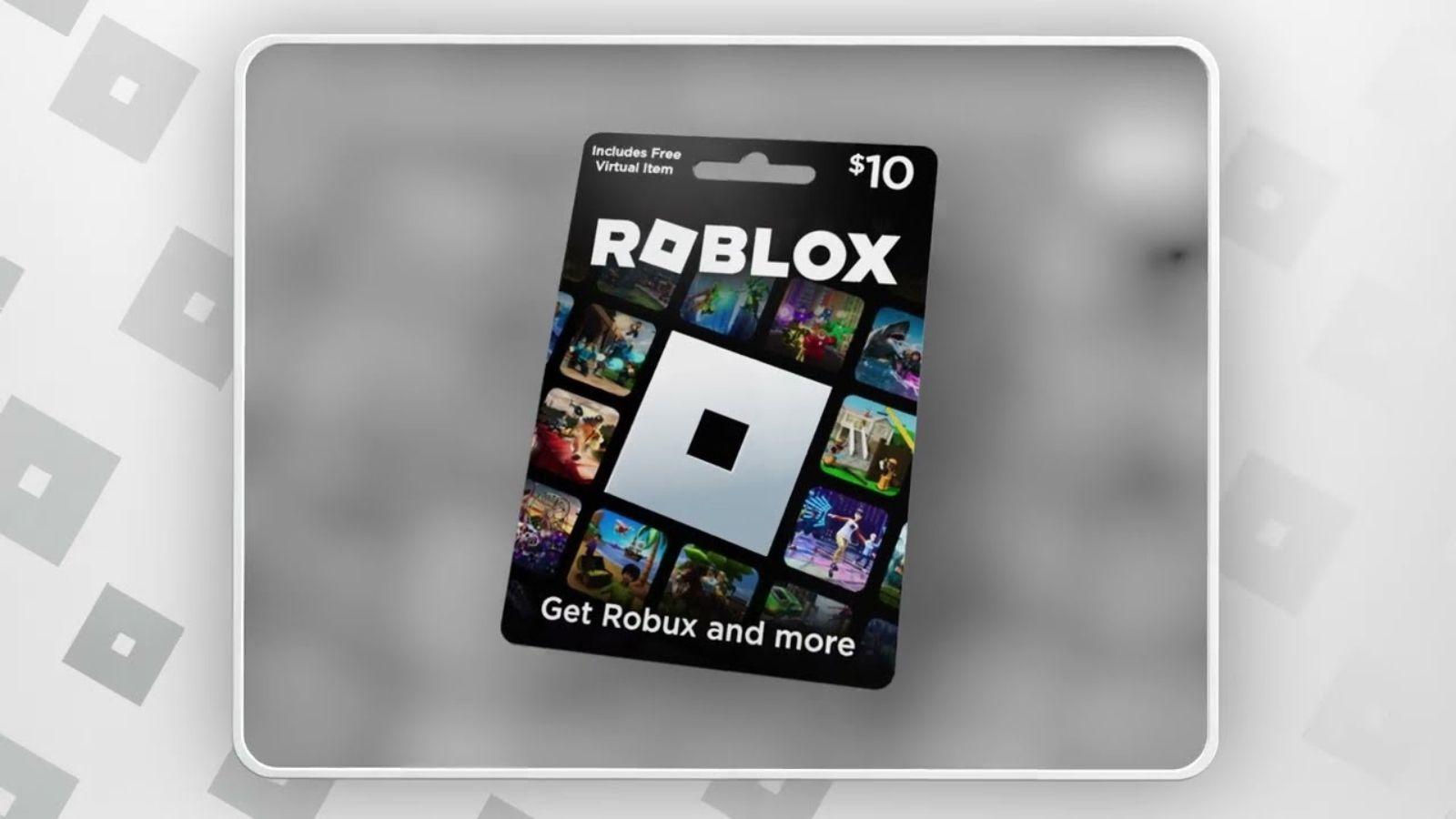
Most physical gift cards bought at major retailers (like Walmart, Target, or GameStop) carry a specific monetary value in local currency (e.g., $10, $25, or $50). When you redeem these cards, the value is added to your account as Credit. This credit acts like a digital wallet balance. You can then choose to use this balance to purchase a specific amount of Robux or to pay for a Roblox Premium subscription. The advantage of credit is its flexibility; you don't have to spend it all at once, and it can be used for different types of transactions within the Roblox billing system.
Robux Balance
Some digital gift cards, particularly those sold through specific online portals like Amazon, are sold as "Digital Codes" for a set amount of Robux (e.g., 800 Robux or 2,000 Robux). When these cards are redeemed, the Robux are added directly to your virtual currency total, bypassing the "Credit" phase entirely. This is often the fastest way for players to get the currency they need for in-game purchases.
Where to Buy Official Robux Gift Cards
To ensure the security of your account and the validity of the code, it is critical to purchase cards only from authorized retailers. As of 2026, Roblox continues to partner with major global brands to ensure high availability.
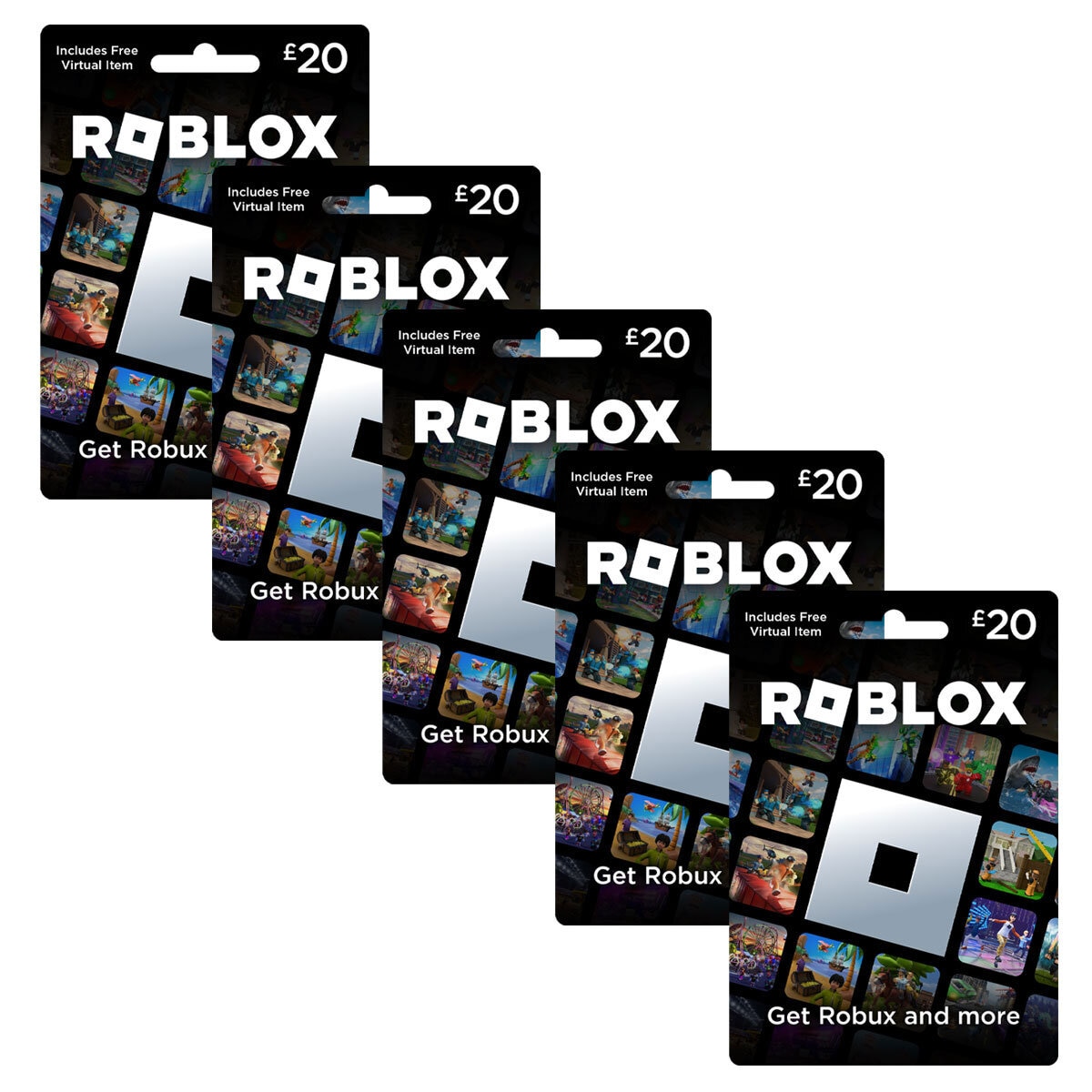
- Physical Retailers: Stores like Walmart, Target, Best Buy, and CVS carry physical cards. These are popular for gifting because they often come with a physical "scratch-off" area to reveal the PIN.
- Digital Retailers: Amazon is the most prominent digital seller, offering codes that are delivered instantly via email. Other options include the digital storefronts of Walmart, Target, and Kroger.
- Direct from Roblox: You can purchase digital gift cards directly from the official Roblox Gift Card page, which allows you to send a digital card to a friend or yourself.
Caution: Avoid "Robux Generators" or third-party "discount" sites. These are almost exclusively scams designed to steal account credentials or financial information. According to the Federal Trade Commission (FTC), gift card scams are a common method for fraudsters to exploit consumers. Only trust verified, household-name retailers.
Step-by-Step: How to Redeem a Robux Gift Card
Redeeming a gift card is a straightforward process, but it must be done through a web browser. Currently, you cannot redeem gift card PINs within the Roblox mobile app or the Xbox/PlayStation versions of the game.
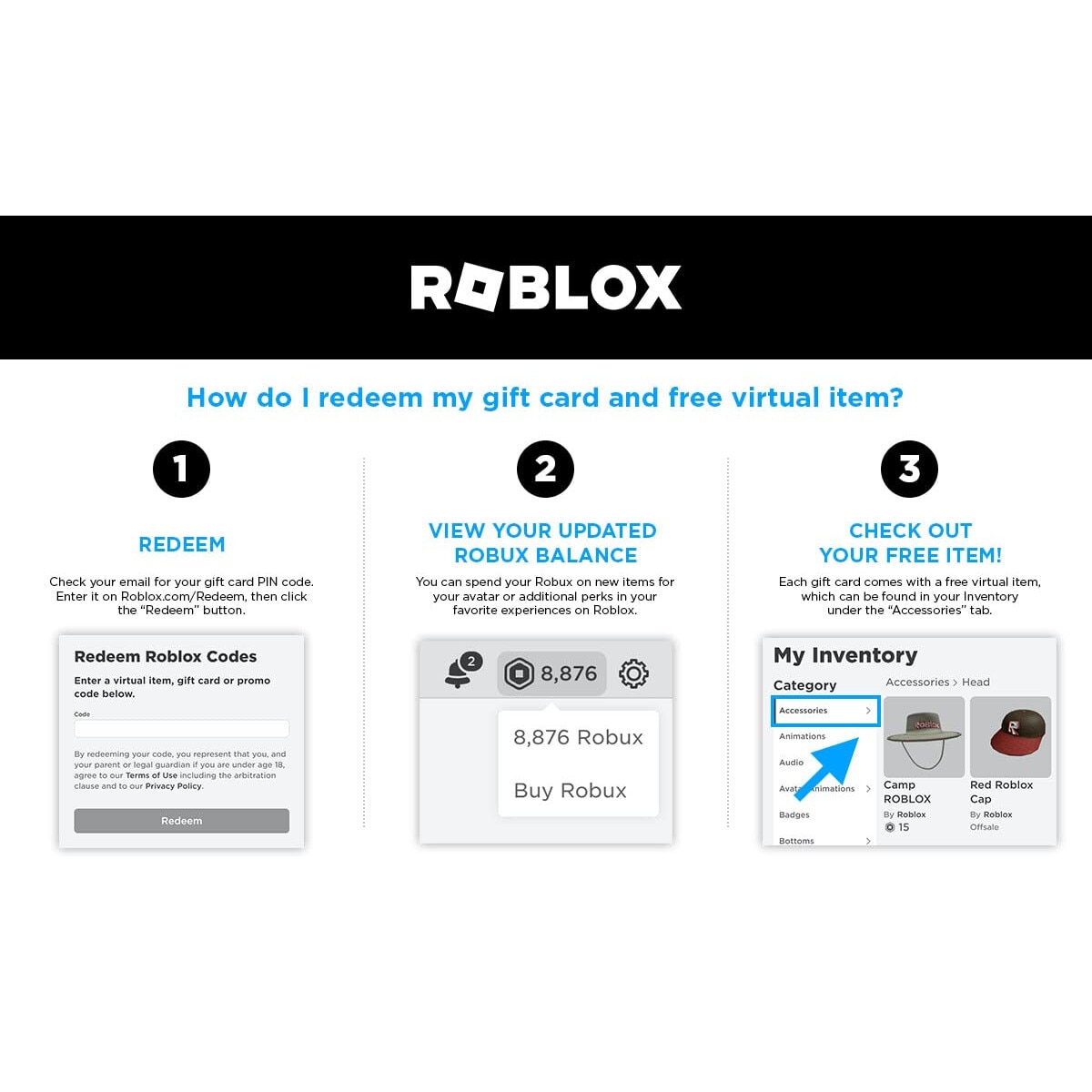
Step 1: Access the Redemption Page
Open your preferred web browser (Chrome, Safari, or Edge) and navigate to the Roblox Redemption Page. You will be prompted to log in to your account if you haven't already. Ensure you are logged into the correct account, as gift card redemptions are final and cannot be transferred to another user once used.
Step 2: Enter the PIN Code
For physical cards, gently scratch off the grey security coating on the back to reveal the PIN. For digital cards, the PIN will be in your confirmation email. Enter the code exactly as it appears into the white box on the screen. You do not need to include spaces or dashes.
Step 3: Verification
Click the Redeem button. In some cases, Roblox may trigger a "Human Verification" puzzle (like rotating an image or selecting specific objects) to ensure the code isn't being entered by a bot. Complete this puzzle to proceed.
Step 4: Confirming the Balance
Once successfully redeemed, a message will appear stating "Code Successfully Redeemed!" Below this, you will see your updated Credit Balance or Robux Balance. If the card provided credit, you can then click "Convert to Robux" to turn that cash value into virtual currency immediately, or "Use Credit" to apply it toward a Premium membership.
Comparison of Card Benefits and Values
Because exchange rates and platform fees can vary, the amount of Robux you receive for your credit may change slightly. However, the general structure remains consistent.
| Card Value (USD) | Standard Robux Amount | Premium Member Bonus (Approx.) | Additional Benefits |
|---|---|---|---|
| $10.00 | 800 Robux | 880 Robux | 1 Exclusive Virtual Item |
| $25.00 | 2,000 Robux | 2,200 Robux | 1 Exclusive Virtual Item |
| $50.00 | 4,500 Robux | 4,950 Robux | 1 Exclusive Virtual Item |
| $100.00 | 10,000 Robux | 11,000 Robux | 1 Exclusive Virtual Item |
Note: The actual Robux yielded from Credit depends on the current market rate set by Roblox at the time of conversion.
The Role of Exclusive Virtual Items and Bonuses
One of the unique features of Roblox gift cards is the inclusion of a "Bonus Virtual Item." Every gift card redeemed comes with a digital cosmetic item (such as a hat, backpack, or shoulder pet) that your avatar can wear.
These items are often retailer-specific and time-sensitive. For example, a card purchased at Walmart in December might give you a "Snowman Shoulder Pal," while a card purchased from Amazon in the same month might give you a "Cybernetic Reindeer Mask." These items are added to your inventory automatically upon redemption. Collectors often seek out specific gift cards just to obtain these limited-edition accessories, as they often become unavailable once the month ends.
Using Gift Cards for Roblox Premium Subscriptions
Roblox Premium is a monthly subscription service that provides players with a monthly Robux allowance, access to trade items, and specialized discounts. Gift cards are an excellent way to pay for Premium without linking a recurring credit card to the account.
To use a gift card for Premium:
- Redeem the card for Credit as described above.
- Go to the Roblox Premium page.
- Choose the subscription tier you want.
- At checkout, select Roblox Credit as the payment method.
- Confirm the purchase. The cost of the first month will be deducted from your credit balance.
Keep in mind that if your credit balance runs out, your subscription will not automatically renew unless you add another gift card or a different payment method.
Troubleshooting Common Redemption Issues
While the process is usually seamless, users occasionally encounter errors. Here are the most common issues and how to resolve them:
- Invalid PIN: This usually occurs due to a typo. Common mistakes include confusing the letter "O" with the number "0" or the letter "I" with the number "1." Re-enter the code slowly.
- Already Redeemed: If you receive this error, the code has already been used. If you just bought the card, check your account balance to see if it updated automatically. If not, contact the retailer where the card was purchased with your receipt.
- Region Mismatch: Robux gift cards are generally region-locked. A card purchased in the United States (in USD) cannot be redeemed on an account registered in a region that uses a different currency (like the Euro or Yen) unless the Roblox system specifically allows for a currency conversion at that time. Always buy cards that match your account's primary currency.
- Unactivated Card: If the cashier at the retail store did not properly scan the card at the register, it will not be activated in the Roblox system. You will need to return to the store with your receipt to have them activate it manually.
Security and Scam Prevention
The most important rule regarding Robux gift cards is that they should only be redeemed at roblox.com/redeem.
No legitimate Roblox employee, game developer, or administrator will ever ask you for your gift card PIN over Discord, in-game chat, or social media. If someone promises to give you "Free Robux" or "Admin Powers" in exchange for a gift card code, they are attempting to steal your money. Furthermore, beware of sites that ask you to "verify" your gift card by entering the code into a non-Roblox website. These phishing sites are designed to harvest codes before you can use them.
Final Recommendations for Users
To get the most out of your Robux gift card in 2026, follow these best practices:
- Wait for Sales: While the cards themselves rarely go on sale, Roblox often runs in-game events where items are cheaper. Redeeming your card and holding the Robux for these events can maximize your purchasing power.
- Check the Monthly Item: Before buying a card, check the Roblox Gift Cards page to see which retailer is offering the virtual item you like most for that specific month.
- Use the Browser: Remember to avoid the app for redemption. Using a desktop or mobile browser ensures you have access to the full suite of "Credit to Robux" conversion options.
By using gift cards, you maintain control over your spending, keep your financial information private, and gain access to exclusive items that enhance your presence within the Roblox metaverse.
FAQs
Can I use a Robux gift card on my mobile phone? Yes, but you cannot redeem it through the Roblox app itself. You must open a mobile browser (like Safari or Chrome), log in to your account at roblox.com/redeem, and enter the PIN there. Once redeemed, the Robux will show up in your account across all platforms, including mobile, PC, and consoles.
Do Robux gift cards expire? Official Roblox gift cards do not have an expiration date. However, it is always recommended to redeem them as soon as possible to avoid losing the physical card or having the PIN become unreadable over time.
Can I give my Robux to a friend using a gift card? You cannot "transfer" Robux directly from your balance to a friend's balance using a gift card. Instead, you should give the unredeemed gift card PIN to your friend so they can redeem it on their own account. Alternatively, you can use your Robux to buy a "Game Pass" or "Donation" item that your friend has created, though Roblox takes a 30% transaction fee on those sales.
What happens if I have credit left over? If you use a $25 gift card to buy a $10 Premium subscription, the remaining $15 stays in your account as Roblox Credit. You can use this remaining credit later to buy more Robux or to pay for your next month of Premium.
Is there a limit to how many gift cards I can redeem? There is no specific limit to the number of gift cards an account can redeem. However, for security purposes, if you attempt to redeem a large number of cards in a very short period, Roblox may temporarily throttle your ability to enter codes to prevent brute-force attacks.
Image Gallery