Defining the Newsletter Template for Publishers: Key Considerations and Strategic Frameworks
A newsletter template for a publisher is a standardized, reusable digital framework used to package and distribute editorial content via email. Unlike generic marketing templates, it prioritizes content hierarchy, typography, and susta...
A newsletter template for a publisher is a standardized, reusable digital framework used to package and distribute editorial content via email. Unlike generic marketing templates, it prioritizes content hierarchy, typography, and sustainable monetization slots, ensuring a consistent brand experience across diverse device types while optimizing for high-volume deliverability and subscriber engagement.
Contents
The Strategic Role of the Publisher-Specific Template
In the media landscape of 2026, a newsletter is no longer merely a distribution channel; it is often the primary product. For publishers—ranging from niche trade journals to global news conglomerates—the template serves as the skeletal structure that supports the weight of daily or weekly reporting. A well-constructed template allows editorial teams to focus on storytelling rather than formatting, ensuring that the visual identity remains intact regardless of who is populating the CMS (Content Management System).
The primary objective of a publisher’s template is to reduce "friction to read." For a retail brand, the goal might be a single click to a product page. For a publisher, the goal is sustained attention, high open rates, and the conversion of casual readers into loyal subscribers or paid members. This requires a sophisticated balance between aesthetic appeal and technical performance, particularly as inbox providers continue to evolve their filtering algorithms and rendering engines.
Core Definition and Architectural Components
To understand what constitutes a professional publisher template, one must look beyond the visual design and into the functional modules. A publisher template is typically "modular," meaning it is composed of discrete blocks that can be rearranged, added, or removed based on the day’s news cycle.
The Header and Branding Module
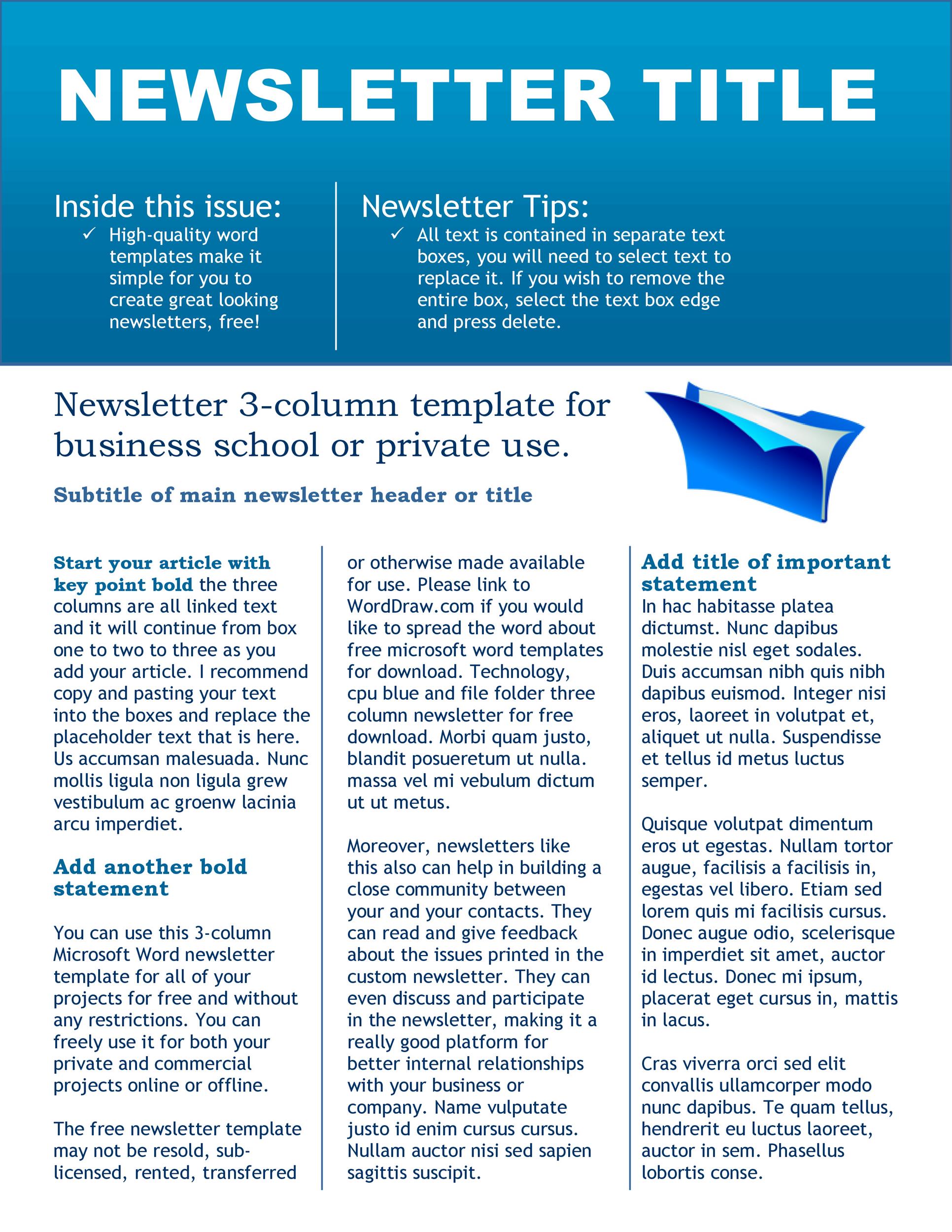
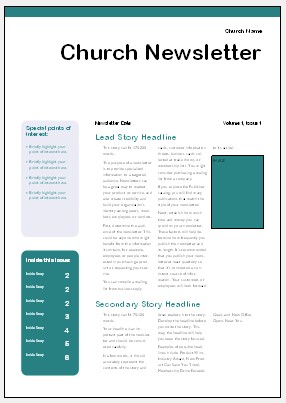
The top of the newsletter is prime real estate. It must immediately identify the publication and the specific "edition" (e.g., The Morning Briefing vs. The Weekend Deep Dive). In 2026, top-tier publishers often include dynamic headers that change based on the subscriber’s local time or membership status. Key elements include the masthead, the date of publication, and a "View in Browser" link, which remains essential for resolving rendering issues in certain legacy email clients.
The Editorial Lead and Teaser Blocks
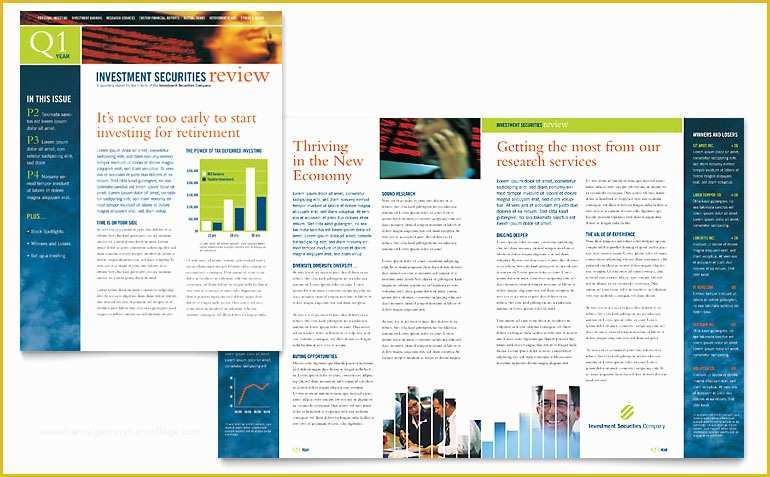
Publishers rely on "information scent." The lead section usually features a prominent headline, a high-quality (yet compressed) hero image, and a summary or "lede." Below this, secondary and tertiary blocks provide snippets of other stories. These blocks must be designed with strict character limits to maintain a clean vertical flow. For publishers, the template must allow for varying content densities—sometimes a single long-form essay, other times a curated list of twenty links.
Monetization and Ad Placement Zones
Revenue is the lifeblood of publishing. A publisher’s template must include dedicated zones for various forms of monetization. This includes:
- Direct-Sold Native Ads: Styled to match the editorial content but clearly labeled (e.g., "Sponsored" or "Partner Content").
- Programmatic Display Slots: Standardized IAB (Interactive Advertising Bureau) sizes, such as the 300x250 medium rectangle or 728x90 leaderboard, integrated via scripts or static image-and-link combinations.
- Subscription Prompts: Internal "house ads" that encourage free readers to upgrade to a premium tier.
The Utility Footer
The footer is the most regulated part of the template. Under global privacy frameworks such as the GDPR and the updated ePrivacy Regulation of 2025, the footer must contain a physical mailing address, a clear unsubscription mechanism, and a link to the privacy policy. For publishers, it often also includes social media icons, a "forward to a friend" button, and contact information for the newsroom.
Key Considerations for Design and Development
Designing a template for a publisher requires a different mindset than designing a website. Email is a fragmented medium where code that works in Apple Mail might break in Outlook for Windows or Gmail's mobile app.
1. Technical Performance and Lightweight Code
The total file size of the HTML for a newsletter should ideally remain under 102KB. If a message exceeds this limit, Gmail often "clips" the email, hiding the bottom half—including the unsubscribe link—behind a "View entire message" link. This is disastrous for publishers because it hides the most important engagement and compliance features. Using frameworks like MJML or Foundation for Email allows developers to create responsive, lightweight code that renders consistently across the hundreds of inbox and device combinations active in 2026.
2. Accessibility (WCAG Compliance)
Publishers have an ethical and often legal obligation to ensure their news is accessible to everyone, including those with visual impairments.
- Semantic HTML: Using
andtags for layout (a necessity in email) must be balanced withrole="presentation"to help screen readers ignore structural tables. Color Contrast: Text-to-background ratios must meet WCAG 2.1 AA standards.
Alt Text: Every image must have descriptive alternative text, especially since many email clients block images by default.3. Dark Mode Optimization
By 2026, over 60% of users consume email in "Dark Mode." A common mistake for publishers is using transparent PNGs that disappear against a dark background or white "halos" around logos. A professional template uses CSS media queries (@media (prefers-color-scheme: dark)) to provide a tailored experience, such as swapping dark logos for light ones and adjusting background colors to reduce eye strain.
4. Personalization and Dynamic Content
Modern publisher templates utilize "merge tags" or advanced liquid logic to personalize content. This goes beyond "Hello [First Name]." It involves:
Segmented Content: Showing a "Sports" block only to readers who have expressed interest in that topic.
Geographic Relevance: Inserting local weather or news based on the subscriber's IP address or profile data.
Paywall Status: Displaying a "Subscribe Now" button to free users while showing a "Member Perk" to paying subscribers.
Comparison of Newsletter Frameworks for Publishers
Choosing the right technical foundation depends on the size of the editorial team and the complexity of the data integration required.
| Feature | Custom HTML/CSS | Drag-and-Drop (ESP) | Hybrid Frameworks (e.g., MJML) |
|---|---|---|---|
| Design Flexibility | Absolute; limited only by email client support. | Restricted to pre-built blocks. | High; uses a simplified syntax. |
| Development Time | High; requires deep expertise in email-specific quirks. | Very Low; accessible to non-technical staff. | Moderate; requires initial setup. |
| Mobile Responsiveness | Manual media queries required. | Automatic and guaranteed. | Automatic via framework logic. |
| Code Efficiency | Varies; can be very bloated if not careful. | Often contains heavy, redundant "div" soup. | Optimized for minimal file size. |
| Monetization Support | Unlimited integration of custom ad scripts. | Limited to what the ESP provider allows. | High flexibility for custom blocks. |
Deliverability and Technical Authentication
A beautiful template is useless if it ends up in the spam folder. Publishers must ensure their template's delivery infrastructure is authenticated. This involves three critical protocols:
- SPF (Sender Policy Framework): Specifies which mail servers are authorized to send email on behalf of your domain.
- DKIM (DomainKeys Identified Mail): Adds a digital signature to emails, proving the content wasn't tampered with in transit.
- DMARC (Domain-based Message Authentication, Reporting, and Conformance): A policy that tells receiving servers what to do if SPF or DKIM fails (e.g., "quarantine" or "reject").
Furthermore, as of 2026, inbox providers like Google and Yahoo! have tightened requirements for "one-click unsubscribe" headers. A publisher’s template must include these technical headers in the email's metadata, not just a link in the footer.
Common Pitfalls in Publisher Newsletter Templates
Even experienced media companies often fall into traps that degrade the user experience or hurt their bottom line.
- Over-reliance on Images: Many corporate firewalls and mobile settings block images by default. If your headline is part of a graphic, the reader may see nothing but a blank box. Always use "live text" over background colors for critical information.
- Complex Multi-Column Layouts: While two or three columns look great on a desktop monitor, they often collapse awkwardly on a smartphone. A single-column "mobile-first" approach is generally safer and more readable for news content.
- Ignoring the "Preview Text": The snippet of text that appears after the subject line in an inbox is vital. If a template doesn't explicitly define this, the inbox will pull in the first few words of the email—often "View in browser" or "Unsubscribe"—which wastes a significant open-rate opportunity.
- Broken Links and Redirects: Publishers often use multiple tracking layers (ESP tracking + Google Analytics UTMs). If these are not configured correctly within the template's button logic, links can break or trigger security warnings in browsers.
Frequently Asked Questions
What is the ideal width for a publisher newsletter template?
The industry standard remains between 600px and 640px. This width ensures the content fits comfortably in the preview pane of most desktop clients like Outlook and Apple Mail, while remaining easily scalable for mobile devices. Widths exceeding 700px often result in horizontal scrolling, which significantly increases bounce rates.
How often should a publisher update their template design?
While minor tweaks to ad placements or typography can happen quarterly, a major template "refresh" is typically recommended every 18 to 24 months. This allows the publisher to adapt to new email client features (like interactive elements), evolving design trends, and changes in subscriber behavior.
Can I use web fonts like Google Fonts in my newsletter?
Yes, but with caveats. Web fonts are supported by modern clients like Apple Mail and Outlook for iOS, but many others (like Gmail or Outlook for Windows) will revert to "fallback" fonts like Arial or Times New Roman. A robust publisher template always defines a stack of fallback fonts to ensure the layout doesn't break when a custom font fails to load.
Should I include the full text of articles or just snippets?
This depends on your business model. If your goal is to drive traffic to a website for ad impressions, snippets with "Read More" buttons are ideal. However, if you are a "newsletter-first" publisher (like Morning Brew or Axios), providing the full value within the inbox builds higher loyalty and engagement, even if it results in fewer website hits.
How do I handle video content within an email template?
Direct video playback in email is still poorly supported in 2026. The best practice for publishers is to use a high-quality static image with a "Play" button overlay or an animated GIF that shows a few seconds of the video. This should link to a hosted video page on your website or a platform like YouTube.
Practical Recommendation for Media Organizations
For publishers looking to build or refine their newsletter template, the most effective next step is a modular audit. Begin by listing every type of content your newsroom produces—breaking news alerts, long-form interviews, photo essays, and data visualizations. Ensure your template has a specific, tested "module" for each of these types.
Once the design is finalized, utilize a testing suite like Litmus or Email on Acid to verify rendering across at least 50 different inbox environments. Finally, implement a rigorous A/B testing schedule for your template’s structural elements—such as button placement, image size, and font weight—to let subscriber data dictate the final evolution of your newsletter product.
Image Gallery