When Google Play Points Expire: Understanding the One-Year Validity Rule in 2026
Google Play Points expire exactly one year after your last earning or spending activity. This "rolling" expiration date means that as long as you earn or use points at least once every 12 months, your entire balance remains active. If...
Google Play Points expire exactly one year after your last earning or spending activity. This "rolling" expiration date means that as long as you earn or use points at least once every 12 months, your entire balance remains active. If 365 days pass without any transaction, your points will vanish permanently.
Contents
The Google Play Points program has become a cornerstone of the Android ecosystem, rewarding users for their digital consumption. However, the expiration policy is a frequent source of confusion. Unlike some loyalty programs where points have a fixed "shelf life" from the date of acquisition, Google utilizes a dynamic window based on user engagement. In 2026, maintaining your balance requires a proactive understanding of how the Play Store tracks your interactions and what specific actions trigger a "refresh" of your points' expiration timer.
The Mechanics of the 12-Month Rolling Expiration
The core rule of Google Play Points is that the expiration date is tied to your last activity date, not the date each individual point was earned. This is a significant advantage for active users. For example, if you earned 500 points in January 2025 and 10 points in June 2025, the entire 510-point balance is protected until June 2026.
This "rolling" window resets every time you perform a qualifying action. However, if you remain inactive—meaning you neither earn nor spend points—for a full 365 days, the system automatically clears your balance. Once points expire, they cannot be recovered, even through Google Play Support, as the system treats the expiration as a final forfeiture of the loyalty currency.
What Qualifies as "Activity"?
To keep your points from expiring after a year, you must engage in one of two types of transactions:
- Earning Points: This occurs when you buy an app, a game, a movie, a book, or make an in-app purchase. It also includes renewing a subscription through the Google Play billing system, such as YouTube Premium or Google One.
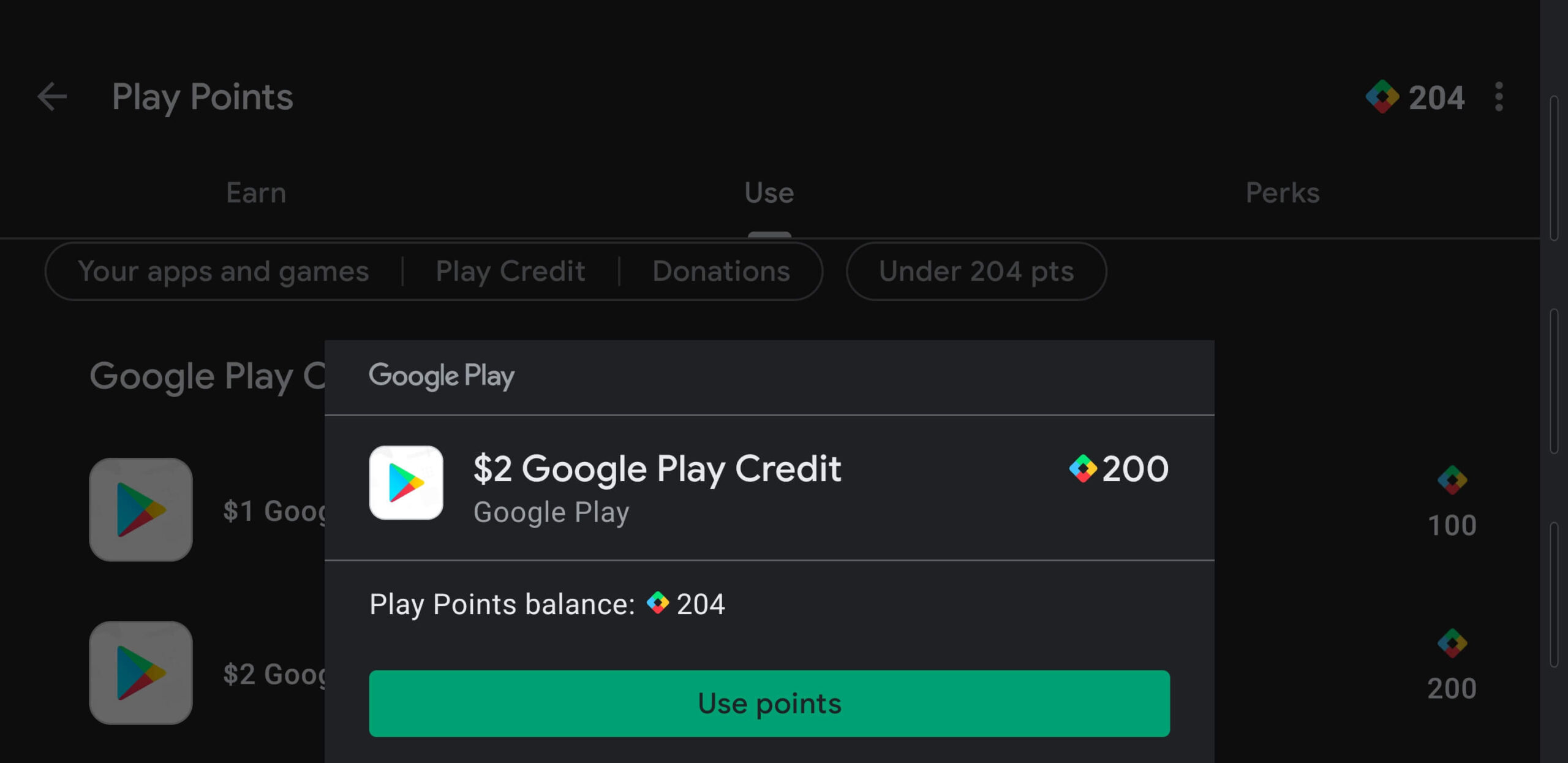
- Using Points: This occurs when you exchange your points for Google Play Credit, in-game coupons, or specific digital items within the "Use" tab of the Play Points menu.
It is important to note that downloading a free app or updating existing apps does not count as activity. Because these actions do not involve the points-earning mechanism or the points-spending mechanism, they do not reset the one-year countdown.
How to Check Your Points Expiration Date in 2026
Google does not always send a notification when points are about to expire, making manual verification essential. The expiration date isn't listed as a single static date for your whole balance in the main interface; rather, it is calculated based on your history.
Step-by-Step Verification Process
To verify your status on an Android device:
- Open the Google Play Store app.
- Tap your profile icon in the top right corner.
- Select Play Points.
- Tap on Points history (usually found under the three-dot menu or a "Details" link).
- Review your most recent transaction. Your points will expire exactly one year from the date of that last transaction.
In 2026, the interface remains streamlined, but users should be wary of multiple Google accounts. Points are account-specific and cannot be transferred. If you have multiple Gmail addresses, you must check each one individually to ensure no balances are nearing the one-year mark.
Points Expiration vs. Status Level Duration
A common misconception is that losing your "Silver" or "Gold" status means your points expire, or vice versa. These are two distinct systems with different timelines.
Status Levels (Bronze to Diamond)
Your status level (Bronze, Silver, Gold, Platinum, or Diamond) is determined by how many points you earn within a calendar year (January 1 to December 31). Once you reach a level, you keep that status for the remainder of the current year and the entirety of the following year.
- Example: If you earn enough points to reach Gold in July 2025, you stay Gold through December 2026.
- The Reset: On January 1, 2027, your "progress bar" resets to zero, but your Gold status remains for that year while you work to re-earn it for 2028.
Points Balance
Your points balance is your "currency." Unlike status, which is tied to the calendar year, the balance is tied to the rolling 12-month window. You could theoretically be a "Platinum" member with zero points if you spent them all, or a "Bronze" member with 1,000 points that are about to expire because you haven't made a purchase in 11 months.
| Feature | Timeline Logic | Reset Trigger |
|---|---|---|
| Points Balance | Rolling 12-Month Window | Any earn/spend activity |
| Status Level | Calendar Year (Jan - Dec) | End of the following calendar year |
| Level Progress | Annual Accumulation | January 1st of every year |
| Expiration Warning | None/Limited | 365 days of total inactivity |
Managing Points Across Different Regions
Google Play Points are strictly region-locked. If you move to a different country and change your Google Play Store country setting, your points do not follow you.
When you switch regions, your points balance in the original country remains "parked." However, the one-year expiration clock does not stop. Because you can no longer earn or spend points in your old region while your account is set to a new one, those points will almost certainly expire one year after the region change. Before switching Play Store countries, it is highly recommended to spend your remaining balance on Google Play Credit or in-game items, as those credits (once converted) often have different, sometimes longer, expiration rules depending on local laws.
Common Pitfalls: Why Points Disappear Unexpectedly
If you find your points have vanished before the one-year mark, it is usually due to one of three specific scenarios:
1. Refunded Purchases
When you request a refund for an app or in-app purchase, the points you earned from that transaction are deducted from your balance. If your balance was already low, this can result in a "negative" points balance. While this isn't an expiration, it often looks like missing points to the user. Furthermore, if a refunded purchase was the only activity that had been keeping your timer alive, the system may revert to the previous activity date, potentially pushing you past the expiration window.
2. Subscription Cancellations
While a subscription renewal resets your 12-month window, a cancellation does not. If you rely solely on a single monthly subscription to keep your points active and you cancel that subscription, you must remember to make another manual purchase or use points within a year of that last successful renewal.
3. Promotional Points
Occasionally, Google awards "promotional" or "bonus" points for specific tasks, such as trying a new app. These points sometimes have their own specific expiration dates that are shorter than the standard one-year rolling window. Always read the fine print of a promotion to see if those points are "temporary."
Strategies to Prevent Expiration
For users who do not spend money frequently on the Play Store, keeping a points balance alive requires a deliberate strategy.
- The "0.99 Cent" Refresh: The most cost-effective way to save a large points balance is to buy the cheapest item possible. A $0.99 in-game item or a discounted book will reset the entire balance for another 365 days.
- Convert to Play Credit: If you aren't sure what to buy, convert your points into Google Play Credit. While Play Credit also has expiration rules (often one year from the date of credit issuance, depending on the source), it effectively "locks in" the value and can be used for a wider range of purchases later.
- Set a Calendar Reminder: Since Google’s automated reminders can be inconsistent, savvy users in 2026 set a manual recurring calendar event for 11 months after their last major purchase to check their points status.
- Use Points for Charities: If you have a small amount of points nearing expiration and no desire to spend money, many regions allow you to donate points to non-profit organizations. This counts as "using" points and will save the rest of your balance.
Frequently Asked Questions
Can I get my Google Play Points back after they expire?
No. Google’s policy is that expired points are permanently removed from the account. There is no "grace period" or restoration process available through customer support. Once the 365-day window of inactivity is closed, the points are purged from the database to maintain system efficiency.
Do points expire if I uninstall the Google Play Store or change devices?
Uninstalling the store (on devices where that is possible) or switching to a new Android phone does not affect your points. The points are tied to your Google Account (email), not the physical hardware. As long as you log into the same Google Account on your new device, your points and their expiration timer will remain exactly as they were.
Does Google Play Credit expire at the same time as Points?
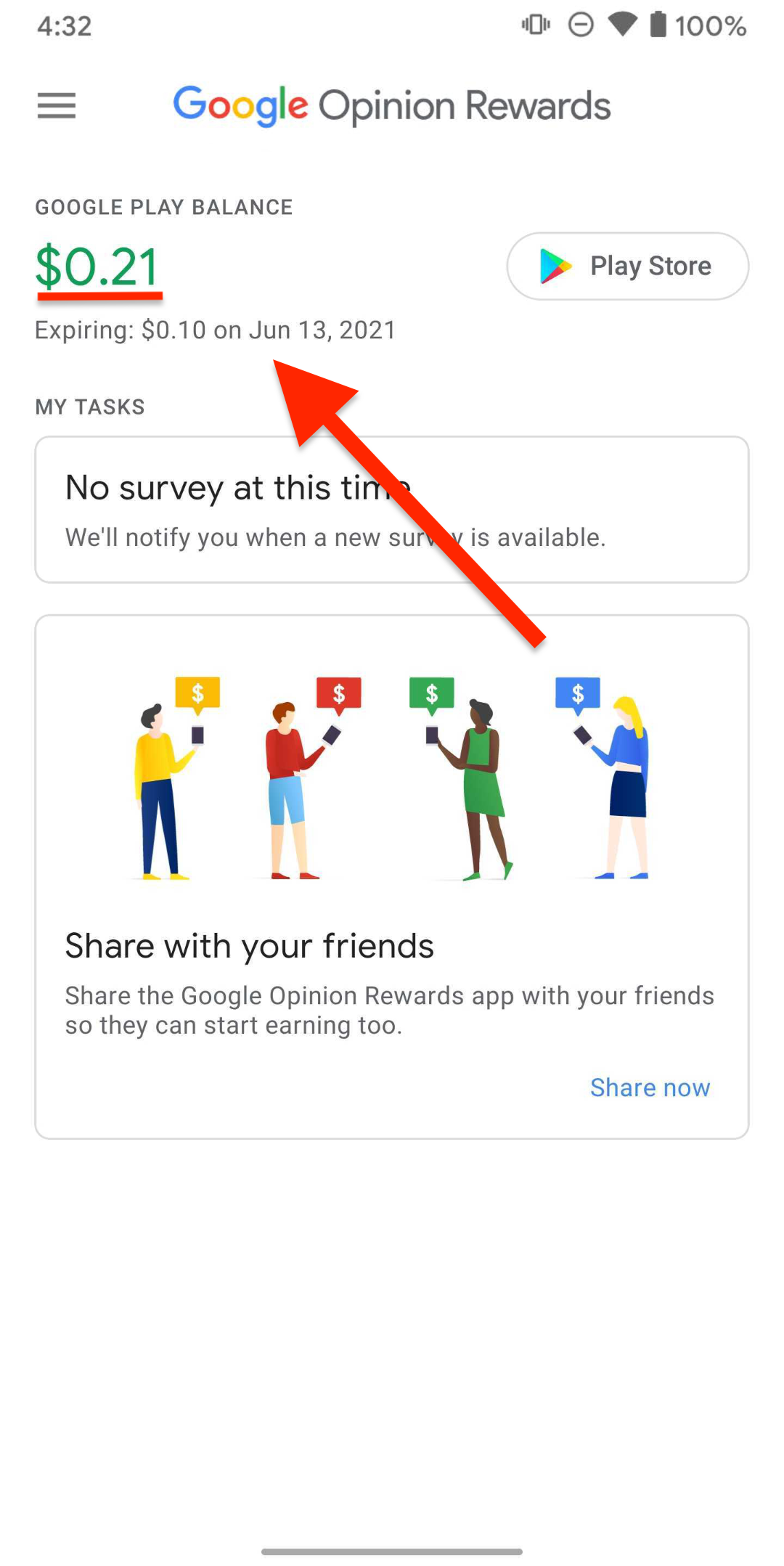
No. Google Play Credit (the monetary value) and Google Play Points (the loyalty currency) are governed by different terms. Credit earned from gift cards generally does not expire, while credit earned from Opinion Rewards or converted from Play Points typically expires one year from the date it was credited. Using points to buy credit resets your points timer, but the credit you receive will then have its own specific expiration date.
If I earn points on the very last day, does it save my old points?
Yes. If your points are set to expire on December 1st, and you make a purchase on November 30th, your entire balance is refreshed. The system processes the activity and moves the expiration date for the total balance to November 30th of the following year.
Do "Perks" count as activity to reset the timer?
No. Claiming your "Weekly Prize" (available for Silver level and above) does not count as earning or spending points in a way that resets the 12-month expiration window. While you are interacting with the program, the rolling timer only resets when the points balance itself changes through a purchase or a redemption.
Final Recommendation
To ensure your Google Play Points remain secure throughout 2026, treat the one-year expiration rule as a "maintenance" task. If you are an infrequent buyer, make it a habit to check your Points history at least once every six months. If you see that your last activity was nearly a year ago, perform a small redemption—such as a $1 coupon or a small donation—to protect your accumulated rewards. Staying proactive is the only way to prevent the loss of value in the Google Play ecosystem.
Image Gallery