Developing iOS Applications on Windows: Tools and Workflows for 2026
Developing iOS applications on Windows remains a complex task because Apple requires Xcode, which runs exclusively on macOS, to build and sign binary files for the App Store. To bridge this gap in 2026, developers utilize cross-platfor...
Developing iOS applications on Windows remains a complex task because Apple requires Xcode, which runs exclusively on macOS, to build and sign binary files for the App Store. To bridge this gap in 2026, developers utilize cross-platform frameworks, cloud-based Mac access, or virtualization methods, though all paths eventually necessitate an Apple-authorized environment for final compilation and deployment to the App Store.
Contents
Understanding the Architectural Barrier Between Windows and iOS
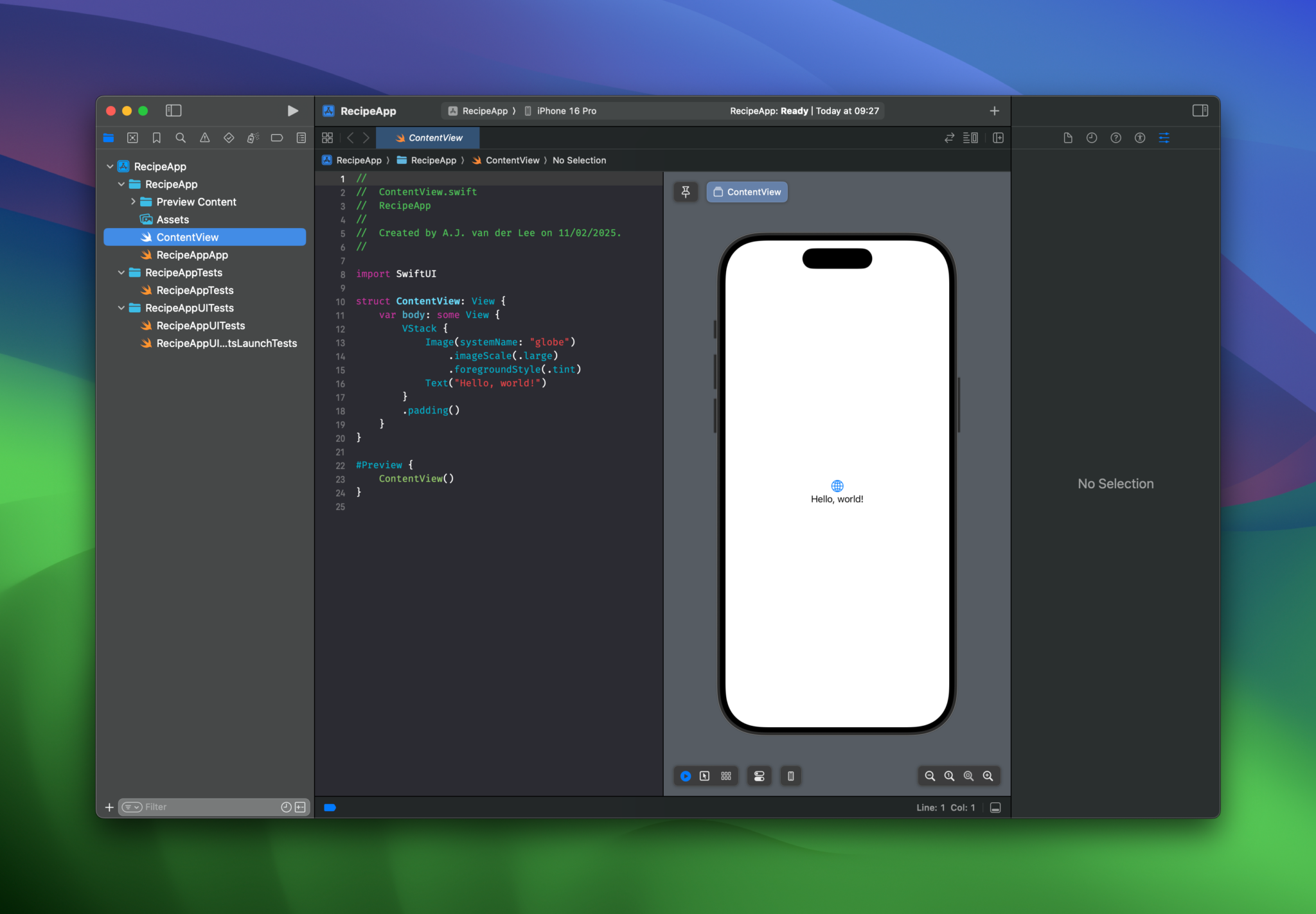
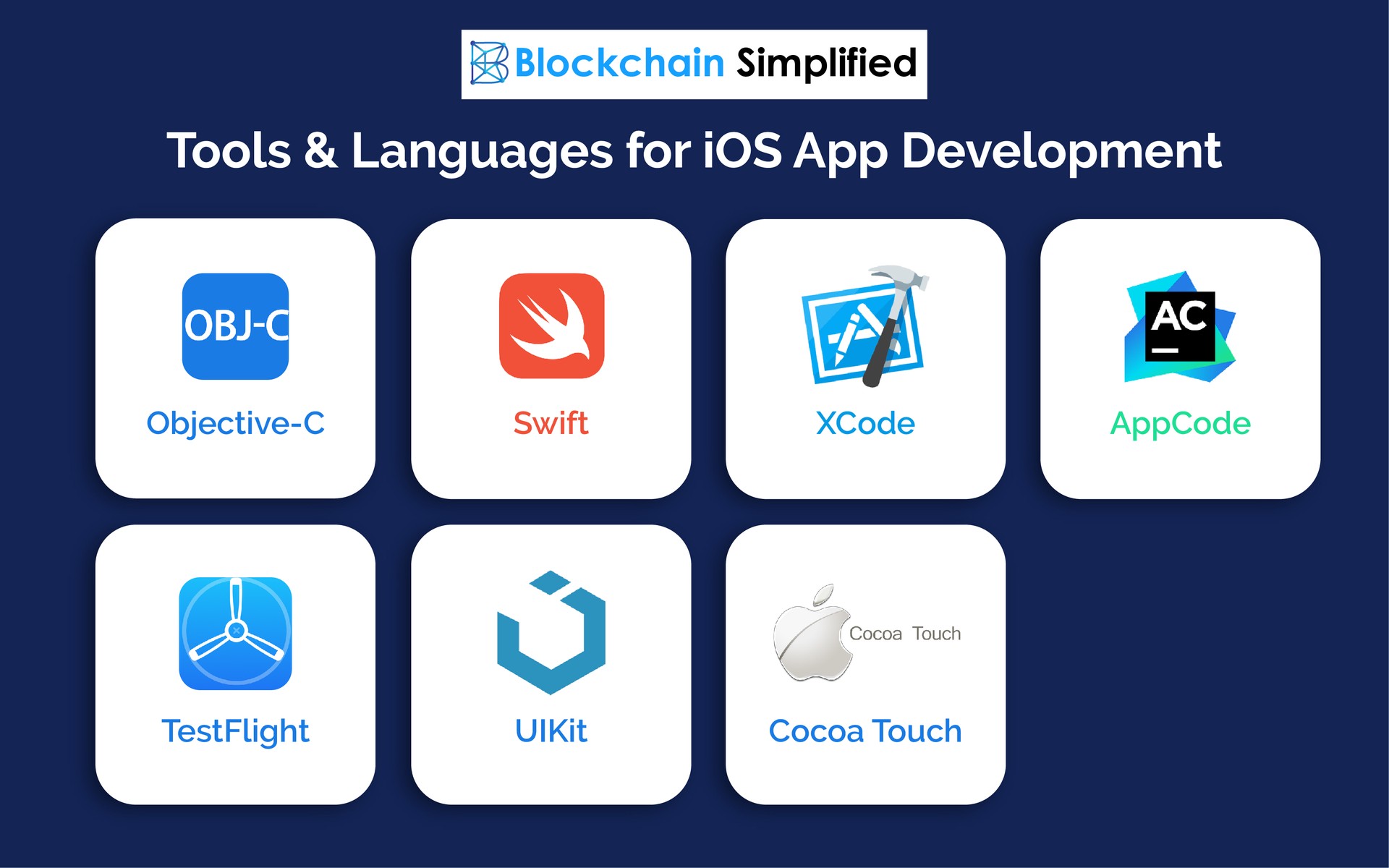
The fundamental constraint in iOS development stems from the necessity of the Apple LLVM compiler and the Xcode build system. These tools are natively compiled for macOS, meaning that Windows environments cannot execute the final stage of the build process required for Apple’s strict code-signing and packaging regulations.
While you can write code, design user interfaces, and manage project assets within a Windows environment, you cannot produce an .ipa file—the format required for installation on an iPhone or iPad—without interacting with a macOS instance. In 2026, the ecosystem has matured to offer more efficient ways to handle this limitation without requiring a dedicated piece of hardware permanently tethered to your desk.
Practical Approaches for Windows-Based iOS Development
To build apps using a Windows machine, you must adopt a workflow that offloads the compilation task. The following methods represent the current industry standards for achieving this integration.
1. Cloud-Based Mac Virtualization Services
Cloud Mac services, such as MacinCloud or MacStadium, provide remote access to real macOS hardware. These services allow you to use your Windows PC to remote into a server running macOS. This environment comes pre-configured with the latest stable version of Xcode, providing a full development experience that satisfies Apple’s requirements.
2. Cross-Platform Frameworks and Build Agents
Frameworks like Flutter, React Native, and .NET MAUI allow you to write the bulk of your application logic using languages such as Dart, JavaScript, or C#. When you are ready to test on a physical device or prepare a production build, these frameworks can be connected to a remote build agent or a local Mac device that handles the compilation of the Swift or Objective-C code produced by the framework.
3. Virtualization for Local Development
Advanced users may opt to run macOS in a virtual machine (VM) on high-performance Windows hardware. While this is technically feasible, it is important to note that this often exists in a gray area regarding Apple’s End User License Agreement (EULA), which limits the usage of macOS to Apple-branded hardware. For professional enterprise environments, this method is generally discouraged due to licensing non-compliance and potential performance bottlenecks during the build process.
Comparison of Development Workflows for Windows Users
| Method | Primary Advantage | Technical Requirement | Estimated Latency |
|---|---|---|---|
| Cloud Mac Services | High reliability and EULA compliance | Stable high-speed internet | Low to Moderate |
| Local VM (Non-Apple) | Zero recurring subscription fees | High-end CPU/RAM allocation | Moderate |
| Hybrid Build Server | Integrated into standard CI/CD | Local Mac hardware (Mini/Studio) | Minimal |
| PWA (Alternative) | No Xcode needed | Progressive Web App standards | None |
Setting Up Your Development Environment in 2026
Before beginning your project, ensure your workstation is configured to handle the abstraction layers required for cross-platform development.
- Install Node.js or .NET SDK: Depending on your chosen framework, ensure your runtime environment is current. For 2026, ensure you are using the Long Term Support (LTS) versions to guarantee stability and security.
- Configure Version Control: Use Git to manage your source code. This is essential when switching between your Windows environment for logic and a Mac environment for final build/signing.
- Establish a Remote Build Bridge: If using a Mac-in-the-cloud service, configure your local IDE (such as VS Code) to authenticate via SSH or proprietary remote desktop protocols provided by the service.
- Acquire an Apple Developer Account: Regardless of your development machine, an active Apple Developer Program membership is mandatory for distribution, which costs $99 USD annually as of 2026.
Troubleshooting Common Workflow Failures
When working across OS boundaries, certain issues occur with higher frequency. Addressing these early prevents significant delays in your development lifecycle.
- Code-Signing Errors: The most common point of failure. Ensure your provisioning profiles and distribution certificates are refreshed within the Apple Developer Portal before initiating a build.
- Dependency Version Mismatch: Ensure that your Node modules, Pods, or NuGet packages are compatible with the specific version of Xcode installed on your build server. Always pin your versions in your lock files to prevent automatic updates from breaking the build.
- Networking Latency: If using a cloud-based Mac, ensure your local assets are pushed to a repository before attempting to build. Do not attempt to stream large assets directly during the compilation phase to avoid timeouts.
Frequently Asked Questions
Can I build an iOS app entirely on Windows without a Mac?
No. While you can write and debug your code in frameworks like Flutter or React Native on Windows, the final compilation into an iOS binary requires the Xcode toolchain, which is exclusive to macOS.
Is it legal to run macOS in a virtual machine on Windows?
Apple’s EULA generally restricts the installation of macOS to Apple-branded hardware. While technically possible via various virtualization techniques, it does not comply with the license terms for professional or commercial app development.
What is the most cost-effective way to build for iOS on Windows?
For individual developers, a Mac mini (M-series) is the most cost-effective, long-term solution. Cloud-based Mac services are more cost-effective for short-term testing or intermittent build needs.
Does VS Code support iOS development?
Yes, VS Code is a popular choice for cross-platform development on Windows. By using extensions for Flutter or React Native, you can write and manage code, but you must still trigger the build process on a macOS device or a remote build agent.
Do I need a Mac to test my app?
You can perform significant testing using emulators, but testing on physical iPhones and iPads requires an Apple device. Furthermore, the "Xcode build" step is required to install the app on a physical device for actual hardware-level performance testing.
Strategic Recommendations for Modern Development
As you scale your project in 2026, prioritize a CI/CD (Continuous Integration and Continuous Deployment) pipeline that automates the handoff between your Windows machine and your macOS build environment. Tools like GitHub Actions with self-hosted runners or Bitrise can automate the process, allowing you to trigger a build from your Windows PC that automatically fetches your code, builds it on a Mac instance, and deploys it to TestFlight for your stakeholders. This minimizes manual intervention and keeps your development cycle efficient.
Image Gallery