Navigating New Jersey Electronic Filing Systems in 2026
New Jersey electronic filing streamlines the submission of legal documents, tax returns, and corporate filings through secure online portals managed by state agencies like the New Jersey Courts and the Division of Revenue and Enterpris...
New Jersey electronic filing streamlines the submission of legal documents, tax returns, and corporate filings through secure online portals managed by state agencies like the New Jersey Courts and the Division of Revenue and Enterprise Services. Utilizing these official digital channels ensures compliance, reduces processing delays, and provides instant confirmation of receipt for businesses, legal professionals, and individual residents.
Contents
Understanding the Landscape of New Jersey Electronic Filing
The transition from paper-based submissions to digital portals represents a fundamental shift in how residents and businesses interact with state agencies. New Jersey electronic filing platforms eliminate traditional mail delays, lower administrative costs, and minimize human error through integrated data validation checks. Whether submitting annual corporate reports, filing civil lawsuits, or transmitting state income tax data, understanding the specific infrastructure of each portal is essential for successful compliance.
State agencies operate distinct digital gateways tailored to specific filing categories. The New Jersey Judiciary handles court-related documents, while the Department of the Treasury manages tax documents and business formations. Knowing which portal corresponds to your specific filing requirement prevents costly rejections and missed deadlines.
Judicial Electronic Filing through JEDS and eCourts
The New Jersey Judiciary provides robust electronic filing systems for attorneys and self-represented litigants. These systems ensure that court documents enter the judicial docket efficiently while maintaining strict security and confidentiality standards.
eCourts Civil and Appellate Operations
The eCourts platform serves as the primary conduit for submitting civil, family, and appellate court documents across New Jersey Superior Courts and the Supreme Court. Users must register for a Judiciary Account to access the system, upload PDF documents, and pay applicable filing fees electronically.
- Mandatory Usage: Electronic filing is mandatory for all licensed attorneys practicing in New Jersey state courts.
- Document Formatting: Submissions must adhere to strict PDF conversion standards, including text-searchable formats where applicable and proper bookmarking for long exhibits.
- Timestamp Verification: Submissions completed before 11:59:59 PM EST receive a file-stamp for that calendar day, ensuring compliance with strict statutory deadlines.
Judiciary Electronic Document Submission (JEDS)
For courts and case types not yet integrated into the comprehensive eCourts suite, the Judiciary Electronic Document Submission (JEDS) portal acts as the universal upload tool. JEDS allows filers to submit documents across municipal courts, tax courts, and specific probation departments without needing specialized software. Filers receive automated email notifications tracking the review status of their documents by court clerks.
Corporate and Business Electronic Filing via DORES
The New Jersey Division of Revenue and Enterprise Services (DORES) oversees the electronic formation, maintenance, and dissolution of business entities. Utilizing the online Business Charterization and Annual Report portal allows entrepreneurs and registered agents to maintain active business standing with the state.
Core Business Transactions Handled Electronically
- New Business Formation: Domestic and foreign corporations, limited liability companies (LLCs), and partnerships can file formation documents instantly.
- Annual Reports: For-profit and non-profit entities must submit their annual reports through the DORES portal to avoid late penalties and administrative revocation.
- Amendments and Dissolutions: Changing corporate names, altering registered agents, or dissolving an entity can be processed digitally with expedited processing options.
Authentication and Security Protocols
DORES utilizes secure login mechanisms, requiring users to authenticate their identities through standardized profile credentials. Payment for state filing fees is integrated directly into the portal via major credit cards or pre-funded Premier Business Services (PBS) accounts, which offer consolidated billing for high-volume filers and corporate service companies.
New Jersey State Tax Electronic Filing Options
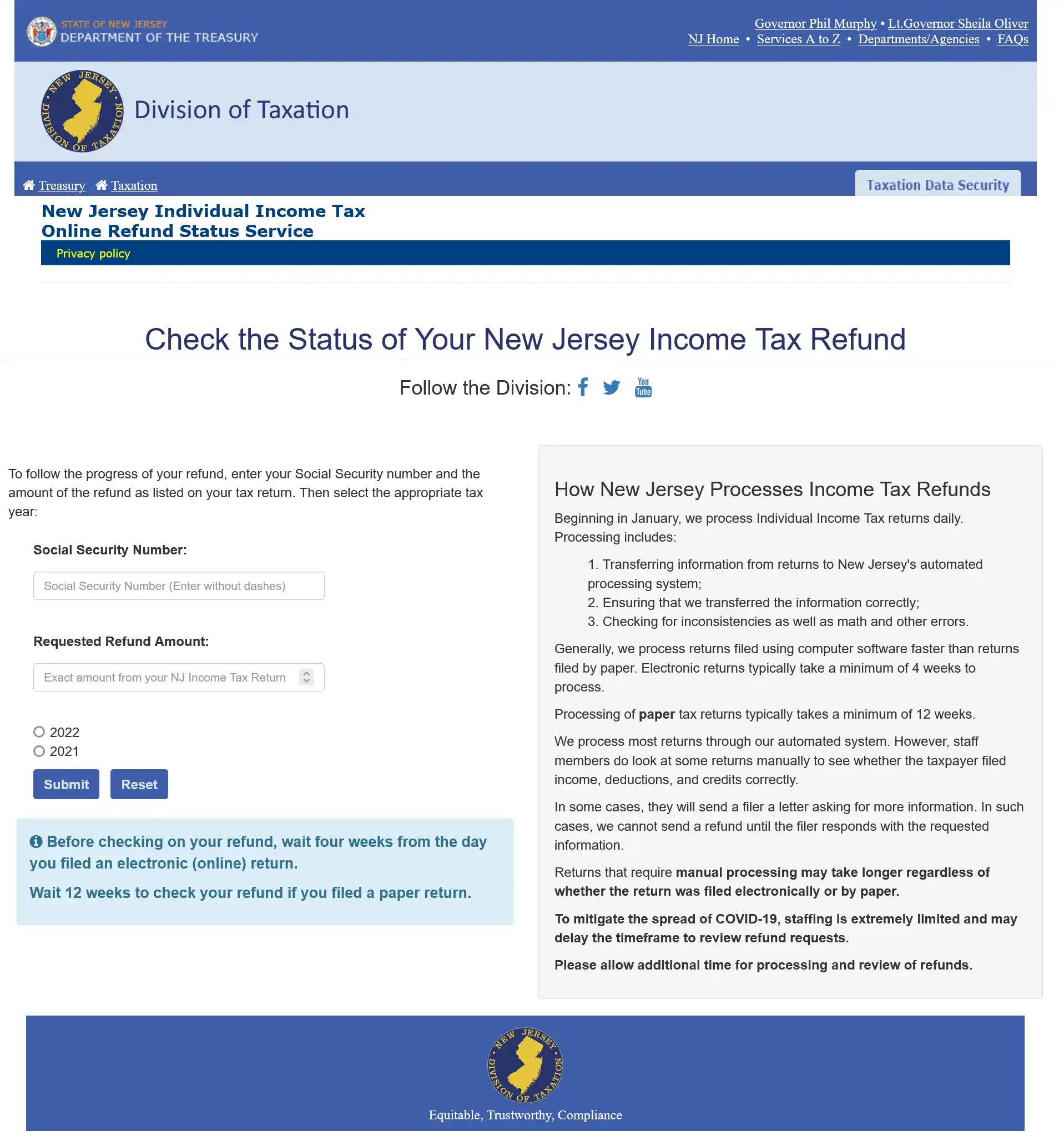
Tax administration in the Garden State relies heavily on electronic transmission via the New Jersey Division of Taxation. Both individual taxpayers and corporate entities utilize dedicated systems to file returns, remit payments, and track refund statuses.
| Filing Type | Primary Portal / System | Target Audience | Key Benefit |
|---|---|---|---|
| Individual Income Tax | New Jersey Division of Taxation Online Filing / New Jersey Webfile | Resident and Non-Resident Individuals | Free direct filing options and accelerated refund processing. |
| Corporate Business Tax (CBT) | Corporate Tax Electronic Filing Gateway | C-Corporations and S-Corporations | Automated calculation checks and direct electronic funds transfer (EFT). |
| Sales and Use Tax | Premier Business Services (PBS) Portal | Retailers and Service Providers | Streamlined monthly or quarterly filing and payment consolidation. |
| Employer Withholding (NJ-927) | Premier Business Services (PBS) Portal | Businesses with Employees | Secure wage reporting and quarterly reconciliation. |
Step-by-Step Guide to Executing a New Jersey Electronic Filing
Successfully completing a digital submission requires careful preparation, adherence to technical guidelines, and verification of receipt. Follow this systematic approach to ensure your electronic filing is accepted on the first attempt.
- Verify Portal Eligibility: Identify whether your document belongs to the Judiciary (eCourts/JEDS), Treasury (DORES/PBS), or Taxation division. Create or log into your verified user account on the appropriate platform.
- Prepare Document Files: Convert all supporting documents, exhibits, and forms into compliant PDF formats. Ensure files are not password-protected and do not exceed individual size limits imposed by the specific agency portal.
- Complete Data Fields: Accurately input all required metadata, including case numbers, taxpayer identification numbers (TIN), business entity IDs, and contact information. Double-check all numerical entries against source records.
- Submit and Pay Fees: Review the summary page for accuracy. Authorize payment for any mandatory filing fees using an approved credit card, debit card, or linked electronic payment account.
- Save Confirmation Receipts: Download and archive the official confirmation page, transaction receipt, and timestamped copy of the filed document for your permanent records.
Comparing Traditional Paper Filing Versus Electronic Filing
| Feature | Paper Filing | Electronic Filing (e-Filing) |
|---|---|---|
| Delivery Speed | Dependent on postal mail or physical courier (3 to 7 business days). | Instantaneous transmission over secure networks. |
| Processing Time | Slower manual intake, data entry, and sorting by agency staff. | Automated intake, immediate docketing, and rapid review. |
| Error Vulnerability | High risk of lost documents, illegible handwriting, and manual data entry mistakes. | Built-in validation checks flag missing fields before submission. |
| Cost Efficiency | Requires paper, ink, physical storage, postage, and handling labor. | Eliminates postage costs and reduces administrative overhead. |
| Tracking and Proof | Requires certified mail return receipts; difficult to verify court docket entry. | Automated electronic delivery receipts and real-time status tracking dashboards. |
Common Failure Points and Troubleshooting Strategies
Even experienced administrators occasionally encounter hurdles during the electronic filing process. Identifying common failure points helps maintain workflow continuity and prevents missed statutory deadlines.
- File Size Restrictions: State portals frequently limit individual PDF uploads to 25MB or 50MB. If your document exceeds this limit, use professional PDF compression tools or divide the exhibits into clearly labeled supplemental parts before uploading.
- Browser Incompatibility: State web portals are optimized for modern web browsers like Google Chrome, Microsoft Edge, and Mozilla Safari. Clearing browser cache or switching to an updated browser typically resolves unexpected page freezing or script errors.
- Payment Gateway Timeouts: Ensure your financial institution does not block state agency transactions as potential fraud. If a payment gateway drops connection mid-transaction, check your portal dashboard or bank statement before re-submitting to avoid duplicate charges.
- Rejected Submissions: If an agency clerk rejects a filing due to formatting errors or incorrect case identifiers, carefully read the rejection notice. Correct the specific deficiency highlighted in the notice and resubmit through the designated correction workflow rather than initiating a brand-new filing.
Frequently Asked Questions About New Jersey Electronic Filing
Is electronic filing mandatory for all court documents in New Jersey?
Yes, electronic filing is mandatory for all licensed attorneys across New Jersey Superior Courts, Tax Courts, and the Supreme Court. Self-represented litigants are generally exempt from mandatory e-filing rules but may choose to use approved portals like JEDS.
What are the file format requirements for submitting documents to state portals?
State agencies universally require documents to be submitted in standard PDF format. Files must be text-searchable where applicable, free of digital encryption or password protection, and kept within specified size limitations.
How do I obtain confirmation that my New Jersey tax return was received?
Upon successful transmission through the New Jersey Division of Taxation online portal or PBS system, the platform generates a formal confirmation number and digital receipt which you should save immediately for your records.
Are there additional fees associated with using New Jersey electronic filing systems?
While some basic state portal submissions do not carry extra convenience charges, credit card payments often incur a small processing percentage fee, and certain court filings require standard statutory filing fees payable at the time of submission.
What should I do if the state electronic filing portal experiences an outage?
If a portal suffers an unexpected system outage near a filing deadline, document the outage with screenshots and follow emergency agency protocols, which often permit alternative submission methods or provide deadline extensions upon proper application to the court or agency.
Streamline Your State Compliance Today
Navigating New Jersey electronic filing systems requires precision, adherence to technical specifications, and timely execution. By utilizing official state portals through eCourts, JEDS, or the Premier Business Services network, you secure rapid processing, maintain rigorous compliance, and eliminate the uncertainties of traditional paper submissions. Begin your digital filing process today to ensure your documents meet all state regulatory and judicial standards.
Image Gallery