Centerpoint Energy Outage Alerts: Complete 2026 Guide and Setup Manual
CenterPoint Energy outage alerts provide real-time notifications about power interruptions, restoration estimates, and hazardous conditions directly to your mobile phone, email, or text messaging inbox. By registering for Power Alert S...
CenterPoint Energy outage alerts provide real-time notifications about power interruptions, restoration estimates, and hazardous conditions directly to your mobile phone, email, or text messaging inbox. By registering for Power Alert Service, customers across greater Houston and surrounding Texas service territories can monitor their specific electric grid status, track crew dispatches, and receive automatic updates without needing to constantly refresh tracking maps.
Contents
Understanding CenterPoint Energy Outage Management
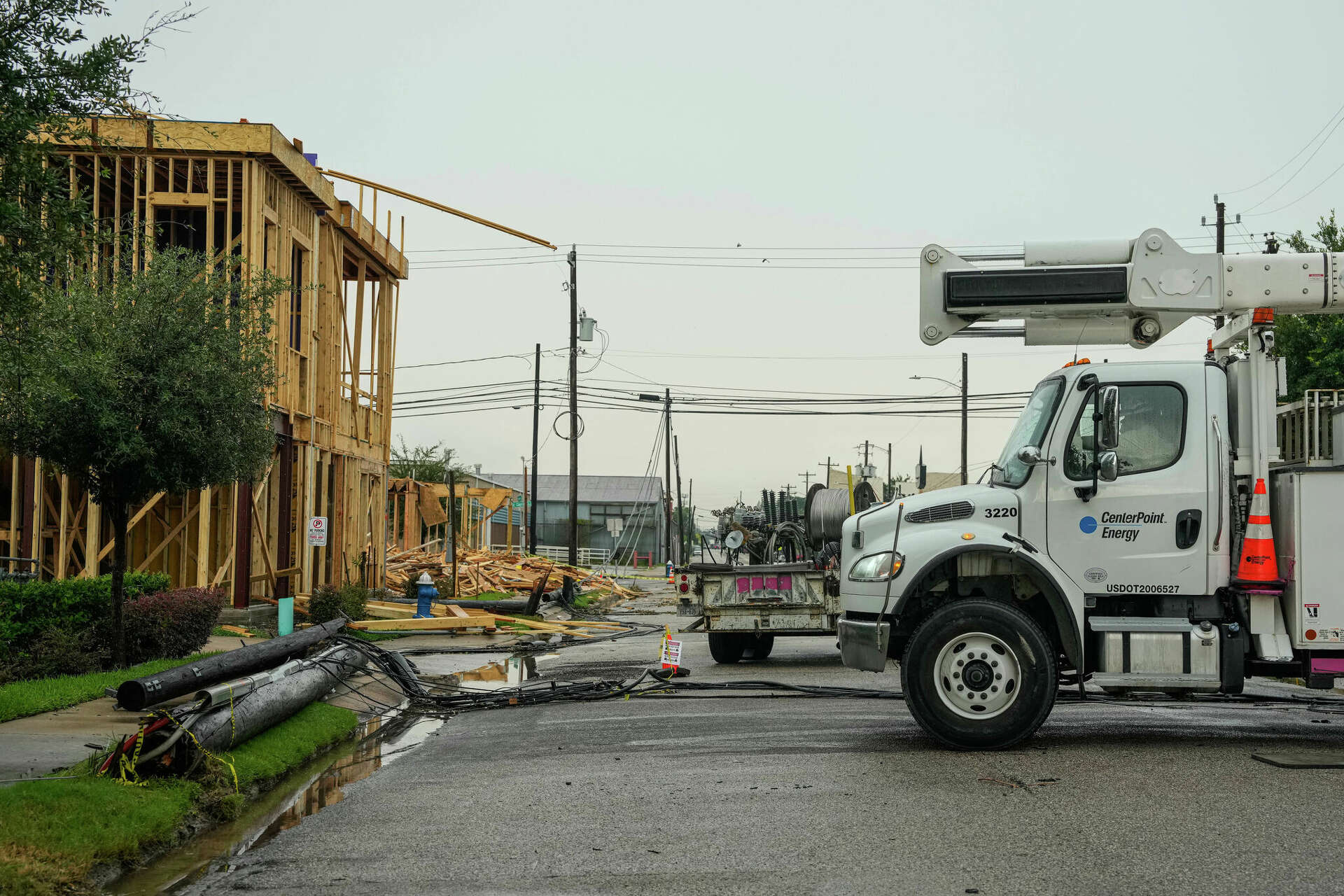
Power reliability depends on rapid communication between utility providers and end-users. CenterPoint Energy operates as the regulated electric transmission and distribution utility serving the greater Houston metropolitan area, handling millions of meters. When storms, vehicle accidents, equipment failure, or planned maintenance disrupt electrical service, the utility's Outage Management System (OMS) processes telemetry data to pinpoint faults.
Outage alerts bridge the gap between technical grid telemetry and consumer preparedness. Instead of guessing when power might return after a severe weather event, registered account holders receive automated text messages, phone calls, or emails triggered by live status updates from field crews and automated grid sensors.
Core Components of the Outage Notification System
- Automatic Meter Infrastructure (AMI) Ping Integration: Smart meters automatically notify the system when power is lost at a specific service address, logging the outage without manual reporting.
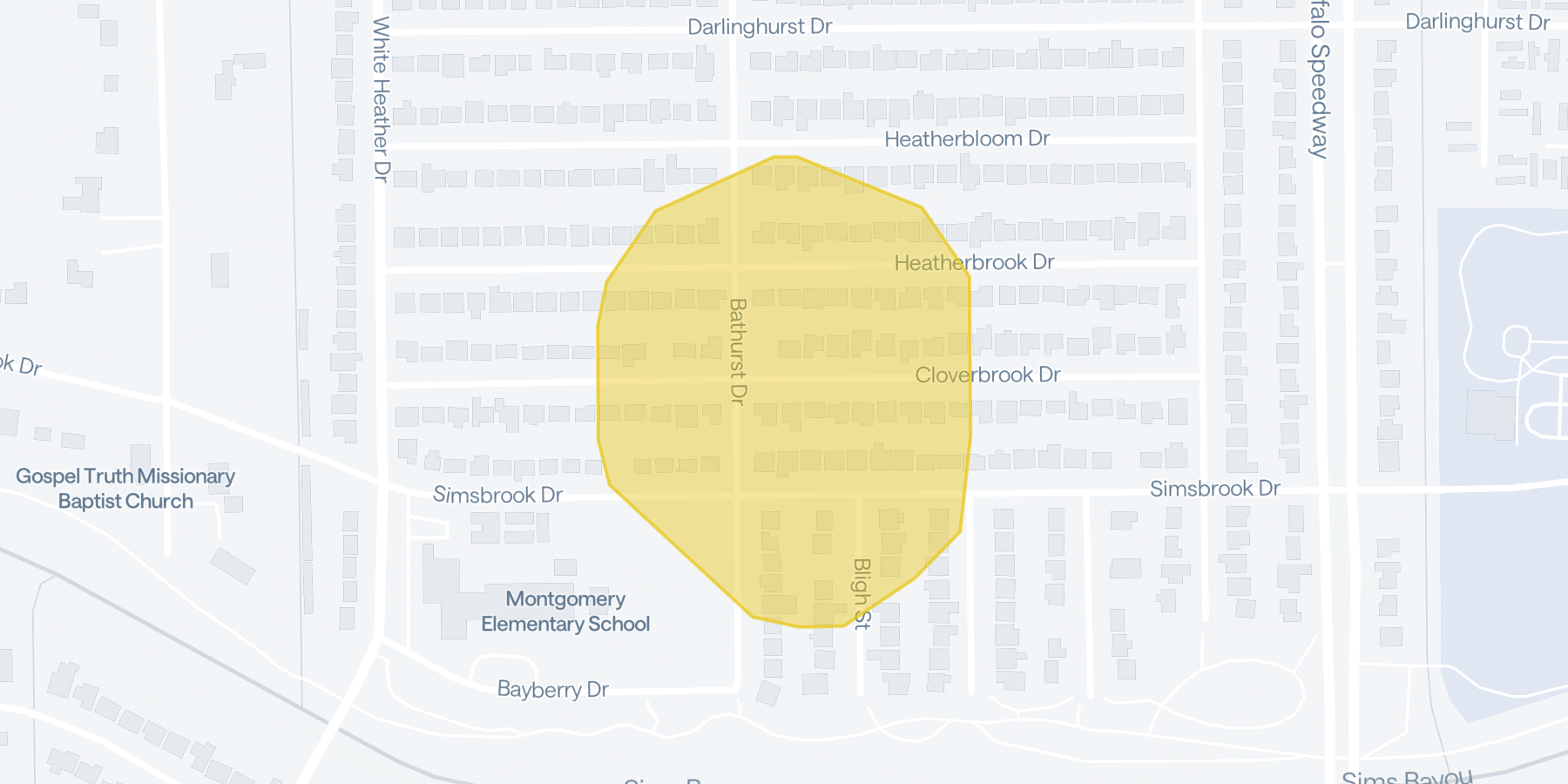
- Geospatial Tracking: Notifications are mapped to specific circuits and substations, ensuring alerts reflect hyper-local grid conditions rather than broad regional guesses.
- Two-Way Communication Channels: Subscribers can typically reply to status text messages with specific keywords to check real-time progress or report additional property-level concerns.
Prerequisites for Enrolling in Outage Alerts
Before setting up your notification preferences, you must ensure your account information is correctly configured within the CenterPoint Energy customer portal. Setting up alerts requires specific account parameters to route notifications accurately to the correct property.
Required Information and Account Details
- Active CenterPoint Energy Electric Account Number: Found at the top of your monthly utility statement or retail electric provider (REP) bill.
- Primary Service Address: The exact physical location where the electric meter is installed.
- Validated Contact Information: A functioning mobile phone number capable of receiving SMS messages and a monitored email address.
- Online User Profile: An active login credential on the official CenterPoint Energy customer web portal.
Step-by-Step Guide to Setting Up CenterPoint Energy Outage Alerts
Configuring your alert preferences takes only a few minutes through the digital customer portal. Follow these steps to ensure you receive timely notifications during a service interruption.
- Step 1: Access the Customer Portal Navigate to the official CenterPoint Energy website and log into your residential or business account. If you do not have an online profile, click the registration link and provide your account number and meter details to establish credentials.
- Step 2: Navigate to Communication Preferences Once logged into your dashboard, locate the profile settings, notification center, or Power Alert Service management tab. This section governs how and when the utility contacts you regarding account updates and emergency events.
- Step 3: Select Notification Channels Choose your preferred methods of contact. You can typically select multiple channels simultaneously, such as receiving an SMS text message for urgent updates alongside an email for detailed restoration summaries.
- Step 4: Choose Alert Triggers Customize which events prompt a notification. Standard options include initial outage confirmation, estimated time of restoration (ETR) updates, crew dispatch notifications, and final power restoration verification.
- Step 5: Verify and Save Settings Confirm your mobile phone number and email address via any prompted verification codes. Save your preferences to immediately activate enrollment in the Power Alert Service.
Comparison of Outage Reporting and Tracking Methods
While automated alerts keep you informed once an outage is logged, multiple pathways exist to interact with CenterPoint Energy during an emergency. Understanding the differences helps you choose the most efficient method for your situation.
| Reporting/Tracking Method | Primary Function | Speed & Efficiency | Best Used For |
|---|---|---|---|
| Power Alert Service (PAS) | Automated push notifications sent directly to your phone or email. | Instantaneous once an outage is processed by the OMS. | Passive, real-time tracking without manual checking. |
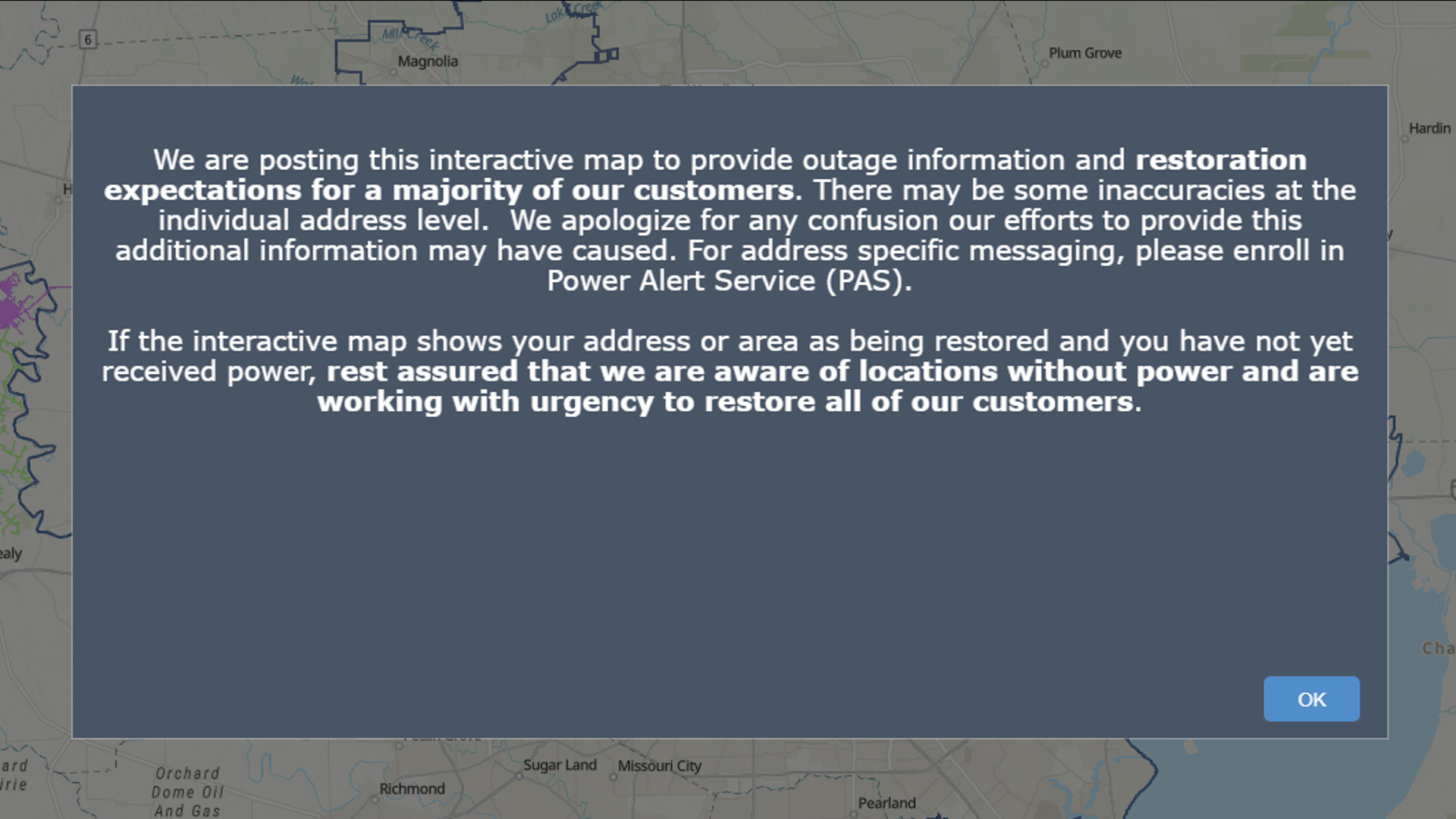
| Online Outage Tracker | Interactive web map displaying active outages, affected customers, and status. | High visibility; requires manual browser refresh or lookup. | Assessing broader neighborhood impact and crew deployment. |
| SMS Outage Reporting | Texting specific shortcode keywords (e.g., OUT) to log an interruption. | Fast mobile interface for initiating a ticket. | Reporting a sudden loss of power from a mobile device. |
| Customer Service Phone Line | Speaking with an automated IVR system or live agent. | Variable wait times during major weather events. | Complex billing questions or reporting downed lines. |
Managing Outages and Troubleshooting Alert Failures
Even with proper configuration, users occasionally experience issues where alerts fail to arrive or tracking data appears out of date. Knowing how to diagnose these common roadblocks ensures you stay informed when the grid fails.
Common Notification Issues and Solutions
- Delayed SMS Delivery: During catastrophic weather events like severe convective storms or tropical systems, carrier networks can become congested. If text messages are delayed, check the live online Outage Tracker directly via a cellular data connection.
- Incorrect Contact Details: If you changed your mobile phone number or email address recently and forgot to update your utility profile, alerts will route to old destinations. Always update your account credentials immediately following a contact change.
- Spam Filters Blocking Emails: Ensure that official domain notifications from CenterPoint Energy are added to your email provider's safe sender list to prevent critical restoration emails from landing in junk folders.
- Multiple Meters on One Account: If you manage multiple properties or commercial sub-meters, verify that alerts are explicitly toggled on for the specific service address experiencing the issue.
Safety Protocols During a Power Outage
Receiving outage alerts is only one part of managing an electrical interruption safely. When power fails, strict safety guidelines must be followed to prevent injury, property damage, or electrocution.
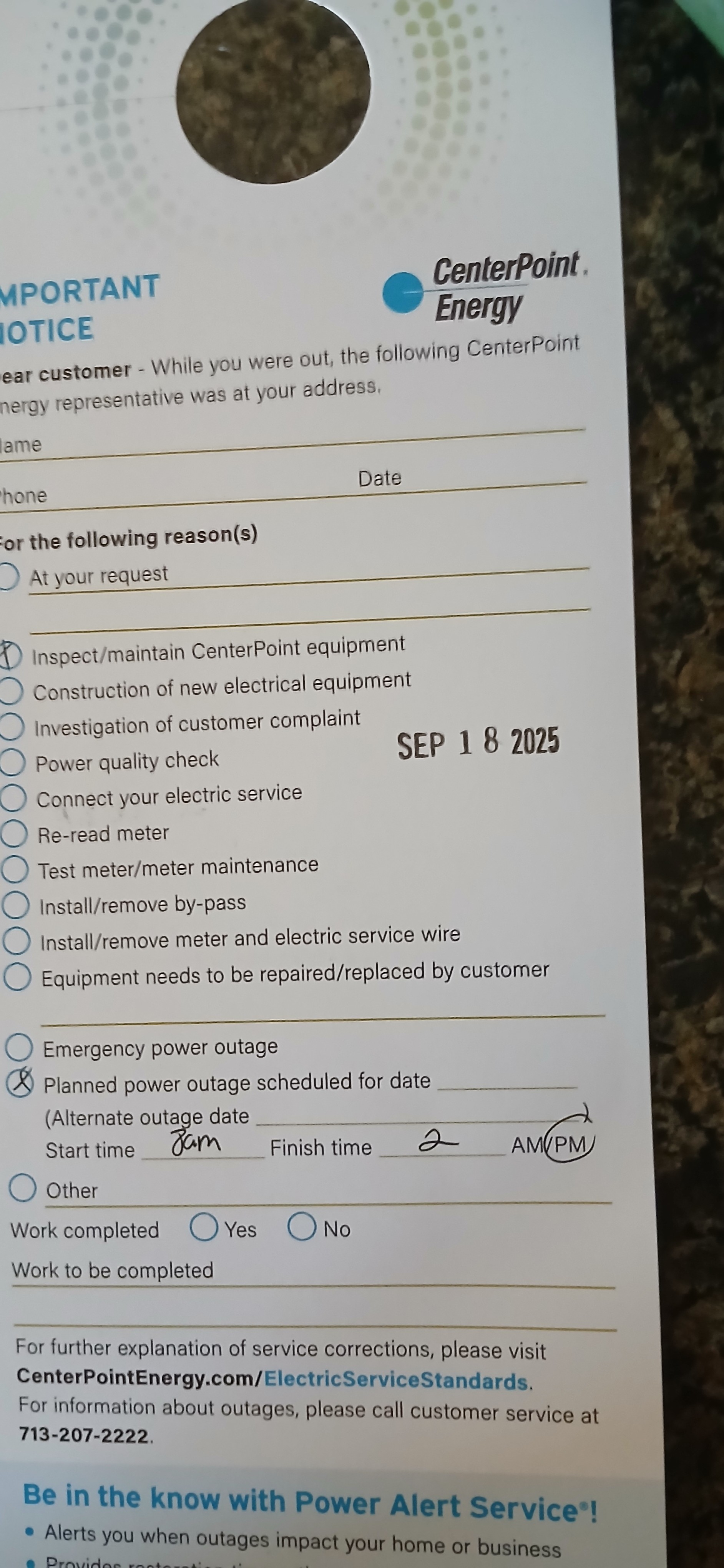
Electrical Safety Notice Downed Power Lines: Always assume any downed wire is energized and extremely dangerous. Never approach, touch, or attempt to move fallen power lines or tree branches touching them. Immediately report downed lines to CenterPoint Energy or local emergency services.
Alternative Generation Safety: If utilizing a portable gasoline or diesel generator during an extended outage, operate the unit strictly outdoors in a well-ventilated area at least 20 feet away from windows, doors, and intake vents to prevent deadly carbon monoxide poisoning. Never plug a portable generator directly into a home wall outlet (backfeeding), as this creates a severe electrocution hazard for utility line workers.
Frequently Asked Questions
How do I sign up for CenterPoint Energy outage alerts?
You can enroll by logging into your online account on the official CenterPoint Energy website, navigating to the Power Alert Service or notification preferences section, and selecting your preferred mobile numbers and email addresses for automated updates.
Are CenterPoint Energy outage alerts free?
Yes, the Power Alert Service is a complimentary feature provided to customers within CenterPoint Energy's electric service territory. However, standard messaging and data rates from your mobile carrier may apply to text notifications.
Why am I not receiving text messages even though I signed up?
This is often caused by carrier filtering, an outdated mobile number in your profile, or heavy network congestion during major weather events. Verify your contact details in your online account portal and ensure shortcode messages are not blocked by your mobile provider.
How accurate are the Estimated Times of Restoration (ETRs)?
ETRs provided in alerts are calculated using predictive modeling, historical data, and initial assessments by field crews. While they provide a reliable baseline, ETRs may update dynamically as crews clear hazards and inspect damaged substation equipment.
Can I track multiple properties with outage alerts?
Yes, customers who manage multiple residential or commercial accounts under the same utility profile can configure individual notification settings and track service status for each distinct meter location.
For direct account management, profile updates, and immediate map tracking, visit the official CenterPoint Energy Outage Center.
Image Gallery