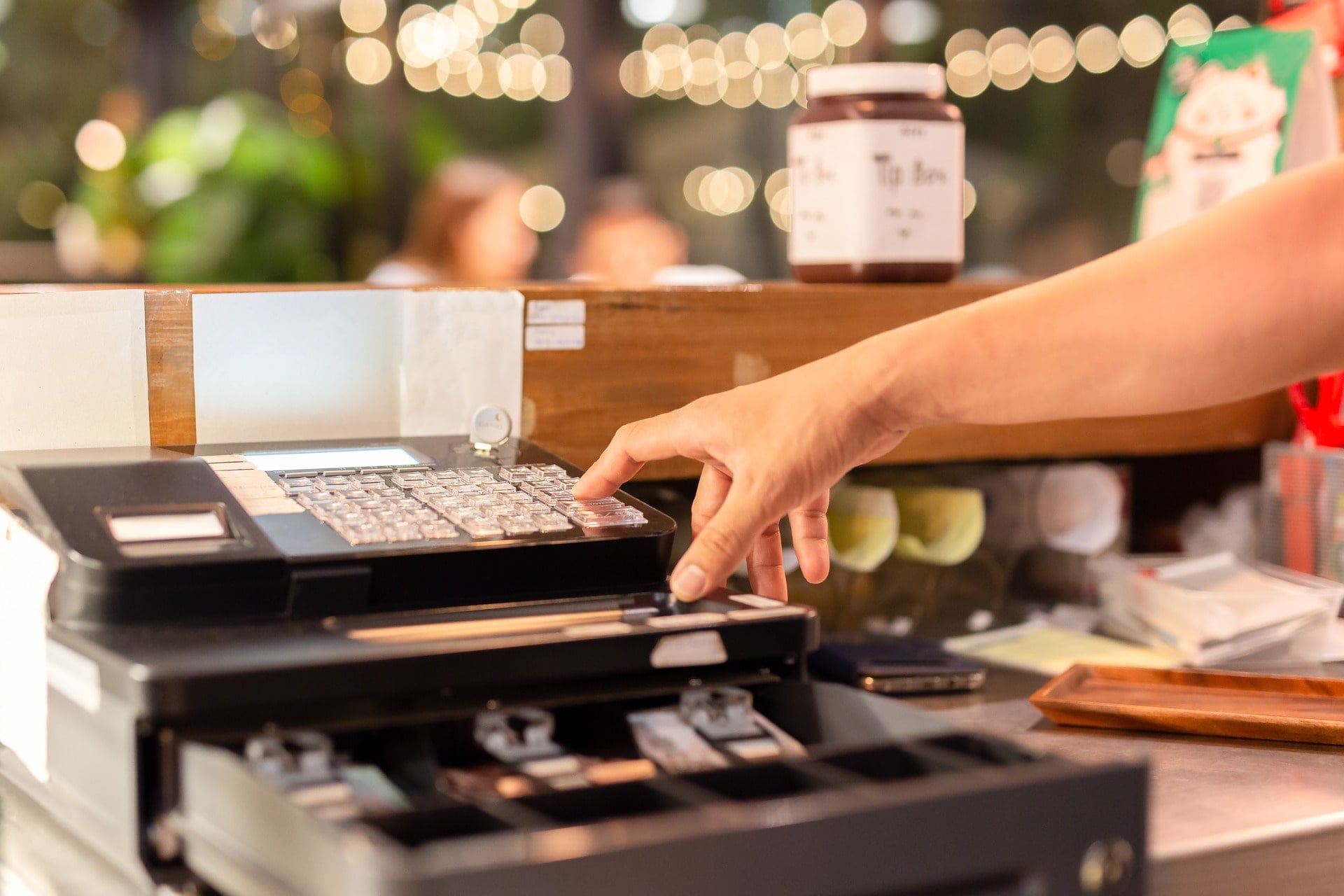
How to Choose a Cash Register for Your Small Business
Choosing the right cash register for a small business requires balancing your daily transaction volume, budget, payment processing needs, and required inventory features. Modern operators must decide between standalone traditional elec...
Choosing the right cash register for a small business requires balancing your daily transaction volume, budget, payment processing needs, and required inventory features. Modern operators must decide between standalone traditional electronic cash registers and cloud-based point-of-sale (POS) systems, evaluating total hardware, software, and payment fees to select a reliable tool that scales with their operations.
Contents
Traditional Cash Registers vs. Cloud POS Systems
Before shopping for cash register hardware, small business owners must understand the fundamental divide in checkout technology: traditional electronic cash registers (ECRs) versus modern, cloud-connected Point of Sale (POS) register systems.
| Traditional Cash Registers (ECR) | Cloud POS Register Systems |
|---|---|
| - Low upfront cost ($100-$300)- Offline, mechanical/basic digital- Basic tax & department totals- No built-in card processing | - Hardware: $300-$1,500+- Monthly software: $0-$150+- Real-time inventory & analytics- Integrated credit card payments |
Traditional Electronic Cash Registers (ECR)
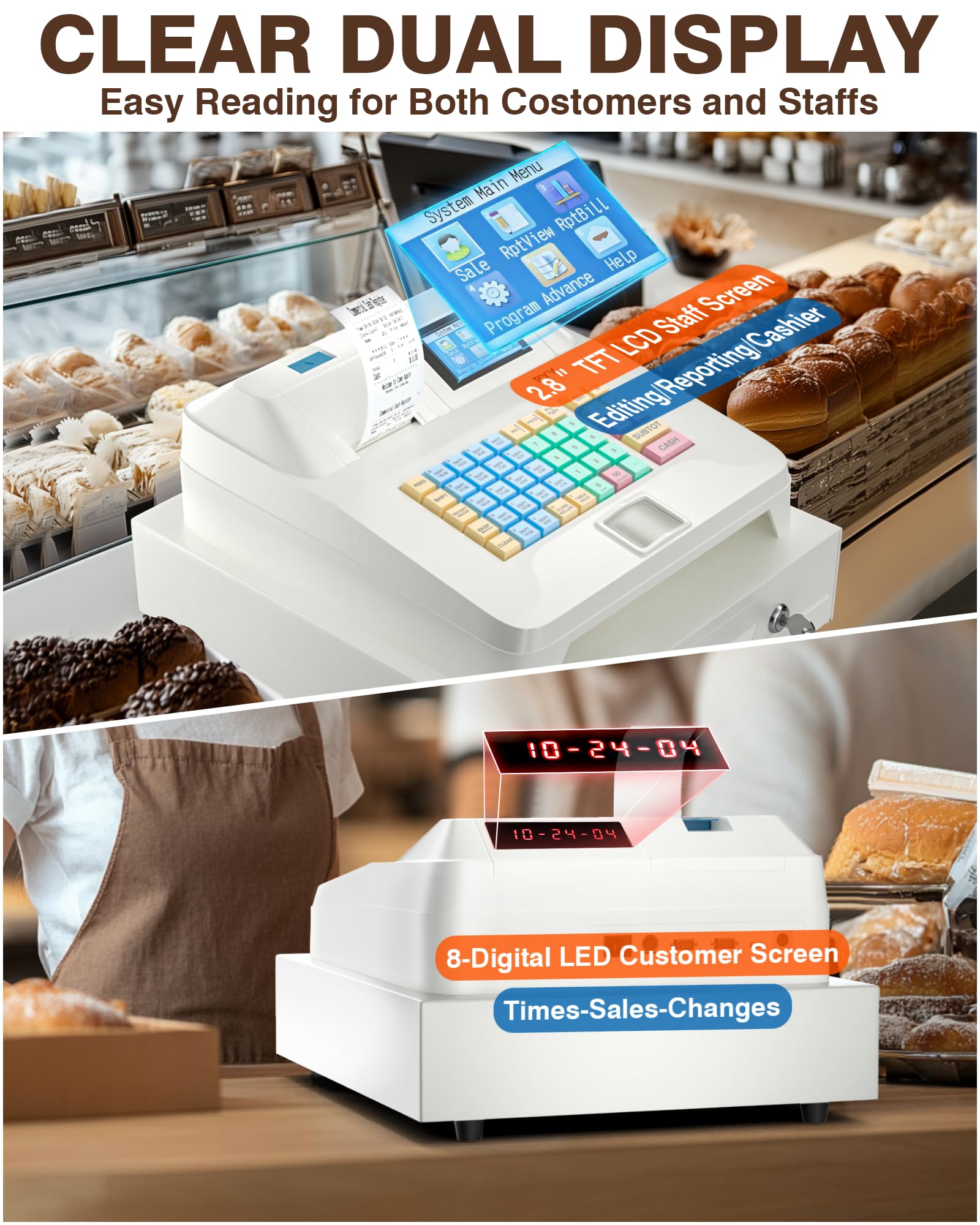
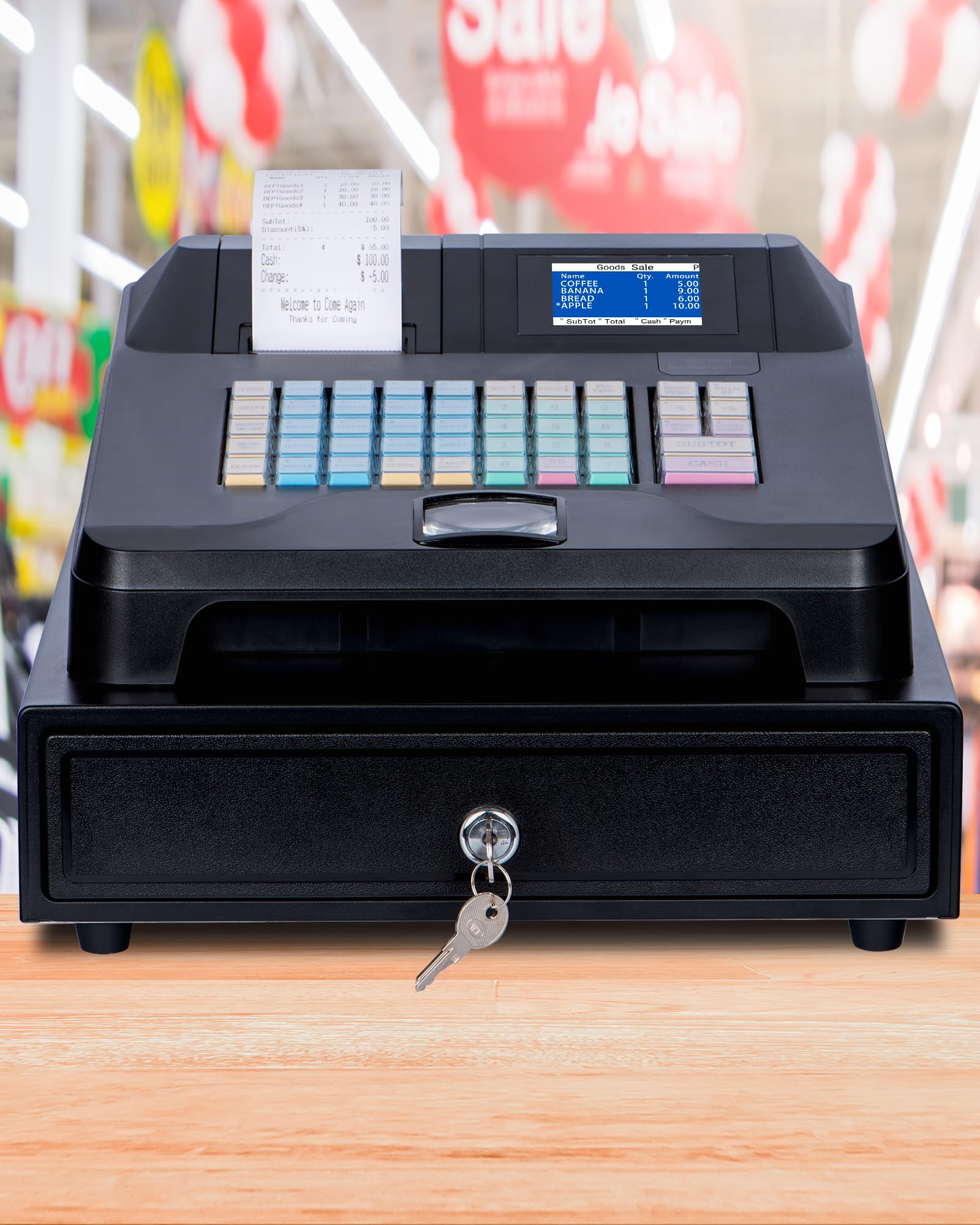
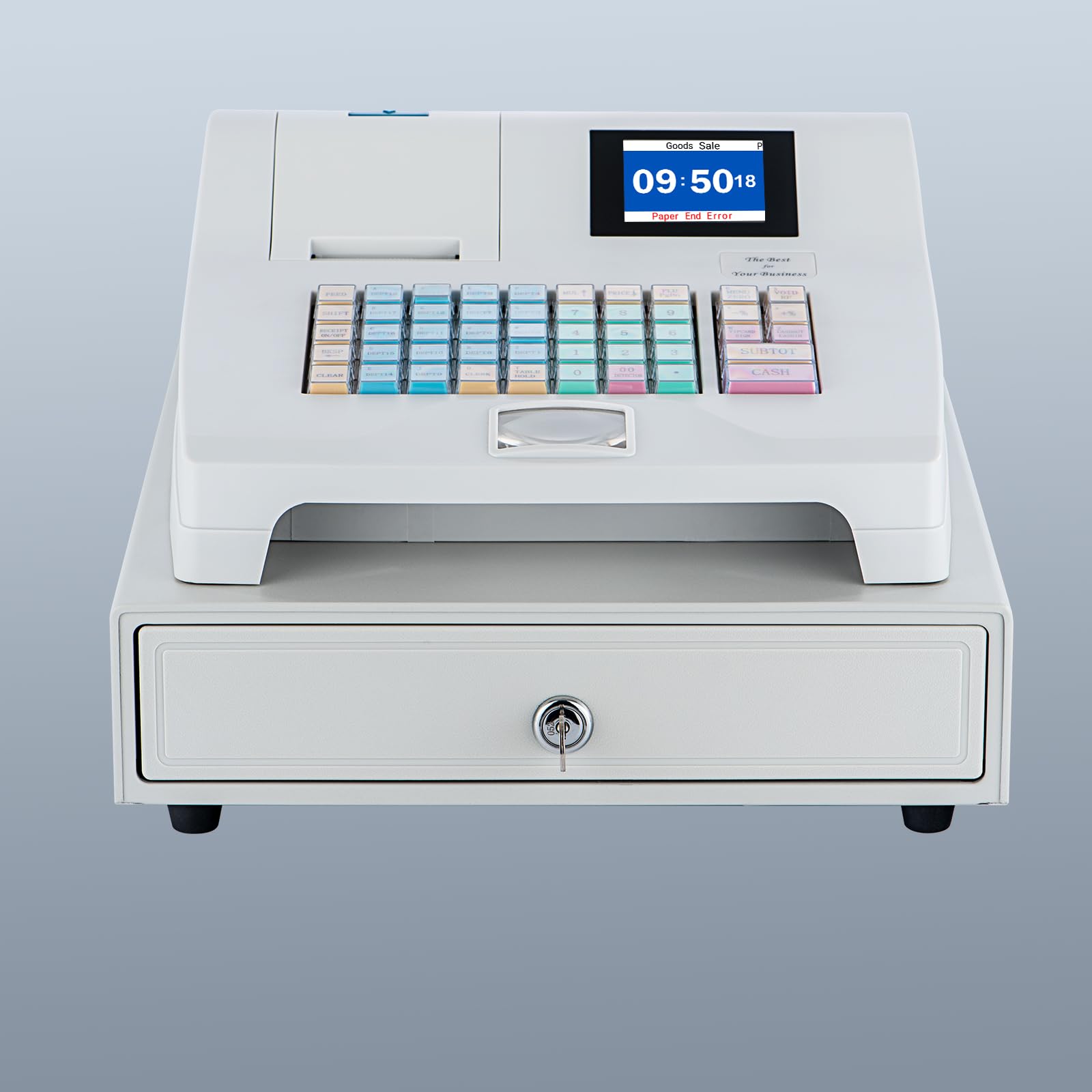
Traditional cash registers are self-contained mechanical or digital units designed primarily to calculate order totals, compute sales tax, ring up predefined department codes, and hold cash securely in a lockable drawer. Brands like Sharp, Casio, and Royal built the standard for these machines.
- Pros: Low initial acquisition cost, zero monthly software subscription fees, high reliability, and zero dependence on an internet connection.
- Cons: Limited reporting capabilities, no automatic inventory updating, manual entry required for credit card processing (which increases human error), and lack of customer management features.
Cloud-Based POS Systems (Smart Registers)
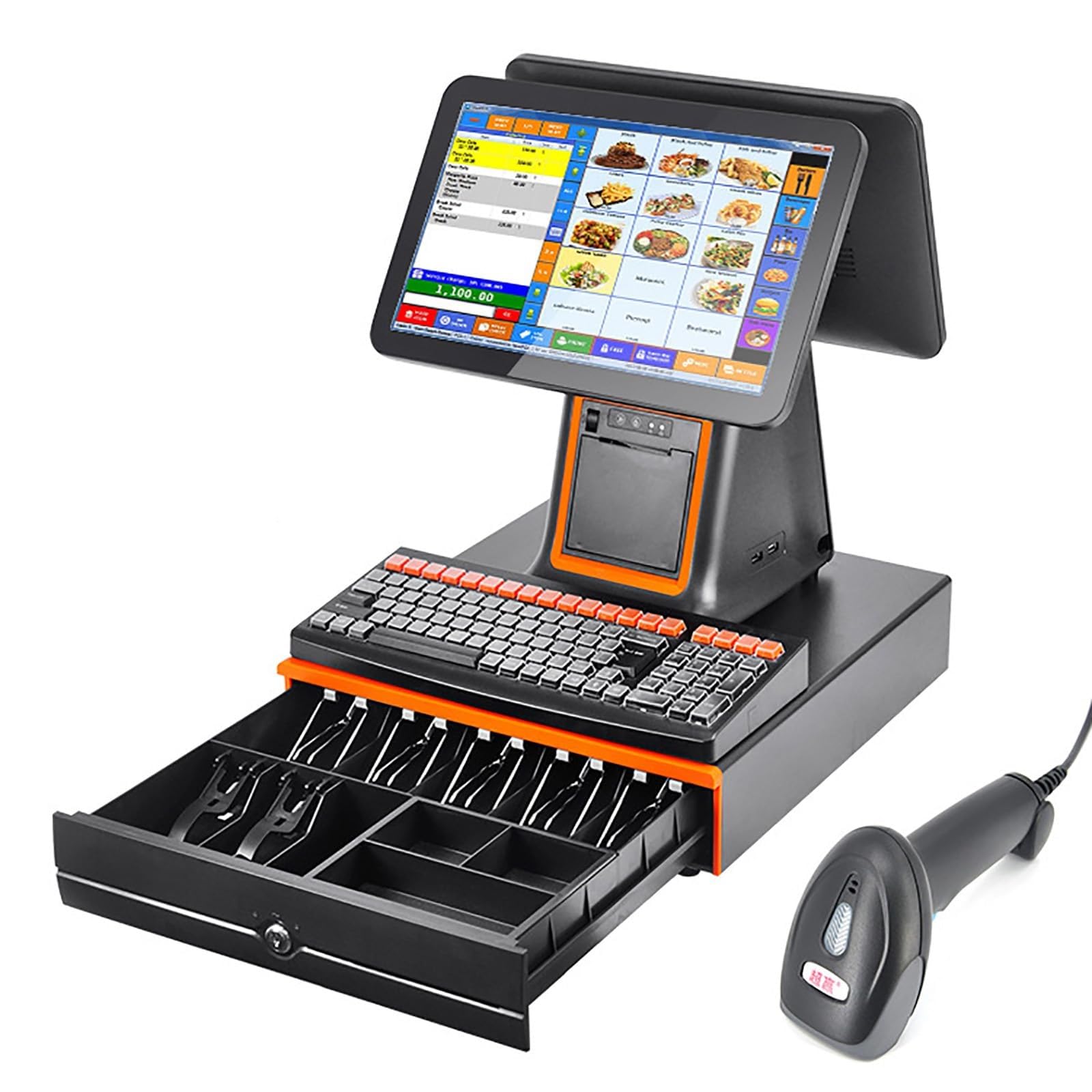
A modern cloud POS register combines physical hardware—such as a touch-screen display, tablet stand, cash drawer, receipt printer, and card reader—with software hosted in the cloud. Providers such as Square, Clover, Lightspeed, and Toast dominate this segment.
- Pros: Automatic, real-time inventory tracking, integrated payment processing, detailed sales analytics, remote monitoring, staff permission controls, and multi-location scaling.
- Cons: Ongoing monthly software subscription costs, reliance on stable internet (though many offer offline modes), and higher initial hardware investments.
For businesses with minimal inventory and cash-only or low-volume card transactions, a basic traditional cash register may suffice. However, for growing retail stores, restaurants, or service providers that require itemized sales data and automated credit card acceptance, a modern smart POS register system is generally the standard choice.
Key Factors to Consider When Selecting a Cash Register
Evaluating a checkout system requires matching hardware capabilities and software functionality against your specific daily workflow.
1. Payment Processing Compatibility
Payment processing is often where cash register costs accumulate. Traditional registers require a standalone payment terminal provided by your merchant bank, requiring cashiers to manually type transaction totals into the card reader. This introduces typing errors and slows down line speeds.
Smart POS registers integrate card readers directly with the software. When selecting an integrated register system, pay close attention to payment processor locks:
- Closed Ecosystems: Systems like Square or Clover require you to use their built-in merchant processing services. Rates are typically flat-rate (e.g., 2.6% + 10¢ per dip/tap), which simplifies accounting but can be more expensive for high-volume merchants.
- Open Ecosystems: Hardware systems that allow you to choose or switch your merchant account provider let you negotiate Interchange-Plus pricing, which is often lower for high transaction volumes.
Ensure the card reader fully supports EMV contact chips, contactless payments (Apple Pay, Google Pay, and NFC credit cards), and encrypted magnetic stripe fallback.
2. Hardware Durability and Peripheral Support
A standard cash register setup includes several core peripheral components. Evaluate whether components are integrated into an all-in-one terminal or sold as modular modular attachments:
- Cash Drawer: Look for heavy-duty steel construction with dual media slots (for inserting checks and large bills without opening the drawer) and standard RJ12 connection interfaces.
- Receipt Printer: Thermal receipt printers are faster and quieter than impact printers. However, impact (dot-matrix) printers are still preferred for hot kitchen areas in restaurants because thermal paper degrades under high heat.
- Barcode Scanners: Retail operations require 1D or 2D laser/CCD barcode scanners. Wireless Bluetooth scanners allow staff to scan bulky items away from the counter.
- Customer-Facing Display (CFD): A secondary screen showing line items and totals to the customer increases transaction transparency and satisfies consumer protection requirements in several jurisdictions.
3. Inventory and Sales Management Needs
If your business manages dozens or thousands of Stock Keeping Units (SKUs), your cash register must do more than count money. Advanced inventory features to evaluate include:
- Automatic stock deduction upon sale completion.
- Low-stock alerts and automated purchase order generation.
- Matrix inventory management for tracking products with multiple attributes (size, color, material).
- Batch importing of product catalogs via CSV files.
Total Cost of Ownership Breakdown
A common pitfall for small business owners is evaluating cash registers solely on the upfront hardware price tag. Calculating the Total Cost of Ownership (TCO) over a three-to-five-year period gives a true picture of operational expenses.
| Expense Category | Traditional Cash Register | Basic Mobile/Tablet POS | Enterprise All-in-One POS |
|---|---|---|---|
| Initial Hardware | $100 – $350 | $200 – $600 (Tablet + Stand + Reader) | $800 – $2,500 (Terminal + Peripherals) |
| Monthly Software Fee | $0 | $0 – $60 / month per register | $70 – $200+ / month per register |
| Payment Processing | Separate contract; manual terminal entry | Integrated; flat-rate or tiered | Integrated; Interchange-Plus or custom |
| Maintenance & Upgrades | Minimal; full replacement if broken | Software updates included; hardware replaceable | Software updates included; hardware warranty packages |
| Estimated 3-Year Cost | $100 – $350 + processing | $700 – $2,760 + processing | $3,320 – $9,700 + processing |
Note: Processing fees vary by transaction volume, averaging 1.5% to 3.5% per credit or debit transaction.
Essential Features by Business Type
Different business models demand distinct register features to operate efficiently.
Retail Stores
- Barcode Scanning & Label Printing: Immediate lookup of item pricing and quick product labeling.
- Returns and Exchange Processing: Ability to issue store credit, process refunds to original payment methods, and restock returned items automatically.
- Customer Relationship Management (CRM): Capturing customer emails, tracking purchase histories, and implementing loyalty point rewards.
Quick-Service and Full-Service Restaurants
- Kitchen Display System (KDS) or Kitchen Printer Routing: Sending orders directly to the line divided by station (e.g., bar vs. grill).
- Table and Floor Plan Management: Mapping dining rooms, tracking open tabs, splitting checks evenly or by seat, and monitoring table turnover rates.
- Menu Modifiers: Handling add-ons, side substitutions, and allergy warnings seamlessly during order entry.
Service Providers (Salons, Repair Shops, Professional Services)
- Appointment Booking Integration: Syncing register software with client calendars and service professional schedules.
- Tipping Prompts: Configurable customer-facing tip screens for service staff.
- Deposits and Partial Payments: Collecting advance payments for reserved slots or long-term projects.
Security and Compliance Requirements
When handling customer transactions, financial safety and regulatory compliance cannot be overlooked.
PCI-DSS Compliance
Any business accepting credit cards must comply with the Payment Card Industry Data Security Standard (PCI-DSS). Modern integrated smart registers simplify compliance by using end-to-end encryption (E2EE) and point-to-point encryption (P2PE) at the card reader terminal. This prevents unencrypted credit card data from ever touching your store network or local cash register software.
Cash Handling Controls
To minimize internal theft and cash drawer shortages:
- Select registers that restrict drawer access to explicit transaction events (e.g., opening only when a cash sale completes or when a manager key/passcode is used).
- Ensure the system logs unique employee PINs for every transaction to establish clear audit trails.
- Verify the system supports standard blind balancing routines at shift change, requiring cashiers to count the drawer without seeing the expected target total beforehand.
Step-by-Step Selection Guide
Follow this systematic framework to choose the ideal setup for your business:
- Step 1: Audit Business Volume & Catalog Size
- Step 2: Determine Fixed vs. Mobile Checkout Needs
- Step 3: Evaluate Payment Processing Pricing Models
- Step 4: Select Compatible Hardware Peripherals
- Step 5: Test Software Usability & Support Level
Step 1: Audit Your Catalog and Volume
List your total SKU count and calculate average daily transactions. If you have fewer than 20 fixed items and process under 15 transactions per day (e.g., a small kiosk or shoe repair booth), a simple traditional cash register or free basic mobile reader app may meet your needs. If you manage variable stock, you need a smart POS system.
Step 2: Determine Fixed vs. Mobile Register Hardware
Decide whether cashiers will remain behind a fixed counter or if staff need to walk the sales floor, take table-side orders, or process sales at trade shows. Mobile setups use iPad, Android, or handheld payment terminals with built-in printers, while high-volume fixed locations benefit from counter-mounted touch terminals.
Step 3: Evaluate Payment Processing Costs
Calculate your average ticket size:
- Small average ticket (<$10): Flat per-transaction fees (e.g., 10¢–15¢ per tap) can eat into profit margins; look for processors with lower fixed per-transaction cents and slightly higher percentage rates.
- Large average ticket (>$100): Flat rates (like 2.6%) become expensive fast; look for register systems that allow Interchange-Plus processing to keep overall fee percentages closer to 1.5%–1.8%.
Step 4: Verify Hardware Peripheral Compatibility
Avoid buying peripherals (scanners, printers, cash drawers) in isolation. Confirm interface compatibility:
- Receipt Printers: Ethernet (LAN) connections are generally more stable than Bluetooth for fixed counters.
- Cash Drawers: Ensure the drawer voltage (usually 12V or 24V) matches the receipt printer drive circuit, as standard drawers connect directly to the printer via an RJ12 cable rather than to the main computer unit.
Step 5: Test Software Usability and Customer Support
Before committing to hardware contracts or software subscriptions, request a demo or trial. Ensure the checkout interface requires minimal taps to complete a sale, reducing training time for new hires. Verify that the hardware vendor offers 24/7 customer support—especially critical for businesses operating late hours or weekends.
Common Mistakes to Avoid
- Buying Closed Proprietary Hardware Without Reading Contracts: Avoid entering long-term hardware or software leases with high cancellation fees. Purchasing non-proprietary or widely supported hardware gives you flexibility if you switch software providers later.
- Neglecting Offline Mode Functionality: Internet outages happen. Ensure your selected smart register can process cash sales and securely queue offline credit card transactions until internet access is restored.
- Ignoring Local Sales Tax Regulations: Confirm your register allows custom tax rate programming, multiple simultaneous tax rates (e.g., state, city, and special district taxes), and tax-exempt sales tags to comply with tax authority guidelines.
Frequently Asked Questions
Can I use an iPad or tablet as a business cash register?
Yes. iPad and Android tablet-based registers are widely used across retail and food sectors. By pairing a tablet with a tablet enclosure stand, an encrypted card reader, a bluetooth or LAN thermal printer, and an RJ12-connected cash drawer, you get a full-featured POS register at a lower initial cost than traditional legacy computer terminals.
Is a traditional cash register still adequate for a small business?
A traditional cash register remains adequate if you operate a low-complexity business (such as a cash-only stand, parking lot, or basic service desk), do not need itemized stock tracking, and prefer to avoid ongoing monthly software subscription fees. However, it lacks automation and built-in sales analytics.
What is the difference between flat-rate and interchange-plus payment processing on a cash register?
Flat-rate processing charges a fixed percentage (and sometimes a small fixed fee) for every transaction, regardless of the card type used. Interchange-plus processing passes the true bank wholesale cost (interchange rate) directly to you, adding a transparent fixed markup. Interchange-plus is usually more cost-effective for businesses processing over $10,000–$15,000 per month.
Do I need internet access to run a modern cloud POS cash register?
While cloud POS cash registers rely on internet connectivity to sync inventory and sales data across devices and back up data offsite, most quality platforms include an offline mode. This allows cashiers to continue ringing up sales, printing receipts, and opening cash drawers during temporary internet outages.
Recommended Action Plan
To choose the best cash register for your business:
- Define your technical baseline: Calculate your active product catalog size and determine whether real-time inventory tracking is essential.
- Calculate processing volumes: Estimate your monthly card sales volume to choose between flat-rate or interchange-plus processing options.
- Request live software demos: Test at least two cloud POS platforms (or inspect basic electronic registers if opting for traditional setups) to evaluate checkout speed and interface clarity.
- Buy non-proprietary, modular hardware: Choose peripheral hardware (scanners, thermal printers, heavy-duty cash drawers) with industry-standard connections to prevent total vendor lock-in.
Image Gallery