Discovering the Most Engaging Fun iPhone Game Options in 2026
Finding a genuinely fun iPhone game requires balancing smooth touch controls, engaging mechanics, and optimization for modern iOS hardware. Whether you want a quick five-minute puzzle or an immersive narrative adventure, the App Store...
Finding a genuinely fun iPhone game requires balancing smooth touch controls, engaging mechanics, and optimization for modern iOS hardware. Whether you want a quick five-minute puzzle or an immersive narrative adventure, the App Store offers polished titles designed to maximize the performance of Apple's latest chip architectures.
Contents
Understanding What Makes an iPhone Game Truly Engaging
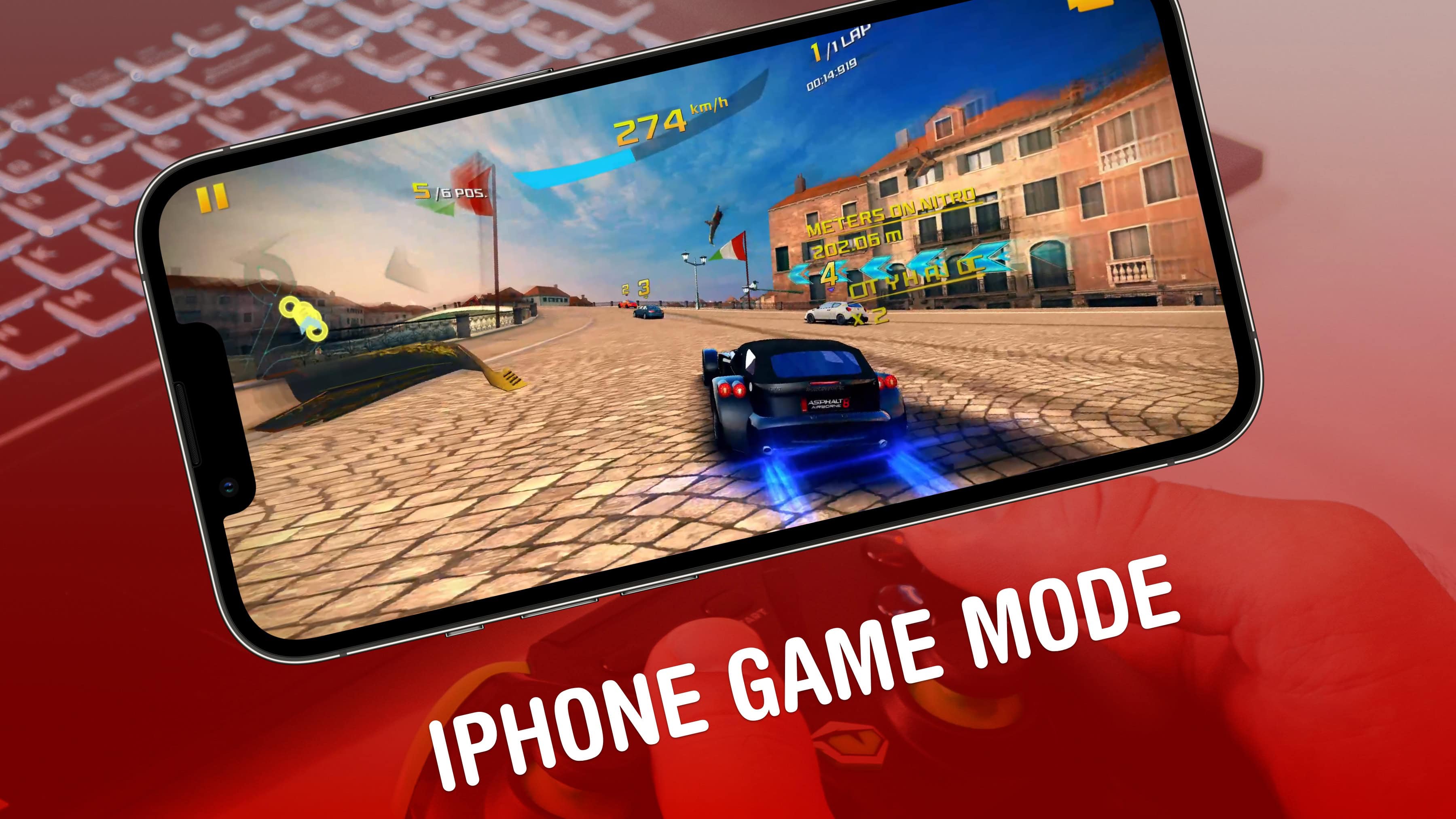
The modern mobile gaming ecosystem has evolved far beyond simple touch-and-tap mechanics. When evaluating what constitutes a genuinely fun iPhone game, developers and players look toward specific experiential markers. High responsiveness, low latency on promotion displays, and intuitive gesture controls separate memorable releases from forgettable downloads.
Furthermore, game design on iOS must respect battery efficiency and thermal management. A top-tier mobile title utilizes Metal API optimization to deliver console-grade graphics without causing excessive device throttling or rapid battery drain. The ideal experience balances these technical pillars with compelling core loops that reward both short bursts of play and extended gaming sessions.
Core Categories of Mobile Entertainment on iOS
App Store releases generally fall into distinct genres, each catering to different psychological rewards and play styles. Understanding these genres helps players identify titles matching their personal preferences.
- Action and Platformers: Fast-paced experiences requiring precise timing, quick reflexes, and spatial awareness. Titles in this category often feature controller support via Bluetooth for a traditional console feel.
- Puzzles and Logic: Brain-teaser formats that prioritize problem-solving, pattern recognition, and relaxation without punishing time limits.
- Role-Playing and Strategy (RPG): Deep narrative campaigns, character progression systems, and tactical management mechanics built for long-term engagement.
- Casual and Arcade: Pick-up-and-play formats featuring simple rulesets, infinite-run loops, or casual progression paths suited for commuting or short breaks.
Comparing Top-Rated iOS Gaming Experiences
Selecting the right title depends on your preferred genre, hardware capabilities, and whether you prefer single-player immersion or multiplayer competition. The following comparison outlines prominent choices available on the App Store.
| Game Title | Primary Genre | Controller Support | Monetization Model | Best Suited For |
|---|---|---|---|---|
| Genshin Impact | Open-World Action RPG | Full (PS/Xbox) | Free-to-Play (Gacha) | High-end device owners seeking deep exploration |
| Balatro | Roguelike Deckbuilder | Partial / Touch | Premium (One-time purchase) | Strategic thinkers and card game enthusiasts |
| Monument Valley Series | Puzzle / Exploration | Touch Only | Premium (One-time purchase) | Art-focused players looking for a relaxing narrative |
| Call of Duty: Mobile | Competitive FPS | Full (PS/Xbox) | Free-to-Play (In-App Purchases) | Fast-paced multiplayer action fans |
| Stardew Valley | Simulation / Farming | Full / Touch | Premium (One-time purchase) | Long-term relaxation and resource management |
Technical Requirements and Hardware Optimization
Running modern iOS titles smoothly demands an understanding of your iPhone's hardware limits. While older devices can handle basic 2D puzzles effortlessly, visually demanding 3D games require robust processing power and thermal headroom.
Hardware Optimization Tips
Chipset Considerations: Devices powered by A16 Bionic chips or newer handle high-frame-rate rendering and complex physics calculations with minimal thermal throttling.
Storage Management: Keep at least 15% of your total device storage free to ensure the iOS swap memory and game cache have adequate headroom during intensive rendering sequences.
Display Settings: Utilize Promotion displays on supported Pro models by enabling 120Hz refresh rate options within individual game settings for ultra-smooth camera movement.
Step-by-Step Guide to Finding and Optimizing Your Next Download
Navigating the App Store effectively ensures you discover titles that match your interests while avoiding deceptive monetization practices. Follow this structured approach to curate your gaming library.
- Define Your Time Commitment: Determine whether you need a title for short offline bursts (commutes, flights) or continuous online sessions.
- Filter by Monetization Preference: Decide in advance if you prefer upfront premium purchases with no ads or free-to-play titles with optional cosmetics.
- Check Accessibility and Compatibility: Verify iOS version requirements and check if the title supports external Bluetooth controllers for enhanced comfort.
- Review Offline Capabilities: Ensure the game functions without an active internet connection if you plan to play while traveling.
- Monitor Storage and Thermal Impact: Download the title, test performance during a 15-minute session, and adjust graphic presets if your device begins to warm up excessively.
Frequently Asked Questions About iOS Gaming
What is the best fun iPhone game for offline play?
Titles like Stardew Valley and Monument Valley offer complete offline experiences without requiring an internet connection or pushing intrusive ads. They provide self-contained gameplay loops ideal for traveling.
Do I need a physical game controller to enjoy iPhone games?
While touch controls are highly optimized for most modern iOS releases, fast-paced action games, racing titles, and first-person shooters benefit significantly from paired wireless controllers like Xbox or PlayStation gamepads.
Are free-to-play iPhone games worth playing?
Many free-to-play titles offer robust core gameplay without forcing purchases, though progression in certain resource-heavy games may slow down over time unless you utilize in-app microtransactions.
How can I stop my iPhone from overheating while gaming?
Reduce the in-game graphic settings, lower the target frame rate from 120Hz to 60Hz if necessary, remove bulky protective cases during long sessions, and avoid playing while fast-charging the device.
Are Apple Arcade games better than standard App Store games?
Apple Arcade titles feature zero advertisements and no in-app purchases for a flat monthly subscription fee, making them a safe, curated choice for uninterrupted gaming experiences.
Final Recommendation for Mobile Gamers
Choosing the ideal iPhone game comes down to understanding your personal gaming habits. If you enjoy deep strategic progression, premium titles with zero microtransactions provide the most satisfying return on investment. Conversely, if you prefer quick, social competition, free-to-play multiplayer titles offer endless replay value. Evaluate your hardware specs, check controller compatibility, and download a title that matches your preferred play style today.
Image Gallery