Accessing Indiana FSSA Portal: Login Guide, Account Recovery, and Benefits Management
To log into the Indiana Family and Social Services Administration (FSSA) portal, navigate to the official Indiana Benefits website at FSSABenefits.IN.gov and sign in using your Access Indiana single sign-on credentials. This portal ena...
To log into the Indiana Family and Social Services Administration (FSSA) portal, navigate to the official Indiana Benefits website at FSSABenefits.IN.gov and sign in using your Access Indiana single sign-on credentials. This portal enables Indiana residents to apply for and manage SNAP, TANF, Healthy Indiana Plan (HIP), and Medicaid benefits, track case statuses, and upload required documents online.
Contents
Understanding the Indiana FSSA Online Gateway
The Indiana Family and Social Services Administration (FSSA) coordinates state health and human services programs across six key divisions. To streamline resident interaction with public assistance programs, the State of Indiana centralizes citizen account administration through Access Indiana. Access Indiana serves as a secure, single sign-on (SSO) authentication service that connects citizens to various state agency portals using a single username and password.
Through the FSSA Benefits Portal, clients interact directly with the Division of Family Resources (DFR) and the Office of Medicaid Policy and Planning (OMPP). Instead of visiting a physical county office, individuals can execute mandatory administrative updates, view notices, submit annual redeterminations, and upload proof of income directly from a smartphone, tablet, or desktop computer.
Understanding which portal corresponds to your specific role is critical. The FSSA system operates two distinct online platforms: the FSSA Benefits Portal designed for recipients and individual applicants, and the Indiana Health Coverage Programs (IHCP) Provider Healthcare Portal engineered for medical facilities, doctors, and managed care entities.
Step-by-Step Guide to Logging Into Your FSSA Benefits Account
Accessing your FSSA account requires navigating the Access Indiana credential portal. Follow these steps to log in, verify your identity, and link your benefit case number.
Step 1: Navigate to the Official Gateway
Open an updated web browser such as Google Chrome, Mozilla Firefox, or Microsoft Edge. Navigate to the official Indiana Benefits website at FSSABenefits.IN.gov or benefits.in.gov. Ensure the URL ends in a .gov extension to guarantee you are using the authentic state portal.
Step 2: Authenticate via Access Indiana
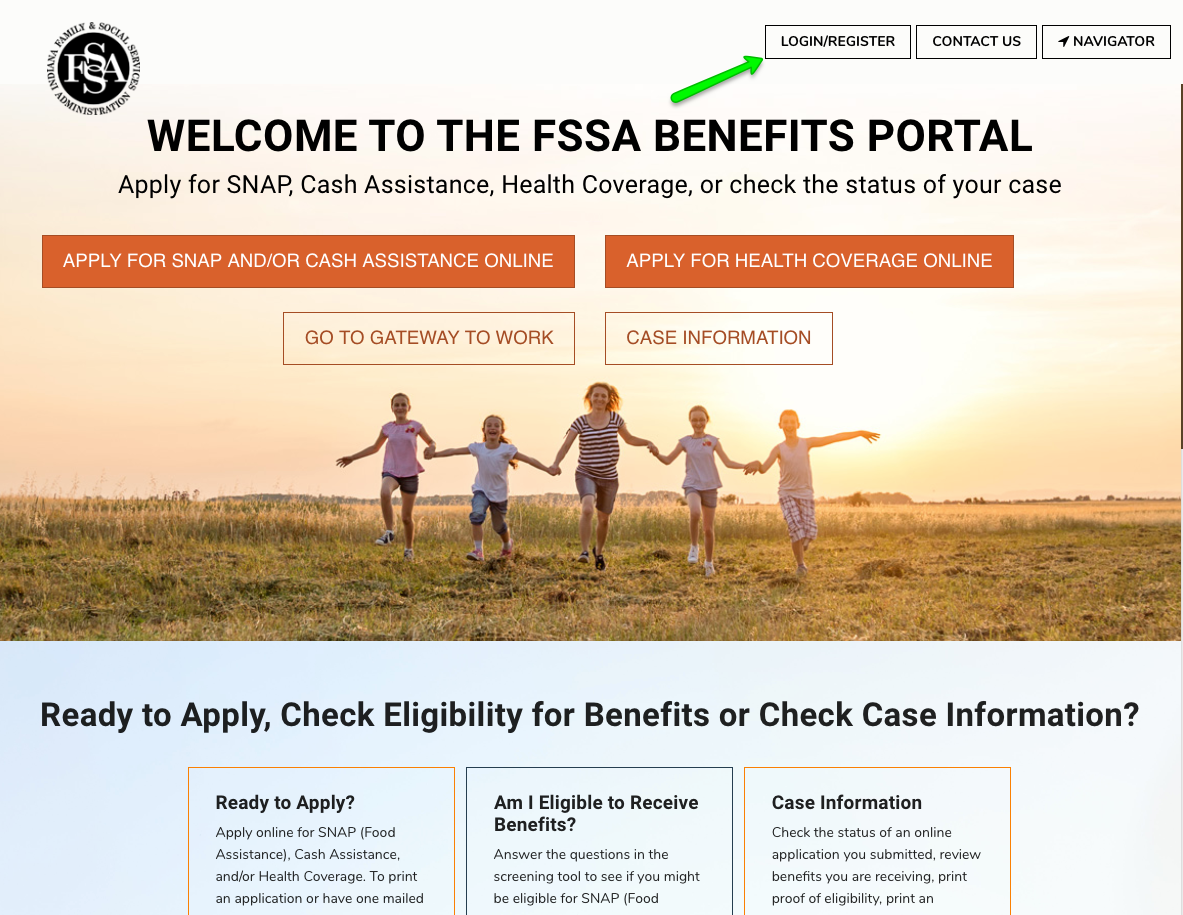
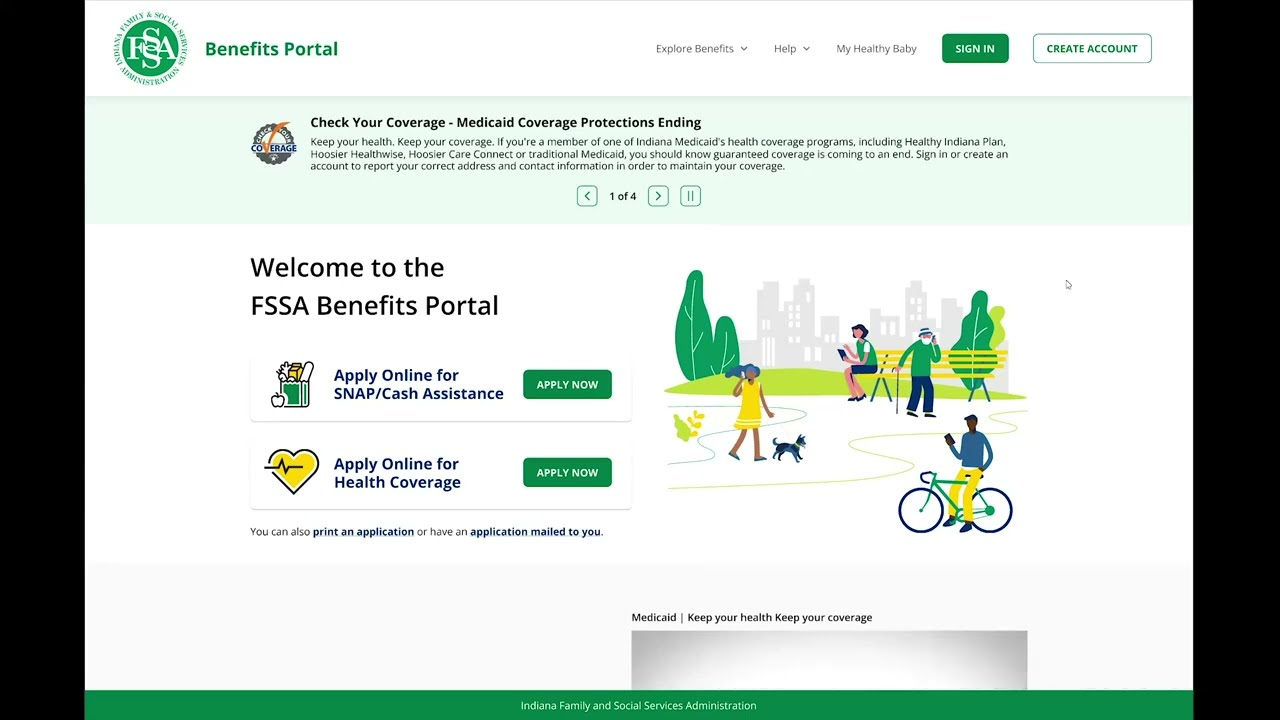
- Click the Sign In or Manage My Benefits button on the homepage.
- You will be redirected to the secure Access Indiana authentication page.
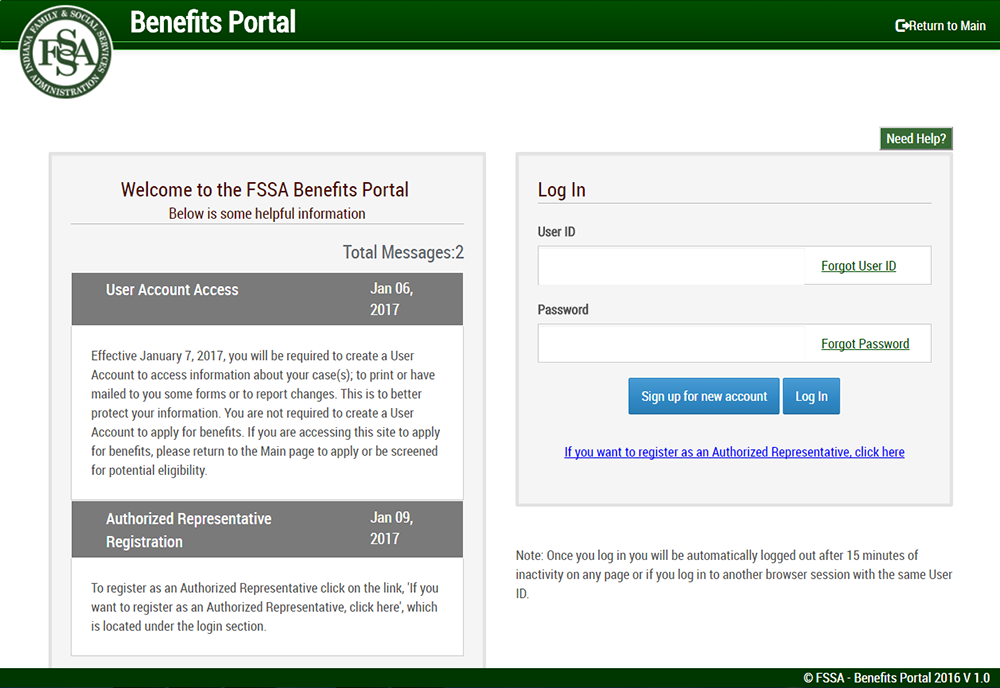
- Enter your registered email address and password.
- If multi-factor authentication (MFA) is enabled on your account, enter the secondary security code sent to your mobile device, authenticator app, or email address.
- Click Sign In to return to your personalized FSSA dashboard.
Step 3: Link Your Existing Case (First-Time Portal Users)
If you recently created an Access Indiana account, you must link your profile to your state case records to view active benefits:
- From your dashboard, select Link My Case.
- Enter your 10-digit FSSA Case Number or your Social Security Number (SSN) along with your Date of Birth.
- Verify your residential ZIP code as recorded on your official application.
- Confirm the details. Once validated, your active benefit summary, benefit amounts, and upcoming renewal dates will populate automatically.
Key Benefits and Programs Managed via the Portal
The FSSA portal gives residents real-time control over several state assistance programs. Understanding the scope of these services helps recipients stay compliant with state reporting mandates.
- Access Indiana SSO Login
- FSSA Benefits Portal
- Healthcare: HIP/Medicaid
- Food & Cash: SNAP/TANF
- Childcare: CCDF
- FSSA Benefits Portal
Important Administrative Requirement State and federal regulations require all FSSA benefit recipients to report changes in household income, living arrangements, employment status, or household size within 10 days of the occurrence. Failure to report changes promptly can result in benefit overpayment claims, temporary suspension, or administrative disqualification.
Supplemental Nutrition Assistance Program (SNAP)
The SNAP program provides food assistance to income-eligible individuals and families. Through the portal, SNAP recipients can:
- Review monthly benefit issuance schedules and current Electronic Benefit Transfer (EBT) balance statuses.
- Submit required Interim Reports and annual eligibility recertification forms.
- Upload pay stubs, bank statements, or utility bills to satisfy case verification requirements.
Temporary Assistance for Needy Families (TANF)
TANF offers temporary cash assistance to families with dependent children to cover essential living expenses. Account holders can track cash benefit schedules, track work activity hours under the IMPACT program, and update child custody details.
Healthy Indiana Plan (HIP) and Medicaid
Indiana offers several health coverage options, including HIP 2.0, Hoosier Healthwise, and Hoosier Care Connect. Through the portal, healthcare beneficiaries can:
- Confirm active managed care entity (MCE) enrollment (e.g., Anthem, CareSource, MDwise, or Managed Health Services).
- Check POWER Account balance details and view monthly contribution due dates for HIP Plus.
- Submit redetermination paperwork during the annual Medicaid renewal window.
- Print temporary health insurance verification cards.
Child Care and Development Fund (CCDF)
Families receiving early childhood subsidies can track childcare voucher application statuses, verify approved childcare providers, and submit household income re-evaluations through integrated links to the Office of Early Childhood and Out-of-School Learning.
FSSA Benefits Portal vs. IHCP Provider Portal
It is vital to distinguish between public assistance accounts and healthcare provider portals. The following matrix outlines the functional differences, access parameters, and target audiences for each state portal interface.
| Feature / Metric | FSSA Benefits Portal | IHCP Provider Healthcare Portal |
|---|---|---|
| Primary Target User | Indiana Residents, Applicants, Benefit Recipients | Doctors, Hospitals, Behavioral Clinics, MCEs |
| Primary System Purpose | Public Assistance Management (SNAP, TANF, Medicaid) | Claims Submission, Prior Authorizations, Fee Schedules |
| Managing Division | Division of Family Resources (DFR) | Office of Medicaid Policy and Planning (OMPP) |
| Authentication Standard | Access Indiana Single Sign-On (SSO) | Gainwell Technologies Secure Gateway / Portal Login |
| Document Upload Capabilities | Proof of Income, Identity, Residency, Household Expense | Clinical Notes, Claims Appeals, Prior Auth Requests |
| Accepted Identifiers | FSSA 10-Digit Case ID / SSN | NPI (National Provider Identifier) / IHCP Provider ID |
| Operational Hours | 24/7 Portal Access (Maintenance 12 AM - 3 AM EST) | 24/7 Provider Portal Access |
Troubleshooting Common FSSA Portal Login Errors
System updates, authentication glitches, or account locking mechanisms can occasionally prevent smooth entry into the FSSA Benefits Portal. Here are standard diagnostic steps to resolve common login issues.
Forgot Password or Username
Because login authentication uses Access Indiana, account recovery must be handled through the central Access Indiana credential reset workflow:
- On the login screen, click Forgot Password?.
- Enter the email address linked to your Access Indiana profile.
- Access your email account to locate the verification link sent by the state system.
- Click the link, answer your pre-set security questions, and create a new password adhering to state security standards (minimum 8 characters, including uppercase, lowercase, numbers, and special symbols).
Account Lockout due to Failed Attempts
Entering an incorrect password five consecutive times triggers an automatic 30-minute security lockout. Wait 30 minutes before attempting another login, or use the automated reset link sent to your email to clear the lockout status immediately.
"Case Number Not Found" Error
If the portal indicates that your 10-digit case number does not match state records, check the following:
- Verify that you are entering the primary applicant's Social Security Number and Date of Birth, not those of a dependent child listed on the application.
- Ensure you are using the official 10-digit case number displayed on notices sent by the Division of Family Resources, omitting dashes or spaces.
- Confirm that your residential ZIP code matches the address currently on file with the county DFR office.
Document Upload Failure
When uploading verification documents (such as wage stubs or rent receipts), uploads may fail due to file size or format restrictions:
- Ensure files are formatted as PDF, JPG, PNG, or TIFF files.
- Confirm that individual file sizes do not exceed 10 MB per document.
- Clear your browser cache and cookies, or temporarily disable browser ad-blockers before attempting to re-upload.
Data Security and Identity Protection Standards
Managing government benefits online requires adhering to federal and state privacy protocols to protect personal data. The FSSA portal operates under federal regulations governed by the HIPAA Privacy Rule and state privacy standards.
Essential Security Measures
To maintain portal security and protect your personal information:
- Always log out of your session when using shared or public computers, such as those at public libraries or WorkOne centers.
- Never share your Access Indiana login credentials or multi-factor authentication codes with unverified individuals or unofficial third-party applications.
- Verify that the browser address bar displays
https://and features an active security lock icon before entering confidential personal data. - Avoid logging into state portals over unsecured public Wi-Fi networks without using a reputable Virtual Private Network (VPN).
Frequently Asked Questions
How do I log into my Indiana FSSA account for the first time?
To log in for the first time, visit FSSABenefits.IN.gov, click "Sign In," and create an Access Indiana account using a valid email address. Once created, log in and select "Link My Case" to connect your profile using your 10-digit FSSA case number or Social Security Number.
What should I do if my Access Indiana account is locked?
If your account is locked due to multiple incorrect password attempts, wait 30 minutes for the automated system lock to expire. Alternatively, click the "Forgot Password?" link on the login page to reset your credentials via email immediately.
Can I apply for SNAP and Healthy Indiana Plan (HIP) in the same portal session?
Yes, the FSSA Benefits Portal provides a unified application interface that allows you to apply for SNAP food assistance, TANF cash assistance, and Medicaid coverage (including HIP) during a single online session.
How do I check the status of my submitted documents on the FSSA portal?
After logging into your account dashboard, navigate to the "Document Center" or "Submitted Applications" tab. The system displays a real-time tracking list showing received documents, upload timestamps, and pending processing statuses.
Is the FSSA Benefits Portal accessible on mobile phones?
Yes, the portal uses a responsive design compatible with standard web browsers on mobile phones and tablets. You can upload verification documents directly by taking clear photos of them with your smartphone camera.
Take Action: Manage Your Indiana Benefits Securely
Maintaining up-to-date account access ensures uninterrupted delivery of your medical, food, and cash assistance benefits. If you need assistance navigating your account, submit documents online promptly to avoid processing delays during annual recertifications.
For direct phone support regarding account access or case status, contact the Indiana Division of Family Resources (DFR) customer service line at 1-800-403-0864, available Monday through Friday during standard business hours. You can also visit your local county DFR office for in-person support with document submission and identity verification.
Image Gallery