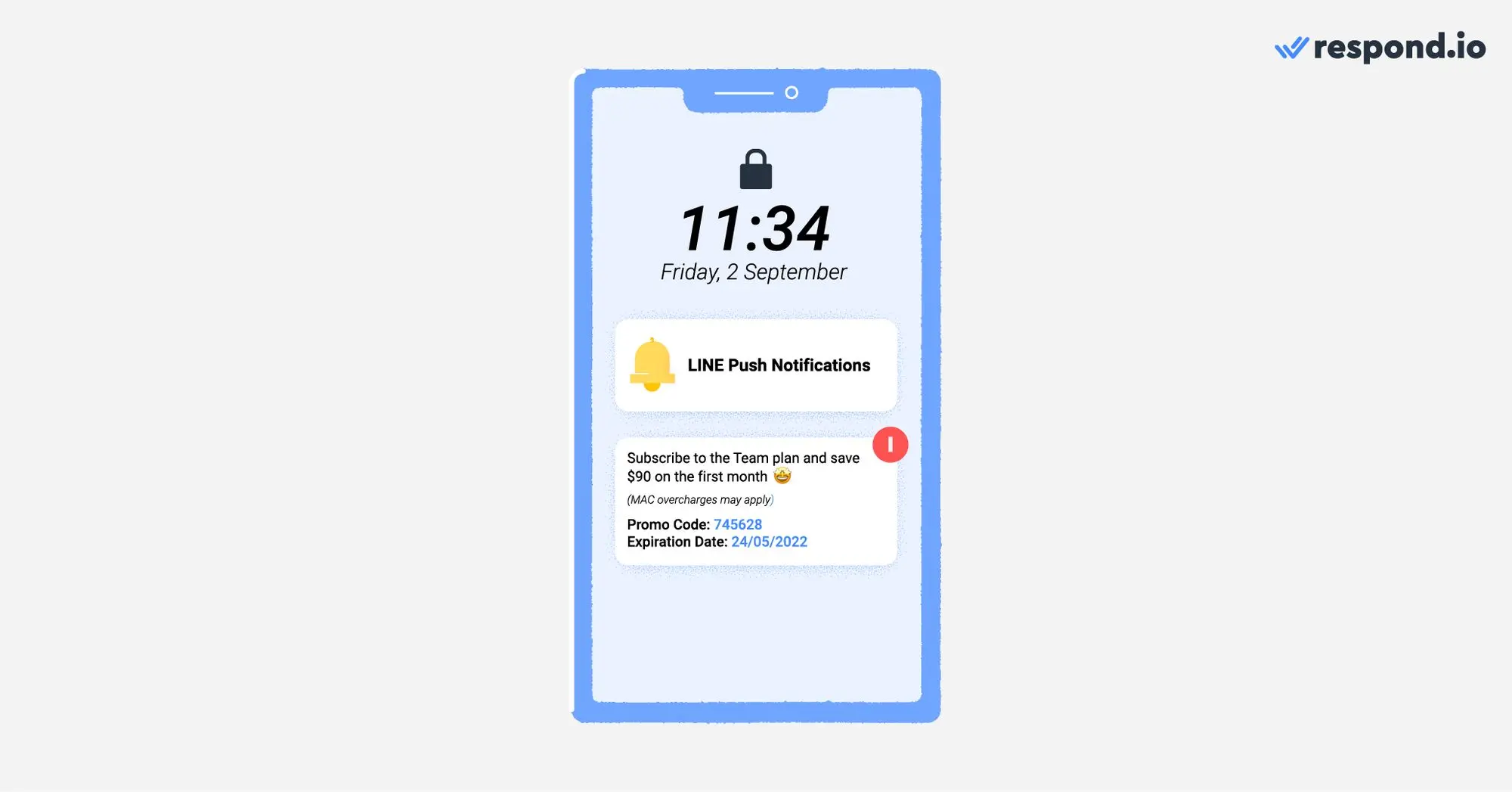
Decoding the 99 Notifications Phenomenon: Digital Overload and Management Strategies in 2026
The accumulation of 99 notifications represents a pervasive modern digital phenomenon where unread alerts across messaging apps, email clients, and social platforms reach a saturated threshold. This visual indicator often induces notif...
The accumulation of 99 notifications represents a pervasive modern digital phenomenon where unread alerts across messaging apps, email clients, and social platforms reach a saturated threshold. This visual indicator often induces notification fatigue, psychological stress, and fractured attention spans, necessitating systematic digital decluttering and streamlined notification management workflows for optimal productivity.
Contents
Understanding the Psychology and Mechanics Behind 99 Notifications
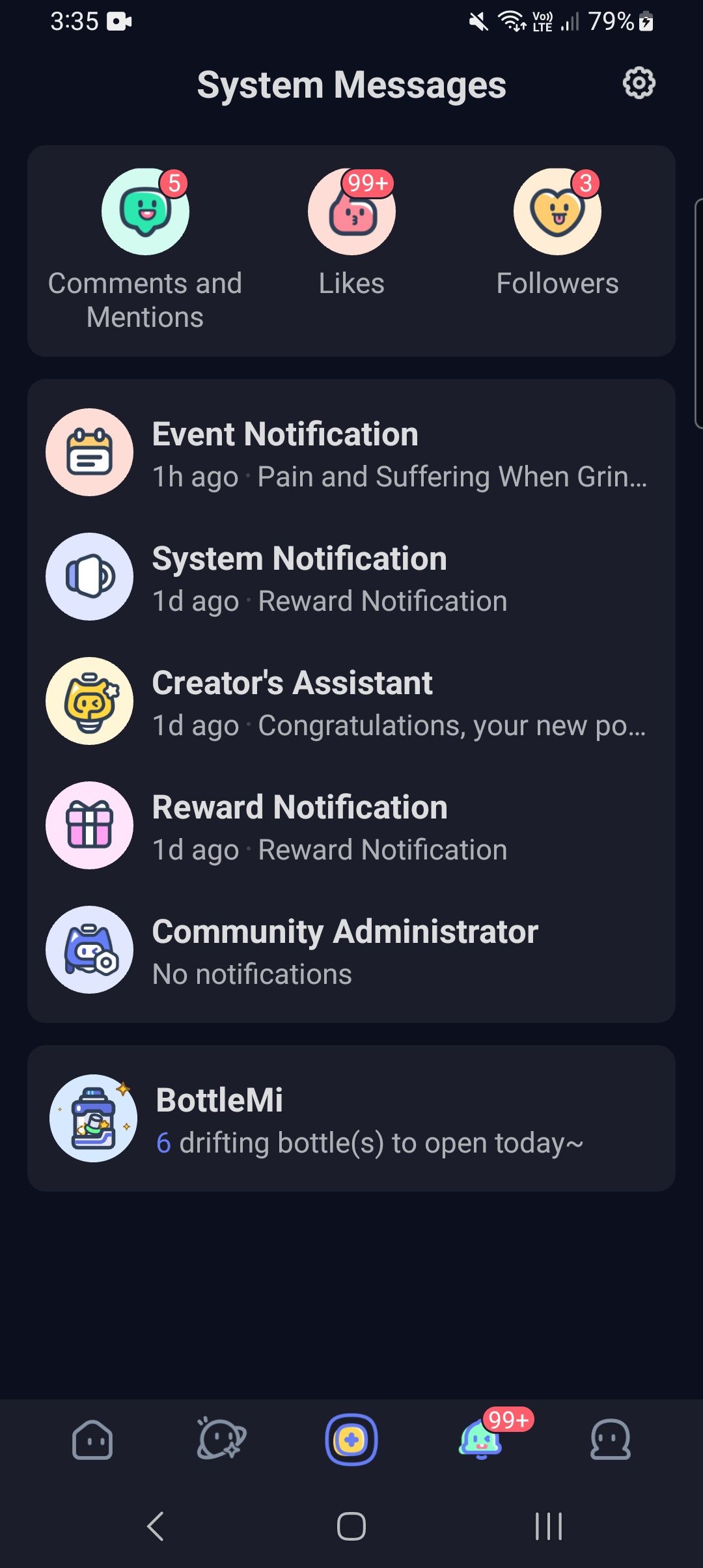
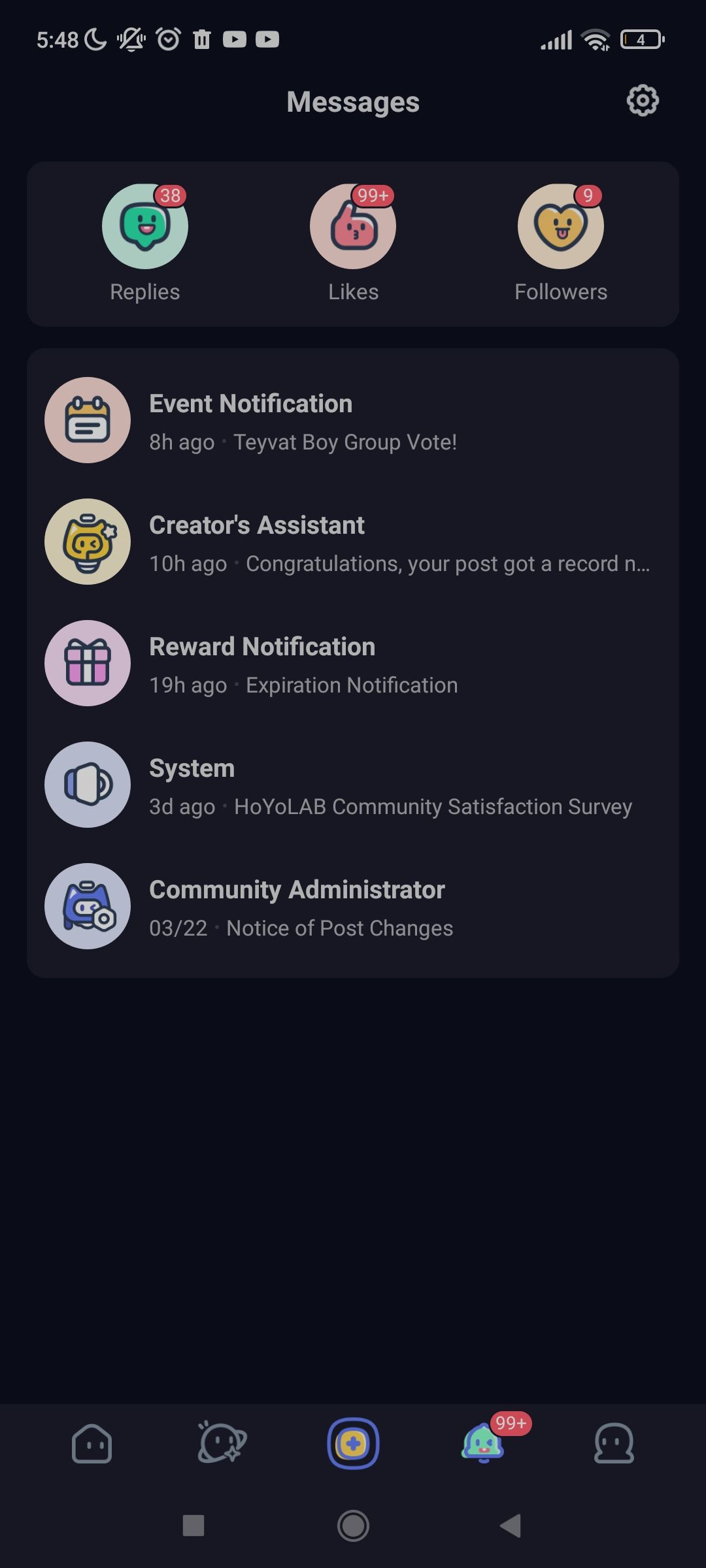
Digital platforms intentionally engineer notification systems to capture user attention, leveraging psychological principles of variable rewards and the fear of missing out. When an interface displays 99 unread alerts, it rarely means a precise count of one hundred minus one; instead, many applications cap their visual badge counters at 99 or 99+ to prevent layout distortion while maintaining a sense of urgency.
This constant stream of interruptions triggers frequent context switching, a cognitive cost that diminishes focus and degrades output quality. Research into cognitive load theory indicates that every interruption requires time to reorient, creating compounding productivity losses throughout the day. Addressing this issue requires looking past the visual clutter to analyze how notification architectures impact daily workflows and mental well-being.
- Variable Reinforcement Schedules: Unpredictable delivery of messages and updates releases dopamine, conditioning users to check their devices compulsively.
- Artificial Urgency: Red badge indicators mimic emergency signals in the human brain, prompting immediate behavioral responses.
- Cognitive Fragmentation: Rapid shifts between deep work and checking alerts weaken working memory and sustained attention.
- Alert Fatigue: Habituation to constant buzzing and flashing causes users to miss critical, time-sensitive information.
The Psychological and Productivity Costs of Unchecked Alerts
Allowing alerts to accumulate unchecked transforms personal devices from useful tools into sources of chronic low-level anxiety. When users open their lock screens to find dozens of pending items, the brain processes this backlog as an incomplete task list. This contributes to digital overload, a state where the volume of incoming information exceeds an individual's processing capacity.
Managing this influx requires distinguishing between high-priority signals and low-value noise. Ignoring systematic notification hygiene leads to missed deadlines, strained interpersonal communication, and heightened stress levels as individuals feel perpetually tethered to their screens.
Digital Wellness Principle Notifications should serve the user's agenda rather than dictating it. Reclaiming control over your attention begins with auditing which applications possess the privilege of interrupting your day.
Technical Frameworks for Managing and Reducing Notification Clutter
Modern operating systems provide robust native controls to regulate incoming alerts. Implementing these frameworks systematically reduces visual noise and ensures that only critical communications reach the user in real-time. Both mobile and desktop environments offer granular permission settings that go far beyond simple silent modes.
Utilizing these built-in system architectures allows users to curate a peaceful digital environment without missing essential updates from family, employers, or critical services.
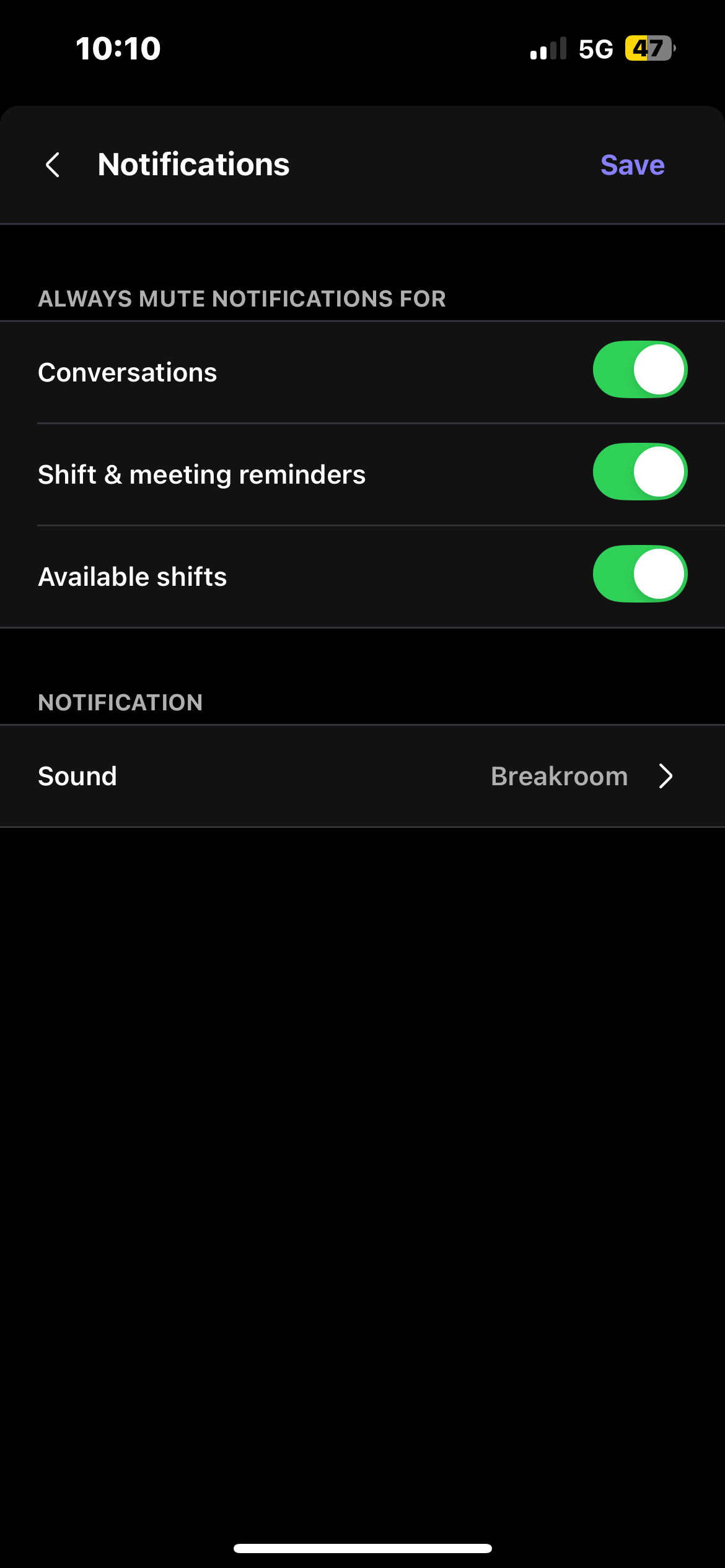
- Audit Application Permissions: Review every installed app and revoke notification privileges for non-essential software, prioritizing utility over engagement.
- Configure Summary Schedules: Group non-urgent alerts into scheduled delivery summaries, receiving batches of updates once or twice daily instead of continuous interruptions.
- Establish Contextual Profiles: Configure custom modes such as Focus, Do Not Disturb, or Work profiles that automatically filter alerts based on physical location or time of day.
- Leverage Channel-Level Control: Utilize advanced notification channels on supported operating systems to silence promotional messages while keeping direct messages active within the same app.
Comparative Analysis of Notification Management Strategies
Different approaches to managing digital alerts yield varying levels of success depending on personal communication requirements and professional demands. Evaluating these strategies helps users select the framework that best aligns with their workflow.
| Strategy Approach | Core Mechanism | Pros | Cons | Best Suited For |
|---|---|---|---|---|
| Total Silence (DND) | Blocks all incoming visual and auditory alerts entirely. | Maximum focus; zero interruptions during deep work blocks. | Risk of missing genuine emergencies; requires disciplined check-in times. | Writers, developers, and deep-focus professionals. |
| Scheduled Summaries | Bundles non-urgent alerts into periodic batch deliveries. | Reduces frequency of distraction while retaining notification history. | Delayed receipt of time-sensitive updates if improperly configured. | Knowledge workers managing moderate email and project management flows. |
| VIP Whitelisting | Silences all apps except designated contacts and critical utilities. | Ensures availability for key stakeholders without ambient noise. | Initial setup and ongoing maintenance are time-consuming. | Executives, managers, and individuals with caregiving responsibilities. |
| App Deletion / Web-Only | Removes engagement-driven apps from mobile devices entirely. | Drastically cuts screen time and psychological triggers. | Inconvenient for platforms that lack robust web interfaces. | Social media minimalists and individuals experiencing severe burnout. |
Step-by-Step Guide to Achieving a Zero-Notification Baseline
Resetting a cluttered notification center requires a methodical purge and restructuring process. Executing this guide provides an immediate reduction in digital friction and establishes sustainable habits for the long term.
- Step 1: The Master Audit. Open your device settings and navigate to the notification management panel. Scroll through every single application and identify its genuine utility value.
- Step 2: Revoke Blanket Permissions. Immediately turn off notifications for games, shopping apps, news aggregators, and entertainment platforms. If an app does not involve direct human communication or critical utility, it loses its right to interrupt you.
- Step 3: Restrict Communication Apps. For messaging and email clients, disable lock screen previews and badge counts. Keep sound and vibration active only for direct peer-to-peer messaging, while moving group chats and channel updates to silent delivery.
- Step 4: Implement Focus Automation. Set up automated schedules for work hours and personal time, ensuring that work-related notifications mute automatically during evenings and weekends.
- Step 5: Establish Check-In Rituals. Replace reactive checking with proactive review sessions. Dedicate specific 15-minute windows in your daily schedule to clear essential communications intentionally.
Frequently Asked Questions
Why do apps cap their notification badges at 99?
App developers cap badge counters at 99 or 99+ primarily for user interface design constraints and psychological reasons. Displaying three-digit numbers creates visual clutter in small icon spaces, while the "99+" format conveys an overwhelming backlog without dedicating extra pixel width to exact figures.
How do notifications impact daily productivity and focus?
Notifications fragment attention by forcing the brain to switch contexts repeatedly. Each interruption incurs a cognitive switching cost, making it difficult to re-enter deep states of concentration and significantly increasing the time required to complete complex tasks.
What is the difference between Do Not Disturb and Focus modes?
Do Not Disturb is a binary toggle that silences all calls and alerts globally or until a specified time. Focus modes offer granular customization, allowing users to tailor specific home screens, restrict access to select apps, and permit notifications exclusively from designated individuals based on the current context.
Are scheduled notification summaries effective for reducing stress?
Scheduled summaries are highly effective because they eliminate constant intermittent reinforcement. By receiving alerts in predictable batches, users regain a sense of agency over their time and reduce the compulsive habit of constantly checking their screens.
How can I stop myself from checking my phone compulsively?
Combating compulsive checking involves increasing friction between the impulse and the action. Strategies include turning off lock screen illumination, removing social apps from your phone's home screen, enabling grayscale display modes to make the interface less stimulating, and keeping the device in another room during focus periods.
Reclaiming Digital Sovereignty
Conquering the accumulation of 99 notifications requires shifting from a passive consumer mindset to an active curator of your digital boundaries. By systematically auditing app permissions, leveraging advanced operating system filters, and establishing intentional check-in routines, you can eliminate digital noise and foster a calmer, more productive technological experience. Take the first step today by reviewing your device settings and silencing the non-essential distractions vying for your attention.
Image Gallery