NOCO Boost Plus GB40 Charge Time: A Complete Technical Guide
The NOCO Boost Plus GB40 requires between 3 and 12 hours to reach a full charge, depending on the amperage of the USB power source. Using a standard 2.1A USB wall adapter, the device typically charges in 3 hours. Lower-powered sources,...
The NOCO Boost Plus GB40 requires between 3 and 12 hours to reach a full charge, depending on the amperage of the USB power source. Using a standard 2.1A USB wall adapter, the device typically charges in 3 hours. Lower-powered sources, such as older laptop USB ports (0.5A), will take the full 12 hours.
Contents
Understanding the NOCO GB40 Charging Specifications
The NOCO Boost Plus GB40 is a portable lithium-ion jump starter rated at 1,000 Amps. To ensure it is ready for an emergency, understanding its internal battery capacity and the limitations of its input charging system is essential. As of 2026, while many newer devices have transitioned to USB-C Power Delivery (PD), the GB40 maintains its reliability through a standard Micro USB input.
The internal battery of the GB40 has a capacity of approximately 24 Watt-hours (Wh). Because the device uses a 5V USB input, the charge time is a direct function of the current (Amps) provided by your power brick or USB port.
Charge Time Breakdown by Amperage
The following table illustrates the expected duration to charge a GB40 from 0% to 100% based on the power source's output:
| USB Charger Rating | Total Charge Time (Approximate) | Common Source Examples |
|---|---|---|
| 0.5 Amp (500mA) | 12 Hours | Older PC ports, early car USB-A ports |
| 1.0 Amp (1000mA) | 6 Hours | Standard smartphone wall cubes |
| 2.0 Amps (2000mA) | 3 Hours | Modern high-output wall adapters, tablets |
| 2.1 Amps (2100mA) | 2.8 - 3 Hours | Optimized NOCO chargers, fast-charge ports |
While the GB40 can be plugged into a USB-C port using a C-to-Micro adapter, it will not charge at "USB-C speeds." The internal charging circuitry is capped at 2.1A. Providing more amperage (e.g., a 60W laptop charger) will not damage the device, but it will not speed up the 3-hour minimum threshold because the GB40 will only "draw" what it is designed to handle.
The Science of Charging: Why It Takes Time
The charging process for lithium-ion batteries like the one inside the GB40 is not linear. It follows a multi-stage process often referred to as Constant Current/Constant Voltage (CC/CV).
The Constant Current Phase
When your GB40 is significantly depleted (the 25% or 50% LEDs are flashing), the charger provides a steady stream of current. This is the fastest part of the charging cycle. During this phase, the battery "soaks up" energy as quickly as the 2.1A limit allows.
The Constant Voltage Phase
Once the battery reaches approximately 80% capacity, the charging internal controller slows down the current to prevent overheating and to ensure the lithium cells are balanced. You may notice that the jump from the 75% LED to a solid green 100% LED takes longer than the jump from 25% to 50%. This is a deliberate safety feature to prolong the lifespan of the internal battery.
Thermal Regulation
In 2026, we understand more than ever how temperature affects lithium chemistry. If you are charging the GB40 in a very hot garage (above 104°F / 40°C) or a freezing car (below 32°F / 0°C), the internal Battery Management System (BMS) may throttle the charging speed or halt it entirely to prevent permanent cell damage. For the fastest charge time, always bring the unit into a room-temperature environment.
How to Read the GB40 Charge Indicators
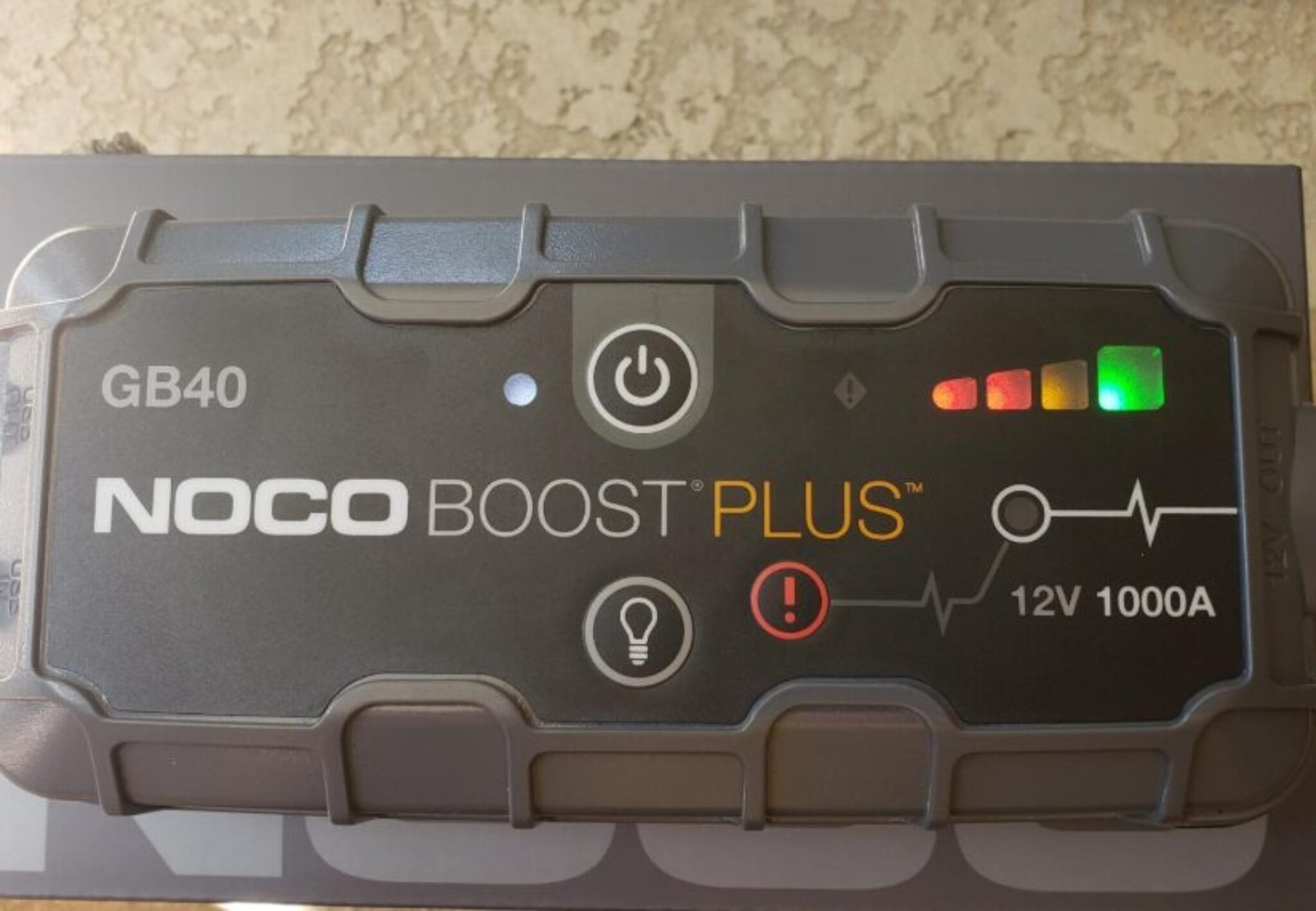
The NOCO Boost Plus GB40 uses a series of four LEDs to communicate its current state of charge. Understanding these patterns prevents the mistake of removing the device from the charger before it is truly ready for high-amperage output.
- The Red 25% LED: If this is pulsing, the battery is at less than 25% capacity.
- The Red 50% LED: If the 25% light is solid and the 50% light is pulsing, the unit is roughly half-charged.
- The Yellow 75% LED: This indicates the unit has enough power to jump-start most small engines, but it is not yet at peak performance.
- The Green 100% LED: This will pulse while the battery is in the final stages of charging.
- Solid Green LED: The charge is complete.
Once the green LED is solid, the NOCO enters a "Maintenance Mode." In this state, the device monitors the battery and provides a tiny "trickle" to keep the lithium cells at optimal voltage without overcharging them. It is safe to leave the GB40 plugged in overnight, though it is generally recommended to unplug it once fully charged for long-term battery health.
Factors That Slow Down Your Charge Time
If you find that your GB40 is taking significantly longer than 3-6 hours to charge, several external factors could be at play.
Cable Quality and Resistance
Not all Micro USB cables are created equal. Many cheap, third-party cables use very thin internal copper wiring that creates high electrical resistance. This causes a "voltage drop," meaning that even if your wall adapter is outputting 2.1A, the GB40 might only receive 1.0A by the time the energy travels through the cable. Always use the original heavy-duty NOCO USB cable or a high-quality, shielded replacement.
Using "Phantom" Power Sources
Plugging the GB40 into a USB hub that is also charging a mouse, a keyboard, and a phone will split the available amperage. Many unpowered USB hubs share a single 0.5A or 1.0A rail across all ports. For the fastest charge, use a dedicated wall outlet adapter rather than a shared computer port.
Battery Age and Health
As lithium-ion batteries age, their internal resistance increases. If your GB40 is several years old, the chemical reactions required to store energy become less efficient. This can result in the device taking longer to reach 100%, or in some cases, the LEDs may never show a solid green if a cell has degraded significantly.
Maintenance and Storage for 2026 Drivers
To ensure that your NOCO Boost Plus GB40 maintains its 3-hour charge capability and delivers its full 1,000A punch when needed, follow these maintenance protocols:
- The Six-Month Rule: Lithium batteries naturally self-discharge over time, though much slower than lead-acid batteries. You should check the charge level of your GB40 every 6 months. If the level has dropped below 75%, top it off.
- Avoid Deep Discharge: Try not to let the device sit at 0% for extended periods. Leaving a lithium battery completely flat for months can cause "low-voltage sleep," where the battery becomes unable to accept a charge from a standard USB source.
- Storage Temperature: Store the GB40 in a cool, dry place. While it is designed to live in a trunk, extreme summer heat is the primary enemy of battery longevity. If you live in a region with triple-digit summer temperatures, consider storing the unit under a seat or in the glove box to avoid direct sunlight.
Comparing GB40 Charge Times to Other Models
When deciding if the GB40 is right for your needs, it helps to see how its charging requirements compare to its siblings in the NOCO UltraSafe line.
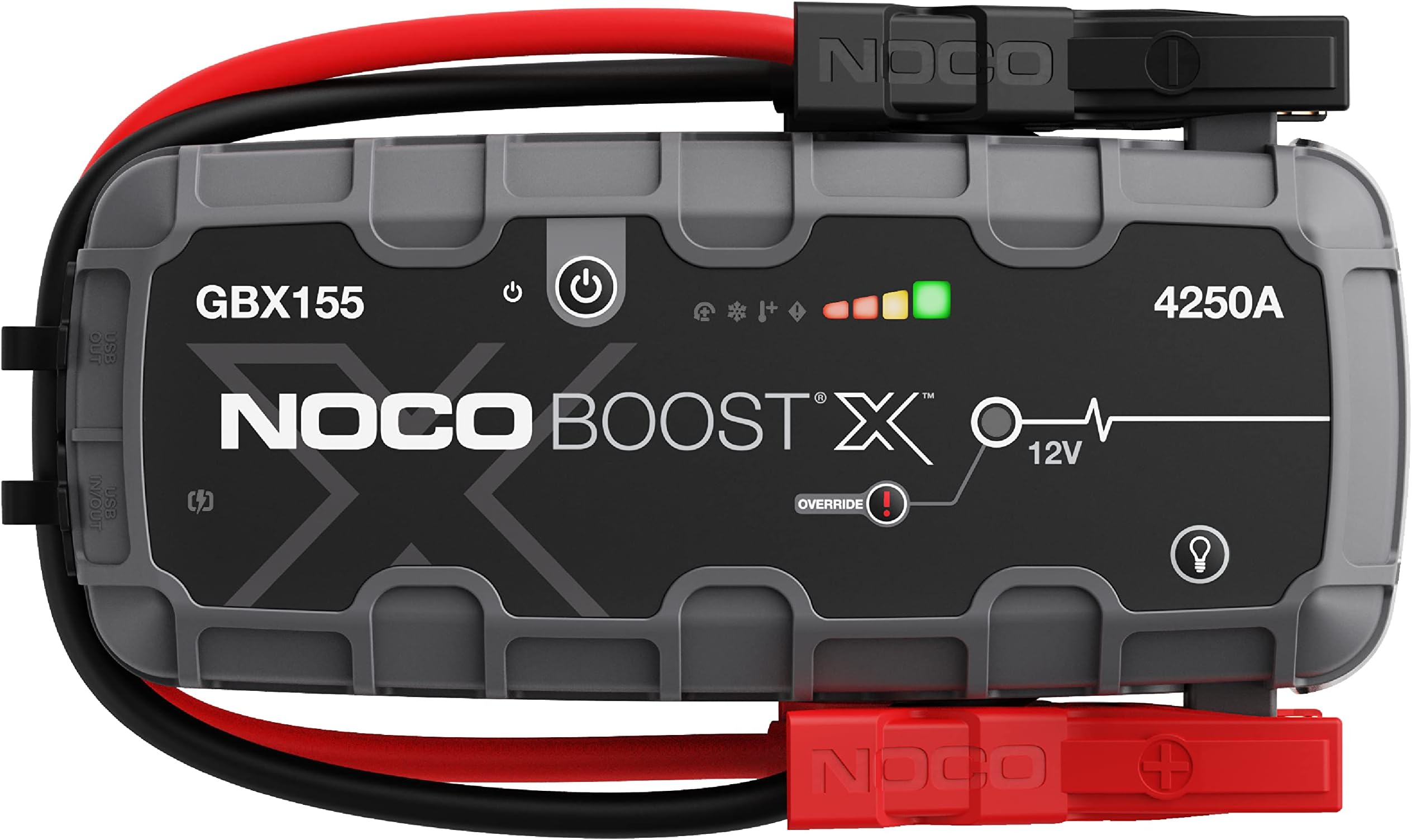
- NOCO GB20 (500A): Smaller battery, typically charges in 3 hours at 2.1A.
- NOCO GB40 (1000A): The "sweet spot" for most passenger vehicles, 3-hour charge time.
- NOCO GB70 (2000A): Features a 12V Fast Charge input. While it takes 6 hours via USB, it can charge in just 2-3 hours using the included 12V XGC cable plugged into a car's cigarette lighter port.
- NOCO GB150 (3000A): Similar to the GB70, the USB charge time is a lengthy 11 hours, making the 12V fast-charge option almost mandatory for frequent users.
Troubleshooting: Why Won't My GB40 Charge?
If you plug in your device and the LEDs do not illuminate, or if the unit stays on the 25% LED for more than 12 hours, follow these steps:
- Hard Reset: While the GB40 doesn't have a traditional reset button, you can often "reset" the charging logic by unplugging the cable, turning the unit on and then off, and then plugging it back into a different power source.
- Check for "Error" LEDs: If the GB40 detects a problem, it may flash the "Hot" or "Cold" indicators. This usually means the internal temperature is outside the safe charging range (32°F to 104°F). Move the unit to a temperate room and wait one hour before trying again.
- Inspect the Port: Micro USB ports are prone to collecting lint or becoming bent. Use a flashlight to ensure the port is clear of debris.
- Verify the Power Brick: Test your USB wall adapter with a smartphone to ensure it is actually outputting power. Many older "cubes" fail over time.
FAQ
Can I charge the NOCO GB40 while jump-starting a car?
No. The GB40 is designed to operate in either "charging mode" or "jump-starting mode," but never both simultaneously. For safety reasons, the internal circuitry prevents the device from delivering a high-amperage jump while energy is flowing into the battery via the USB port. Always disconnect the charging cable before connecting the clamps to a vehicle battery.
Is it safe to leave the GB40 plugged in all the time?
While NOCO's "Maintenance Mode" prevents overcharging, it is best practice to unplug the device once the solid green LED appears. Leaving any lithium-ion device on a charger indefinitely can lead to slightly faster electrode degradation over several years. For maximum life, charge it, unplug it, and store it.
Can I use a fast-charge USB-C cable with an adapter?
You can use a USB-C cable with a Micro-USB adapter, but it will not provide "Fast Charging" or "Power Delivery" (PD) benefits. The GB40's hardware is limited to 2.1A at 5V. It will simply ignore the extra wattage available from a high-speed USB-C charger.
Why does the GB40 take 12 hours on my laptop?
Most standard laptop USB 2.0 ports are limited to an output of 0.5A (500mA). Since the GB40 requires roughly 3 hours at 2.1A, reducing that current to 0.5A effectively quadruples the necessary time. To avoid this, use a dedicated wall-plug adapter rated for at least 2.0A.
Does the GB40 come with a wall charger?
Generally, the NOCO Boost Plus GB40 includes a Micro USB cable but does not include the AC wall adapter. This is common in 2026 to reduce electronic waste. You can use any standard USB-A wall charger, such as those provided with smartphones or tablets.
What should I do if the GB40 gets hot while charging?
It is normal for the device to feel warm during the first two hours of charging (the Constant Current phase). However, if it becomes too hot to touch comfortably, or if a "Hot" LED illuminates, unplug it immediately. This could indicate an internal cell fault or a high-resistance charging cable.
Final Recommendation
For the most reliable experience with your NOCO Boost Plus GB40, treat it as a piece of professional equipment rather than a set-and-forget consumer gadget. To achieve the 3-hour charge time, ensure you are using a 2.1A wall adapter and the original NOCO cable. If you primarily store the device in your vehicle, make it a habit to bring it inside for a "top-off" charge every change of season (four times a year). This ensures that when you face a dead battery in a winter storm or a summer heatwave, the GB40 has the maximum chemical energy available to get your engine turning.
Image Gallery