Online iOS App Builder Guide: How to Create and Publish Native iPhone Apps Without a Mac
An online iOS app builder is a cloud-based platform that enables users to design, configure, and compile native iOS applications directly within a web browser. These platforms eliminate the need for local Swift programming or physical...
An online iOS app builder is a cloud-based platform that enables users to design, configure, and compile native iOS applications directly within a web browser. These platforms eliminate the need for local Swift programming or physical Mac hardware by running drag-and-drop visual interfaces paired with cloud-hosted Mac build pipelines to generate Apple-compliant binary files for App Store submission.
Contents
Architectural Mechanics of Cloud-Based iOS App Builders
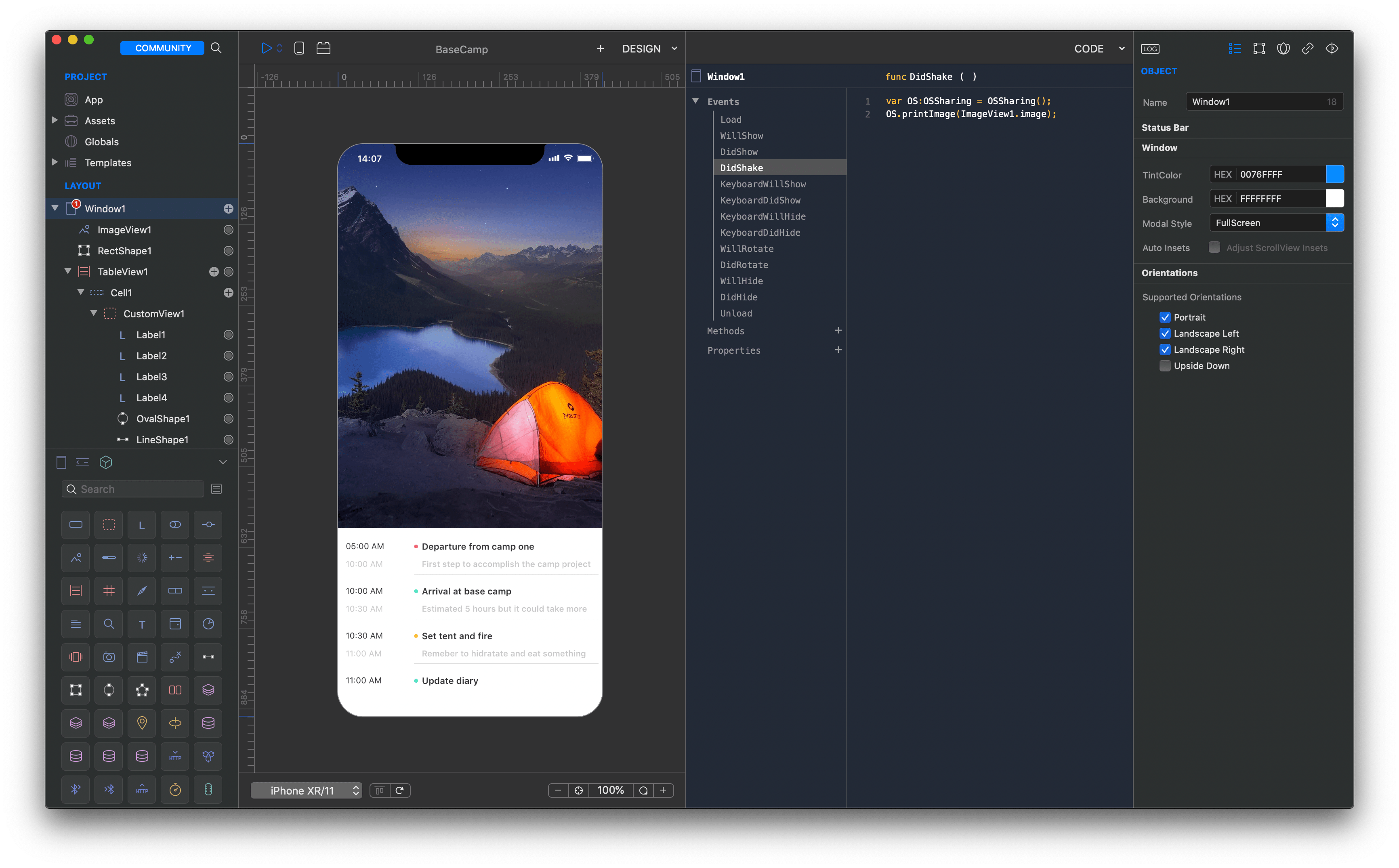
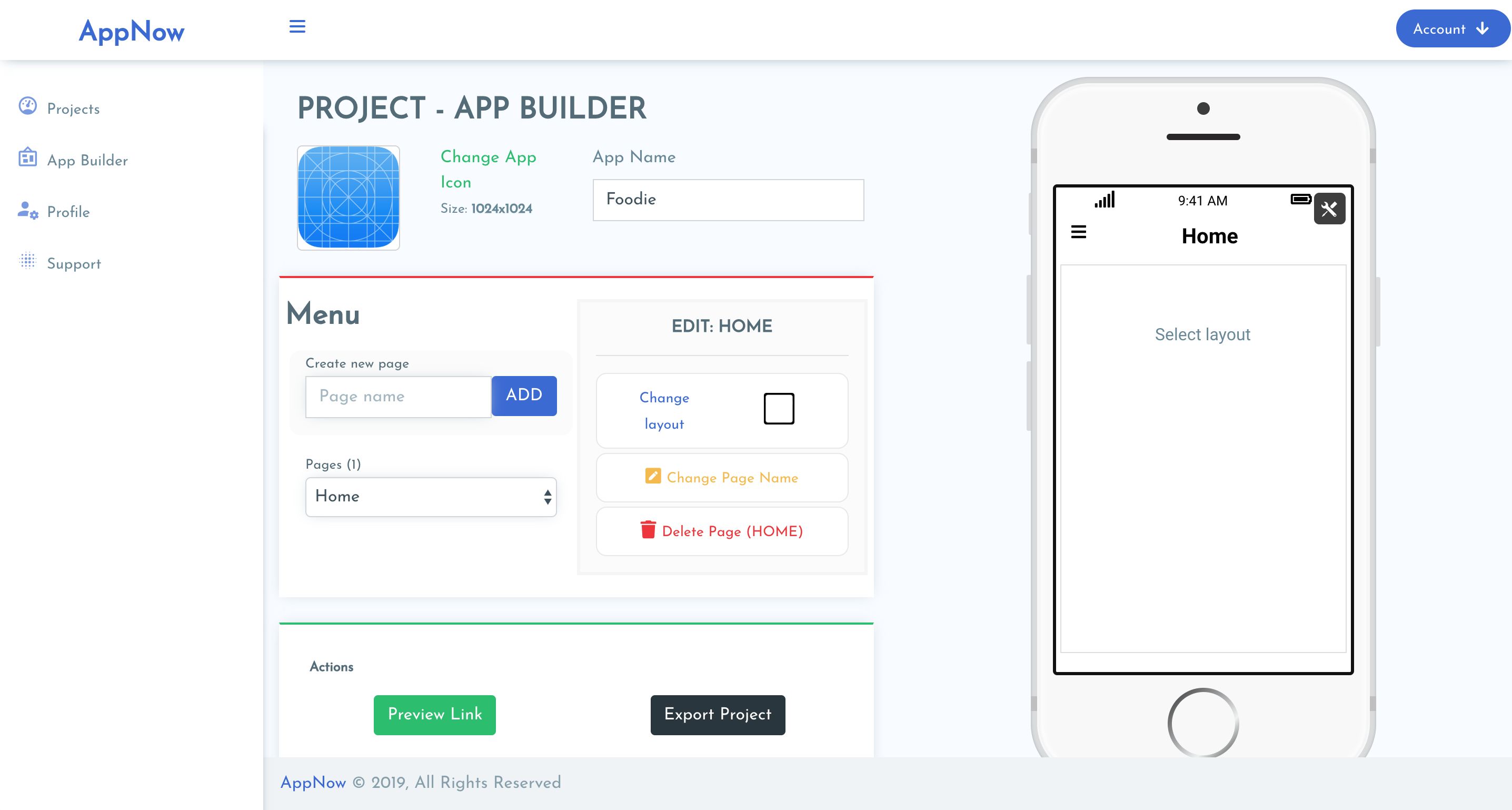
Modern cloud-based application platforms have evolved beyond basic website-to-app wrappers. An online iOS app builder operates by separating the user interface design environment from the compilation host, delivering native or quasi-native mobile experiences without requiring an Apple workstation running Xcode locally.
Visual Editor (Browser) ---> Cloud Database / API Engine ---> Mac Build Server (xcodebuild/fastlane) ---> Signed App Store Binary (.ipa)
(Note: Visual representation handled via text flow)
The operational stack of a cloud app builder consists of three primary layers:
1. Visual Layout and Logic Canvas
The browser interface provides a visual WYSIWYG editor where design components—such as lists, buttons, navigation stacks, and inputs—are translated into a structured JSON configuration file. Advanced platforms map these visual components directly to native UIKit or SwiftUI elements, or process them through cross-platform frameworks such as Flutter or React Native.
2. Backend Orchestration and API Integration
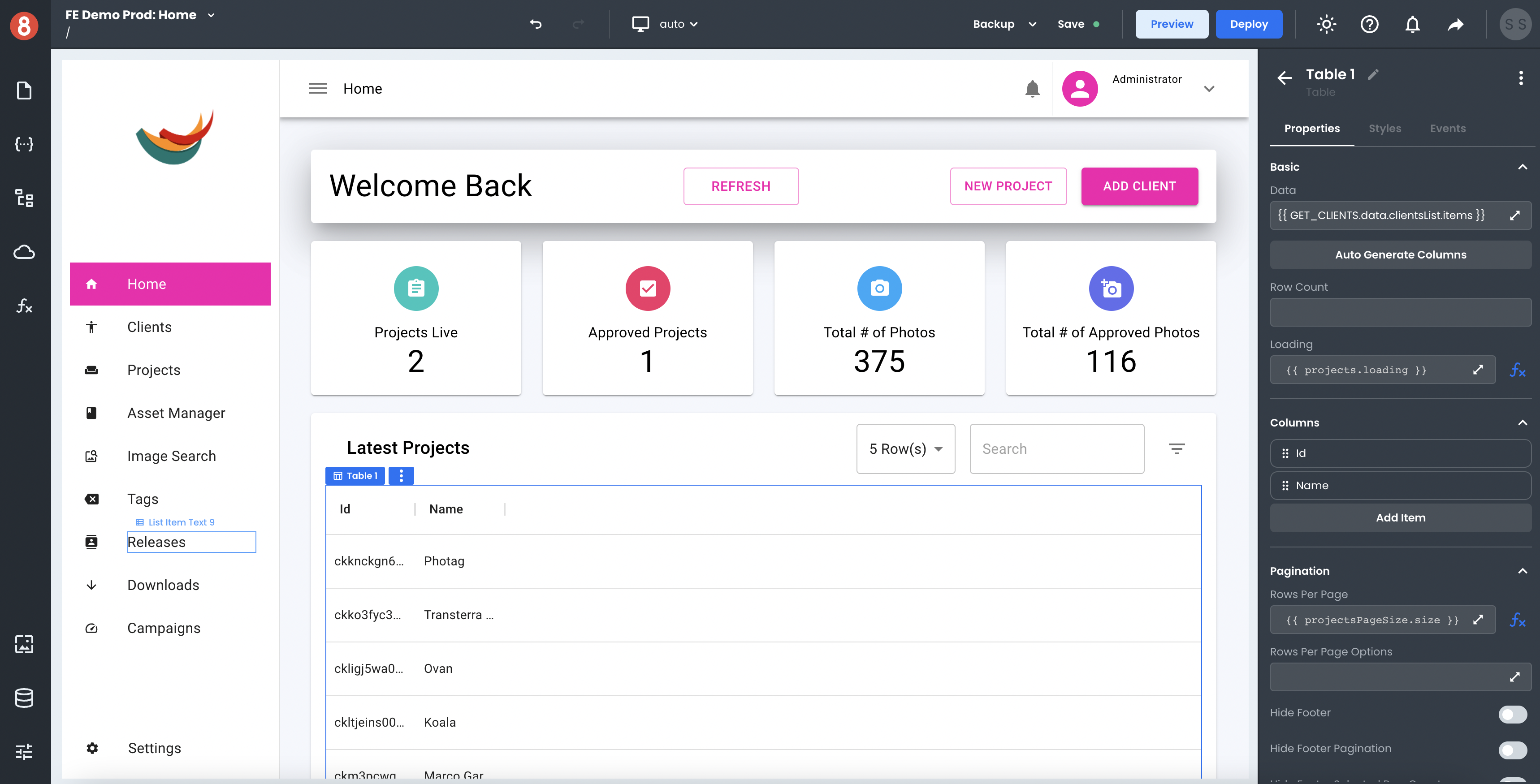
Data architecture in an online builder relies on remote databases or REST/GraphQL APIs. High-end platforms offer native integration with Firebase, Supabase, PostgreSQL, or custom headless CMS solutions. Logic engines use visual event triggers to handle application states, authentication tokens, push notification payloads, and conditional visibility rules.
3. Remote Mac Compilation Engine
Because Apple requires Xcode and macOS tools to sign and compile raw code into an iOS App Store Package (.ipa file), cloud builders maintain automated Mac server farms. When a user clicks publish, the remote server fetches the project configuration, converts visual logic into code files, executes dependency installations, inserts provisioning profiles, and compiles the project using xcodebuild and fastlane automation scripts.
Navigating Apple App Store Guidelines and Technical Requirements
Deploying an application built with an online platform requires strict adherence to Apple's Developer Program rules. Apple maintains rigorous quality control, and generic app builders risk rejection if the project violates explicit review standards.
Guideline 4.2 - Minimum Functionality Apple explicitly rejects applications that are mere website mirrors, simple information cards, or basic web views. An application created in an online builder must provide rich, interactive utility, offline functionality, or native device API utilization to pass review.
Guideline 4.3 - Spam and Template Rejections Submitting applications generated from identical generic templates can lead to instant rejection. Creators must extensively customize branding, layout structures, and workflows. Submitting multiple apps built from identical codebase blueprints under a single developer account is heavily flagged.
To successfully publish an application, developers must secure specific assets and maintain compliance:
- Apple Developer Program Membership: An active organization or individual account ($99 annual fee paid directly to Apple).
- App-Specific Shared Keys: Apple App Store Connect API Keys (Issuer ID and Key ID) to grant cloud builders permission to upload binaries on your behalf.
- Authentication Policies: If an app offers third-party social logins (such as Google or Facebook), Apple Guideline 4.8 mandates that Sign in with Apple must be offered as an equivalent option.
- Privacy Manifests and Nutrition Labels: Accurate disclosure of data collection points (location data, device identifiers, analytics) configured within both the builder software and App Store Connect.
Technical Comparison of Leading Online iOS App Builders
Selecting the right web-based development environment depends on whether your project requires true source code export, complex relational database architecture, or zero-code speed.
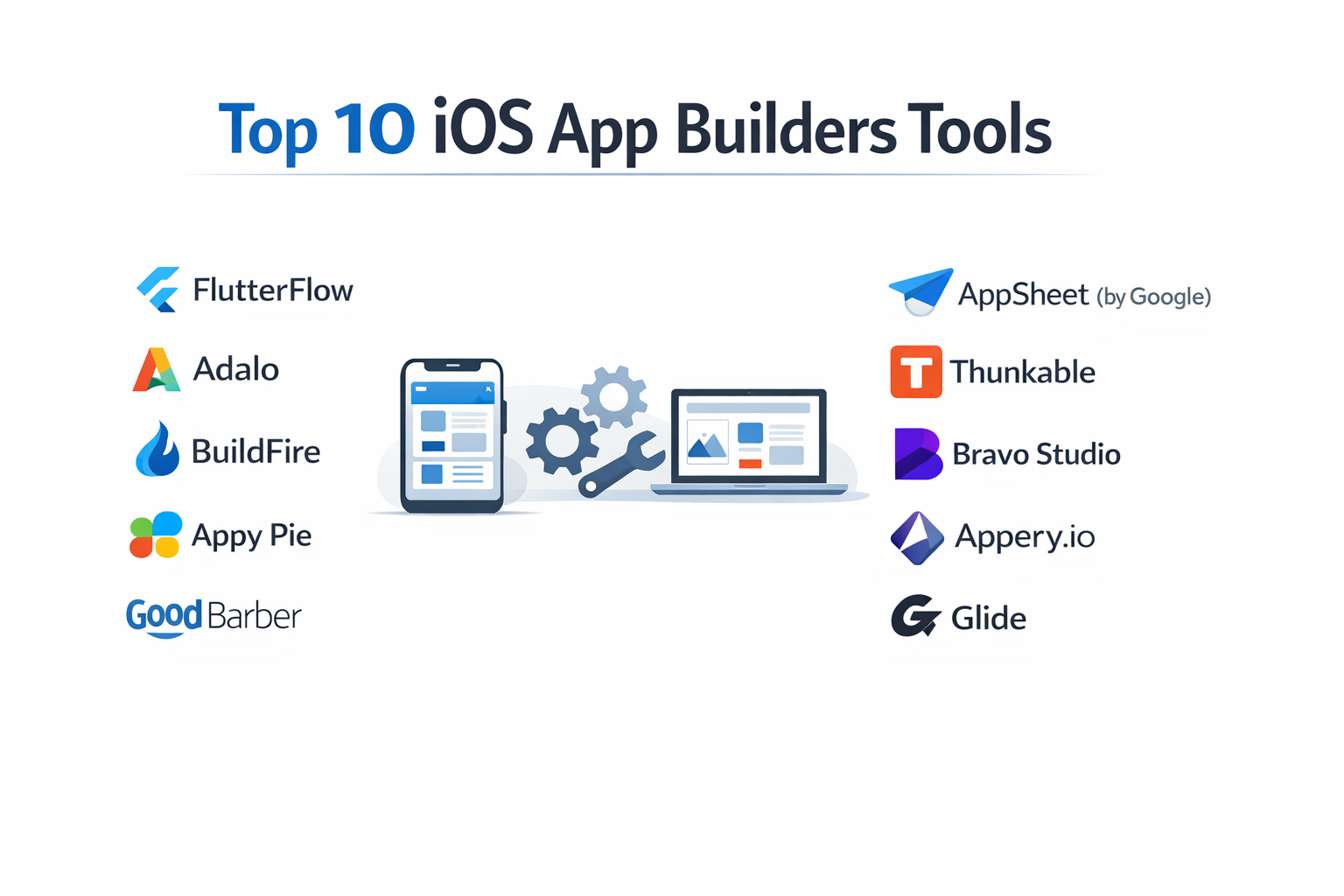
| Platform | Code Engine & Framework | Native Binary Export (.ipa) | Automated App Store Upload | Data Source & API Depth | Optimal Application Profile |
|---|---|---|---|---|---|
| FlutterFlow | Flutter / Dart | Yes (Full Source Code Access) | Yes (Direct App Store Connect) | Firebase, Supabase, OpenAPI, REST | Custom SaaS products, complex logic, enterprise MVPs |
| Draftbit | React Native / Expo | Yes (Clean Source Code Export) | Yes (Via Expo Cloud Services) | REST APIs, GraphQL, Custom Backends | Mobile-first consumer apps, high-customizability needs |
| Adalo | React Native | Yes (Pro Plans) | Yes (Integrated Cloud Build) | Internal DB, External REST APIs | Client portals, directory apps, transactional marketplaces |
| Glide | Progressive Web App / Hybrid | No (PWA Focus, Wrapper optional) | Limited (Third-party wrapper needed) | Google Sheets, Airtable, BigQuery, SQL | Internal business tools, operational workflow trackers |
| Bubble | Web Wrapper / Native Bridge | Native via third-party extensions | Indirect (Requires native plugin) | Proprietary DB, REST API Connector | Complex web apps expanding into companion mobile apps |
| GoodBarber | Objective-C / Swift Native Engine | Yes | Yes (Full Managed Submission Option) | Built-in CMS, REST Connectors | Local news platforms, eCommerce, event-driven apps |
Step-by-Step Execution: Building and Publishing an iOS App in the Cloud
Building an iOS app via an online workspace follows a structured development lifecycle. Following these phases prevents common deployment failures during Apple review.
Phase 1: Data Modeling and Schema Configuration
Define your entity relationships before starting layout design. Set up collection structures, primary keys, and data types (Strings, Booleans, Images, Document References). Connect your database backend (such as Firebase Authentication and Firestore) to the builder's environment keys.
Phase 2: User Interface and Experience Design
Construct application screens using standard mobile design patterns:
- Establish a root tab bar navigation structure with 3 to 5 key destination screens.
- Maintain standard iOS visual guidelines: continuous curved corners, accessible dynamic font sizing, and distinct tap target sizes (minimum 44x44 points).
- Configure Light and Dark Mode color themes to conform to Apple system appearance standards.
Phase 3: Hardware API Integration and Logic Binding
Bind UI inputs to dynamic actions. Integrate required hardware permissions:
- Requesting Camera access requires configuring
NSCameraUsageDescriptionin the builder settings. - Requesting Location services requires setting
NSLocationWhenInUseUsageDescription. - Ensure every permission prompt includes clear, human-readable explanatory text, or Apple will reject the build automatically.
User Action (Tap Button) ---> Validate Logic Condition ---> Trigger Native Hardware/API ---> Update UI State
Phase 4: Provisioning Certificate and ID Configuration
Connect your online builder to your Apple Developer Account:
- Generate an App ID inside the Apple Developer Portal (e.g.,
com.company.appname). - Generate an App Store Connect API Key with Admin permissions.
- Input the Key ID, Issuer ID, and downloaded
.p8private key file into the builder's deployment configuration settings.
Phase 5: Cloud Build and TestFlight Distribution
Initiate the cloud build process to generate the signed .ipa file. Send the binary directly to Apple TestFlight. Invite external beta testers to evaluate performance, test push notifications, and monitor app startup times across various physical iPhone models.
Phase 6: Metadata Submission and Review Processing
Complete mandatory fields inside App Store Connect:
- Upload high-resolution screenshots for 6.7-inch and 6.5-inch iPhone display formats.
- Complete the App Privacy questionnaire based on your builder's data tracking features.
- Provide demo login credentials in the App Review Notes field so Apple reviewers can test full app functionality without registration blocks.
Native Xcode Swift Development vs. Online Cloud Builders
Deciding whether to build natively using Xcode and Swift or through an online app builder involves weighing resource constraints against custom capabilities.
Visual and Performance Benchmark Analysis
- Performance and Frame Rate: Native Swift apps leverage Metal graphic rendering and run directly on CPU/GPU architecture, maintaining consistent 120Hz ProMotion performance. Low-code Flutter or React Native cloud builders maintain 60-120Hz performance for standard UI layouts, but heavy webview-based builders may experience stuttering during complex list scrolling.
- Development Friction: Native development requires acquiring a Mac, learning Swift, managing CocoaPods or Swift Package Manager dependencies, and configuring local Xcode environments. Online app builders run in any modern web browser, run setup-free, and abstract environment variables away from the developer.
- Long-Term Code Ownership: Low-code platforms like FlutterFlow and Draftbit allow users to export raw, formatted Dart or React Native codebases, avoiding platform lock-in. Lower-tier no-code builders lock data logic entirely inside proprietary engines, meaning if the builder service degrades, the app cannot be independently migrated.
Troubleshooting Common App Store Rejections and Technical Bottlenecks
Deploying through no-code or low-code online builders introduces specific failure points during compilation and review. Here is how to diagnose and resolve them.
Rejection: Guideline 2.1 - Performance and App Completeness
- Symptom: Apple review rejects the app due to blank screens, infinite loading spinners, or broken external links.
- Solution: Ensure all API endpoints utilize production-ready base URLs rather than local test instances (
localhost). Implement offline fallback screens using the builder's state-checking actions to handle internet disconnection gracefully.
Rejection: Missing Sign in with Apple
- Symptom: App is rejected for providing Google or Facebook login without an equivalent Apple authentication option.
- Solution: Enable the native "Sign in with Apple" component inside the online builder. Configure the primary App ID in the Apple Developer Portal to include the "Sign In with Apple" service capability, and re-generate provisioning profiles.
Compilation Failure: Provisioning Profile Mismatch
- Symptom: The cloud builder throws a build error: Code signing failed: No matching provisioning profile found.
- Solution: Confirm that the Bundle Identifier in your builder's export panel matches the App ID registered in your Apple Developer account exactly (case-sensitive). Verify that your App Store Connect API Key holds appropriate Admin or App Manager authorization levels.
Frequently Asked Questions
Can I build an iOS app without owning a Mac using an online app builder?
Yes. Online iOS app builders handle compilation on remote, cloud-hosted Mac build servers. You can design, configure data logic, and deploy binaries to Apple TestFlight and the App Store directly using a web browser on Windows, Linux, or ChromeOS devices.
Do I still need an Apple Developer Account if I use an online builder?
Yes. Apple mandates that every published application must be distributed under the developer's or business entity's own account. You must enroll in the Apple Developer Program ($99/year) to generate API keys, publish apps, and accept developer agreements.
Will Apple automatically reject an app because it was made with a no-code builder?
No. Apple evaluates apps based on user experience, stability, functionality, and policy compliance, not the platform used to write the code. However, apps that look like basic templates or simple web wrappers risk rejection under Guideline 4.2 (Minimum Functionality) or Guideline 4.3 (Spam).
Can I export the code from an online app builder if I want to hire developers later?
It depends on the platform. Advanced tools like FlutterFlow and Draftbit allow complete export of clean Flutter (Dart) or React Native code. Simpler drag-and-drop builders keep code hosted within proprietary environments and do not permit binary or code export.
How do online builders handle iOS push notifications?
Online builders integrate with Apple Push Notification service (APNs) using third-party services like Firebase Cloud Messaging (FCM) or OneSignal. You upload an APNs Authentication Key (.p8 file) generated from your Apple Developer account into the builder dashboard to authorize cloud notification pushes.
Strategic Blueprint for Mobile App Deployment
Building a successful mobile application using an online iOS app builder requires selecting a platform aligned with your long-term scalability requirements. If your goal is to validate an early concept, test an internal operational workflow, or rapidly deploy a content app, no-code visual engines offer fast deployment cycles. For commercial products, consumer-facing SaaS applications, or platforms expecting rapid user growth, select a cloud builder that offers clean native source code export, direct integration with external databases, and robust support for custom code extensions.
Ensure your development timeline accounts for Apple's submission verification steps. Set up your Apple Developer Account early, test your build on physical devices using TestFlight, and strictly comply with privacy disclosure standards to guarantee a smooth path to approval on the App Store.
Image Gallery