Amazon Store Card Account Login: Access Portal, Account Management, and Troubleshooting Guide
To log in to your Amazon Store Card account, access the official Synchrony Bank management portal online or navigate through your Amazon account under the payment methods section. You must provide your registered Synchrony Bank user ID...
To log in to your Amazon Store Card account, access the official Synchrony Bank management portal online or navigate through your Amazon account under the payment methods section. You must provide your registered Synchrony Bank user ID and password. Once authenticated, cardholders can review statements, process payments, view promotional financing balances, and update personal account credentials securely.
Contents
Understanding Your Amazon Store Card Portals: Synchrony Bank vs. Amazon
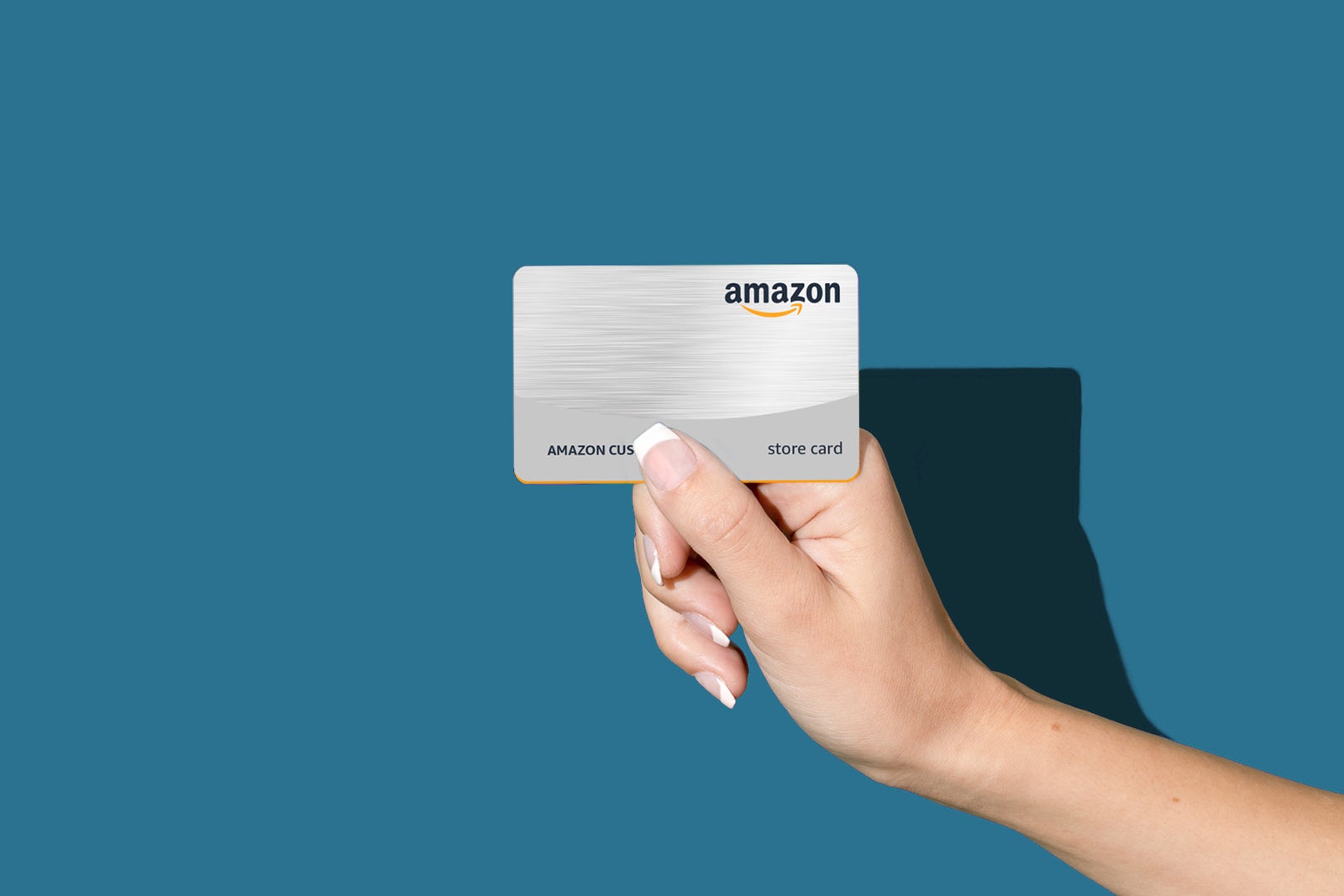
Managing an Amazon Store Card requires understanding the operational separation between Amazon and the card's issuing financial institution, Synchrony Bank. While you use your Amazon Store Card exclusively to make purchases on Amazon.com and affiliated merchant checkouts, your credit line, monthly billing statements, interest calculations, and payment processing are handled entirely by Synchrony Bank.
Amazon provides account shortcuts within your purchasing dashboard, but direct financial servicing occurs through Synchrony's secure banking infrastructure. Accessing your credit details can be completed via two main routes: logging directly into the Synchrony Bank Amazon portal or navigating via your Amazon digital wallet.
Note: The Amazon Store Card is distinct from the Amazon Prime Visa card. The Store Card is an store-branded store card issued by Synchrony Bank, whereas the Prime Visa is a open-loop Visa credit card issued by JPMorgan Chase Bank, N.A.
Knowing which issuing bank holds your credit line ensures you visit the correct login page and contact the appropriate customer support department when managing your account.
Step-by-Step Guide: How to Log In to Your Amazon Store Card Account
Logging into your credit account allows you to track spending, monitor equal-monthly payment promotions, and maintain account security. Follow these step-by-step procedures to access your online dashboard safely from a desktop browser or mobile device.
Accessing the Account via the Synchrony Bank Direct Portal
- Navigate to the Official Login Page: Open your web browser and go directly to the designated Synchrony Bank portal for Amazon Store Cards (
amazon.synchronybank.com). - Enter Your Account Credentials: Locate the login box on the homepage. Input your registered User ID and Password into the appropriate fields.
- Select Remember User ID (Optional): If you are using a secure, private device, you may check the option to store your User ID for quicker future access. Never select this option on public or shared computers.
- Click Secure Log In: Submit your information. If multi-factor authentication (MFA) is enabled, you will be prompted to enter a temporary verification code sent to your registered mobile device or email address.
- Access Dashboard: Upon verification, you will land on your main account overview page showing your current balance, available credit line, and upcoming due date.
Accessing Your Store Card Details via the Amazon Platform
- Log in to Amazon: Open Amazon.com or the Amazon Shopping app and sign in with your standard Amazon account credentials.
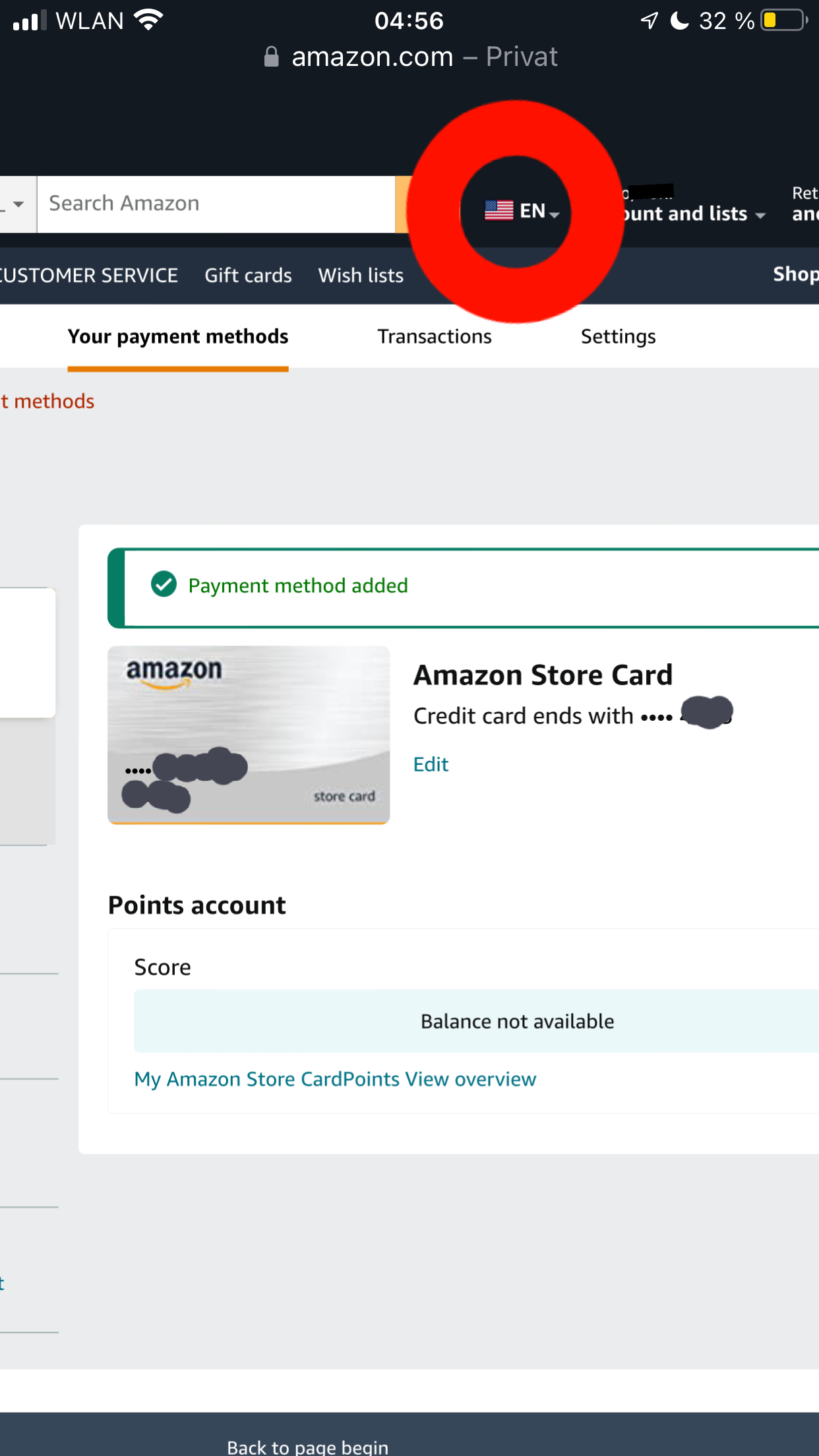
- Open Account Settings: Click on Account & Lists in the top navigation menu and select Your Payments.
- Select the Amazon Store Card: Scroll through your saved payment methods to find your Amazon Store Card.
- Click Manage Account: Select the option to manage your card. Amazon will securely redirect your session to the Synchrony Bank portal, where you may be prompted to verify your identity or log in with your Synchrony credentials depending on your session state.
Amazon Store Card vs. Amazon Prime Visa Account Portals
Because Amazon offers multiple co-branded credit products, cardholders often confuse the login portals and issuing banks. The table below details the exact account servicing specs and portal structures for Amazon’s primary credit offerings.
| Card Feature / Spec | Amazon Store Card / Prime Store Card | Amazon Secured Card | Amazon Prime Visa Card |
|---|---|---|---|
| Issuing Bank | Synchrony Bank | Synchrony Bank | JPMorgan Chase Bank, N.A. |
| Network Type | Closed-Loop (Amazon purchases only) | Closed-Loop (Collateral backed) | Open-Loop (Visa Network Worldwide) |
| Primary Servicing Portal | amazon.synchronybank.com |
amazon.synchronybank.com |
chase.com |
| Mobile App Servicing | Synchrony Bank App / Amazon App Shortcut | Synchrony Bank App | Chase Mobile App |
| Primary Customer Service Phone | 1-866-419-4096 | 1-866-419-4096 | 1-888-247-4080 |
| Core Cash Back / Credit Perks | 5% Back for Prime Members (Statement Credit) | 2% Back on Amazon for Eligible Accounts | 5% Back at Amazon, Whole Foods, & Chase Travel |
| Promotional Financing Support | Special Financing & Equal Pay Offers | Not Applicable | Chase Pay Over Time Options |
Troubleshooting Common Amazon Store Card Login Errors
Encountering errors when attempting to access your Synchrony account can stem from forgotten credentials, security blocks, or browser configuration issues. Use these technical troubleshooting methods to restore access.
Password and User ID Recovery If you cannot recall your access credentials, do not attempt multiple failed attempts, as Synchrony automatically locks accounts after repeated incorrect entries. Click the Find User ID or Reset Password links on the primary login page. You will need your full credit card account number, the primary cardholder's Social Security Number (SSN) or Tax ID, and your billing zip code to authenticate identity before resetting credentials.
Resolving Account Locks and Security Challenges
- Multi-Factor Authentication Delays: If you do not receive your SMS code within 60 seconds, verify your mobile carrier is not blocking shortcodes. Request an alternative verification via voice call or email.
- Locked Account Protocol: If your account has been locked due to suspicious activity or repeated failed login attempts, online self-service recovery may be disabled. You must call Synchrony Bank Customer Support directly at 1-866-419-4096 to complete a identity verification reset with an agent.
- Unrecognized Security Questions: If forced into account verification using security questions you cannot answer, clear your browser history and verify you are not accessing the site through a secondary aggregator service.
Technical Web Browser and Redirect Solutions
If the standard portal fails to load or enters an endless redirect loop between Amazon.com and Synchrony, execute the following technical browser fixes:
- Clear Browsing Data: Clear your browser's cached files and cookies specifically for
amazon.com,synchronybank.com, andsyf.com. Stored cookie mismatches frequently disrupt cross-domain authentication. - Disable Aggressive Ad Blockers and Privacy Extensions: Browser extensions that block third-party scripts or modify HTTP referrers can block the secure handshake between Amazon and Synchrony's login servers. Temporarily disable these extensions or whitelist both domains.
- Switch to Private/Incognito Mode: Open a private browsing session to test if existing browser profiles or conflicting cookies are causing authentication failures.
- Update Network DNS Configurations: If receiving continuous server timeouts, flush your local DNS cache by running
ipconfig /flushdnsin Command Prompt (Windows) orsudo dscacheutil -flushcachein Terminal (macOS).
Post-Login Features: Managing Your Account Online
Once successfully authenticated within the Synchrony Bank portal, cardholders gain access to several financial management tools designed to keep accounts in good standing.
1. Promotional Financing Tracker
The Amazon Store Card frequently offers special promotional financing (such as 6, 12, or 24-month deferred interest plans or equal monthly payment options) on qualifying Amazon purchases. The online dashboard provides a detailed breakdown of each active promotional deferred-interest plan, showing:
- Original promotional balance amount.
- Deferred interest accrued to date.
- Promotional expiration date.
- Required minimum monthly allocation to avoid deferred interest charges.
2. Credit Line Increase Requests
Cardholders can request credit limit increases directly through the portal without contacting customer support. Synchrony evaluates your request instantly using automated underwriting algorithms. In many cases, these digital requests result in a soft credit inquiry, though hard inquiries can occur depending on credit file conditions.
3. Electronic Statements and Tax Documents
Access up to 24 months of historical billing statements in downloadable PDF format. You can switch your statement delivery preferences between physical paper delivery and paperless electronic notifications to reduce fee risks associated with lost mail.
How to Set Up Auto-Pay and Make One-Time Online Payments
Maintaining a positive payment history on your Amazon Store Card is crucial for avoiding late fees and protecting your credit score. Synchrony Bank provides two main digital payment processing methods.
Payment Processing Cutoff Time: Synchrony Bank processes payments submitted before 11:59 PM Eastern Time (ET) on the same calendar day. Payments submitted after this time will post on the following business day.
Setting Up One-Time Payments
- Log into your account dashboard at
amazon.synchronybank.com. - Click the Make Payment button on your home dashboard.
- Input your desired payment amount: Minimum Payment Due, Full Statement Balance, Current Balance, or a Custom Amount.
- Select your saved payment source (linked bank routing and checking account number) or enter a new checking account routing and account number.
- Choose your desired payment processing date.
- Review the payment details and submit authorization. Save the displayed payment confirmation number for your records.
Configuring Recurring Automatic Payments (Auto-Pay)
Automating your payments prevents missed due dates and associated penalty fees.
- Navigate to the Payments tab in your Synchrony menu and select Set Up AutoPay.
- Select the recurring payment logic that fits your financial strategy:
- Pay Statement Balance: Clears the full balance monthly to avoid interest charges on non-promotional balances.
- Pay Minimum Amount Due: Ensures compliance with minimum contractual terms to avoid late fees.
- Pay Custom Amount: Allows you to pay a fixed dollar amount monthly (ideal for calculating structured equal payments over promotional periods).
- Select your linked bank checking account as the funding source.
- Agree to the automatic electronic debit authorization disclosures and save settings.
Security Best Practices for Cardholders
Because online credit accounts are high-value targets for credential stuffing attacks, phishing campaigns, and identity theft, maintaining strong security protections around your Amazon Store Card login credentials is vital.
- Use Unique Credentials: Never reuse your Amazon.com password or standard email account password for your Synchrony Bank credit account. Use a unique passkey or strong password combination featuring at least 16 characters including numbers, symbols, and mixed-case letters.
- Enable Multi-Factor Authentication (MFA): Ensure MFA is set to active within Synchrony security settings. This requires a secondary code delivered via SMS or verification call whenever a login is attempted from an unrecognized device or IP address.
- Recognize Phishing Attempts: Synchrony Bank and Amazon will never call, text, or email you requesting your online account password, pin, or full Social Security Number. If you receive an urgent communication claiming your account is suspended, do not click embedded links. Navigate independently to
amazon.synchronybank.comto review alerts. - Monitor Account Alerts: Enable real-time SMS or push notifications for transaction amounts over a defined limit, password changes, and international billing attempts.
Frequently Asked Questions
Can I log into my Amazon Store Card using my standard Amazon password?
No, your Amazon Store Card is serviced independently by Synchrony Bank. Unless you access your card management options through a linked single-sign-on redirect inside your verified Amazon wallet, you must use your distinct Synchrony Bank account User ID and password.
What should I do if my Amazon Store Card login is locked?
If your account is locked due to repeated incorrect password entries, use the "Forgot Password" or "Reset User ID" self-service links on the main portal page. If self-service recovery is blocked, contact Synchrony Customer Support directly at 1-866-419-4096 to complete identity verification.
How do I pay my Amazon Store Card bill over the phone?
You can make a phone payment by calling the automated Synchrony Bank servicing system at 1-866-419-4096. Have your checking account number and bank routing number available. Automated phone payments are typically processed without extra charges, though requesting a live agent connection to process payments may incur service fees depending on account terms.
Where do I view my promotional financing expiration dates?
After logging into your Synchrony Bank account dashboard, select the "Promotional Purchases" or "Summary of Promotional Financing" section under account details. This section lists each individual transaction, original promo length, remaining balance, and exact deferred interest expiration date.
Why is my Amazon Store Card not appearing in my Amazon payment wallet?
If your card does not show up in your Amazon account under "Your Payments," the electronic link between your retail profile and credit account may be severed. Go to payment settings on Amazon, re-enter your 16-digit Amazon Store Card account number, and complete the digital re-linking procedure.
Authoritative Guidance for Account Holders
Managing your Amazon Store Card online effectively requires keeping your contact details up to date with Synchrony Bank and maintaining regular checks on your account dashboard. By reviewing billing statements monthly, staying informed about promotional financing due dates, and implementing security practices like multi-factor authentication, you protect both your financial health and credit profile.
For direct account assistance, visit the official Synchrony Bank Amazon Portal or reach customer service directly at 1-866-419-4096.
Image Gallery