How a PayPal Card Works for Everyday Spending
A PayPal card works by linking your digital PayPal account to a physical or virtual Mastercard, allowing you to spend your balance at any merchant that accepts Mastercard. For everyday spending, you use it like a traditional bank card...
A PayPal card works by linking your digital PayPal account to a physical or virtual Mastercard, allowing you to spend your balance at any merchant that accepts Mastercard. For everyday spending, you use it like a traditional bank card to pay for groceries, gas, or online orders, with funds drawn either from your PayPal balance or a linked backup bank account.
Contents
The ecosystem of PayPal cards has evolved significantly by 2026, offering users a bridge between digital payment platforms and the physical retail world. Whether you are using the PayPal Debit Mastercard or the PayPal Cashback Mastercard, these tools are designed to provide immediate access to your funds without the typical 1–3 day delay associated with transferring money to a traditional checking account. Understanding the nuances of how these cards function—from funding sources to rewards structures—is essential for anyone looking to integrate PayPal into their daily financial routine.
The Two Primary Types of PayPal Cards
To understand how PayPal works for everyday spending, you must first distinguish between the two primary card products offered. While both operate on the Mastercard network, their underlying financial structures differ fundamentally.
1. PayPal Debit Mastercard
The PayPal Debit Mastercard is the most common choice for "everyday" users. It is a debit card, not a credit card, meaning it does not require a credit check for approval (though identity verification is mandatory). It is linked directly to your PayPal Balance account. When you swipe the card at a grocery store, PayPal checks your available digital balance. If the funds are there, the transaction is approved instantly.
2. PayPal Cashback Mastercard
This is a traditional credit card issued by Synchrony Bank. Unlike the debit version, it provides a line of credit that you pay back monthly. In 2026, this card remains a favorite for daily spending because of its aggressive rewards program, often offering 3% cashback on PayPal purchases and a flat 1.5% to 2% on all other spending. This card is better suited for users who want to build credit or earn rewards on their daily necessities.
How the Funding Mechanism Works
The "magic" of using a PayPal card for daily errands lies in how it handles money behind the scenes. For the PayPal Debit Mastercard, the process is governed by your Funding Source settings.
PayPal Balance and Backup Funding
When you make a purchase, PayPal first attempts to use the money sitting in your PayPal balance. This is particularly useful for freelancers, gig workers, or small business owners who receive payments via PayPal. However, if your balance is $0, the transaction doesn't necessarily fail.
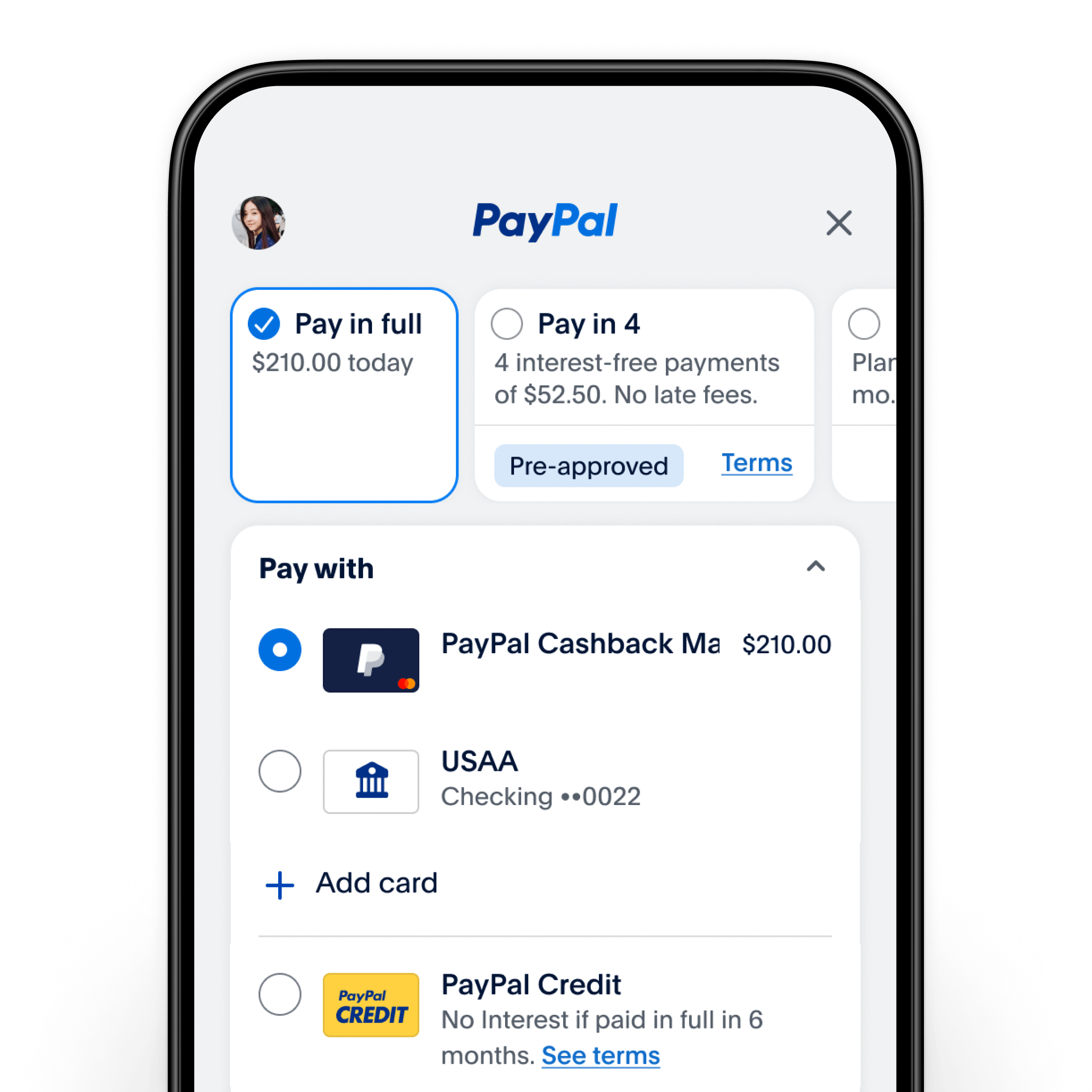
PayPal offers a feature called Backup Funding. You can link a verified bank account or a separate debit card to your PayPal account. If you spend $50 at a gas station but only have $20 in your PayPal balance, PayPal can automatically pull the remaining $30 from your linked bank account. This ensures that your everyday spending isn't interrupted by a low digital balance, making the card as reliable as a standard bank-issued debit card.
Real-Time Transaction Processing
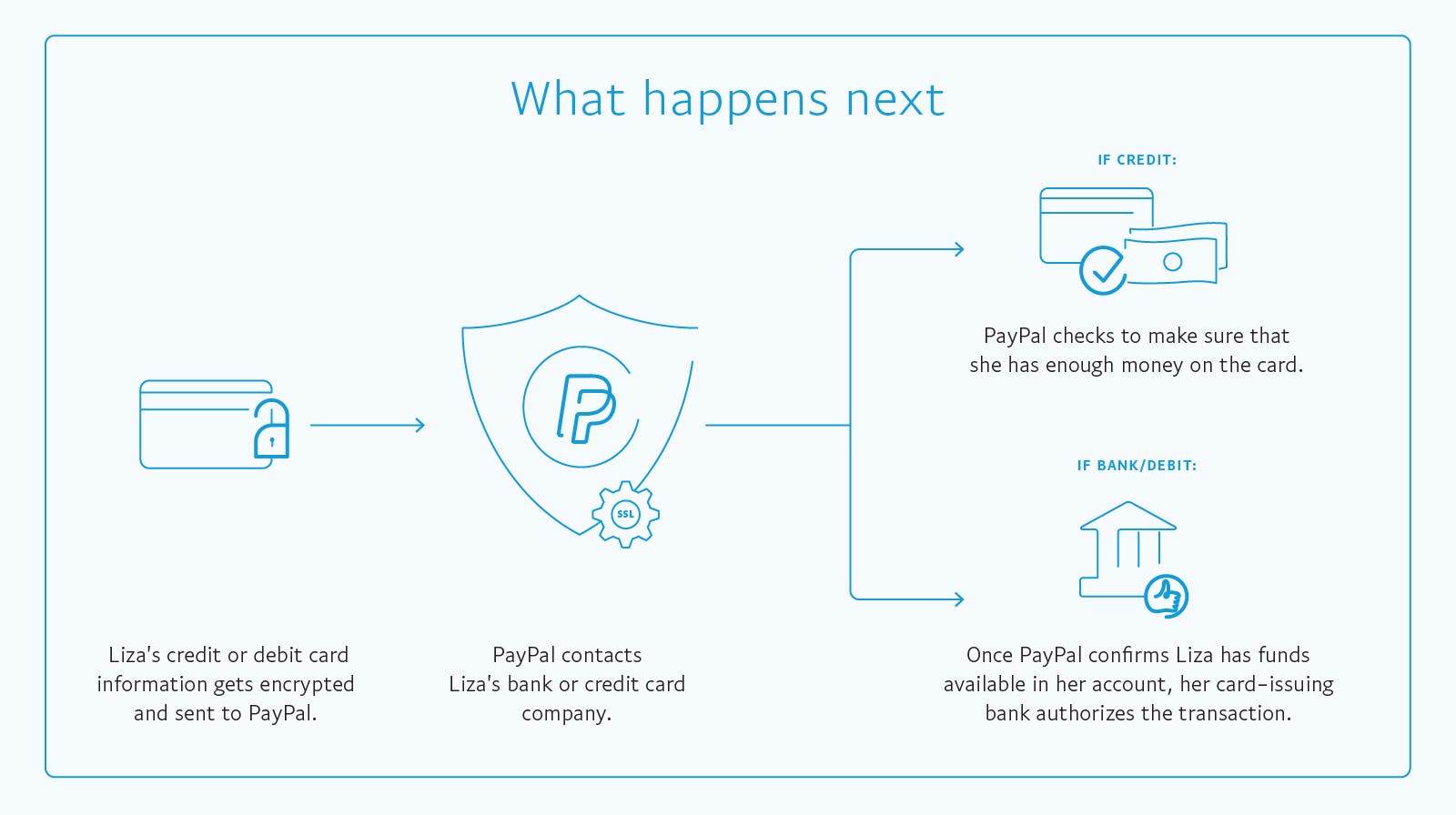
In 2026, the speed of these transactions is near-instant. The moment you "tap" your card at a point-of-sale (POS) terminal, the Mastercard network communicates with PayPal’s servers. PayPal verifies the security tokens, checks the balance (and backup sources), and sends an authorization code back to the merchant in milliseconds. You will typically receive a push notification on your smartphone via the PayPal app before the receipt is even printed.
Everyday Use Cases and Merchant Acceptance
Because PayPal cards are issued through Mastercard, they enjoy nearly universal acceptance. If a store accepts credit or debit cards, they accept the PayPal card.
In-Store Spending (Physical and Contactless)
For daily errands like buying coffee or groceries, the PayPal card supports multiple interfaces:
- EMV Chip: Inserting the card into the reader for maximum security.
- Contactless (Tap-to-Pay): Most PayPal cards issued by 2026 include NFC technology, allowing you to tap the card on the terminal.
- Digital Wallets: You can add your PayPal card to Apple Pay, Google Pay, or Samsung Pay. This allows you to leave your physical wallet at home and spend your PayPal funds using your smartphone or smartwatch.
Online Shopping and Subscriptions
For everyday digital expenses—such as Netflix subscriptions, Amazon orders, or utility bills—the PayPal card acts as a standard Mastercard. While you can often use the "PayPal Checkout" button online, some sites do not offer it. In those cases, entering your PayPal card number allows you to use your PayPal funds on sites that don't natively support the PayPal platform.
Fees, Limits, and Costs of Operation
While PayPal is known for its accessibility, everyday users must be aware of the fee structure to avoid unnecessary costs. As of 2026, the following general fee guidelines apply to the PayPal Debit Mastercard:
| Feature | Fee (Standard 2026 Rates) | Notes |
|---|---|---|
| Monthly/Annual Fee | $0.00 | No cost to hold the card. |
| Online/In-Store Purchases | $0.00 | Standard domestic transactions are free. |
| ATM Withdrawals (In-Network) | $0.00 | Usually via MoneyPass or similar networks. |
| ATM Withdrawals (Out-of-Network) | $2.50 + ATM Owner Fee | Applies to non-participating ATMs. |
| Foreign Transaction Fee | 1% to 2.5% | Varies by card type; applies to non-USD transactions. |
| Card Replacement | $0.00 - $5.00 | Standard shipping is often free; expedited costs more. |
Spending and Withdrawal Limits
To protect users from fraud, PayPal imposes daily limits. For a standard personal debit card, the daily spending limit is typically around $3,000, and the daily ATM withdrawal limit is usually $400. These limits can often be adjusted within the app settings if you have a consistent history of responsible use and a verified identity.
Managing Your Spending via the PayPal App
A significant advantage of using a PayPal card for everyday spending is the integration with the PayPal mobile app. In 2026, the app serves as a high-tech command center for your finances.
Instant Notifications and Budgeting
Every time the card is used, you receive a notification detailing the merchant and the amount. This provides an immediate "paper trail" that helps with daily budgeting. Within the app, transactions are automatically categorized (e.g., "Dining," "Groceries," "Travel"), allowing you to see exactly where your money is going at the end of the month.
Card Controls and Security
If you misplace your card while out running errands, you don't need to call a bank and wait on hold. The PayPal app allows you to Freeze the card instantly. This prevents any new transactions from occurring while you look for the card. If you find it, you can unfreeze it with a single tap. If it’s truly gone, you can report it lost and order a replacement directly through the interface.
Security and Buyer Protection
One of the primary concerns with "everyday" cards is what happens if a transaction goes wrong. PayPal provides several layers of protection:
- Mastercard Zero Liability: You are generally not held responsible for unauthorized transactions if you report them promptly.
- Fraud Monitoring: PayPal uses advanced AI to monitor spending patterns. If you typically spend $50 a week on gas in Ohio and suddenly there is a $1,000 charge in Eastern Europe, PayPal will likely block the transaction and text you for verification.
- Encrypted Transactions: The physical card uses EMV chip technology, and digital wallet transactions use "tokenization," meaning your actual card number is never shared with the merchant.
It is important to note that the PayPal Purchase Protection (which covers items not arriving or being significantly not as described) primarily applies to purchases made through the "PayPal Checkout" system. Purchases made using the physical PayPal Debit Card at a retail store are typically covered by Mastercard’s standard dispute and chargeback rules rather than PayPal’s specific e-commerce protection policy.
Comparison: PayPal Card vs. Traditional Bank Card
When deciding whether to use a PayPal card for daily spending, it helps to compare it to a standard bank-issued debit card.
- Speed of Access: If you receive a payment from a client or friend on PayPal, a bank card requires you to "transfer to bank" (taking minutes for a fee or days for free). The PayPal card lets you spend that money the same second it hits your account.
- Ease of Setup: Obtaining a PayPal Debit card is often easier for those who may not want to open a full-fledged new bank account but need a way to spend digital funds.
- Integrated Ecosystem: The PayPal card works seamlessly with PayPal Savings (the high-yield savings component of the app), allowing you to move money between spending and saving instantly.
Common Mistakes to Avoid
To make the most of your PayPal card for everyday spending, avoid these frequent pitfalls:
- Forgetting Backup Funding: If you don't have backup funding set up and your PayPal balance hits zero, your card will be declined at the register, even if you have $10,000 in your linked bank account.
- Ignoring ATM Fees: While "In-Network" ATMs are free, using the card at a random gas station ATM can result in $5.00+ in combined fees. Always use the app’s ATM locator.
- Foreign Transactions: If you live near a border or travel frequently, be aware of the foreign transaction fee. Some premium bank cards offer 0% fees, making them a better choice for international daily spending than the standard PayPal Debit card.
Frequently Asked Questions
Can I use my PayPal card if I have a negative balance?
No. If your PayPal account has a negative balance (due to a previous dispute or failed transfer), your PayPal card will be declined. You must resolve the negative balance and bring it to at least $0 before the card can be used again, even if you have backup funding enabled.
Does using the PayPal card build my credit score?
The PayPal Debit Mastercard does not affect your credit score because it is a debit product and does not involve borrowing money. However, the PayPal Cashback Mastercard is a credit card; your payment history is reported to the major credit bureaus, and responsible use can help improve your credit score.
Is there a limit to how much cashback I can earn?
For the PayPal Cashback Mastercard, there is typically no cap on the amount of cashback you can earn on everyday spending. The rewards are usually calculated at the end of each billing cycle and can be redeemed directly into your PayPal balance.
Can I use the PayPal card for recurring bill payments?
Yes. You can use the card's 16-digit number, expiration date, and CVV code to set up recurring payments for utilities, insurance, or gym memberships. Just ensure your PayPal balance or backup funding source has sufficient funds on the date the bill is due.
What should I do if my PayPal card is declined but I have money?
First, check the PayPal app to see if your card has been "frozen" for security reasons. Second, verify that your "Backup Funding" source is still valid (e.g., your linked bank account hasn't expired or changed). Finally, check if the transaction exceeds your daily spending limit.
Practical Next Steps
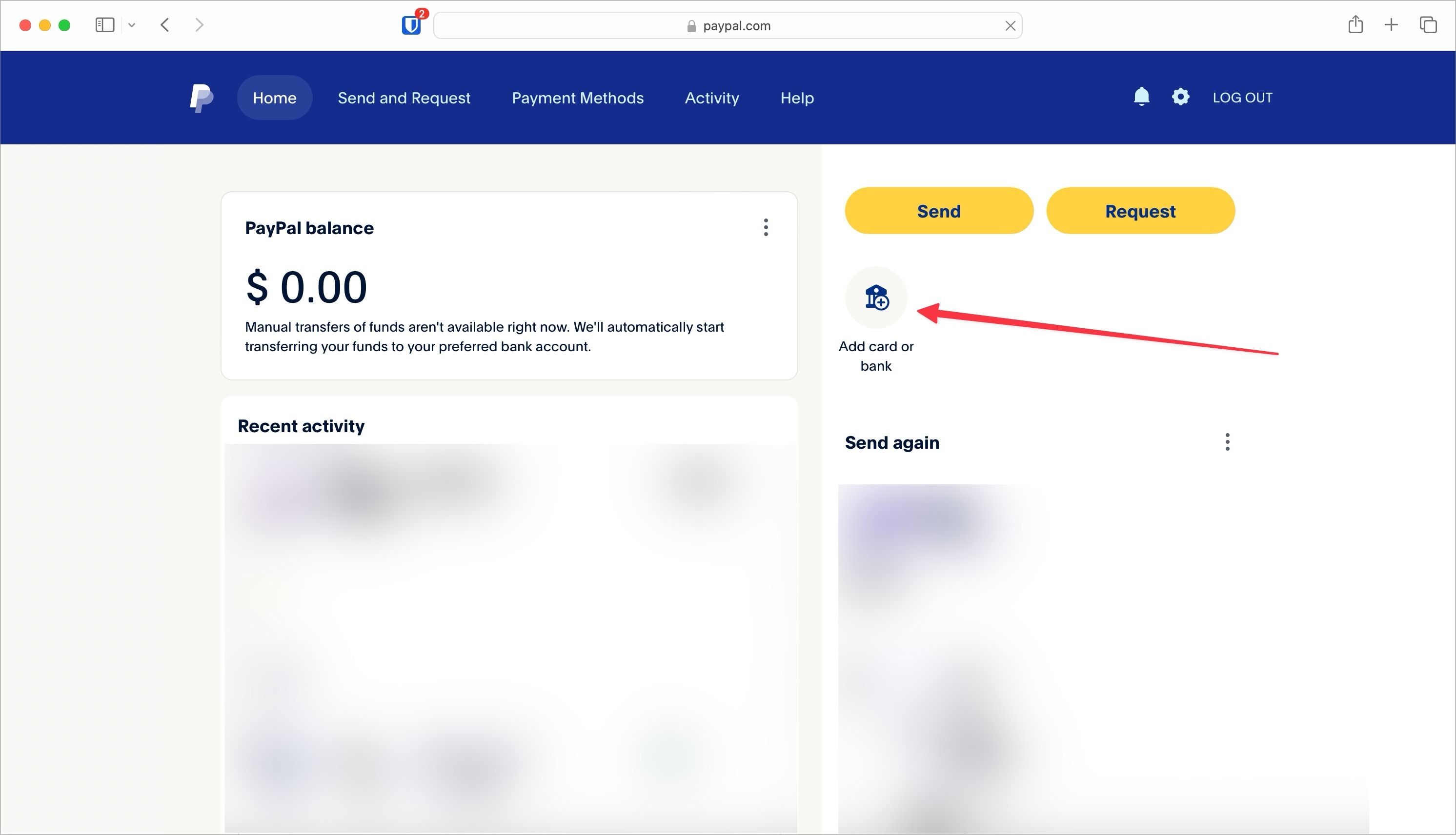
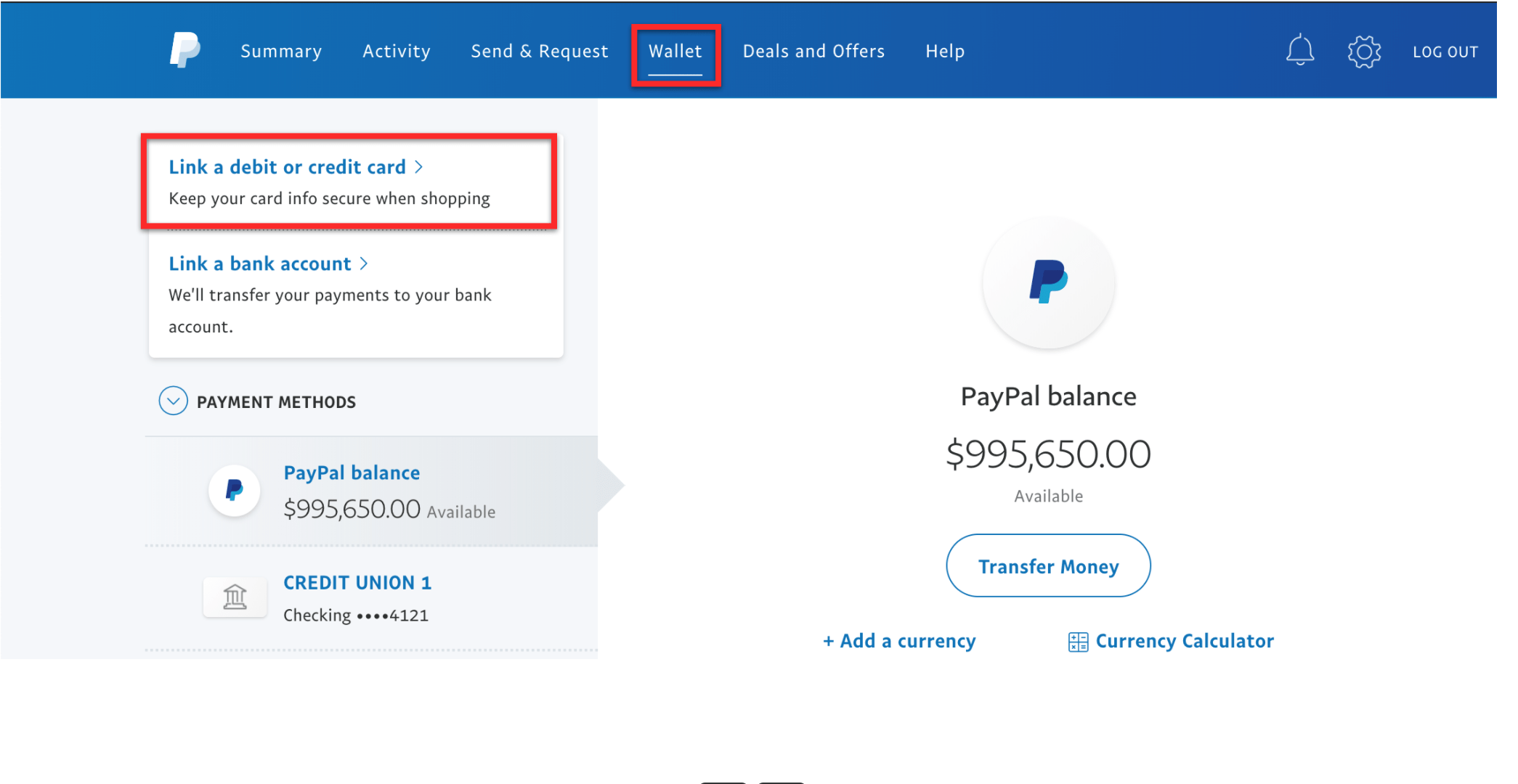
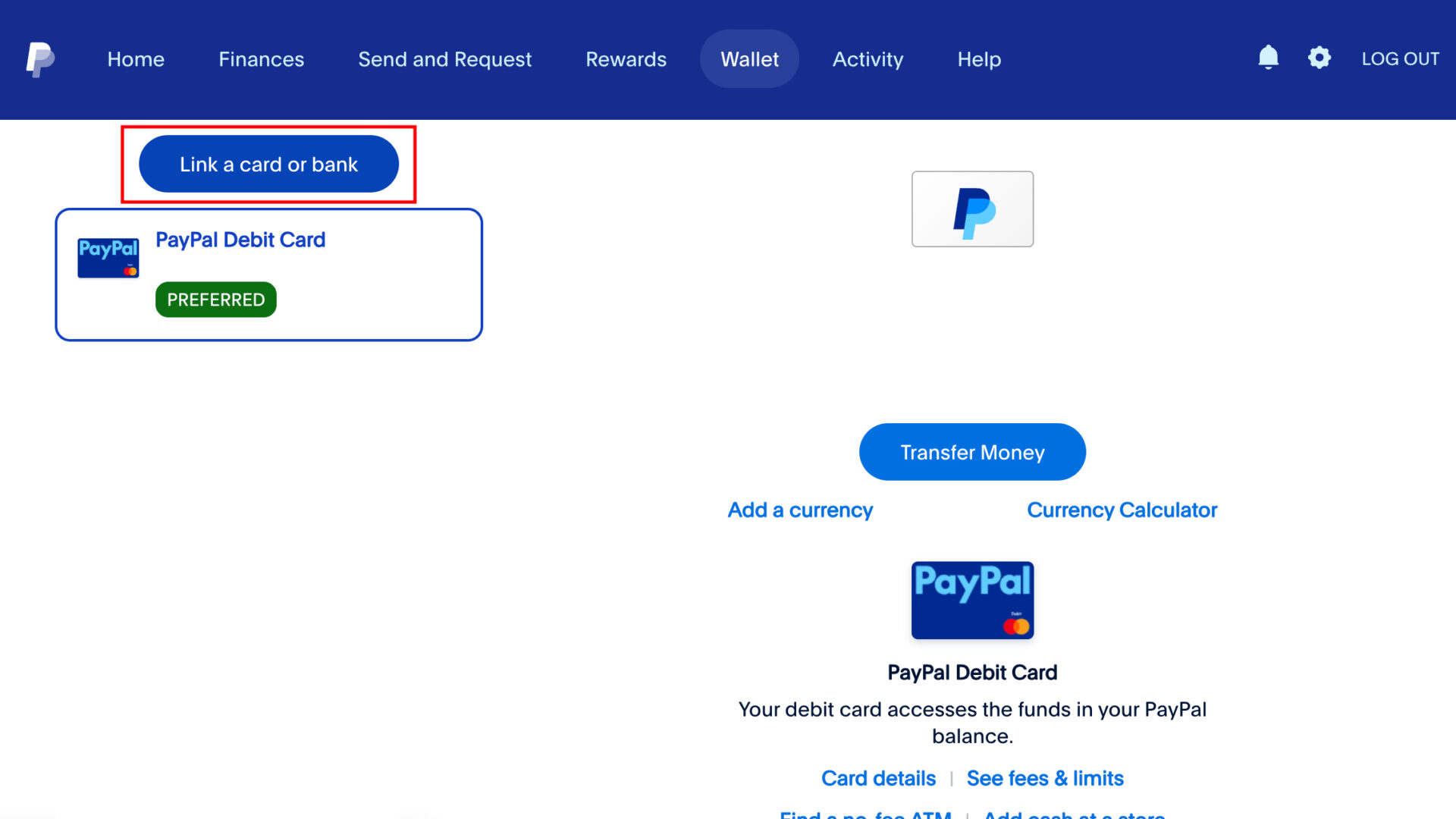
If you want to start using a PayPal card for your everyday spending, the first step is to ensure your PayPal account is fully verified. Log in to the PayPal app or website, navigate to the "Cards" or "Wallet" section, and look for the option to "Get the PayPal Debit Mastercard."
Once your application is approved, the physical card usually arrives within 7–10 business days. While waiting, you can often add the virtual version of the card to your digital wallet (Apple or Google Pay) immediately, allowing you to start spending your PayPal balance at local stores the same day you are approved.
Image Gallery