Finding Your Local Xfinity Retail Store: Services, Locations, and 2026 Visit Guide
Locating an Xfinity retail store near you provides direct access to in-person customer service, equipment upgrades, account management, and hands-on demonstrations of Xfinity Internet, Mobile, Xumo Stream Box, and Xfinity Home security...
Locating an Xfinity retail store near you provides direct access to in-person customer service, equipment upgrades, account management, and hands-on demonstrations of Xfinity Internet, Mobile, Xumo Stream Box, and Xfinity Home security services. Whether you need to return cable boxes, troubleshoot network connection issues, or purchase a new Xfinity Mobile device, visiting a physical Xfinity service center ensures immediate, face-to-face assistance from trained technical representatives without waiting on telephone support queues.
Contents
Understanding What an Xfinity Retail Store Can Do For You
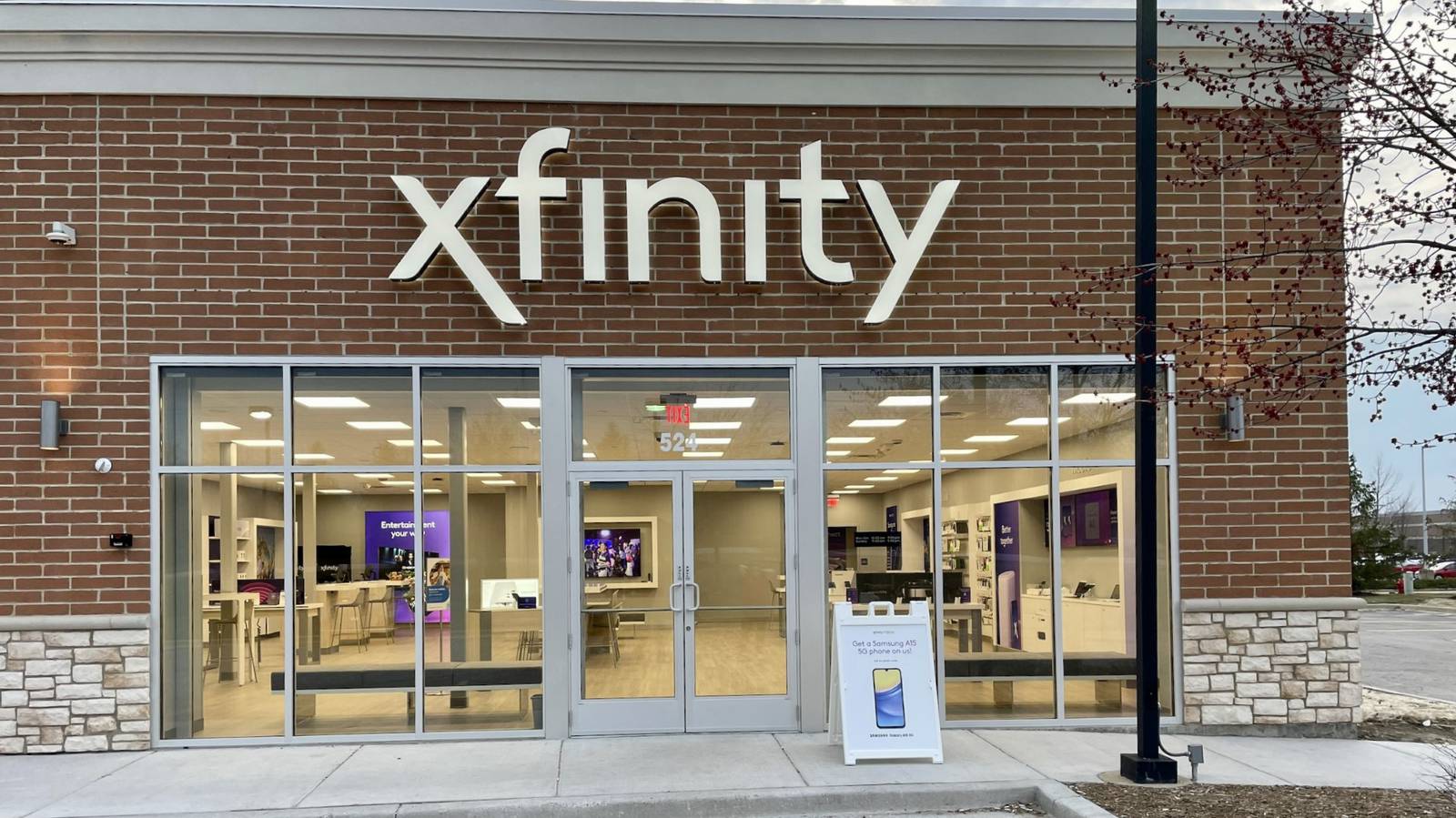
Xfinity retail storefronts serve as comprehensive hubs for Comcast subscribers, moving far beyond simple bill-payment kiosks. Modern Xfinity stores are designed as interactive experience centers where customers can evaluate high-speed fiber-coaxial network capabilities, test Wi-Fi 6 and Wi-Fi 7 gateways, and explore mobile device ecosystems.
When you step into a local Xfinity service center, you gain access to several primary in-person capabilities:
- Equipment Returns and Swaps: Drop off old cable boxes, Voice Remote controls, Xfinity Gateway modems, and Xfinity Flex or Xumo streaming devices to ensure your account is properly credited and to avoid unreturned equipment fees.
- Xfinity Mobile Support: Purchase smartphones, activate new cellular lines, transfer phone numbers, set up nano-SIM or eSIM cards, and troubleshoot device financing or plan adjustments.
- Account Management: Verify billing discrepancies, authenticate account ownership with government-issued photo identification, negotiate or renew service bundles, and process account transfers or disconnects.
- Hands-On Tech Demonstrations: Test out home automation components, security cameras, smart doorbells, and ultra-fast multi-gigabit internet speeds via dedicated live-network display pods.
How to Locate Your Nearest Xfinity Service Center
Finding a certified Xfinity retail store requires using official geographic locators to avoid third-party authorized dealers that may offer limited inventory or restricted account access. Comcast operates both corporate-owned Xfinity Stores and authorized retail partner locations (such as select Best Buy or third-party retail outlets).
To pinpoint the closest facility, utilize the official Xfinity Store Locator tool on the Xfinity website. Enter your ZIP code, city, or current geographic coordinates. The locator filters results to show operating hours, holiday schedules, walk-in availability, and whether the specific location supports physical equipment drop-offs.
| Store Type | Primary Services Offered | Equipment Drop-Off Support | Best Suited For |
|---|---|---|---|
| Corporate Xfinity Store | Full account management, sales, tech troubleshooting, mobile, complete returns | Yes (Instant receipt provided) | Complex account changes, mobile activations, full returns |
| Authorized Retail Partner | Sales, device demonstrations, basic accessory purchases | No (Usually restricted) | Buying new plans, viewing hardware, purchasing mobile accessories |
| Self-Service Kiosk | Bill payment, quick item drop-offs (select locations) | Limited | Rapid bill payments or simple drop-offs |
Preparing for Your Visit: What to Bring and What to Expect
Maximizing the efficiency of your trip to an Xfinity retail store requires gathering specific documentation and equipment beforehand. In-store representatives must verify account security before releasing sensitive billing data, issuing new equipment, or modifying existing service contracts.
Essential Checklist for Your Store Visit
- Government-Issued Photo ID: A valid driver's license, passport, or state identification card matching the primary account holder or an authorized user listed on the account profile.
- Account Verification Details: Your Xfinity account number, the telephone number associated with the account, or the billing PIN if setting up a new line or modifying services.
- Equipment to Return: All power cords, HDMI cables, remote controls, and gateways or set-top boxes bundled together. Pack items securely to prevent physical damage during transit.
- Unlocked Devices (for Mobile): If bringing your own device to Xfinity Mobile, ensure the phone is paid off in full, carrier-unlocked, and backed up with personal data safely stored in the cloud.
Managing Equipment Returns Properly
Returning leased equipment correctly prevents erroneous billing charges from accumulating on your statement. When you hand over modems, routers, or TV boxes at a corporate Xfinity store, the representative will scan the barcode on each individual piece of hardware and provide a printed or emailed return receipt.
Receipt Retention Notice: Always retain your equipment return receipt for a minimum of 90 days. This receipt serves as your legally binding proof of return, protecting you if inventory tracking errors occur within the corporate billing system.
Troubleshooting Common In-Store Visit Challenges
While visiting an Xfinity store resolves many technical and billing hurdles quickly, preparation helps avoid common friction points.
- Long Wait Times: High-traffic retail locations often experience peak volume during weekend afternoons and weekday lunch hours. Utilize the online queue check-in system available on the Xfinity mobile app or website to reserve your spot in line virtually before arriving.
- Authorized User Limitations: If you are not the primary account holder, verify that your name is explicitly added to the account as an authorized user, or ensure you are accompanied by the primary account holder to authorize changes.
- Inventory Limitations: For specialized mobile device colorways, high-end storage configurations, or specific legacy equipment replacements, call ahead or check real-time stock availability online to confirm the item is physically on-site.
Frequently Asked Questions About Xfinity Retail Stores
Can I pay my Xfinity bill in person at a local store?
Yes, corporate Xfinity retail stores accept bill payments via cash, check, debit card, or credit card. Many locations also feature self-service payment kiosks for rapid processing without waiting to speak with a representative.
Do I need an appointment to visit an Xfinity retail store?
Appointments are generally not required for standard visits, but scheduling a virtual check-in via the online store locator allows you to secure your place in line and minimize physical wait times upon arrival.
What happens if I lose my Xfinity equipment return receipt?
If you lose your physical receipt, log into your online Xfinity account to verify whether the equipment return has been processed and logged in the digital inventory ledger, or contact customer support immediately to reference the tracking numbers.
Are all Xfinity stores corporate-owned, or are there third-party dealers?
Comcast operates both corporate-owned Xfinity stores and authorized retail partner locations. Corporate stores handle all account modifications, technical support, and equipment returns, whereas some authorized partners focus primarily on new sales and mobile device activations.
Can I upgrade my internet speed or change my TV package in person?
Yes, store representatives can review your current data usage, analyze your household requirements, and instantly apply promotional bundles, speed tier upgrades, or television package modifications directly to your account.
How do I find out if my local store is open on holidays?
Official Xfinity store locators provide real-time updates regarding holiday hours, unexpected closures, and modified operating schedules for every regional storefront.
Secure Your Connected Experience Today
Finding the right Xfinity retail store near you bridges the gap between digital frustration and instant, expert resolution. Whether you are streamlining your household broadband, upgrading to mobile connectivity, or returning legacy equipment, visiting a physical service center guarantees personalized attention. Review your local store hours online, check-in virtually to skip the line, and experience direct support from Xfinity professionals today.
Image Gallery