A Technical Guide to Executing A/B Testing on iOS Apps in 2026
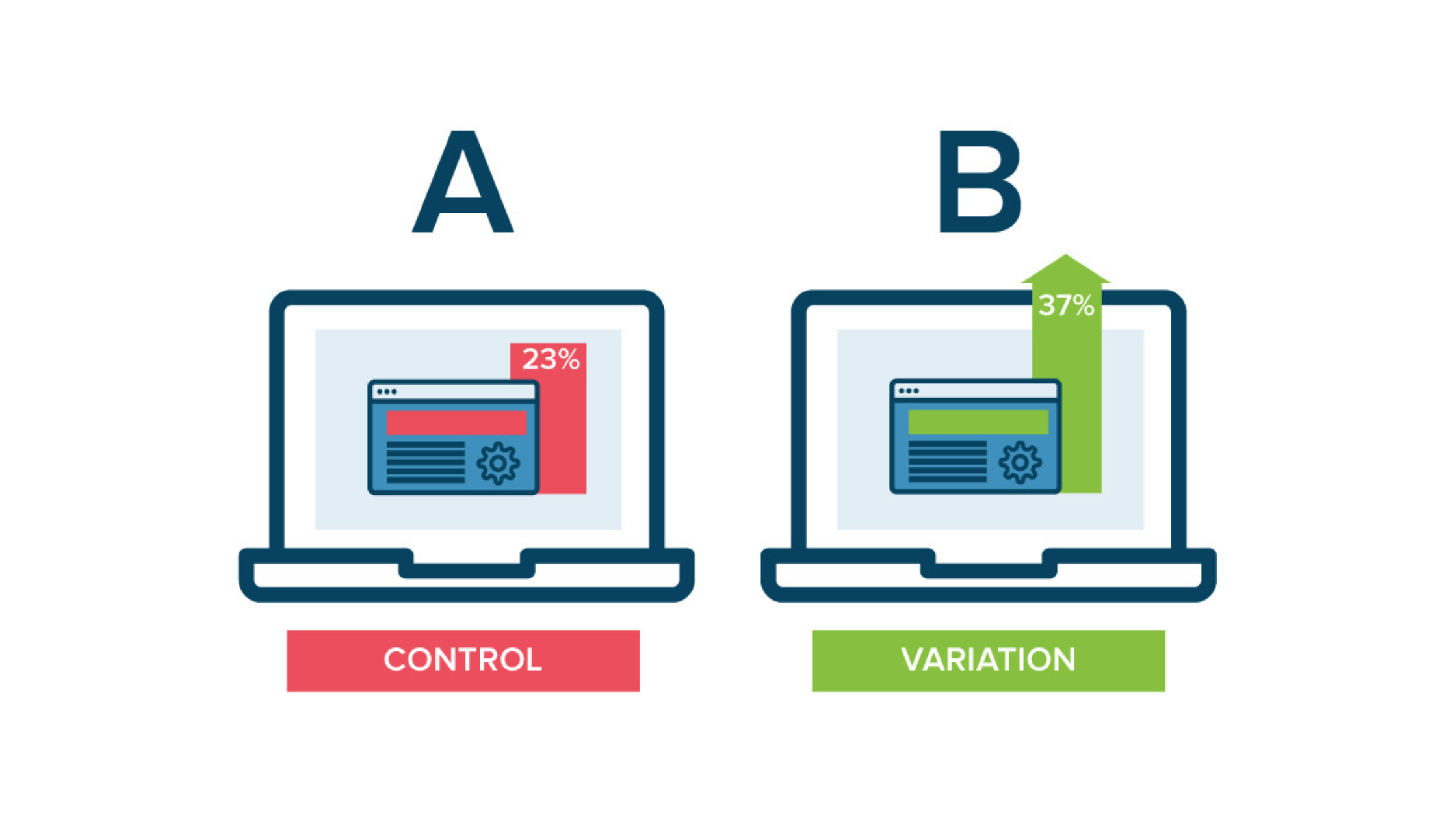
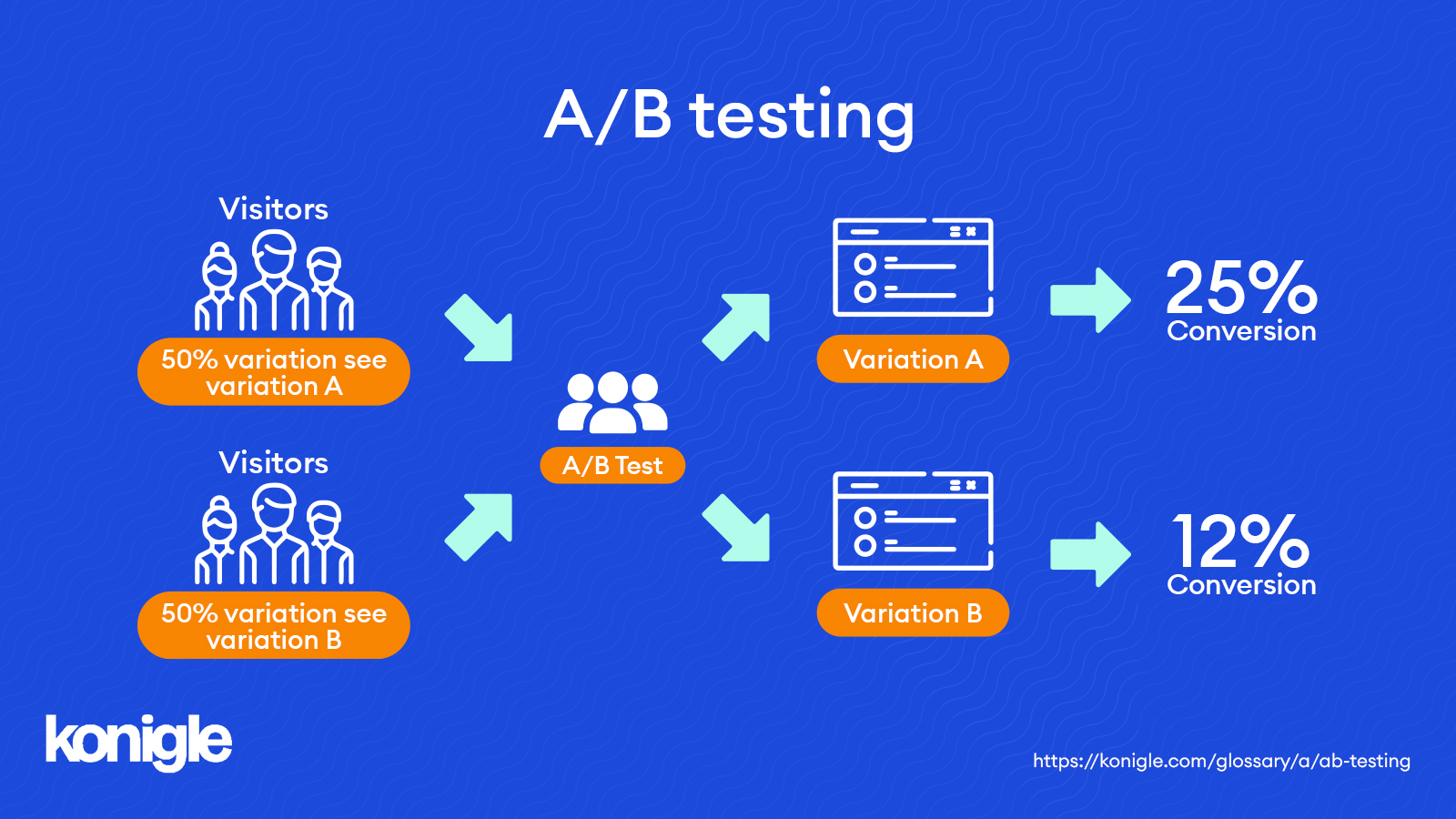
A/B testing on iOS involves deploying two or more variations of an application interface or feature to different user segments to measure performance based on specific KPIs. As of 2026, successful implementation requires strict adheren...
A/B testing on iOS involves deploying two or more variations of an application interface or feature to different user segments to measure performance based on specific KPIs. As of 2026, successful implementation requires strict adherence to Apple’s App Tracking Transparency (ATT) framework and leveraging server-side feature flagging to ensure seamless, compliant experiment delivery without constant App Store review cycles.
Contents
The Role of Feature Flagging in Modern iOS Development
To perform effective A/B testing on iOS, developers have largely shifted away from hard-coding variants into the binary. In 2026, the industry standard relies on Remote Configuration or Feature Flagging services. This approach allows developers to toggle features on or off and display different UI components dynamically without requiring a new submission to the App Store.
When you decoupling code deployment from feature release, you minimize the risk associated with bad experiments. If a variant underperforms or causes a crash, you can revert the change in the management console instantly. This is critical for maintaining high stability metrics in the App Store, where crash rates directly influence algorithmic visibility and user retention.
Strategic Implementation Workflow for iOS Experiments
Implementing a robust testing architecture requires a structured approach to prevent data leakage and ensure statistical significance. Follow this sequence to maintain the integrity of your test results:
- Define the Hypothesis: Identify the specific metric you are trying to move, such as conversion rate, average session duration, or sign-up flow completion.
- Select the Tooling: Choose between managed platforms or custom internal solutions. Ensure the chosen SDK supports native Swift/SwiftUI and complies with 2026 privacy requirements.
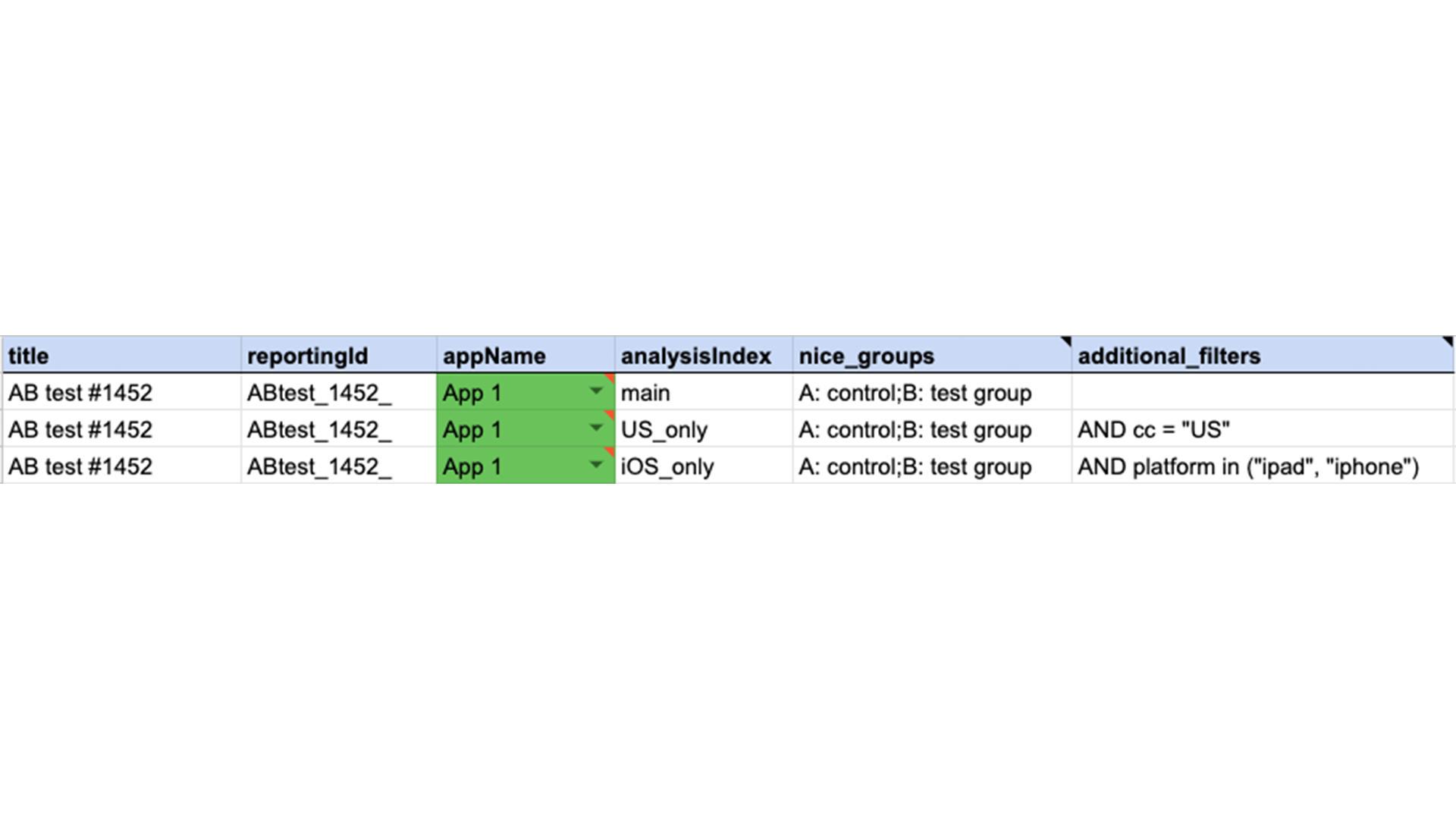
- Segment Definition: Utilize user properties (e.g., region, app version, subscription status) to define audience segments.
- Implementation: Integrate the SDK and wrap target features in conditional logic that references the assigned variant.
- Quality Assurance: Verify that the correct variant renders for the test group and ensure logging mechanisms are capturing events correctly.
- Execution and Monitoring: Run the experiment until the sample size achieves statistical power.
Comparison of iOS A/B Testing Methodologies
Selecting the right methodology depends on your team’s technical resources and the depth of the experiment.
| Methodology | Technical Complexity | Flexibility | Maintenance Overhead | Best Use Case |
|---|---|---|---|---|
| Server-Side Flagging | High | Extremely High | Low | Complex algorithmic changes |
| Client-Side Configuration | Medium | Moderate | Low | UI/UX visual adjustments |
| Binary/App Store Split | Low | Very Low | High | Major architecture shifts |
| In-App Message Testing | Low | High | Low | Promotional/Marketing flows |
Navigating Privacy and Compliance Standards
In 2026, iOS privacy mandates are more stringent than ever. When performing A/B testing, you must remain compliant with Apple’s guidelines regarding user privacy.
Privacy and Data Sovereignty Requirements
Consent Management: Ensure that your A/B testing framework respects the user's choice regarding App Tracking Transparency. If a user denies tracking, you cannot use Identifier for Advertisers (IDFA) to link their experience across sessions.
Data Anonymization: Always prioritize the use of first-party data and avoid sending Personally Identifiable Information (PII) to third-party experiment providers. Utilize hashed user IDs or session-based random identifiers to maintain consistency without violating privacy policies.
Server-Side Processing: Moving the logic for variant assignment to the server side helps keep the app bundle size small and improves performance, while also ensuring that your logic adheres to regional regulations like GDPR or CCPA.
Analyzing Statistical Significance and Data Integrity
A common failure point in mobile A/B testing is ending the experiment prematurely due to "peeking" at the results. To ensure the data you collect is actionable, you must establish a pre-determined sample size based on the Minimum Detectable Effect (MDE) you hope to achieve.
- Sample Size Determination: Calculate the required number of users before starting. Use power analysis to determine how many sessions are needed to reach a 95% confidence level.
- Avoiding Selection Bias: Ensure that the bucketing algorithm is deterministic. A user should consistently see the same variant throughout the duration of the test.
- Outlier Management: Filter out "noise" such as bots, automated test devices, or abnormally high-frequency users who might skew your conversion data.
Troubleshooting Common iOS Experimentation Issues
Even with a solid architecture, technical hurdles arise. Addressing these proactively preserves the reliability of your data pipeline.
- Race Conditions: If your feature flag configuration is fetched too late during the app launch cycle, the user might see a "flash" of the default state before the variant loads. Solve this by caching configurations locally or using an optimized fetch strategy during the splash screen sequence.
- Stale Cache: Ensure your caching policy for experiment configurations allows for frequent updates. If a user is stuck with a stale cache, they might be assigned to a variant that is no longer active.
- SDK Compatibility: Verify that your experimentation SDK is compatible with the latest iOS SDK version current in 2026. Incompatibility can lead to silent failures where no data is logged, effectively wasting the experiment duration.
Frequently Asked Questions regarding iOS A/B Testing
Does A/B testing impact my App Store performance? A/B testing itself does not impact your App Store ranking, but the performance of your variants does. If an experiment causes increased crash rates or lower retention, those metrics will negatively affect your app’s standing in the store.
How do I handle A/B testing across different app versions? Always include the app version in your experiment targeting criteria. This prevents users on legacy versions from participating in tests designed for new features that do not exist in their binary.
Can I run multiple A/B tests simultaneously? Yes, but you must ensure that the experiments are "orthogonal," meaning they do not interfere with each other. Running two tests on the same checkout flow simultaneously can lead to compounded effects that make it impossible to attribute success to a single change.
What is the minimum duration for an iOS A/B test? While technical tools might show results in hours, it is industry standard to run tests for at least one full business cycle (typically 7–14 days) to account for daily and weekly usage variations.
Do I need a server-side backend to perform A/B testing? While you can use client-only logic for simple tests, a server-side approach is highly recommended. It provides better control, allows for real-time adjustments, and creates a more secure environment for managing sensitive business logic.
Optimization Strategy for Continued Growth
To maximize your ROI in 2026, treat A/B testing not as a one-time activity but as an iterative process. Build a "testing culture" where every feature release is treated as a hypothesis to be validated. Review the results of past experiments to inform future designs, creating a feedback loop that consistently elevates the user experience and drives long-term product-market fit. By focusing on high-impact areas of the user journey and maintaining rigorous statistical standards, you can transform your iOS app into a data-driven engine for user engagement.
Image Gallery