Complete Guide to Citibank Bill Payment Online in 2026
Executing your Citibank bill payment online ensures secure, timely settlement of your credit cards, mortgages, and personal loans while avoiding costly late fees. This guide covers portal access, recurring setups, security protocols, a...
Executing your Citibank bill payment online ensures secure, timely settlement of your credit cards, mortgages, and personal loans while avoiding costly late fees. This guide covers portal access, recurring setups, security protocols, and troubleshooting steps for the 2026 digital banking environment.
Contents
Understanding Citibank Online Bill Payment Architecture
Digital banking platforms have evolved to prioritize instant execution and multi-layer authentication. When you initiate a bill payment through Citibank, the system routes your transaction through automated clearing house (ACH) networks or real-time payment rails depending on the payee profile. For internal Citibank products—such as credit cards or retail loans—transfers post instantly or within the same business day if submitted before the daily cutoff time. For external payees, the bank either transmits electronic payments directly or issues a physical corporate check on your behalf, requiring a standard processing window of two to five business days.
System stability relies on secure cryptographic protocols that protect your financial data during transit. Citibank utilizes advanced TLS (Transport Layer Security) encryption alongside mandatory biometric authentication and multi-factor authentication (MFA) prompts for high-value transactions. Understanding these architectural layers helps you navigate the interface efficiently and prevents processing delays caused by incorrect routing numbers or missed daily cutoff thresholds.
Essential Prerequisites for Digital Bill Management
Before initiating transactions through the Citibank portal, verify that you have met all technical and administrative prerequisites. Preparing these elements in advance streamlines your session and prevents security lockouts.
- Active Citibank online banking user ID and password configured with up-to-date recovery options.
- A registered mobile device capable of receiving One-Time Passcodes (OTPs) via SMS or push notifications for step-up verification.
- Accurate payee details, including the exact billing account number, proper remittance address for external entities, and correct financial institution routing numbers.
- Sufficient available balance or verified linked checking account funds to prevent insufficient funds (NSF) events.
- An updated, standards-compliant web browser or the latest version of the official Citibank mobile application to ensure compatibility with modern security certificates.
Step-by-Step Guide to Processing Your Online Payment
Navigating the payment interface requires a structured approach to ensure funds reach the intended destination accurately. Follow this sequential workflow to complete a standard payment through the desktop or mobile platform.
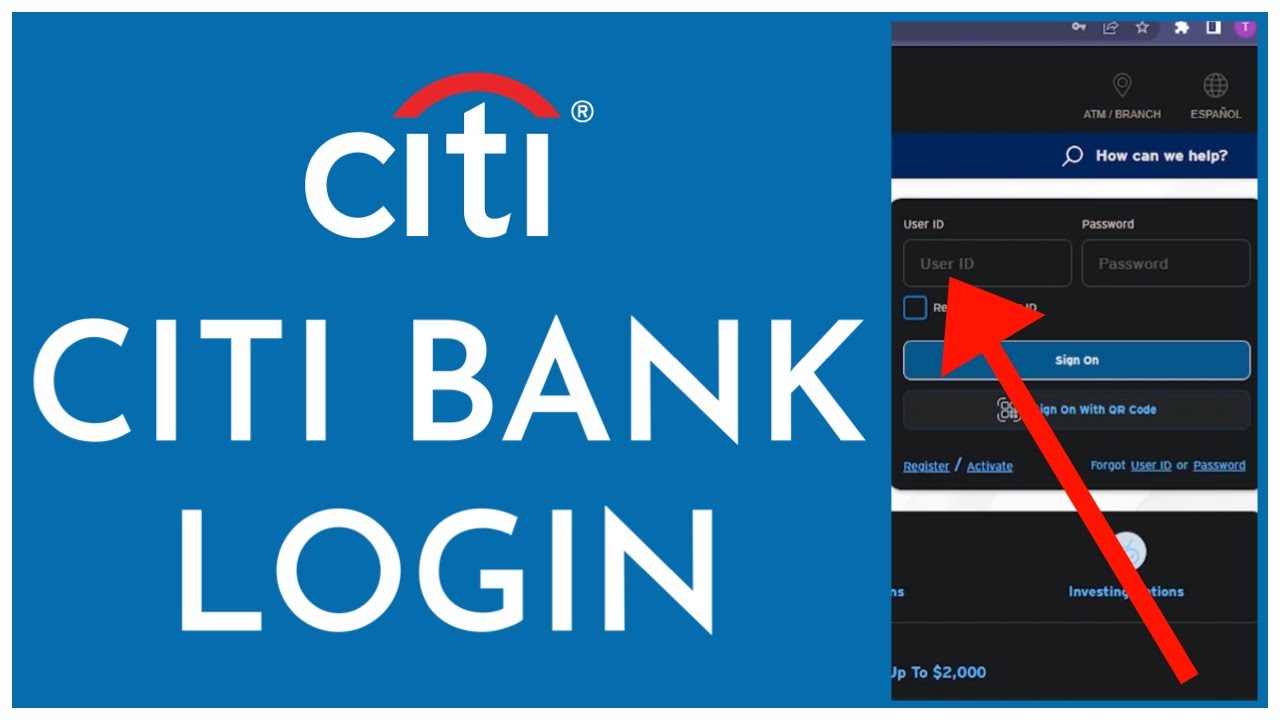
- Authenticate Your Session: Log in to your Citibank online banking dashboard using your secure credentials and complete any required multi-factor authentication steps.
- Navigate to the Payments Hub: Select the "Payments" or "Bill Pay" tab from the primary navigation menu to open the central transaction workspace.
- Select or Add a Payee: Choose an existing payee from your saved list or click "Add Payee" to input a new vendor, utility provider, or internal Citibank loan account.
- Enter Transaction Parameters: Specify the funding account, input the exact payment amount, and select the desired delivery or processing date.
- Configure Frequency: Choose whether this is a one-time immediate payment or part of a recurring schedule.
- Review and Authorize: Carefully verify the account details, amount, and scheduled date, then click confirm to authorize the transaction using the final security prompt.
Comparative Overview of Citibank Payment Channels
Choosing the correct channel for your financial obligations depends on speed, convenience, and transaction fees. The table below outlines the primary methods available to account holders.
| Payment Channel | Processing Speed | Typical Fees | Best Used For |
|---|---|---|---|
| Citibank Online Bill Pay | 1-5 Business Days (External) / Instant (Internal) | $0 (Standard) | Recurring utility, rent, and internal loan payments |
| Citibank Mobile App | 1-5 Business Days | $0 (Standard) | On-the-go payment management and balance checks |
| Auto-Pay (Scheduled) | Automated per schedule | $0 (Standard) | Fixed monthly obligations like mortgages and auto loans |
| Wire Transfer | Same-Day (If sent before cutoff) | Varies by account tier | High-value, urgent real estate or personal transfers |
| Phone Payment (IVR) | Same-Day or Next Day | May include agent fees | Emergency payments when internet access is unavailable |
Advantages and Disadvantages of Online Bill Pay
Evaluating the pros and cons of digital bill management helps you establish a robust personal finance routine while mitigating operational risks.
Advantages
- Time Efficiency: Eliminates the need to write paper checks, buy stamps, and mail payments manually.
- Enhanced Record Keeping: Provides a searchable, digital paper trail of all past transactions, confirmation numbers, and payment histories directly within your dashboard.
- Late Fee Prevention: Automated scheduling ensures bills are never missed due to travel or forgetfulness.
- Environmental Impact: Reduces paper consumption by transitioning to paperless e-bills and electronic fund transfers.
Disadvantages
- Processing Delays: External payees that require physical check issuance can take several days to process, increasing the risk of transit delays.
- Technology Dependence: System outages, internet connectivity issues, or scheduled maintenance windows can temporarily restrict access to your accounts.
- Security Risks: Phishing attempts, compromised credentials, or unsecured public Wi-Fi networks pose potential threats if proper digital hygiene is ignored.
- Overdraft Potential: Setting up automated payments without monitoring cash flow can lead to accidental overdrafts and associated bank fees.
Best Practices and Security Recommendations
Maintaining strict digital security safeguards your funds against unauthorized access and operational errors. Implement these professional strategies to protect your financial profile:
Secure Network Usage: Never access your Citibank online bill payment portal using public, unsecured Wi-Fi hotspots. Always utilize a secure home network or a trusted cellular data connection combined with a reputable Virtual Private Network (VPN) if working remotely.
- Regular Account Audits: Review your transaction history weekly to reconcile pending bills with cleared bank statements.
- Credential Management: Update your online banking password every 90 days and avoid using identical credentials across multiple financial websites.
- Set Up Alerts: Configure real-time SMS or email notifications for payment confirmations, low balances, and large transactions.
- Verify Payee Information: Double-check all external account numbers and routing details whenever a vendor updates their billing structure.
Troubleshooting Common Payment Failures
Encountering an error during a transaction can disrupt your financial schedule. Review these common failure modes and their resolutions to restore normal operations:
- Payment Returned Due to Incorrect Account Number: Verify the billing account number against your latest paper statement. Edit the payee profile in your dashboard with the correct string and re-initiate the transaction.
- Processing Delays with External Payees: If an external vendor has not received a check after five business days, access your Bill Pay history to check the status. If marked as mailed, contact Citibank customer service to place a stop payment if necessary.
- Multi-Factor Authentication Failures: Ensure your registered mobile device has cellular service or active Wi-Fi calling to receive OTPs. If your phone number has changed, update it immediately through security settings.
- Locked Account Access: Entering incorrect credentials multiple times will temporarily suspend portal access. Use the automated password reset utility or contact phone support to verify your identity and restore access.
Frequently Asked Questions
How long does a Citibank online bill payment take to reach an external payee?
External payments typically take between two to five business days. Electronic payees process funds within two days, whereas vendors requiring a physical corporate check demand up to five days for printing and postal delivery.
Are there any fees associated with using Citibank online bill payment?
Standard online bill payment services provided through Citibank are free of charge for retail banking customers. However, specialized transfers such as domestic or international wire transfers carry distinct fee schedules based on your account tier.
Can I set up recurring payments for bills that change amount each month?
Yes, you can configure variable recurring payments by setting a maximum threshold or choosing the electronic e-bill option, which pulls the exact statement balance automatically upon vendor release.
What should I do if a scheduled payment fails due to insufficient funds?
Citibank will notify you of the failed transaction via your preferred alert channel. You must deposit sufficient funds into your funding account and manually reschedule the payment to avoid vendor late fees.
How do I update my payee's mailing address in the bill pay portal?
Navigate to the "Payees" section within your online banking dashboard, select the specific vendor, click "Edit," update the address fields, and save the changes before scheduling your next transaction.
Is it possible to cancel a bill payment after it has been submitted?
You can cancel any payment that remains in a "Pending" status by accessing your payment history, selecting the transaction, and clicking the cancel option prior to the daily cutoff time.
Conclusion and Next Steps
Mastering Citibank bill payment online safeguards your credit score, saves administrative time, and centralizes your cash flow management. Take a proactive approach today by logging into your digital portal, auditing your active payees, and setting up automated alerts for all recurring financial obligations.
Image Gallery