Effective Strategies for Managing Communication in the Modern Office
In 2026, managing communication in the modern office requires a balanced framework that prioritizes asynchronous workflows, clear protocol documentation, and the strategic use of integrated AI tools. By aligning specific digital channe...
In 2026, managing communication in the modern office requires a balanced framework that prioritizes asynchronous workflows, clear protocol documentation, and the strategic use of integrated AI tools. By aligning specific digital channels with the urgency and complexity of the message, organizations can reduce notification fatigue and foster a culture of transparency and focused productivity.
Contents
The Evolution of the Modern Workspace in 2026
The definition of the "office" has undergone a radical transformation. No longer confined to a single physical location, the modern office is a decentralized ecosystem where employees move between home, co-working spaces, and corporate hubs. This shift has made communication the literal nervous system of any enterprise. In 2026, the most successful organizations have moved past the "always-on" crisis management of the early 2020s toward a more deliberate, structured approach.
Managing communication today is not just about choosing the right software; it is about managing cognitive load. Research from the Microsoft Work Trend Index indicates that the average knowledge worker manages a flow of information across at least six different platforms daily. Without a management strategy, this results in "digital friction"—the unnecessary effort required to find information or collaborate across disconnected tools.
To manage this, leaders must treat communication as a business process that requires its own set of Key Performance Indicators (KPIs). These include response time expectations, channel-specific usage guidelines, and the establishment of "quiet hours" to protect deep work. By treating communication as a resource to be managed rather than an infinite stream, companies can preserve their employees' mental energy for high-value tasks.
Designing a Multimodal Communication Framework
A multimodal framework recognizes that not all messages are created equal. The primary failure in modern office communication is using the wrong tool for the task. For example, using an instant messaging platform like Slack or Teams for a complex strategic debate often leads to fragmented logic and missed context. Conversely, sending a lengthy email for a simple "yes/no" confirmation creates unnecessary inbox clutter.
The Communication Pyramid
To effectively manage these interactions, organizations should adopt a tiered communication pyramid:
- Level 1: Asynchronous Status Updates: High-volume, low-urgency information. This is best handled through project management tools like Notion, Jira, or Monday.com. By moving status updates out of meetings and emails, teams create a searchable "Single Source of Truth" (SSOT).
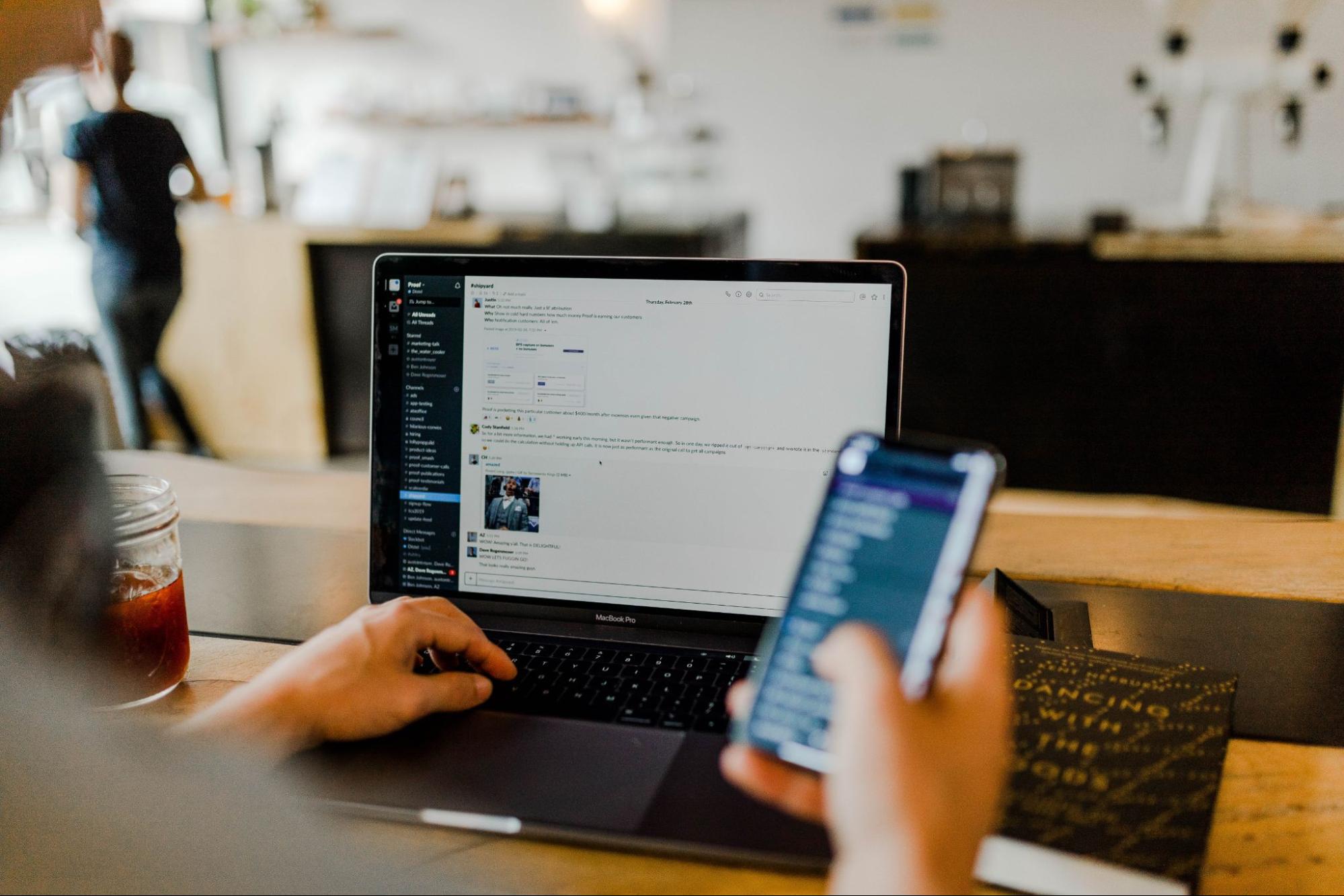
- Level 2: Semi-Synchronous Messaging: Used for quick clarifications and social bonding. Platforms like Slack or Teams serve this purpose. The expectation here is not an immediate response, but a reply within a few hours.
- Level 3: Synchronous Meetings: Reserved for high-complexity, high-stakes, or emotionally sensitive topics. If a decision requires nuanced body language or real-time brainstorming, a video call or in-person meeting is the correct choice.
By categorizing communication into these tiers, management can set explicit expectations. For instance, if a team member is in "Focus Mode," they are permitted to ignore Level 2 messages to prioritize Level 1 tasks. This clarity reduces the anxiety of "fear of missing out" (FOMO) and allows for more consistent productivity.
The Pivot to Asynchronous Communication
As of 2026, asynchronous communication—where information is shared without the requirement for an immediate response—has become the gold standard for global teams. It respects different time zones and individual productivity cycles. Managing this requires a heavy emphasis on high-quality documentation.
The transition to an "async-first" culture requires that every meeting be viewed as a cost. If a message can be delivered through a recorded video snippet (using tools like Loom) or a well-structured document, that should be the default. This approach creates a persistent record that can be accessed by anyone at any time, reducing the need for repetitive briefings.
Effective asynchronous management also involves "context-rich" posting. Instead of a message saying "Can we talk?", a manager should provide the subject, the urgency, and the specific questions to be addressed. This allows the recipient to prepare and respond thoughtfully, rather than reacting under pressure. According to Gartner’s research on digital workplace trends, companies that master asynchronous documentation see a 25% increase in speed-to-market for new projects.
Combating Digital Friction and Notification Fatigue
Digital friction occurs when the tools meant to help us work actually get in the way. In the modern office, this often manifests as "notification fatigue." When an employee receives pings from email, Slack, a project management tool, and a calendar app simultaneously, their focus is shattered. It takes an average of 23 minutes to return to a state of deep focus after an interruption.
To manage this, organizations must implement "Channel Consolidation." This doesn't necessarily mean using fewer tools, but rather defining a strict "One Tool per Task" policy.
| Communication Type | Authorized Tool | Expected Response | Management Protocol |
|---|---|---|---|
| Emergency/Urgent | Phone Call / SMS | Immediate | Use only for site outages or safety issues |
| Daily Operations | Slack / Teams | Within 4 hours | Silence notifications during "Focus Blocks" |
| Task Management | Jira / Asana | Asynchronous | All task-specific talk must happen within the ticket |
| Formal/External | 24-48 Hours | No internal-only threads allowed | |
| Strategy/Review | Zoom / In-Person | Real-time | Must include a pre-read and post-meeting summary |
Furthermore, the use of AI-driven notification filters has become a vital management tool in 2026. These systems analyze the content of incoming messages and only alert the user if the keywords match their current active projects, effectively acting as a digital gatekeeper.
The Role of AI in Communication Management
By 2026, Artificial Intelligence is no longer a luxury but a core component of managing office communication. AI’s primary role is to bridge the gap between "information abundance" and "human attention."
Automated Summarization and Transcription
One of the most effective ways to manage communication is to ensure that those who cannot attend a meeting are still informed. AI agents now attend video calls to provide real-time transcription and, more importantly, post-meeting summaries that highlight action items and key decisions. This prevents the "meeting after the meeting" and ensures that everyone is operating from the same data set.
Knowledge Retrieval
Managing communication also means managing the history of that communication. Modern internal knowledge bases are now powered by Large Language Models (LLMs) that allow employees to "ask" the company’s documentation questions. Instead of searching through years of Slack history, an employee can ask, "What was the final decision on the 2025 marketing budget?" and receive a cited answer. This reduces the burden on managers to act as constant information relays.
Establishing Communication Protocols and Documentation
Management must move away from "unwritten rules" and toward a formal "Communication Manifesto." This document should be part of the onboarding process and explicitly state how the company communicates.
Key elements of a Communication Manifesto include:
- The Right to Disconnect: Defining hours where no internal communication is expected, protecting employees from burnout and complying with increasingly common global labor regulations.
- Default to Public: Encouraging communication in public channels rather than private DMs. This ensures that knowledge is not siloed and can be discovered by others who might need it.
- Meeting Hygiene: Requiring every meeting to have a clear agenda sent 24 hours in advance and a "No Agenda, No Attendance" policy.
- Emoji Etiquette: Using standardized emojis to signal the status of a message (e.g., a "check" mark means "I've seen this and am working on it," while a "fire" emoji means "urgent action required").
The Human Element: Inclusivity and Emotional Intelligence
Despite the focus on tools and protocols, managing communication in the modern office is fundamentally a human challenge. The lack of non-verbal cues in digital communication can lead to misunderstandings and a decline in psychological safety.
Managers must be trained in "Digital Emotional Intelligence." This involves being aware of how tone can be perceived in text and the importance of regular 1-on-1 check-ins that are not focused on tasks, but on the employee's well-being and professional growth. In a hybrid environment, "intentional spontaneity"—such as virtual coffee chats or scheduled "open office hours"—is necessary to replace the water-cooler moments that fostered trust in traditional offices.
Inclusivity also plays a major role. Management must ensure that remote participants have the same "share of voice" as those in the physical room. This often means adopting a "one-in, all-in" policy for video calls, where even if three people are in the office, they each join the call from their own laptop to equalize the digital experience.
Common Pitfalls to Avoid
When managing communication, several recurring mistakes can undermine even the best digital strategies:
- Over-reliance on Synchronous Tools: Forcing people into meetings for things that could have been an email leads to "Zoom Fatigue" and resentment.
- Tool Sprawl: Introducing new tools without retiring old ones creates confusion about where information lives.
- Lack of Training: Assuming that because an employee is "tech-savvy," they automatically know how to communicate professionally and effectively in a digital-first environment.
- Ignoring Feedback: Communication is a two-way street. If employees report that the volume of messages is unmanageable, management must be willing to adjust the protocols.
FAQ
How do we reduce meeting overload in a hybrid team?
The most effective way to reduce meeting overload is to implement an "Asynchronous First" policy. Before scheduling a meeting, the organizer should be required to justify why the topic cannot be handled via a shared document or a short recorded video. Additionally, many companies in 2026 have adopted "Meeting-Free Wednesdays" to allow for deep, uninterrupted work.
What is the "Right to Disconnect" and how do we manage it?
The "Right to Disconnect" refers to an employee's right to ignore work-related communications outside of their designated working hours without fear of reprisal. To manage this, use "Send Later" features in email and messaging apps to ensure messages arrive during the recipient's working hours, and set organizational policies that clarify that off-hours responses are not expected.
How do we ensure remote employees don't miss out on "hallway conversations"?
To manage the loss of informal information, managers should encourage "Working in Public." This means moving informal discussions into public Slack/Teams channels where they are searchable. Additionally, scheduling structured "social syncs" can help bridge the gap between in-office and remote staff.
How can AI help with internal communication without losing the human touch?
AI should be used to handle the mechanics of communication—summarizing meetings, organizing files, and scheduling—which frees up human time for meaningful interaction. Use AI for the "what" and "how," but keep the "why" and the emotional connection human-led.
What should be included in a company's communication protocol?
A robust protocol should include: designated tools for specific tasks, expected response times for different channels, guidelines for meeting agendas and summaries, "quiet hour" definitions, and standards for professional digital etiquette (including tone and inclusivity).
Practical Recommendation
To begin optimizing your office communication, start with a "Communication Audit." For one week, have your team track how much time they spend in meetings versus doing "deep work," and which tools cause the most frustration. Use this data to create a formal Communication Manifesto that defines the tiers of urgency and the appropriate channels for each. By setting these boundaries, you empower your team to reclaim their focus and ensure that when communication does happen, it is high-value and impactful.
Image Gallery