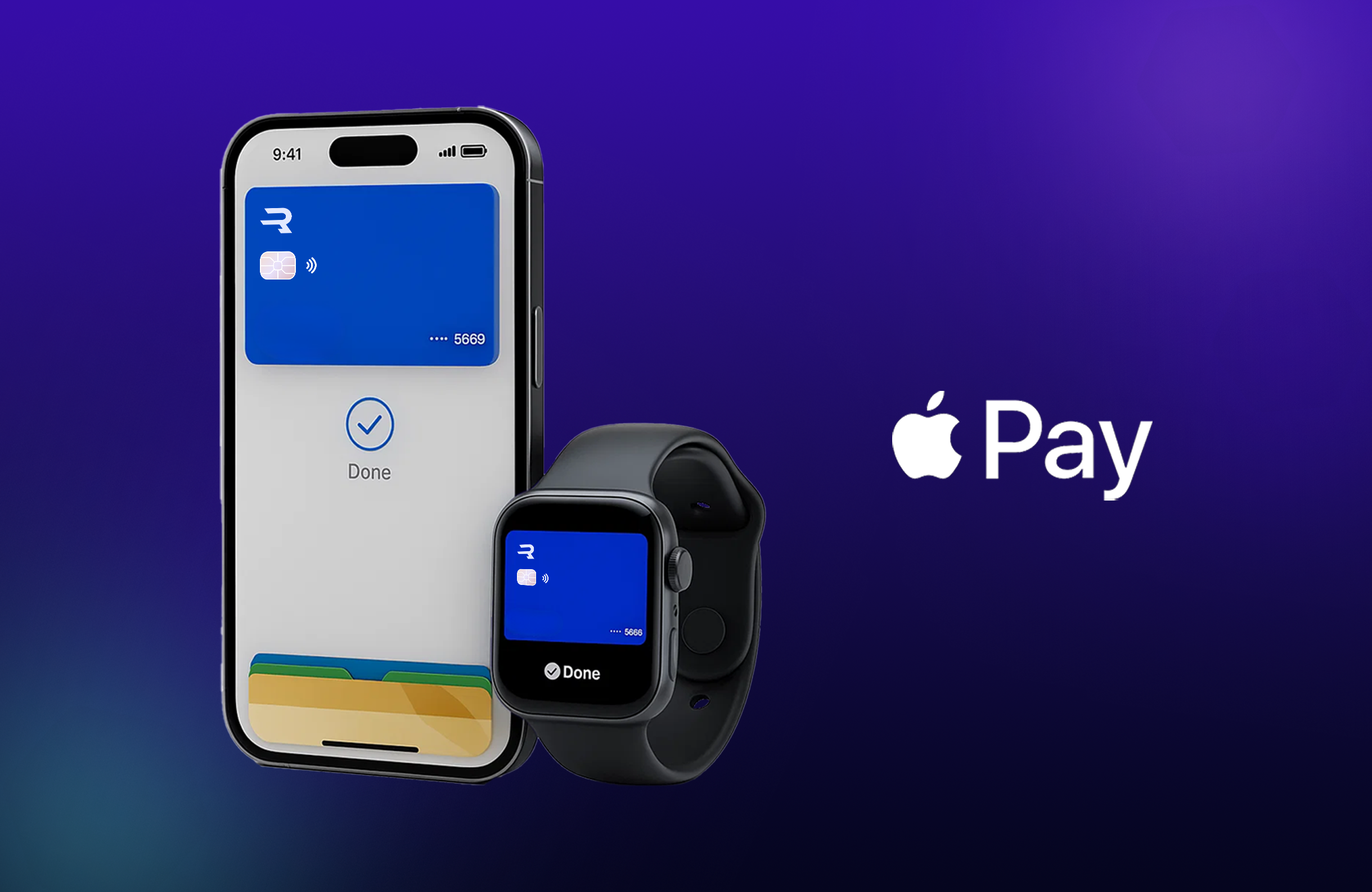
Using Apple Pay at Ulta Beauty: Complete 2026 Guide and Checkout Instructions
Yes, Ulta Beauty accepts Apple Pay across all of its retail store locations nationwide, within the official mobile application, and on the desktop website. Transactions processed via Apple Pay at Ulta are secured with advanced tokeniza...
Yes, Ulta Beauty accepts Apple Pay across all of its retail store locations nationwide, within the official mobile application, and on the desktop website. Transactions processed via Apple Pay at Ulta are secured with advanced tokenization and biometric authentication, ensuring that your physical credit or debit card numbers are never shared with the merchant.
Contents
Understanding Ulta Beauty Mobile Wallet Integration
Integrating digital wallets into retail point-of-sale systems requires robust backend processing capabilities and secure near-field communication (NFC) hardware. Ulta Beauty has upgraded its entire fleet of store registers and checkout terminals to support contactless payments, including Apple Pay, Google Pay, and Samsung Pay.
When you initiate an Apple Pay transaction at Ulta, your device uses a device-specific number and a unique transaction code. This architecture means that Ulta's payment terminals never store your actual card details, providing an elevated layer of cybersecurity compared to traditional magnetic stripe swipes or even chip insertions.
Furthermore, digital payment integration extends beyond simple merchandise purchases. Beauty enthusiasts can also manage their Ulta Beauty Rewards accounts seamlessly during the checkout process.
How to Set Up and Use Apple Pay at Ulta Stores
Completing a transaction at a physical Ulta Beauty brick-and-mortar location using your Apple device requires a few swift actions at the register.
- Prepare Your Device: Ensure your preferred credit, debit, or rewards card is loaded into the Apple Wallet app on your iPhone or Apple Watch.
- Wait for the Prompt: Allow the beauty advisor to scan your items and calculate the final transaction total on the register screen. Look for the contactless payment symbol to illuminate on the PIN pad terminal.
- Authenticate the Transaction: Double-click the side button on your iPhone (or the power button on your Apple Watch), then authenticate your identity using Face ID, Touch ID, or your device passcode.
- Tap to Pay: Hold the top of your iPhone or the face of your Apple Watch near the NFC contactless reader on the payment terminal until you hear a chime and see a checkmark on the screen.
Using Apple Pay on the Ulta Beauty Mobile App and Website
Digital shopping habits continue to evolve in 2026, with a significant percentage of beauty consumers utilizing mobile applications and responsive web browsers to purchase cosmetics, skincare, and hair care items. Apple Pay is fully integrated into both the official Ulta Beauty iOS app and Safari web checkouts.
When browsing the Ulta app, adding items to your shopping bag and proceeding to checkout presents multiple payment pathways. Selecting Apple Pay bypasses the traditional tedious process of manually typing in 16-digit card numbers, billing addresses, and security codes.
- Select Apple Pay: Tap the Apple Pay button directly on the product detail page or inside the primary shopping cart checkout screen.
- Review Shipping and Contact Data: Confirm that your preferred shipping address and contact email retrieved from your Apple ID are accurate.
- Authorize Payment: Double-click the side button on your device and authenticate with Face ID or Touch ID to complete the purchase instantly.
Storing and Linking Your Ultimate Rewards Account
A common concern among shoppers is whether using Apple Pay prevents them from earning loyalty points or redeeming promotional coupons at Ulta Beauty. The payment method used does not interfere with the Ultamate Rewards program.
You must identify your loyalty account before finalizing the Apple Pay transaction. Provide your registered phone number, scan your digital rewards barcode from the Ulta mobile app, or have the cashier look up your account. Once your profile is attached to the transaction register, proceed with your Apple Pay tap. All eligible points, milestone rewards, and member-exclusive discounts will apply automatically.
Comparing Payment Options at Ulta Beauty
Evaluating the security, speed, and rewards potential of various payment methods helps determine the most efficient way to check out at Ulta Beauty.
| Payment Method | Security Level | Speed of Checkout | Ultamate Rewards Integration | Contactless Capability |
|---|---|---|---|---|
| Apple Pay | High (Tokenized & Biometric) | Extremely Fast (Under 3 seconds) | Requires manual lookup/scan | Yes |
| Physical Credit/Debit Card | Moderate (Chip/Magstripe) | Moderate (Requires insert/swipe) | Requires manual lookup/scan | Varies by card type |
| Ulta Beauty Credit Card | Moderate to High | Moderate | Automatic points multiplier | Varies (Digital card support) |
| PayPal / Afterpay | High (Encrypted Online) | Fast (App/Online only) | Requires online account link | No (Online/App only) |
Troubleshooting Apple Pay Failures at Ulta Registers
While contactless transactions are generally reliable, technical hiccups can occasionally occur at the point of sale. Understanding how to diagnose and resolve these issues prevents delays at the checkout counter.
- Terminal NFC Sensor Malfunction: If the terminal fails to read your device, ask the cashier to reset the card reader or try a different register if multiple checkouts are available.
- Card Declines: A decline usually originates from your issuing bank rather than Ulta Beauty. Check your banking app for fraud alerts or insufficient funds.
- Device Authentication Issues: If Face ID or Touch ID fails due to lighting or physical obstructions, enter your device passcode manually before approaching the NFC terminal.
- Cellular Data Drops inside Large Stores: Large retail footprints can occasionally block cellular signals. Ensure your device has established connection to Ulta's guest Wi-Fi or that offline payment passes are enabled for transit and card issuer apps.
Frequently Asked Questions
Can I use Apple Pay to purchase Ulta Beauty gift cards?
Yes, Apple Pay can be used to purchase both physical gift cards in-store and digital e-gift cards through the official Ulta mobile app or website. Gift card purchases accrue standard payment method terms and secure tokenization protections.
Does Ulta Beauty charge any fees for using Apple Pay?
Ulta Beauty does not charge any additional service fees or convenience surcharges for utilizing Apple Pay as your preferred tender. Standard credit card interest rates and cash advance fees from your issuing bank still apply if you use a credit card linked to your wallet.
What should I do if my Ultamate Rewards points do not show up after an Apple Pay purchase?
If your rewards points fail to post within 24 hours of an in-store Apple Pay transaction, contact Ulta Beauty Customer Service with your physical store receipt. Providing the transaction barcode and store number allows support agents to manually credit your loyalty account.
Can I return items to Ulta if I paid using Apple Pay?
Returns are fully supported for purchases made via Apple Pay. Bring the item, your physical receipt, and the iPhone or Apple Watch used for the purchase. The cashier may ask you to hold your device near the terminal to locate the original encrypted transaction token for the refund.
Is Apple Pay accepted at all Ulta Beauty locations, including inside Target stores?
While standalone Ulta Beauty corporate stores universally accept Apple Pay, locations situated inside Target stores operate under Target's point-of-sale infrastructure. Target stores accept Apple Pay at their checkout registers, ensuring consistent digital wallet compatibility across shop-in-shop setups.
Streamlining Your Next Beauty Run
Utilizing Apple Pay at Ulta Beauty streamlines the checkout experience while maintaining top-tier security standards for your financial data. By ensuring your Ultamate Rewards profile is scanned prior to tapping your device, you maximize your beauty savings without sacrificing transaction speed. Prepare your digital wallet, link your loyalty identifiers, and enjoy a seamless retail experience across all physical and digital Ulta touchpoints.
Image Gallery