Navigating the Santa Clara County Court Docket Search: Complete 2026 Access Guide
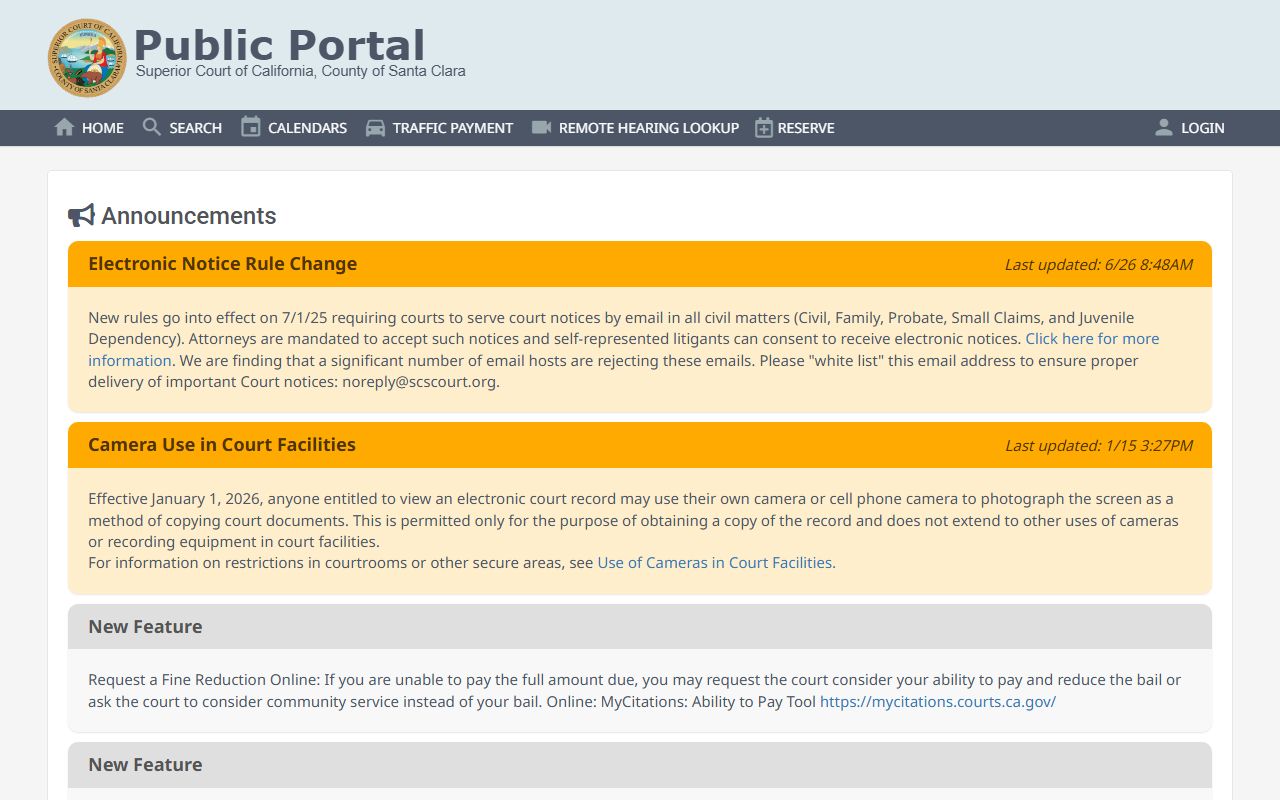
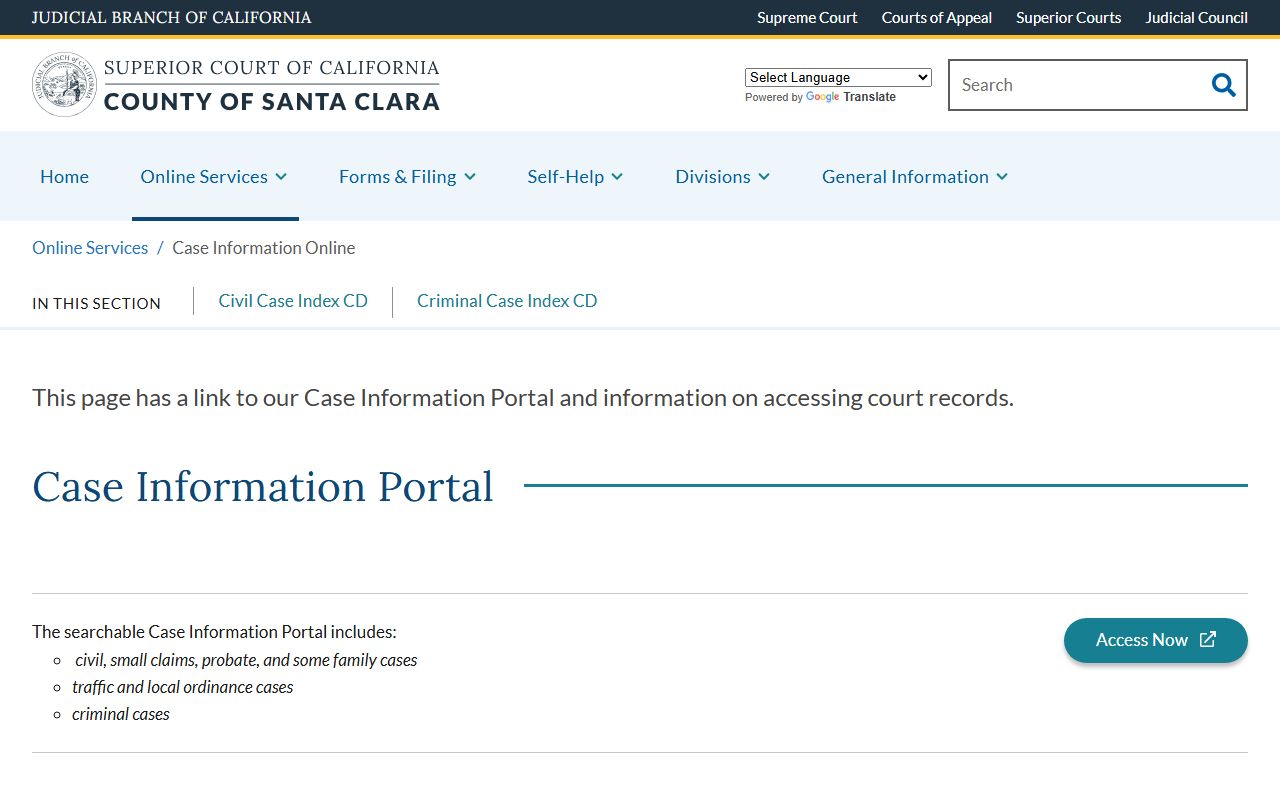
To perform a Santa Clara docket search, visit the official Case Information Portal of the Superior Court of California, County of Santa Clara. This digital interface allows users to search by case number, party name, or filing date to...
To perform a Santa Clara docket search, visit the official Case Information Portal of the Superior Court of California, County of Santa Clara. This digital interface allows users to search by case number, party name, or filing date to access records for Civil, Criminal, Family, Probate, and Traffic divisions. While most case indexes are available for public viewing at no cost, accessing detailed document images usually requires a registered account and the payment of statutory fees. This guide focuses specifically on the Superior Court of California, County of Santa Clara; for federal cases involving entities in this region, users must utilize the PACER system for the U.S. District Court, Northern District of California.
Contents
Understanding the Santa Clara Superior Court Digital Infrastructure
The Superior Court of California, County of Santa Clara, operates one of the most comprehensive digital record systems in the state. By 2026, the court has fully integrated its Odyssey-based Case Management System (CMS), providing a unified point of entry for legal professionals and the general public. This infrastructure is designed to maintain transparency while adhering to California Rules of Court regarding privacy and electronic access.
The docket—often referred to as the "Register of Actions"—serves as the chronological log of all proceedings, filings, and judicial actions within a specific case. Accessing these records is critical for due diligence, background checks, legal research, and tracking the progress of ongoing litigation.
Key Judicial Centers Covered in the Search
When conducting a search, it is important to understand that the "Santa Clara Docket" encompasses several specialized facilities across the county. The results you retrieve may originate from:
- Downtown Superior Court (DTS): Primarily handling Civil and Family Law matters.
- Hall of Justice (HOJ): The primary hub for Criminal dockets.
- Old Courthouse: Historic site often handling specific Civil or High-Profile proceedings.
- Notre Dame Courthouse: Specialized in Child Support and certain Family Law dockets.
- Santa Clara Courthouse: Primarily focused on Traffic and Small Claims.
How to Conduct a Santa Clara Docket Search in 2026
Accessing the docket requires navigating the court's online portal. As of 2026, the user interface has been optimized for both desktop and mobile access, though desktop remains the standard for downloading high-resolution PDF copies of filings.
Step 1: Accessing the Case Information Portal
Users must navigate to the official court website. Ensure you are on the ".gov" or ".org" domain associated with the Santa Clara Superior Court to avoid third-party "data scraper" sites that charge unnecessary markups for public information.
Step 2: Selecting the Search Criteria
The system offers three primary methods for locating a docket:
- Case Number Search: This is the most accurate method. Santa Clara case numbers typically follow a specific alphanumeric format (e.g., 26CV123456 or 26CR123456), where the first two digits represent the filing year.
- Party Name Search: Users can search by individual or business name. It is recommended to use "Last Name, First Name" for individuals. Partial name searches (wildcards) are often permitted to account for spelling variations.
- Date Filed Search: Useful for researchers looking for all cases filed within a specific window, such as the previous business week.
Step 3: Reviewing the Register of Actions
Once a case is selected, the "Register of Actions" (ROA) displays. This is the heart of the docket search. It lists:
- Filing Dates: When each motion, order, or brief was submitted.
- Party Information: Names of plaintiffs, defendants, and their respective legal counsel.
- Judicial Officer: The judge or commissioner assigned to the department.
- Future Hearings: Dates, times, and department numbers for upcoming proceedings.
- Document Status: Whether a document is available for remote viewing or requires an in-person visit to the clerk's office.
Access Tiers: Public vs. Attorney Portal Requirements
Not all data is available to all users. The Santa Clara Superior Court implements tiered access levels to comply with California Rule of Court 2.503, which governs public access to electronic records.
Public Access Tier
The general public can view case indexes and the Register of Actions for most Civil and Criminal cases. However, certain "sensitive" case types, such as Juvenile Justice or specific Family Law matters involving minors, are strictly restricted and will not appear in public search results.
Attorney and Justice Partner Access
Licensed attorneys and government agencies (such as the District Attorney or Public Defender) have expanded access. This includes the ability to view documents that are otherwise restricted to the public and the capacity to file documents electronically (e-filing) directly through the portal.
Comparison of Search Features and Access Levels
| Feature | Public User (Unregistered) | Registered Public User | Licensed Attorney |
|---|---|---|---|
| Case Index Search | Yes | Yes | Yes |
| Register of Actions View | Yes | Yes | Yes |
| Document Image Viewing | No | Yes (Fee-based) | Yes (Subscription) |
| E-Filing Capabilities | No | No | Yes |
| Search by Filing Date | Limited | Comprehensive | Comprehensive |
| Access to Sealed Records | No | No | Only with Court Order |
Fee Schedules and Document Procurement in 2026
While searching the index is generally free, obtaining the actual documents found in a Santa Clara docket search involves specific costs. These fees are set by the California Government Code and are subject to annual adjustments.
Current Fee Guidelines for 2026
Electronic Document Downloads For most Civil and Criminal dockets, document downloads are billed per page or per document. As of 2026, the standard rate is $0.50 per page for the first five pages and $0.10 for each additional page, capped at a maximum of $40.00 per document.
Certified Copies If a docket entry requires a certified copy (often needed for social security, real estate transactions, or out-of-state legal matters), an additional certification fee of $40.00 per document applies, plus the standard per-page copy fee.
Research Fees If a search requires court staff to locate records (specifically for older archived cases not yet digitized), a research fee of $15.00 per name/case is assessed for searches exceeding 10 minutes.
Types of Court Records Available for Search
The Santa Clara Superior Court manages a vast array of litigation. Understanding which division handles your specific inquiry will help refine your docket search.
Civil Dockets
Includes unlimited civil (over $35,000), limited civil (under $35,000), and small claims. These dockets are frequently searched by background check companies and credit agencies to identify judgments, liens, or pending litigation against individuals or corporations.
Criminal Dockets
Covers both felony and misdemeanor cases. The criminal docket search provides details on charges, plea agreements, sentencing, and probation terms. Note that 2026 privacy laws may lead to the automatic "masking" of certain low-level misdemeanor records that have been dismissed under clean-slate initiatives.
Probate and Family Law
Dockets for wills, trusts, conservatorships, and dissolutions of marriage (divorce) are managed here. These records are often partially redacted to protect the financial information and privacy of the parties involved, particularly when children are part of the proceedings.
Traffic Dockets
Santa Clara’s traffic portal is often separate or a sub-section of the main CMS. It allows users to search by citation number or driver’s license number to resolve tickets or confirm the status of a mandatory appearance.
Troubleshooting Common Search Errors
Users often encounter obstacles when searching for Santa Clara dockets. Addressing these technically can save significant time.
Error: "No Records Found"
This is the most common result and often occurs due to:
- Hyphenated Names: Try searching with and without the hyphen.
- Middle Initials: If a name search fails, try searching with only the first and last name.
- Case Prefix Errors: Ensure you are using the correct prefix (e.g., "CV" for Civil, "CR" for Criminal, "PR" for Probate).
- Recent Filings: There is often a 24-to-48-hour lag between a physical filing at the clerk's window and the entry appearing on the digital docket.
System Timeouts and Browser Compatibility
The Santa Clara Case Information Portal in 2026 is optimized for Chromium-based browsers (Chrome, Edge, Brave). Users on older versions of Safari or Firefox may experience "session expired" errors. It is recommended to clear browser cookies and cache if the search portal fails to load correctly.
Restricted Access and Redactions
If a case appears in the index but the Register of Actions is blank, the case may be "Sealed" or "Confidential" by law. This is common in adoption proceedings, certain whistleblower (qui tam) lawsuits, or cases involving trade secrets.
The Role of the Clerk of the Court
For dockets that pre-date the digital era (typically cases closed before 2005), an online search may return a "Legacy Case" notification. In these instances, the digital docket is incomplete. To obtain the full record, a physical search at the Court Records Department is necessary.
The main Records Office is located at the Downtown Superior Court in San Jose. In 2026, the court utilizes a "Request for Records" kiosks system where users can order scans of old microfiche or paper files. These requests typically take 3-5 business days to process and are delivered via a secure download link.
Strategic Recommendations for Legal Researchers
When conducting high-stakes research, rely on the following best practices to ensure the accuracy of your Santa Clara docket search results:
- Cross-Reference Party Names: Always check for aliases (AKA) or "Doing Business As" (DBA) names, as lawsuits may be filed under a subsidiary rather than a parent corporation.
- Monitor Future Dates: If you are tracking a case, set a calendar alert for the "Hearing Date" found in the docket. Minute orders, which summarize what happened in court, are usually posted within 72 hours after the hearing.
- Check for "Related Cases": Modern dockets often include a section for related or consolidated cases. A single dispute might span multiple case numbers across Civil and Probate divisions.
- Verify Service of Process: In the Register of Actions, look for the "Proof of Service." This confirms that the defendant was legally notified of the suit, which is critical for determining if a default judgment is imminent.
Frequently Asked Questions (FAQ)
Can I search for Santa Clara dockets by Social Security Number?
No, the Santa Clara Superior Court does not allow searches by Social Security Number or other private identifiers to protect against identity theft. Search parameters are strictly limited to name, case number, or filing date.
How do I find a docket for a case that was filed yesterday?
New filings are typically indexed within one to two business days. If you cannot find a case filed in the last 24 hours, check the "New Filings" report if available on the portal, or wait until the next business cycle for the database to refresh.
Is there a difference between a "Docket" and a "Case Summary"?
Yes, a case summary is a brief overview of the parties and the current status, while the docket (Register of Actions) is an exhaustive, line-by-line history of every legal event that has occurred in the case since its inception.
Can I access Santa Clara County dockets for free?
Searching the index and viewing the list of actions (the docket) is generally free for the public. However, viewing, printing, or downloading the actual documents associated with those docket entries usually requires a fee.
Why are some criminal dockets missing from the online search?
Criminal records may be missing if they have been expunged, sealed, or if the case involves a juvenile. Additionally, certain records are "purged" from the active online database after a set number of years, requiring a manual search in the court archives.
Does the Santa Clara docket search include federal cases?
No, the Santa Clara Superior Court search only includes state-level cases. For federal matters (such as bankruptcy or federal civil rights violations) occurring in Santa Clara County, you must use the PACER system for the Northern District of California.
Navigating the Santa Clara docket search is a fundamental skill for anyone interacting with the Silicon Valley legal system. By using the official Case Information Portal and understanding the nuances of the Register of Actions, you can gain deep insights into the judicial proceedings that shape the region. For complex record requests or certified copies, always contact the Clerk of the Court directly at the appropriate courthouse location.
Image Gallery