Accessing Your KMC MyChart Login: The 2026 Guide to Kelsey-Seybold Digital Health
To access your KMC MyChart login, visit the official Kelsey-Seybold Clinic patient portal website or utilize the MyChart mobile application on iOS or Android. This secure platform enables patients to manage appointments, view laborator...
To access your KMC MyChart login, visit the official Kelsey-Seybold Clinic patient portal website or utilize the MyChart mobile application on iOS or Android. This secure platform enables patients to manage appointments, view laboratory results, pay bills, and communicate directly with their healthcare providers. While KMC may occasionally refer to other regional medical centers, this guide focuses exclusively on the Kelsey-Seybold Clinic system based in Houston, Texas.
Contents
The Role of MyChart in Kelsey-Seybold’s Coordinated Care Model
As we move through 2026, the KMC MyChart login remains the primary gateway for patients navigating the Kelsey-Seybold Clinic’s Accountable Care Organization (ACO). Kelsey-Seybold has long been a pioneer in the "one-stop-shop" medical model, and the MyChart portal, powered by Epic Systems, is the digital backbone of this integrated approach. By centralizing your health data, the portal ensures that whether you are visiting a primary care physician in Clear Lake or a specialist at the Berthelsen Main Campus, your records are updated in real-time.
The integration of the MyChart platform allows for a level of interoperability known as "Care Everywhere." This feature is particularly vital for patients who may receive emergency care outside the Kelsey-Seybold network. With your permission, outside providers can access your KMC records, ensuring continuity of care and reducing the risk of redundant testing or medication errors. In 2026, this system has been further optimized with AI-driven insights that help patients track chronic conditions like hypertension and diabetes through automated data uploads from wearable devices.
Step-by-Step Guide to KMC MyChart Login and Account Setup
Accessing your health information requires a secure, authenticated connection. Whether you are a new patient or a long-time member of the Kelsey-Seybold community, the following steps outline the current 2026 protocols for account management.
Initial Registration and Activation
- Obtain an Activation Code: Most patients receive an activation code during their first office visit, printed on the "After Visit Summary" (AVS). This code is valid for 60 days.
- Visit the Official Portal: Navigate to the Kelsey-Seybold MyChart website.
- Select "Sign Up Now": Enter your 15-digit activation code, the last four digits of your Social Security Number, and your date of birth.
- Self-Sign Up Option: If you do not have an activation code, you can select the "Sign Up Online" option. The system will verify your identity using third-party verification services (such as LexisNexis) to grant access without a code.
- Create Credentials: Choose a unique username and a strong password. In 2026, multi-factor authentication (MFA) is mandatory for all KMC MyChart users to protect sensitive PHI (Protected Health Information).
Daily Login Procedures
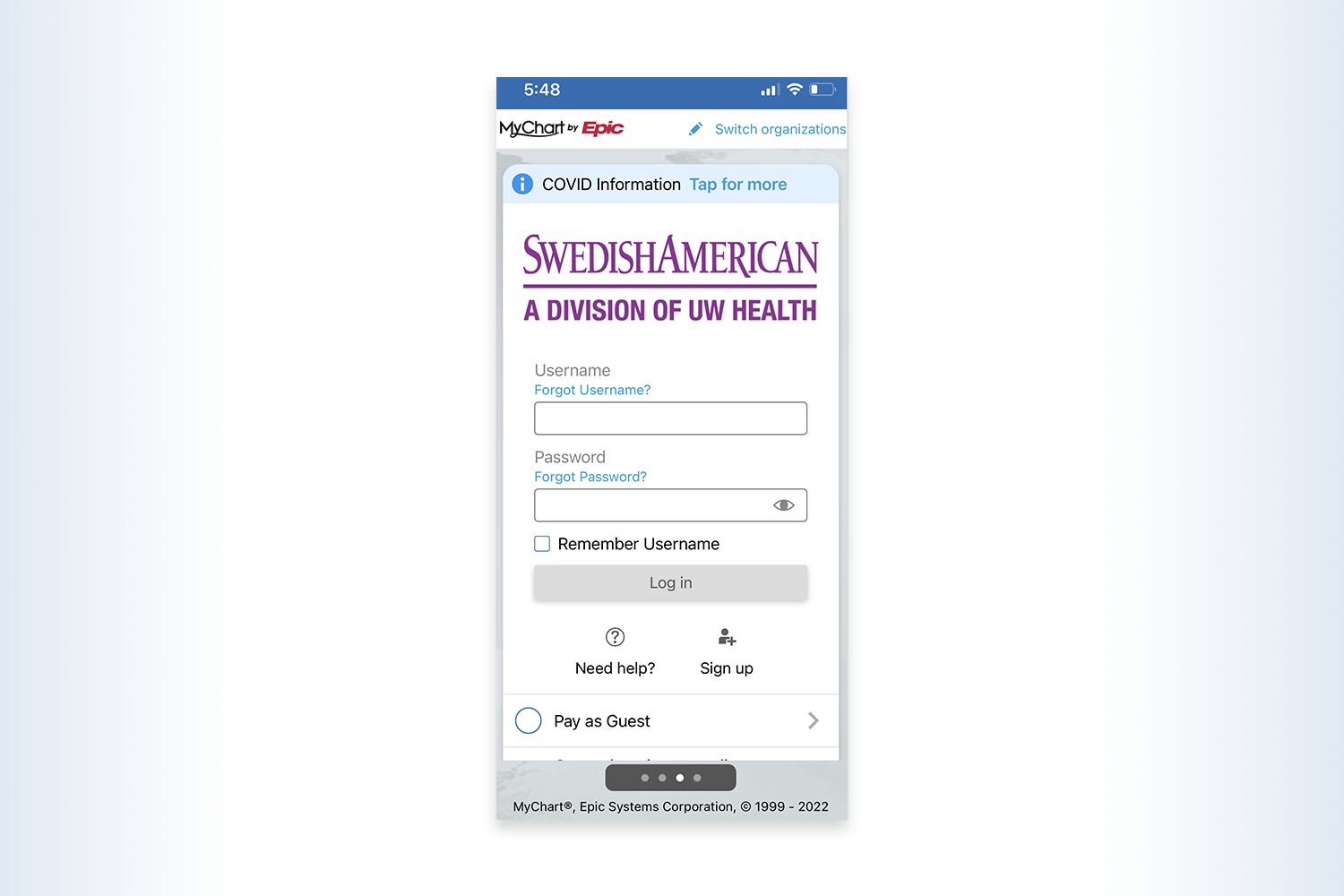
For routine access, the KMC MyChart login screen requires your username and password. If you are using a mobile device, Kelsey-Seybold strongly recommends enabling biometric authentication, such as FaceID or fingerprint scanning, which bypasses the need for manual password entry while maintaining high security standards.
Technical Tip for 2026 Users
If you experience "Login Timed Out" errors, ensure your browser cache is cleared or that your MyChart app is updated to the latest version (v.11.4 or higher). Many login failures are attributed to outdated session cookies or incompatible browser extensions that interfere with the MFA handshake.
Essential Features of the KMC MyChart Portal
The KMC MyChart login provides more than just a view of your medical history. In 2026, the portal has evolved into a comprehensive health management tool.
Advanced Scheduling and Virtual Care
Kelsey-Seybold has expanded its "Direct Schedule" capabilities. Patients can now book:
- Primary Care and Pediatric appointments.
- Specialty consultations (Cardiology, Oncology, etc.) for existing patients.
- On-demand Video Visits for acute needs (flu, minor infections, rashes).
- Saturday sick child visits at designated locations like the Tanglewood or Spring Medical and Diagnostic Centers.
Real-Time Result Monitoring
Laboratory and imaging results are released to the MyChart portal immediately upon completion. While this provides rapid access, it often means you see results before your physician has reviewed them. Each result is accompanied by a "Reference Range" to help you understand if your numbers fall within the standard healthy parameters.
Prescription Management
The portal links directly to Kelsey-Seybold pharmacies and preferred external retailers. You can request refills with a single click, track the status of your shipment if using the Kelsey-Seybold Home Delivery service, and view transparent pricing for medications based on your specific insurance tier.
2026 Insurance Integration and KelseyCare Coverage
A critical component of the KMC MyChart login experience is the management of insurance and billing. Kelsey-Seybold operates with a specific set of contracted providers and insurance plans. Understanding these relationships is essential for avoiding out-of-network costs.
Accepted Insurance Plans and Medicare Status
Kelsey-Seybold is highly selective regarding insurance to maintain its coordinated care quality. In 2026, the following standards apply:
| Insurance Category | Accepted Plans / Status | Notes |
|---|---|---|
| Medicare Advantage | KelseyCare Advantage, UnitedHealthcare (UHC), Aetna, Wellcare | High-performing plans with 5-star CMS ratings. |
| Commercial HMO | KelseyCare (Aetna, Blue Cross Blue Shield, Cigna, UHC) | Requires a designated Kelsey-Seybold PCP. |
| Commercial PPO | Most major carriers (Aetna, Cigna, UHC) | No referral typically required for specialists. |
| Original Medicare | NOT ACCEPTED | Must have a contracted Medicare Advantage plan. |
| Medicaid | Limited / Specific Managed Care Organizations | Check portal for specific 2026 county-based plans. |
The KelseyCare Advantage Model
For seniors, the KMC MyChart login serves as the hub for KelseyCare Advantage, which remains one of the top-rated Medicare Advantage plans in the Texas Gulf Coast region. This plan is designed specifically to work within the Kelsey-Seybold infrastructure. Members using the portal can track their Maximum Out-of-Pocket (MOOP) limits and access supplemental benefits like dental, vision, and hearing coverage details directly through the MyChart interface.
Troubleshooting Common KMC MyChart Login Issues
Even with a robust system, technical hurdles can occur. Below is a guide to resolving the most frequent access issues.
Password Recovery and Account Lockouts
If you enter the wrong password five times, your account will be locked for security purposes. To resolve this:
- Click "Forgot Password" on the login page.
- Answer your security questions or verify your identity via the email on file.
- If the account remains locked, contact the Kelsey-Seybold MyChart Help Desk at 713-442-6526.
Discrepancies in Medical Records
If you notice an error in your medical history—such as an incorrect allergy or a missing immunization—do not attempt to change it in the settings. Instead:
- Use the "Message My Provider" feature to send a secure note to your doctor’s medical assistant.
- Provide documentation if the update involves an external vaccination or a diagnosis from a non-KMC facility.
Proxy Access for Families
MyChart allows for "Proxy Access," which is essential for parents of minors or adult children caring for elderly parents.
- Minor Proxy: Parents have full access to records for children under 12. From ages 13-17, access is restricted by Texas state privacy laws regarding sensitive information.
- Adult Proxy: Requires the patient’s digital signature and authorization through the portal’s "Sharing Hub."
Security Standards and Data Privacy in 2026
Kelsey-Seybold adheres to the highest levels of HIPAA compliance and SOC 2 Type II standards. In 2026, the KMC MyChart login utilizes end-to-end encryption for all data in transit. Furthermore, the portal does not store your social security number or full credit card details in a manner accessible to staff; all financial transactions are processed through PCI-compliant gateways.
The clinic also utilizes "Audit Logs." Every time a staff member or provider accesses your record, it is timestamped and logged. Patients can request an "Accounting of Disclosures" if they have concerns about who has viewed their sensitive health information.
Frequently Asked Questions
What should I do if I forget my KMC MyChart username?
Click on the "Forgot Username" link on the login page. You will be prompted to enter your first name, last name, date of birth, and zip code. The system will send your username to the verified email address associated with your account. If you no longer have access to that email, you must contact the MyChart Support Team for identity verification.
Can I schedule an appointment for a family member through my login?
You can only schedule appointments for family members if you have established Proxy Access. Once proxy access is granted, you will see their profile icon at the top of your MyChart dashboard. Clicking their icon switches the portal view to their records, allowing you to book appointments or message their specific providers.
Why are my test results not showing up in MyChart?
Most results are released instantly, but some complex tests (such as biopsies or genetic screening) may take several days or even weeks. Additionally, some sensitive results may be held until your provider has had a chance to call you personally. If a result is missing after 10 business days, send a secure message to your physician's office.
How do I join a video visit after logging in?
Log in to the MyChart app 15 minutes before your scheduled time. Complete the "eCheck-In" process, which involves confirming your insurance and medications. Once checked in, a "Begin Video Visit" button will appear. Ensure your microphone and camera permissions are enabled for the MyChart app on your device.
Is there a fee to use the KMC MyChart portal?
No, the MyChart portal is a free service provided to all Kelsey-Seybold Clinic patients. However, certain services accessed via the portal, such as E-Visits or Video Visits, may be subject to co-pays or billing depending on your insurance coverage.
Optimizing Your Healthcare Experience
The KMC MyChart login is your most effective tool for managing healthcare in 2026. By utilizing the portal for routine tasks—such as checking lab results or requesting refills—you save time and ensure your medical information is always accurate. To get the most out of the system, download the mobile app and enable push notifications, ensuring you never miss a critical update from your care team. If you haven't yet registered, visit a Kelsey-Seybold location today to receive your activation code and join the thousands of Houstonians who manage their health with digital precision.
Image Gallery