Complete Guide to Twitch Cards: Redemption, Usage, and Wallet Management
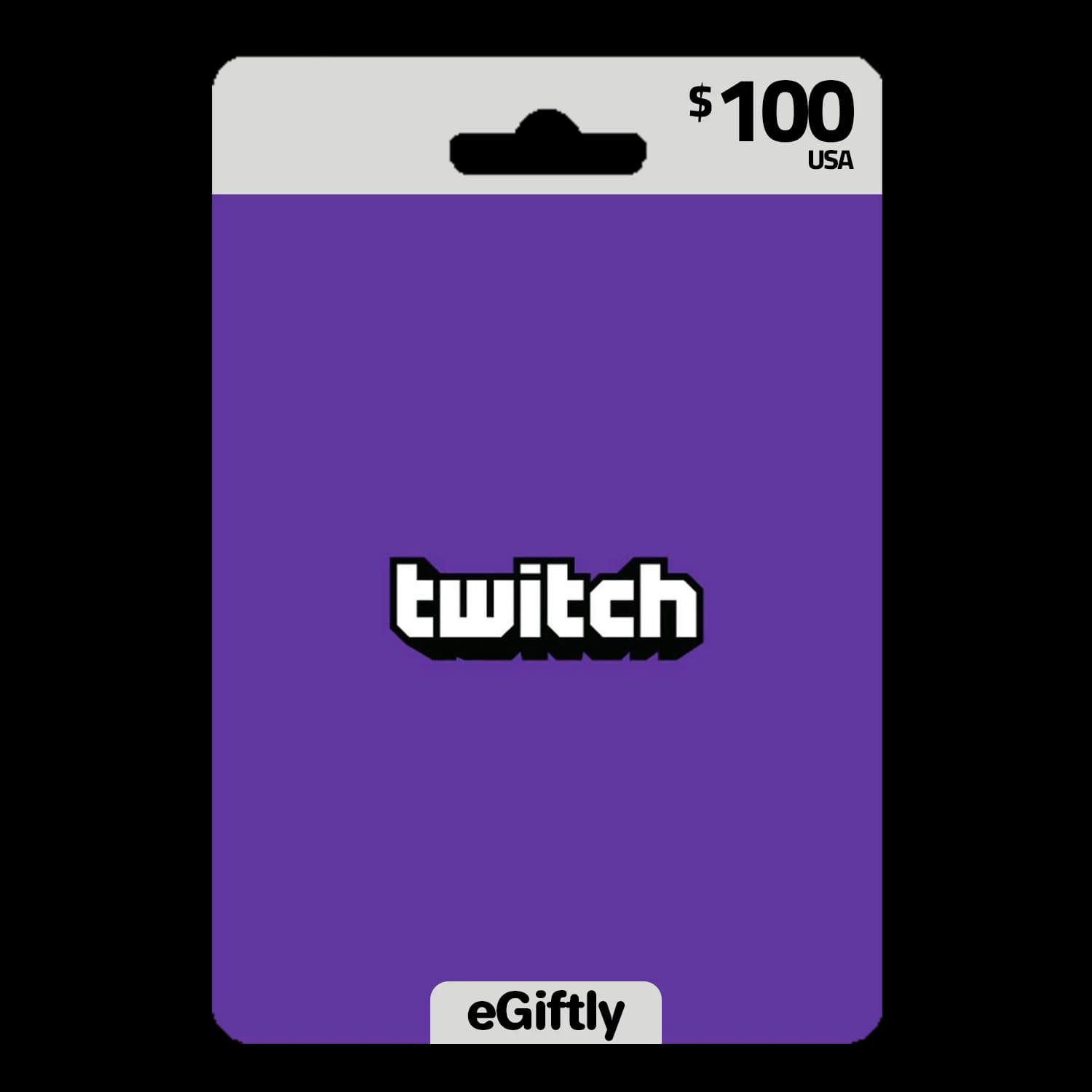
A Twitch card is a prepaid digital or physical gift card used to add funds directly to your Twitch Wallet. These funds can be spent across the platform to purchase channel subscriptions, gift subscriptions to community members, and buy...
A Twitch card is a prepaid digital or physical gift card used to add funds directly to your Twitch Wallet. These funds can be spent across the platform to purchase channel subscriptions, gift subscriptions to community members, and buy Bits for Cheering. Twitch gift cards do not expire and carry no service fees.
Contents
Twitch cards serve as the primary alternative to linking a credit card or PayPal account directly to a Twitch profile. Whether acquired digitally via Amazon or retail storefronts, or picked up as physical plastic cards in major brick-and-mortar stores, they allow viewers to support their favorite livestreamers without committing to recurring bank charges.
What Is a Twitch Card and How Does the Twitch Wallet Work?
When you redeem a Twitch card, the card's fiat value converts into a Twitch Wallet balance pegged to your local currency. The Twitch Wallet functions as a stored-value account managed by Twitch Interactive, an Amazon subsidiary.
Unlike conventional payment rails that automatically renew memberships against your bank line, Twitch Wallet funds operate on a strict debit balance system. If you purchase a recurring subscription using your gift card balance, Twitch charges the wallet on each renewal date until the balance reaches zero. At that point, the subscription simply lapses unless you have an active secondary payment method linked to the account.
It is critical to distinguish between Twitch gift cards and third-party creator payment mechanisms. A Twitch card cannot be converted back into cash, transferred across different platform accounts, or used to directly pay creators via external tip links like Streamlabs or Streamelements.
Where to Buy Official Twitch Cards
Twitch cards are widely accessible across authorized physical and digital distribution channels. Purchasing from verified vendors prevents balance forfeiture and avoids invalid activation codes.
Authorized Digital Retailers
- Amazon: The primary global distributor of digital codes, allowing instant delivery to email addresses with variable denomination selection.
- Twitch Official Storefront: Digital gift cards can be bought directly through Twitch's integrated portal, processed through Amazon’s checkout infrastructure.
- Target, Best Buy, and Walmart Online: Major big-box online retailers provide digital delivery codes, frequently bundling them into electronics loyalty rewards.
- PayPal Digital Gifts: Select regions support purchasing Twitch gift cards directly through PayPal's digital storefront using native wallet balances.
Authorized Physical Retailers
Physical Twitch gift cards are found predominantly in the gift card kiosks of:
- Convenience networks (7-Eleven, Circle K, Speedway)
- Big-box retail centers (Target, Walmart, Best Buy)
- Pharmacies and grocers (Walgreens, CVS, Kroger)
- Specialized gaming retailers (GameStop)
Important Purchase Notice: When purchasing a physical card at a retail store, ensure the cashier scans and activates the card at the cash register. Unactivated cards retrieved from retail racks carry zero value in Twitch’s database and will display an "Invalid Code" error upon entry.
What You Can and Cannot Buy with a Twitch Card
While a Twitch card is versatile within the platform's ecosystem, clear transactional boundaries exist based on internal payment processing policies.
Eligible Purchases
- Channel Subscriptions: Tier 1 ($4.99), Tier 2 ($9.99), and Tier 3 ($24.99) monthly subscriptions.
- Gift Subscriptions: Single or community-wide sub gifts (e.g., gifting 5, 20, 50, or 100 subs to a channel).
- Multi-Month Subscriptions: Purchasing 3-month or 6-month upfront commitments at discounted rates.
- Twitch Bits: Purchasing interactive virtual cheering items used to trigger on-screen alerts and sound effects.
- Twitch Turbo: Platform-wide monthly ad-free viewing subscription.
Ineligible Purchases
- Twitch Merchandise: Physical apparel, pins, and accessories sold through the Twitch Loot Cave cannot be purchased with Twitch Wallet funds; these require direct credit, debit, or Amazon Pay credentials.
- Direct Creator Tips: External tipping software operates through PayPal or Stripe and cannot interact with the internal Twitch Wallet API.
- Prime Gaming Benefits: Prime Gaming status requires a direct Amazon Prime or Prime Video subscription billed via an active credit card or primary Amazon billing line.
- Off-Platform Digital Goods: Funds cannot be exported to Battle.net, Steam, PlayStation Network, or Xbox networks.
Regional Availability and Currency Restrictions
Twitch strictly enforces closed-loop geographical restrictions on gift cards. The currency of the card you purchase must match the currency of your Twitch account's billing region.
| Region / Currency | Available Formats | Redemption Eligibility | Notes |
|---|---|---|---|
| United States (USD) | Physical & Digital | US Billing Addresses Only | Cards denominated from $15 to $200. Fully supported for Bits and Subscriptions. |
| Canada (CAD) | Physical & Digital | Canadian Accounts Only | Denominated in Canadian dollars; cannot be redeemed on US profiles. |
| Eurozone (EUR) | Physical & Digital | Participating Eurozone Nations | Standard denominations (€15, €25, €50, €100); cross-redeemable across euro-pegged accounts. |
| United Kingdom (GBP) | Physical & Digital | UK Billing Addresses Only | Denominated in British Pounds (£15 to £100). |
| Australia (AUD) | Physical & Digital | Australian Accounts Only | Subject to Australian Consumer Law regulations; no expiration dates. |
| Non-Supported Regions | Not Issued | Ineligible | Accounts in non-supported regions cannot redeem foreign cards via VPN without violating Twitch TOS. |
Attempting to change your Twitch account region using a proxy or Virtual Private Network (VPN) to redeem a foreign Twitch card risks account suspension and balance confiscation under Twitch’s anti-fraud terms.
Step-by-Step Guide: How to Redeem a Twitch Card
Redeeming a code assigns the underlying balance immediately to your account. Follow this exact workflow across desktop or mobile browsers.
- Locate Card Code
- Navigate to twitch.tv/redeem
- Enter 25-Digit Code
- Confirm Wallet Balance
1. Locate Your Claim Code
- Physical Cards: Carefully scratch off the protective metallic film on the back of the card to reveal the alphanumeric redemption string. Do not use sharp metal blades that might scratch through the printed ink underneath.
- Digital Cards: Open your email receipt and locate the dedicated alphanumeric claim code (often embedded in an activation button or clearly listed as the "Gift Card Code").
2. Access the Redemption Portal
Open an updated web browser and sign in to your Twitch account. Navigate directly to the official redemption page:
twitch.tv/redeem
3. Submit the Code
Type or paste the 25-character code into the designated input field. Double-check for common alphanumeric misreadings, such as confusing the number "0" with the letter "O", or the number "1" with a capital "I". Click Redeem.
4. Verify Account Deposit
Once accepted, a confirmation notification displays your newly updated balance. To review your current standing at any time, click your user profile picture in the top right corner of the Twitch interface, select Wallet, and view your Gift Card Balance.
How to Spend Your Twitch Card Balance
After loading your wallet, the balance defaults as a primary payment method for supported transactions across desktop web interfaces.
Purchasing Subscriptions
- Navigate to the desired streamer’s channel.
- Click the purple Subscribe or Renew button.
- Select your subscription tier (Tier 1, 2, or 3) and duration (1, 3, or 6 months).
- On the checkout page, look under the Payment Method section. Twitch will automatically prioritize your Twitch Wallet / Gift Card Balance.
- If the balance covers the full cost (including local sales tax or VAT), the total out-of-pocket amount will show as $0.00. Click Complete Purchase.
Purchasing Bits
- Open any channel running an active stream.
- Click the Bits icon (the gem shape) within the chat panel.
- Select Get Bits in the drawer interface.
- Pick the Bits tier you wish to purchase (e.g., 100, 500, 1,500, 5,000 Bits).
- Proceed to the payment screen. Your Twitch Wallet balance will be applied to the order. Confirm the purchase to see your Bits counter update immediately.
Twitch Card vs. Direct Credit Card: Comparative Analysis
Choosing between loading a Twitch card and storing a direct credit card depends heavily on your budget constraints, privacy preferences, and consumption habits.
| Feature / Metric | Twitch Gift Card | Direct Credit Card / PayPal |
|---|---|---|
| Spending Cap Control | Absolute limit based on redeemed funds; cannot overdraw. | Unlimited up to credit limit; risk of unexpected subscription renewals. |
| Payment Anonymity | High; no financial details shared with Twitch or processors. | Low; real name and billing address stored on platform servers. |
| Recurring Subscriptions | Manual management; subs expire when funds exhaust. | Automatic monthly re-billing without service interruption. |
| Dispute Resolution | Non-refundable once redeemed to wallet; final sale. | Chargebacks possible (though chargebacks on Twitch lead to bans). |
| Merchandise Support | Not supported on Twitch Loot Cave. | Fully supported across all storefronts and checkout portals. |
| Sub-Gifting Velocity | Requires prior wallet balance loading. | Immediate single-click checkout processing. |
Troubleshooting Common Twitch Card Errors
If you encounter technical issues when loading or using your Twitch card, review these standard operational remedies.
Error: "Invalid Code"
- Check Character Substitutions: Letters like B and 8, or D and 0 often look similar on printed physical cards. Re-type the code slowly.
- Trailing Spaces: If copying and pasting from a digital email, ensure your cursor did not capture an empty space at the beginning or end of the string.
- Store Activation Failure: If newly purchased from a retail rack, check your paper register receipt. If the receipt does not state "Card Activated" or shows an activation error, return to the merchant with your proof of purchase.
Error: "Card Already Redeemed"
- Gift card codes can only be redeemed once. Refresh your Twitch Wallet page to verify whether the funds were quietly deposited during an interrupted browser session.
- If you share an internet connection or family account, confirm no other household member entered the code while logged into their personal profile.
Error: "Currency Mismatch"
- This occurs when attempting to apply an out-of-region card (e.g., trying to redeem a USD card onto a UK or German account). Twitch does not perform currency conversion on gift cards. You must either update your account’s legal region (requiring local payment proofs) or gift the card code to someone residing in the native currency market.
Twitch iOS & Android App Limitations
Purchases made through the native Twitch mobile apps route through Apple App Store or Google Play Store billing engines. Consequently, the mobile apps often do not offer your Twitch Wallet balance as a valid checkout option.
Mobile Workaround: If you want to use your Twitch card balance on your smartphone or tablet, do not use the native mobile app. Open a mobile web browser (such as Safari or Chrome), navigate to
twitch.tv, log in, and complete your subscription or Bits purchase via the desktop-mode mobile browser site.
Frequently Asked Questions
Do Twitch cards expire if they are not used?
No, Twitch gift cards do not carry an expiration date, nor does Twitch charge dormancy or maintenance fees on unused balances. Once redeemed, the funds remain in your Twitch Wallet indefinitely until you allocate them toward a purchase.
Can you use a Twitch card to buy Bits on mobile?
You cannot directly spend Twitch Wallet balances within the official iOS or Android Twitch apps due to mobile app store billing policies. To use your balance, sign into Twitch using a web browser on your phone, complete the Bits purchase there, and the balance will reflect inside the mobile app immediately afterward.
What happens if my Twitch card balance runs out during a subscription?
If you pay for a monthly subscription using your wallet balance and there are insufficient funds remaining on the next renewal date, Twitch cancels the automatic renewal. Your subscription benefits simply expire at the end of the paid billing period without penalties, overdrafts, or negative balances.
Can I transfer my Twitch balance to another account?
No, all Twitch card redemptions are permanent and non-transferable. Once a code is applied to a specific Twitch account, the balance cannot be moved, gifted, or withdrawn to a bank account, PayPal, or another Twitch username.
Can I buy Twitch merchandise with a Twitch card?
No, the official Twitch merch store (Twitch Loot Cave) uses a completely separate payment gateway that does not connect to the internal Twitch Wallet system. You must use a traditional payment method, such as a major credit card or Amazon Pay, to buy physical merchandise.
Securing Your Twitch Wallet
Because Twitch card redemptions are irreversible and credit your account with instant purchasing power, safeguarding your profile is essential. Always enable two-factor authentication (2FA) via an authenticator app within your Twitch security settings. Securing your account protects your wallet balance from unauthorized subscription gifting or unapproved Bits transactions, ensuring your funds go toward supporting your chosen creators.
Image Gallery