Messenger Secret Conversations Explained: How End-to-End Encryption Works
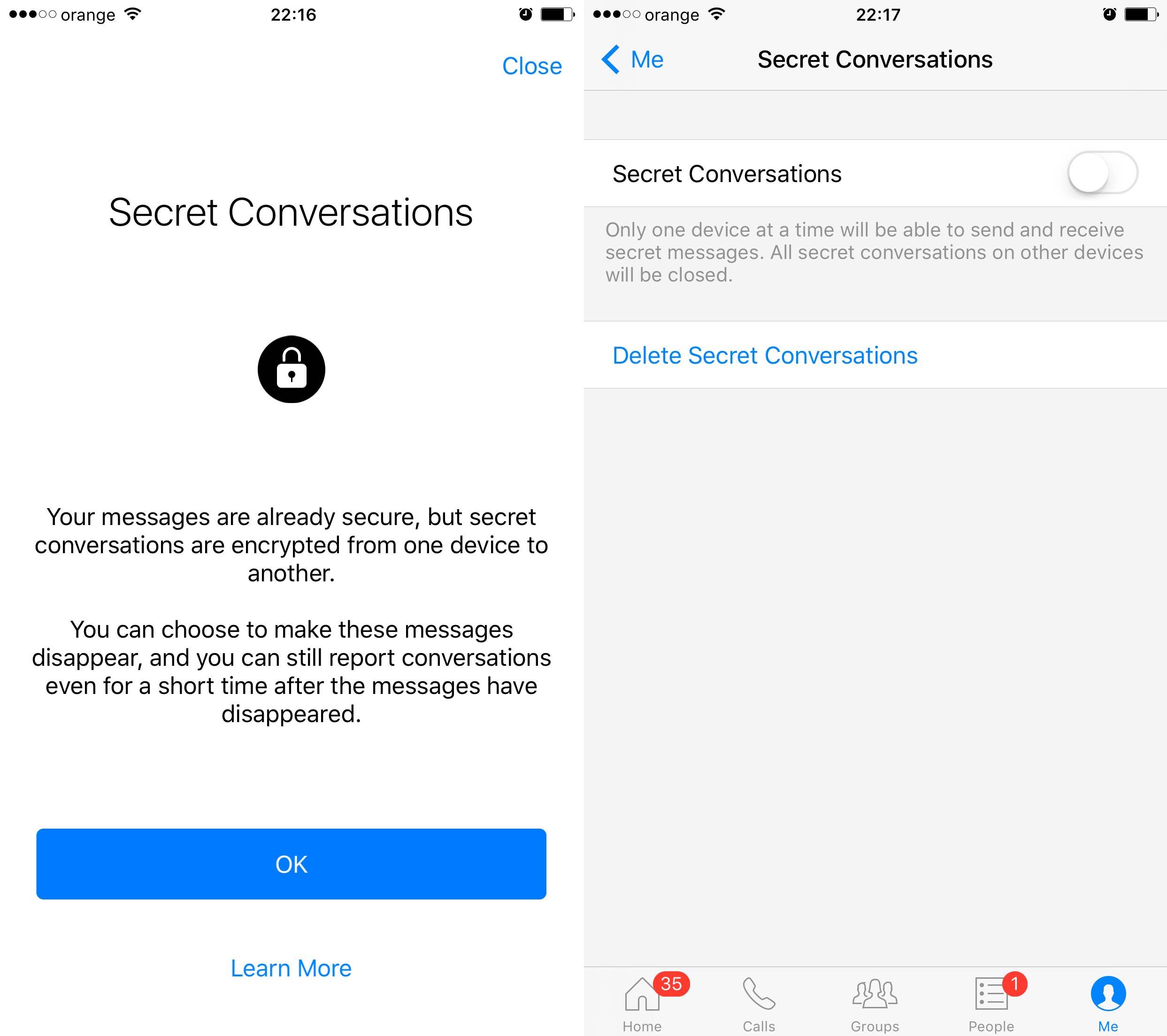
Secret Conversations on Facebook Messenger is a specialized security feature that provides end-to-end encryption (E2EE) for private text messages, voice calls, video chats, and media sharing. Powered by the open-source Signal Protocol,...
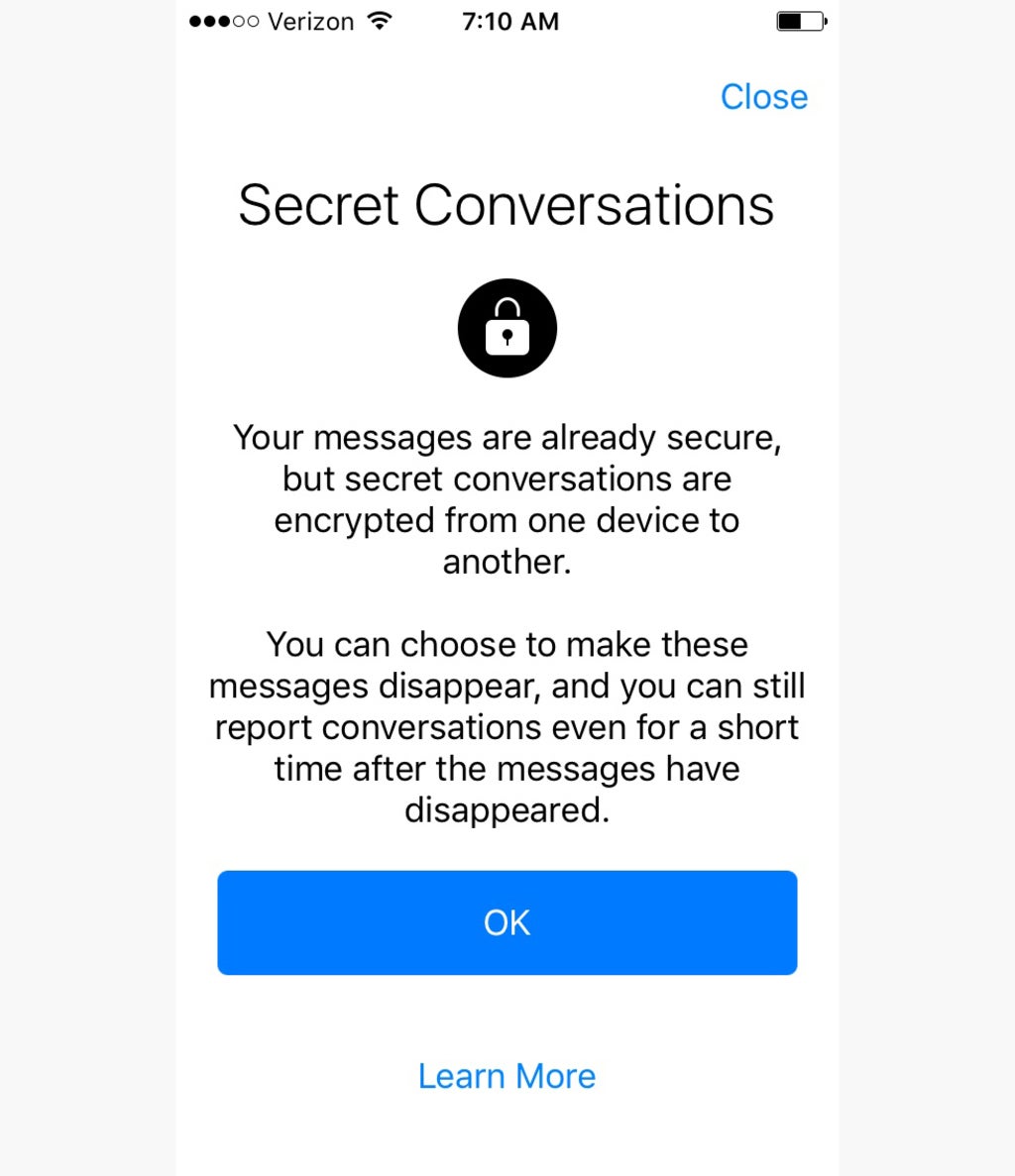
Secret Conversations on Facebook Messenger is a specialized security feature that provides end-to-end encryption (E2EE) for private text messages, voice calls, video chats, and media sharing. Powered by the open-source Signal Protocol, Secret Conversations ensure that only the sender and intended recipient can read or listen to communication, preventing third parties—including Meta—from accessing the underlying data.
Contents
Understanding Secret Conversations and End-to-End Encryption
Digital messaging platforms traditionally rely on encryption-in-transit (Transport Layer Security, or TLS). Under standard transit encryption, messages are scrambled as they travel from your device to the service provider's servers. Once received by the server, the message is decrypted, processed, stored in cloud databases, and re-encrypted to be forwarded to the destination device. While this protects data from external network eavesdroppers, it means the server administrator retains the cryptographic keys required to inspect, index, or store message contents.
End-to-End Encryption (E2EE) fundamental alters this architecture by shifting key generation and decryption entirely to the client endpoints—the sender's and recipient's physical devices.
In Meta's ecosystem, Secret Conversations were introduced as an opt-in mode in 2016 to deliver E2EE alongside standard client-to-server messaging. Over time, Meta expanded this technology to transition Messenger toward default end-to-end encryption across all personal chats and calls.
- Sender Device (Holds Private Key)
- Encrypted Payload
- Meta Servers (Cannot Decrypt)
- Recipient Device (Holds Private Key)
By removing the centralized server from the decryption process, E2EE ensures that even if server infrastructure is breached, subpoenaed, or maliciously monitored, raw message text, voice recordings, and shared images remain completely unreadable without access to the local encryption keys stored on the participating mobile phones or authorized endpoints.
The Cryptographic Framework: How Secret Conversations Work
Meta built its Secret Conversations protocol on the Signal Protocol, an industry-standard open-source cryptographic framework developed by Open Whisper Systems (now the Signal Technology Foundation). You can review the underlying technical specifications on the official Signal Protocol documentation.
- Initial Key Exchange (ECDH)
- Double Ratchet Algorithm
- DH Ratchet (Asymmetric Renewal)
- Symmetric Ratchet (KDF per Message)
- Forward Secrecy & Break-Away Security
To understand how security is maintained during every conversation, it helps to break down the cryptographic mechanisms operating behind the user interface:
1. Extended Triple Diffie-Hellman (X3DH) Key Exchange
When a user initiates an encrypted chat, the app uses Elliptic Curve Diffie-Hellman (ECDH) operations to establish a shared secret key between two parties, even if one party is currently offline.
- Identity Keys: Long-term key pairs tied to the user's account and device.
- Signed Prekeys: Medium-term keys signed by the identity key to prevent spoofing.
- One-Time Prekeys: Ephemeral keys generated by the client device and consumed upon initial session creation.
When you send your first secret message, your device fetches the recipient's prekey bundle from Meta's server, computes a shared master secret, and encrypts the message payload. The server routes the encrypted payload without gaining access to the shared master secret.
2. The Double Ratchet Algorithm
Once the initial session is initialized, the Signal Protocol applies the Double Ratchet Algorithm to continuously renew and update encryption keys:
- KDF (Key Derivation Function) Chain Ratchet: Every single message sent generates a new ephemeral symmetric key derived from the master secret. Once a message is decrypted, its unique key is deleted from the device.
- Diffie-Hellman Ratchet: Whenever a reply is sent back and forth, a new asymmetric DH exchange occurs, resetting the root key.
This dual-ratchet architecture provides two critical security properties:
- Forward Secrecy: If an attacker compromises your device’s current cryptographic keys today, they cannot use those keys to decrypt past messages sent over the network.
- Break-in Recovery (Post-Compromise Security): If a temporary key is compromised, an attacker cannot continue to read future messages once the ratchet advances through a fresh key exchange.
Core Features of Secret Conversations
While the primary role of Secret Conversations is securing data transmission, the interface offers several functional features designed for heightened privacy control.
| Disappearing Messages | Keys & Verification | Secure Storage |
|---|---|---|
| 5s to 24h timers | 60-digit key matching | Hardware HSM back |
| Auto-deletion | QR Code scanning | 4-digit PIN access |
Disappearing Messages (Ephemeral Messaging)
Secret Conversations permit users to set an expiration timer on individual messages or entire chat threads. Available intervals typically range from 5 seconds up to 24 hours.
- The countdown timer begins the moment the recipient views the incoming message on their screen.
- Once the timer expires, the message payload is permanently purged from the local storage of both sender and recipient devices.
- Meta does not retain copies of deleted ephemeral messages on its servers.
Device Keys and Safety Number Verification
To guard against Man-in-the-Middle (MitM) attacks—where a malicious actor or compromised server attempts to insert its own key into the exchange—Messenger allows users to manually verify end-to-end encryption keys.
Each participating device generates a unique sequence of numbers known as a safety number or device key fingerprint. Users can compare these 60-digit numbers (or scan an equivalent QR code) in person or through an alternative secure channel. If the numbers on both screens match identically, the channel is cryptographically verified to be direct and unintercepted.
Secure Storage and Encrypted Backups
Because E2EE messages reside strictly on local device storage, losing a device or switching to a new phone would historically result in the permanent loss of message history. To solve this, Meta introduced Secure Storage.
Secure Storage encrypts your chat history on your device using a custom key before uploading it to cloud hardware security modules (HSMs). Accessing this history on a new device requires a user-created 4-digit PIN, a passkey, or a 40-character restore code. Meta cannot view the contents of the backup without your user-controlled authentication secret.
Secret Conversations vs. Standard Messenger Chats
To clarify how standard server-managed chats compare with end-to-end encrypted Secret Conversations and modernized E2EE Messenger threads, review the operational differences below:
| Security & Privacy Feature | Standard Messenger Chat (Legacy Cloud) | Secret Conversation / E2EE Messenger |
|---|---|---|
| Encryption Type | Encryption-in-Transit (TLS) | End-to-End Encryption (Signal Protocol) |
| Decryption Key Storage | Managed on Meta Central Servers | Stored locally on user devices |
| Server Content Inspection | Technical capability exists for moderation | Technically impossible for Meta servers |
| Disappearing Messages | Not supported or limited to temporary modes | Supported with customizable timers (5s–24h) |
| Multi-Device Syncing | Automatic via central server database | Requires Secure Storage PIN or passkey sync |
| Web Browser Access | Unrestricted access via web client | Restricted to authorized E2EE web sessions |
| MitM Verification | Not applicable | Supported via 60-digit safety numbers / QR |
| Abuse Reporting | Server inspects raw stored logs | Client sends recent encrypted payload snapshots |
Step-by-Step: Managing Encrypted Chats on Messenger
Setting up and verifying an end-to-end encrypted conversation on mobile devices requires a few clear steps.
Initiating a Secret / Encrypted Chat
- Open the Messenger app on iOS or Android.
- Tap the Compose (Pencil) icon in the top right corner.
- Toggle the Lock icon (top right) to enable end-to-end encryption mode.
- Select the contact you wish to message.
- Alternatively, open an existing chat thread with a contact, tap their profile avatar at the top, scroll down, and select Go to Secret Conversation or Start End-to-End Encrypted Chat.
Setting Up Disappearing Messages
- Inside the encrypted chat thread, tap the profile icon or contact name at the top.
- Tap Disappearing Messages.
- Select your desired timeframe (e.g., 5 seconds, 1 minute, 1 hour, or 24 hours).
- Return to the chat window; a notice will confirm that disappearing messages are active for both participants.
Verifying Encryption Keys (Safety Numbers)
- Within the active encrypted chat, tap the contact's avatar at the top.
- Select End-to-End Encryption (or Device Keys / Security Code).
- Tap Verify Security Code.
- Compare the 60-digit numeric sequence listed on your screen with the code displayed on your contact's device, or scan the QR code directly using your camera.
Security, Privacy, and Real-World Limitations
While end-to-end encryption offers robust protection against network surveillance and unauthorized server access, users should understand its specific security boundaries.
| What E2EE Protects Against | What E2EE Does NOT Protect Against |
|---|---|
| Server-side data breaches | Physical device theft (unlocked phone) |
| Network packet sniffing (Wi-Fi/ISP) | Device malware, spyware, screen-loggers |
| Unencrypted cloud log access | Screenshots or secondary photography |
| Third-party transmission interception | Account compromise via weak passwords |
What End-to-End Encryption Protects Against
- Network Interception: Attacks mounted over unencrypted public Wi-Fi networks or compromised internet routers cannot reveal message content.
- Server-Side Data Breaches: If Meta’s databases are compromised, attackers gain access only to encrypted blobs of data, which cannot be decrypted without local client keys.
- Third-Party Requests: Service providers cannot comply with contents-based subpoenas or data requests because they do not hold the cryptographic keys required to turn payloads into human-readable text.
What End-to-End Encryption Does NOT Protect Against
- Endpoint Compromise: If a device is infected with malware, keyloggers, or remote-access Trojans (RATs), attackers can capture message text directly from the screen or memory prior to encryption.
- Physical Device Access: If an unauthorized person gains physical access to an unlocked phone, they can open Messenger and view all local chat logs.
- Recipient Side-Channel Sharing: E2EE prevents external eavesdropping, but it cannot prevent the recipient from taking a screenshot, recording their screen, or capturing a photograph of the device using a second camera.
- Metadata Logging: While payload content is fully encrypted, basic network metadata—such as IP addresses, timestamp markers, device hardware profiles, and interaction frequencies—may still be logged for traffic routing and service optimization.
Reporting Abuse in Encrypted Chats
A common misconception is that end-to-end encryption prevents users from reporting harassment, spam, or illegal activity.
To maintain user safety, Meta implemented a client-side reporting system. When a user submits an abuse report within an E2EE chat, the client app temporarily decrypts a copy of the most recent messages on the user's local device and securely transmits that payload to Meta's review team. This allows human moderators to inspect the offending material without breaking the broader cryptographic security of non-reported messages. Detailed guidelines are available through the Meta Privacy Center.
Troubleshooting Common Issues
1. Missing Chat History on a New Device
- Cause: You logged into Messenger on a new smartphone or computer without restoring your key vault from Secure Storage.
- Solution: Open Messenger on the new device, go to Settings > Privacy & Security > End-to-End Encrypted Chats, and select Secure Storage. Enter your 4-digit PIN, passkey, or 40-character recovery code to decrypt and download your chat history.
2. Security Code Mismatch Warning
- Cause: A contact logged into a new phone, reinstalled the Messenger app, or restored their device, causing their underlying identity key pair to regenerate.
- Solution: Confirm with your contact via another communication channel to ensure they upgraded or changed their device. Once confirmed, reopen the chat settings, view the new safety number, and re-verify the key.
3. Disappearing Messages Not Purging Instantly
- Cause: Ephemeral timers run based on local clock synchronization and read receipts.
- Solution: Ensure both devices have Automatic Time & Date enabled under system settings. Note that the countdown clock starts only after the recipient opens and displays the message payload.
Frequently Asked Questions
Can Meta or Facebook read my Secret Conversations?
No. Because Secret Conversations utilize the Signal Protocol for end-to-end encryption, the cryptographic private keys required to decrypt message payloads are stored exclusively on participating user devices. Meta’s servers only route encrypted binary data, making it mathematically impossible for company engineers or automated algorithms to inspect raw chat content.
What happens to Secret Conversations if I lose my phone?
If you lose your device, your local chat history cannot be recovered unless you previously activated Secure Storage and backed up your keys using a 4-digit PIN, passkey, or 40-character recovery code. If Secure Storage was disabled, your prior end-to-end encrypted messages are lost permanently, though you can start new encrypted chats once you log in on a replacement device.
Can I retrieve deleted disappearing messages?
No. Once a disappearing message timer expires, the Messenger app automatically deletes the payload from the local storage of both participating devices. Because these messages are never saved to unencrypted cloud servers or central databases, deleted ephemeral messages cannot be retrieved by users, Meta support, or forensic software.
Do Secret Conversations support voice and video calls?
Yes. Secret Conversations extend end-to-end encryption beyond text messages to include one-on-one voice calls, video chats, voice notes, images, stickers, and file attachments. The media streams are encrypted at the sending device using SRTP (Secure Real-Time Transport Protocol) mechanisms derived from the session keys and decrypted only at the receiver's device.
Why do I see two separate chat threads for the same person?
On older versions of the Messenger app, standard cloud-based chats and end-to-end encrypted Secret Conversations were kept in separate threads, marked by a padlock icon on the encrypted version. As Meta shifted Messenger to unified default end-to-end encryption, separate threads are consolidated automatically. If duplicate threads persist, updating the app on both devices will merge the messaging session.
Practical Recommendations
To maintain optimal privacy and security across your digital communications, follow these operational best practices:
- Enable Secure Storage immediately: Configure a 4-digit PIN or passkey under your Messenger Privacy Settings to ensure you can recover encrypted message histories when upgrading hardware.
- Verify Security Keys for Sensitive Contacts: If you discuss confidential personal or business matters, perform an in-person scan of your contact’s 60-digit security code to prevent potential impersonation or MitM vulnerabilities.
- Set Ephemeral Timers for Sensitive Information: When transmitting passwords, financial references, or personal documents, use Disappearing Messages set to a short interval (e.g., 1 hour or 1 day) to limit exposure if either device is compromised in the future.
- Keep Device Systems Updated: End-to-end encryption protects network transit, but overall security depends on OS integrity. Keep iOS, Android, and the Messenger app updated to defend against device-level malware vulnerabilities.
Image Gallery