The Business Voicemail Service Landscape: Architecture, Solutions, and Enterprise Selection Guide
The business voicemail service landscape encompasses cloud-hosted Unified Communications as a Service (UCaaS) platforms, standalone virtual phone systems, and AI-driven speech-to-text platforms. Modern solutions convert analog audio re...
The business voicemail service landscape encompasses cloud-hosted Unified Communications as a Service (UCaaS) platforms, standalone virtual phone systems, and AI-driven speech-to-text platforms. Modern solutions convert analog audio recordings into structured digital data, integrating voice messaging directly into customer relationship management (CRM) software, email workflows, and mobile applications while enforcing strict regulatory compliance standards.
Contents
The Evolution of Business Voice Messaging
Business voice messaging has transitioned from local hardware-bound systems to cloud-native communication hubs. Historically, companies relied on on-premises Private Branch Exchange (PBX) units equipped with physical tape reels or digital storage drives. These legacy setups suffered from limited capacity, complex manual maintenance, and isolation from central IT management.
As organization workflows shifted toward distributed labor forces and remote operations, traditional PBX infrastructure presented operational bottlenecks. Modern business voicemail services operate almost entirely within cloud architectures, leveraging Session Initiation Protocol (SIP) trunking and Voiced over Internet Protocol (VoIP) channels. This architectural shift decouples voice messaging from localized hardware, treating voicemails as encrypted audio files and text transcriptions that move dynamically across enterprise software stacks.
In the current enterprise communications ecosystem, voicemail functions as an intelligence-gathering node rather than a passive overflow box. Natural Language Processing (NLP) and Automatic Speech Recognition (ASR) engines process audio streams instantly upon call drop-off, allowing voice messages to be categorized, summarized, routed, and archived automatically.
Core Delivery Models in the Voicemail Service Market
Selecting a voicemail infrastructure requires understanding the technical architectures used by service providers. Organizations choose among three primary deployment models depending on existing communications infrastructure, technical expertise, and security requirements.
- Incoming Call
- PBX/VoIP Switch
- Unanswered Trigger
- Cloud Storage / Transcription Engine
- Delivery (Email/SMS/App/CRM)
1. Integrated UCaaS Voicemail Architectures
Unified Communications as a Service (UCaaS) platforms embed business voicemail within a broader suite of real-time communication tools, including video conferencing, instant messaging, and team collaboration software. Providers like RingCentral, Nextiva, and Zoom Phone build voicemail capabilities into their core cloud infrastructure.
- Strengths: Single interface for all communications, simplified IT administration, real-time call presence synchronization, and unified billing.
- Operational Considerations: Requires organizations to migrate their entire telephony infrastructure to the unified vendor, which can involve recurring per-user licensing costs.
2. Standalone Virtual Voicemail and Virtual Phone Services
Standalone virtual voicemail systems offer dedicated voice messaging, call forwarding, and basic auto-attendant capabilities without requiring a full VoIP telephony overhaul. Services such as Grasshopper, Phone.com, and Google Voice operate on top of existing mobile networks or landlines.
- Strengths: Low cost, fast deployment, minimal configuration requirements, and ideal for micro-enterprises, sole proprietors, or secondary business lines.
- Operational Considerations: Limited deep enterprise application integrations, basic analytics, and separate administrative portals outside main IT frameworks.
3. Hybrid and On-Premises SIP-Integrated Voicemail
For enterprises bound by legacy telecom contracts or strict localized data storage mandates, hybrid implementations bridge on-premises PBX hardware (such as Cisco Unified Communications Manager or Avaya IP Office) with cloud-based voicemail and transcription endpoints via secure SIP trunks.
- Strengths: Maintains existing hardware investments, offers local data control, and supports legacy analog devices.
- Operational Considerations: Requires dedicated network engineering talent, higher maintenance overhead, and complex firewall configurations to support remote playback safely.
Technical Capabilities and Feature Sets
Modern business voicemail platforms rely on several core functional capabilities that dictate performance, accessibility, and operational integration.
- Incoming Audio
- Audio File Storage (AES-256)
- ASR Transcription Engine
- Sentiment / Entity Analysis
- Webhook / API Dispatcher
- CRM / Email Notification
Speech-to-Text (STT) and Visual Voicemail
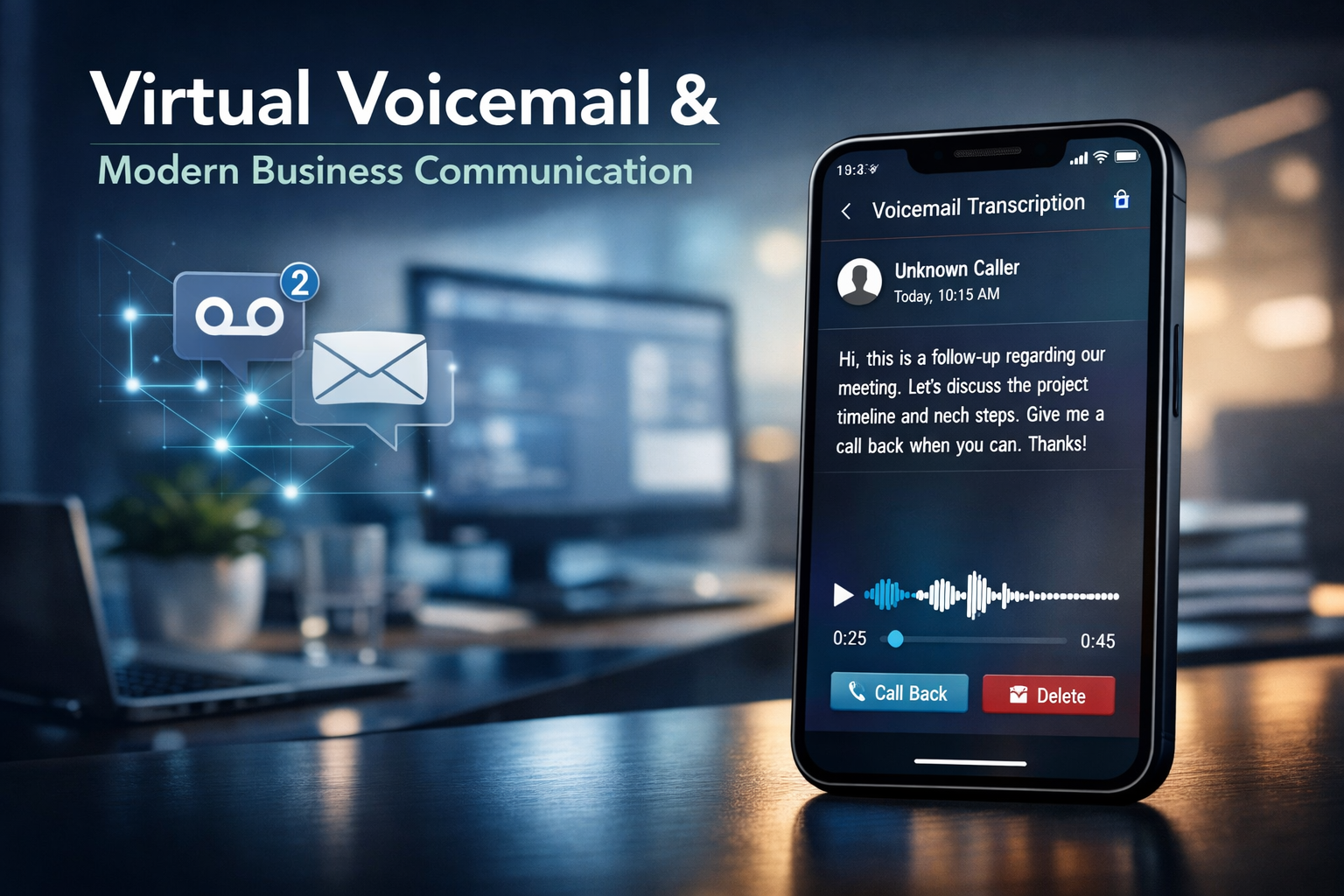
Visual voicemail translates incoming audio files into text, displaying transcriptions directly inside mobile applications, email inboxes, or web portals. Advanced solutions utilize deep learning speech recognition engines to achieve high word accuracy rates across diverse accents and noisy audio environments. Visual interfaces allow staff to prioritize urgent messages without listening to lengthy recordings, reducing response latency.
Multi-Channel Notification Dispatch
Instead of checking a central inbox manually, users receive multi-channel alerts:
- Voicemail-to-Email: Sends an email containing the transcribed text alongside an attached audio file (typically
.mp3or.wav). - Voicemail-to-SMS/MMS: Delivers brief text previews or direct download links to mobile handsets.
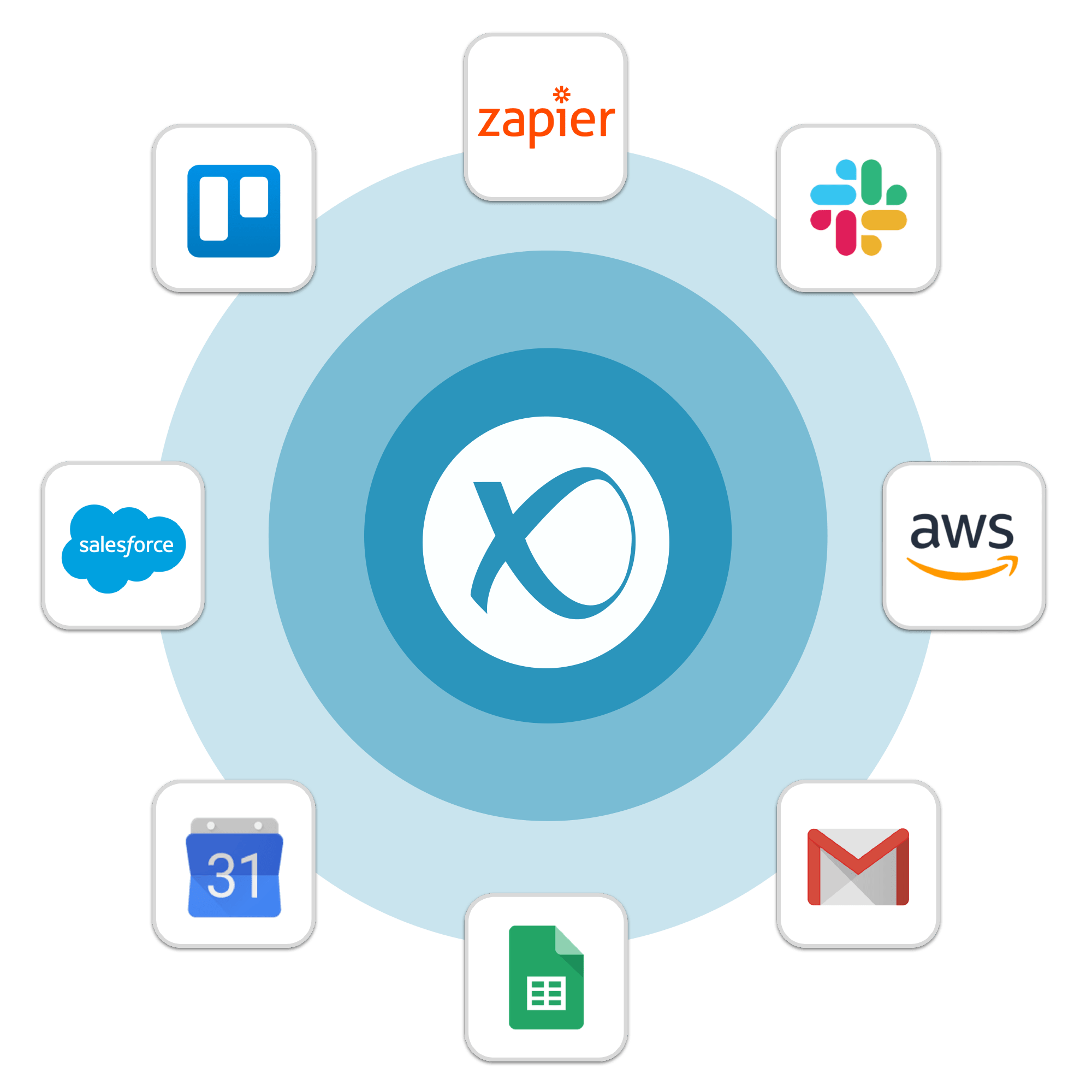
- Webhook and API Integrations: Triggers real-time alerts within team messaging platforms like Slack or Microsoft Teams, or logs a new lead activity record directly inside Salesforce or HubSpot.
Automated Call Routing and Interactive Voice Response (IVR) Fallback
Voicemail services link directly with IVR auto-attendants. When a call goes unanswered or meets a busy signal, custom routing rules determine the appropriate action:
- Routing to specific department sub-inboxes based on time-of-day logic.
- Escalating urgent after-hours messages to on-call personnel via automated outbound voice dialing.
- Offering callers an option to request an automated text-back instead of recording a voice message.
AI-Powered Summarization and Action Item Extraction
Advanced cloud voicemail solutions implement Generative AI and Large Language Models (LLMs) to automatically generate bulleted summaries of lengthy voicemails, detect caller sentiment (e.g., urgent, dissatisfied, neutral), and extract concrete action items, such as requested callback times or account numbers.
Security, Data Governance, and Regulatory Compliance
Because business voicemails frequently contain Personally Identifiable Information (PII), protected health information (PHI), or sensitive financial data, voice storage and transmission protocols must align with global regulatory frameworks.
Data Encryption Standards
Top-tier service providers protect voicemail data at rest and in transit:
- In Transit: SIP signaling traffic is secured via Transport Layer Security (TLS), while media streams (the actual voice recording) are encrypted using the Secure Real-time Transport Protocol (SRTP).
- At Rest: Stored audio files and text transcriptions are protected using AES-256 encryption within cloud storage facilities.
HIPAA and Healthcare Compliance
Healthcare entities handling patient communications must ensure their voicemail infrastructure complies with the Health Insurance Portability and Accountability Act (HIPAA). Organizations must confirm that the vendor will execute a Business Associate Agreement (BAA). The U.S. Department of Health & Human Services (HHS) details HIPAA compliance guidelines for covered entities and business associates.
Features like unencrypted voicemail-to-email attachments can violate HIPAA rules if sensitive patient details are transmitted over unencrypted SMTP networks. Compliant configurations replace direct audio attachments with secure, password-protected links requiring user authentication.
International Data Privacy (GDPR and CCPA)
Under the European Union's General Data Protection Regulation (GDPR) and the California Consumer Privacy Act (CCPA), callers retain rights over their voice data. Providers must maintain flexible retention policies, enabling automated deletion of voicemails after a set retention window (e.g., 30 or 90 days), and provide administrative mechanisms to purge specific caller recordings upon formal request.
Comparing Leading Business Voicemail Solutions
The table below compares representative enterprise and small-business communication providers across core structural dimensions:
| Provider / Solution | Primary Category | Core Strengths | Transcription & AI Capabilities | Compliance Standards | Target Business Segment |
|---|---|---|---|---|---|
| RingCentral | UCaaS | Robust call handling, deep CRM integrations, international routing | Automated Speech Recognition + AI Summarization | HIPAA (with BAA), SOC 2 Type II, GDPR | Mid-Market to Enterprise |
| Nextiva | UCaaS | High service uptime, strong customer support, unified customer portal | Standard Speech-to-Text with customizable alerts | HIPAA (with BAA), SOC 2 | Small Business to Enterprise |
| Dialpad | AI-Native Communications | Native real-time NLP, automated call summaries, built-in sentiment analysis | Proprietary Ai Recaps and live transcription | SOC 2 Type II, GDPR, HIPAA compliant architecture | Technology-driven SMBs & Enterprise |
| Ooma Office | Cloud Telephony | Low starting cost, straightforward setup, hybrid hardware support | Basic Speech-to-Text email options | Standard telecom privacy controls | Small Business & Branch Offices |
| Grasshopper | Virtual Phone System | Easy mobile app management, no hardware required, low administrative overhead | Standard Voicemail-to-Text via email/SMS | General commercial privacy compliance | Micro-enterprises & Freelancers |
Step-by-Step Selection and Deployment Strategy
Implementing a modern business voicemail architecture requires methodical planning to prevent operational disruption and secure data.
- Phase 1: Audit & Requirements
- Phase 2: Security Assessment
- Phase 3: Configuration
- Phase 4: Employee Onboarding
Phase 1: Audit Existing Voice Traffic and Requirements
- Calculate average daily incoming call volume and voicemail fallback rates.
- Identify existing integrations needed (e.g., Salesforce, Microsoft Outlook, Zendesk).
- Determine mandatory accessibility needs, such as multi-language transcriptions or visual voicemail access for mobile employees.
Phase 2: Assess Security and Regulatory Mandates
- Verify whether your industry mandates regulatory compliance (e.g., HIPAA for healthcare, PCI-DSS for payment processing over voice).
- Review vendor documentation regarding transport encryption protocols (TLS/SRTP) and encryption at rest.
- Ensure the service provider offers Role-Based Access Control (RBAC) and Multi-Factor Authentication (MFA) for administrative portals. The National Institute of Standards and Technology (NIST) provides cybersecurity frameworks detailing access control recommendations.
Phase 3: Configure Greetings, Routing Logic, and Integrations
- Draft standardized, professional voicemail greetings for standard business hours, after-hours, and holiday schedules.
- Establish notification destinations: configure secure Webhooks for team channels or encrypted cloud links for email delivery.
- Define strict data retention rules within the platform console to automatically scrub voicemails after the required regulatory or operational retention window expires.
Phase 4: Conduct Onboarding and Monitoring
- Train employees on accessing visual voicemail interfaces securely on mobile devices.
- Test transcription accuracy against complex technical vocabulary, industry jargon, and multi-lingual voice messages.
- Monitor call completion metrics and voicemail response times within the administrative analytics dashboard.
Frequently Asked Questions
How does voicemail-to-email handle HIPAA compliance risks?
Standard voicemail-to-email configurations attach an unencrypted .mp3 or .wav audio file directly to an SMTP email message. Because standard email transmission can pass through unencrypted networks, this structure risks HIPAA non-compliance if the caller leaves Protected Health Information (PHI). Compliant configurations disable direct audio attachments, instead emailing a notification containing a secure, encrypted link that requires authentication to listen to or view the transcription.
What is the practical difference between standalone virtual voicemail and a full UCaaS deployment?
Standalone virtual voicemail services operate on top of an existing phone line (such as a personal mobile phone or landline) to intercept missed calls, record messages, and deliver transcriptions. They do not manage live call routing hardware or complex multi-line extensions. Full UCaaS solutions replace the business's entire phone system, providing live voice calls, video meetings, team messaging, advanced IVR menus, and integrated voicemail in a single platform.
Can speech-to-text engines transcribe technical jargon accurately?
Modern ASR models trained on deep neural networks offer high accuracy rates, often exceeding 90% in clear audio conditions. However, performance can degrade with heavy background noise, poor cellular connections, or specialized technical terminology. Leading business voicemail platforms allow administrators to add custom vocabulary dictionaries—such as medical terms, proprietary product names, or legal phrases—to improve transcription accuracy.
How do multi-lingual voicemail systems handle international callers?
Advanced business voicemail platforms include multi-language support within their IVR auto-attendants and transcription engines. Systems can detect the caller's country code or language selection in the main phone menu to play localized greetings. The speech-to-text engine then processes the recording using language-specific models to generate accurate transcriptions in languages such as Spanish, French, German, or Mandarin.
What happens to incoming business voicemails during a network outage?
Because modern business voicemail systems operate on cloud-based infrastructure rather than physical on-premises hardware, local power or network outages do not prevent voicemails from being recorded. The carrier's upstream switch automatically routes incoming calls to cloud servers. Once recorded, notifications and transcriptions remain accessible via mobile data networks, secondary internet connections, or web management portals.
Strategic Next Steps
To modernize your business voicemail service landscape:
- Conduct a Communications Audit: Evaluate your current voicemail drop-off rate, missed call volume, and employee response times to assess operational needs.
- Review Compliance Requirements: Identify regulatory guidelines (such as HIPAA, GDPR, or SOC 2) governing your business voice communications before comparing service vendors.
- Initiate Proof-of-Concept (PoC) Testing: Set up a trial environment with a cloud provider to evaluate speech-to-text transcription accuracy, app usability, and integration capability before committing to enterprise-wide migration.
Image Gallery