Best Teleprompter Apps for iOS in 2026: Professional Video Production Guide
The best teleprompter apps for iOS in 2026 utilize advanced AI-driven voice tracking and high-refresh-rate displays to ensure seamless delivery for creators and professionals. Leading options such as Teleprompter Premium, PromptSmart,...
The best teleprompter apps for iOS in 2026 utilize advanced AI-driven voice tracking and high-refresh-rate displays to ensure seamless delivery for creators and professionals. Leading options such as Teleprompter Premium, PromptSmart, and Video Teleprompter allow users to transform an iPhone or iPad into a broadcast-quality prompter setup, supporting remote controls, mirror mode, and multi-device synchronization via iCloud or NDI protocols.
Contents
The State of iOS Teleprompting in 2026
The landscape of mobile video production has shifted significantly as we move through 2026. With the integration of powerful neural engines in modern Apple silicon, iOS teleprompter applications have evolved from simple scrolling text overlays into sophisticated production hubs. These tools are no longer reserved for amateur YouTubers; they are now staples in corporate boardrooms, educational lecture halls, and remote broadcast environments.
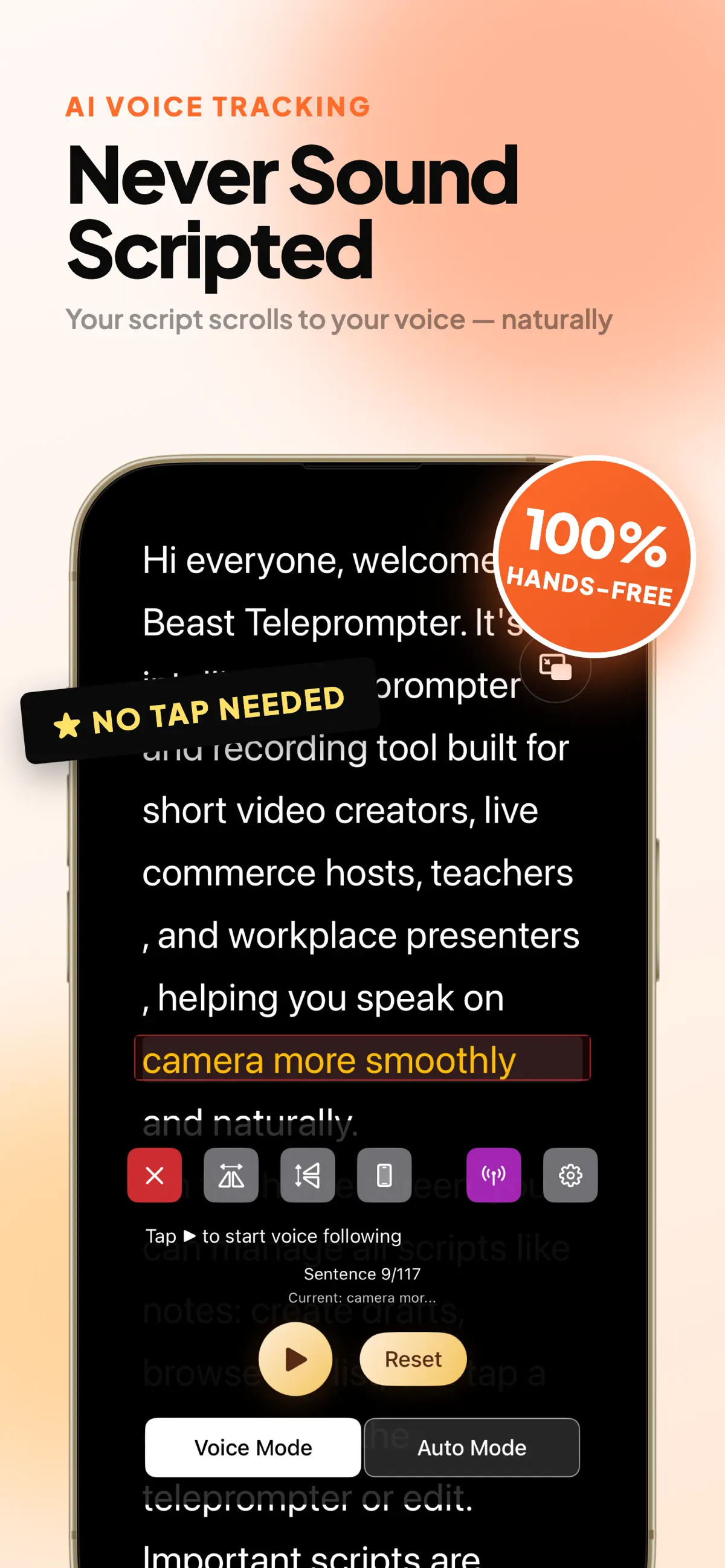
Current hardware, specifically the iPad Pro and iPhone 17 series, offers the brightness and clarity required to reflect off high-end beam-splitter glass without losing legibility. Furthermore, the 2026 software ecosystem emphasizes "Smart Scrolling"—a feature that uses local machine learning to listen to the speaker's voice and pace the text accordingly, eliminating the need for manual speed adjustments or foot pedals in many scenarios.
Critical Hardware Requirements for Professional Setups
Before selecting an application, it is vital to ensure your hardware configuration meets the demands of professional-grade recording. While a handheld iPhone is sufficient for social media stories, high-stakes presentations require a more robust infrastructure.
- The Display Device: For most setups, the iPad Pro (11-inch or 13-inch) remains the gold standard. The ProMotion display ensures text scrolls smoothly without the "judder" often seen on lower-refresh-rate screens.
- Mounting and Glass: A dedicated teleprompter rig with 70/30 beam splitter glass is essential for maintaining direct eye contact with the camera lens. This glass allows 70% of light to reach the camera while reflecting 30% of the text to the presenter.
- Remote Control Connectivity: Professional workflows in 2026 favor Bluetooth LE (Low Energy) or Wi-Fi-based remote controls. This includes dedicated handheld remotes, foot pedals for hands-free operation, or using an iPhone as a remote for an iPad.
- Audio Integration: High-quality teleprompter apps now integrate with external microphones. Ensuring your iOS device can handle both the prompter software and high-bitrate audio input via USB-C is a prerequisite for a one-man-band setup.
Top Professional Teleprompter Apps for iOS in 2026
The following table compares the leading teleprompter applications available on the App Store in 2026, focusing on features that differentiate professional tools from basic utilities.
| App Name | Primary Feature | AI Voice Tracking | Multi-Device Sync | 2026 Pricing Model |
|---|---|---|---|---|
| Teleprompter Premium | Industry Standard / Versatility | Optional Plugin | iCloud / Dropbox | $14.99/mo or $89/yr |
| PromptSmart Pro | VoiceTrack™ AI Technology | Built-in (Proprietary) | PromptSmart Cloud | $19.99/mo |
| Video Teleprompter | Integrated Front Camera Recording | Basic | Local Network | One-time $24.99 |
| SpeakFlow | Browser-to-App Synchronization | Yes | Cross-Platform | $15.00/mo |
| Nano Teleprompter | Floating Widget for Social Apps | No | No | $4.99 (One-time) |
Teleprompter Premium: The Production Workhorse
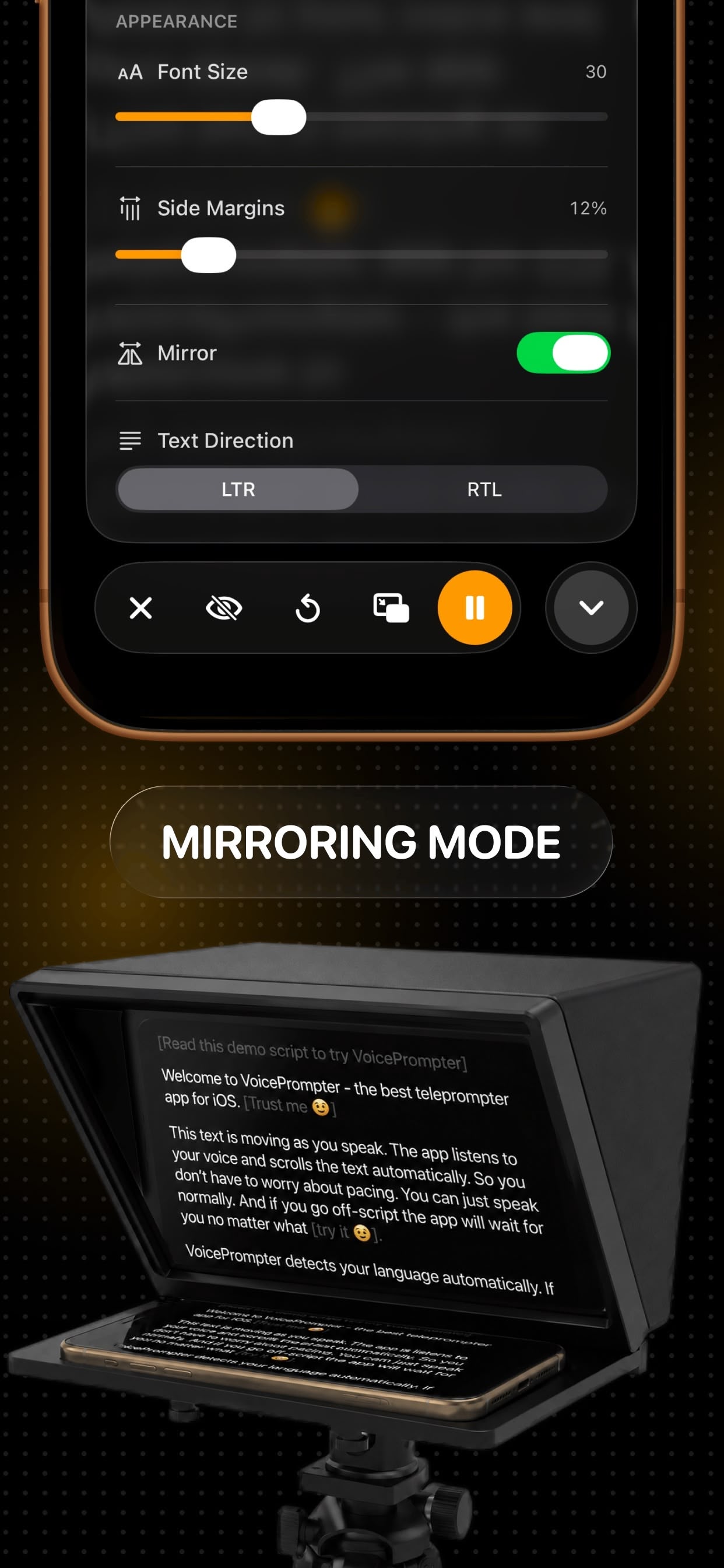
Teleprompter Premium remains the most widely used application for traditional video production. Its strength lies in its deep customization options. Users can adjust font types, line spacing, and background colors to combat eye strain. In 2026, its "Mirror Mode" is highly optimized for various beam-splitter qualities, allowing for instant inversion of both text and video overlays.
One of its standout features is the NDI (Network Device Interface) support. This allows the prompter feed to be sent over a local network to other monitors or studio displays, making it a favorite for multi-camera television environments.
PromptSmart Pro: The Leader in Voice Recognition
PromptSmart Pro continues to dominate the "voice-scrolling" niche. Their VoiceTrack™ technology has been refined to handle multiple accents and languages with nearly 99% accuracy. Unlike traditional auto-scroll apps that move at a fixed speed, PromptSmart only moves when you speak. If you pause to take a breath or improvise a sentence, the text stops with you. This creates a much more natural delivery, as the speaker is never "chasing" the text.
Video Teleprompter: The Content Creator's Choice
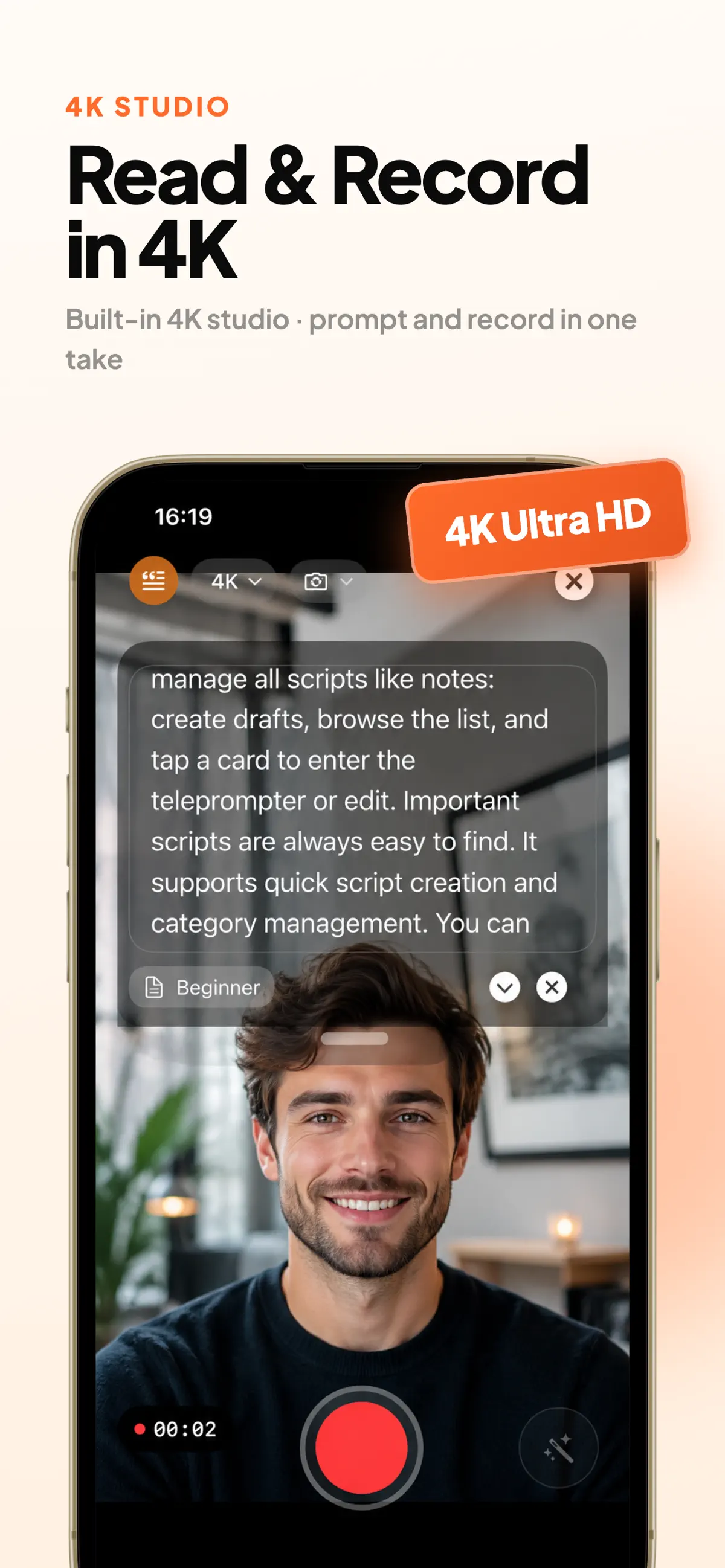
For those who record directly on their iPhone or iPad, Video Teleprompter is the premier choice. The app places the text script directly next to the front-facing camera lens. This proximity minimizes the "roving eye" effect where viewers can tell the speaker is reading. In the 2026 update, the app introduced 4K 60fps recording with real-time background replacement, allowing creators to film professional-looking videos with a teleprompter overlay in a single interface.
Advanced Features and Functional Workflows
To maximize the effectiveness of an iOS teleprompter, one must understand the technical nuances of script preparation and interface configuration.
Script Formatting Protocols
Standardized File Support Most professional apps now support direct import from Google Docs, Microsoft Word (.docx), and Plain Text (.txt). It is recommended to use "Rich Text" formatting to bold or highlight key emphasis words within the app to guide the speaker’s inflection.
Visual Cues and Markers Modern apps allow for the insertion of "Cue Points." These are digital bookmarks that allow a director or the speaker to jump to specific sections of a long script instantly. This is vital for long-form educational content or corporate reports.
Contrast and Legibility High-contrast themes (White text on a black background) are mandatory for reflection-based rigs. In 2026, many apps also include a "High-Visibility" mode that uses specific sans-serif fonts designed for readability from distances of up to 15 feet.
Step-by-Step Guide: Setting Up Your iOS Teleprompter
Following a disciplined setup routine ensures that technical glitches do not interrupt your recording session.
- Script Preparation: Finalize your script on a desktop and sync it to your iOS device via cloud storage. Ensure you use large paragraph breaks to avoid visual clutter.
- Hardware Calibration: Mount your iPad or iPhone into the prompter cradle. Adjust the glass angle to 45 degrees relative to the lens.
- App Configuration: Open your chosen app and enable Mirror Mode (Horizontal Flip). This is necessary because the glass reflection will naturally flip the image back to a readable orientation.
- Speed and Sensitivity Calibration: If using Voice Tracking, do a 30-second "sound check" reading to let the AI calibrate to your tone and room acoustics. If using Auto-Scroll, set the Words Per Minute (WPM) to approximately 10% slower than your natural speaking pace to allow for natural pauses.
- Eye-Line Alignment: Adjust the text width (margins). If the text spans the entire width of the screen, your eyes will noticeably move left to right. Narrow the text margins to the center of the screen to keep your gaze fixed toward the camera lens.
Troubleshooting Common Issues in 2026
Even with the advanced technology available in 2026, certain issues remain prevalent.
- The "Teleprompter Eye" Look: This occurs when the script is too far from the camera or the margins are too wide. Solution: Narrow the text margins and move the prompter further away while increasing font size.
- Bluetooth Disconnection: Bluetooth interference in crowded offices can cause remote pedals to fail. Solution: Use a hardwired USB-C connection if your pedal supports it, or ensure all other non-essential Bluetooth devices are disabled.
- Overheating: Running 4K video recording simultaneously with a prompter app can generate significant heat. Solution: Remove the iOS device from its protective case while in the prompter rig to allow for better heat dissipation.
- Glare and Ghosting: Secondary reflections can occur if the glass is not cleaned or if the lens is not properly shrouded. Solution: Use a "blackout hood" to ensure no light enters the space between the lens and the prompter glass.
Comparison of AI vs. Manual Control
Choosing between AI voice tracking and manual control (remote/pedal) is a matter of production style and reliability requirements.
- AI Voice Tracking: Best for solo creators and scripted "talking head" videos. It offers the most natural pace but can occasionally struggle with technical jargon or heavy accents if not properly calibrated.
- Manual Control (Foot Pedals): Best for live broadcasts or long presentations where the speaker might frequently deviate from the script. It provides absolute control to the speaker but requires a learning curve to coordinate foot movements with speech.
- External Operator: In high-budget corporate environments, a second person often controls the script speed from a separate iPad or laptop. This allows the talent to focus entirely on their performance.
Frequently Asked Questions
Can I use an iPhone as a teleprompter for an iPad? Yes, most professional apps like Teleprompter Premium and PromptSmart allow for "Remote Mode." You can pair your iPhone to your iPad via Bluetooth or local Wi-Fi, allowing the iPhone to act as a remote control for the script running on the iPad. This is highly effective for adjusting speed or restarting the script without touching the prompter rig.
Do I need a subscription to use these apps in 2026? While many basic apps offer one-time purchases, the "Professional" tiers (especially those with AI voice tracking and cloud sync) have largely moved to subscription models. Prices typically range from $10 to $20 per month. If you are a casual user, Video Teleprompter still offers a robust one-time purchase option for its core features.
Does teleprompter glass affect video quality? High-quality 70/30 beam splitter glass has a negligible impact on video quality, typically resulting in a loss of about 0.5 to 1 stop of light. You may need to slightly increase your ISO or open your aperture to compensate. Cheaper glass can introduce a slight green tint or "ghosting" (a double image), so investing in quality glass is recommended for professional work.
Can these apps handle PowerPoint or Keynote slides? Most teleprompter apps are designed for linear text. However, SpeakFlow and Teleprompter Premium have introduced features in 2026 that allow for "Slide Overlays," where your prompter text is synchronized with slide transitions. For a traditional presentation, it is often better to export your slide notes as a text file and use them in a dedicated prompter app.
Will my 2026 iPad handle AI tracking without lag? Yes, any iPad with an M-series chip (M1 through M5) has a dedicated Neural Engine that handles Natural Language Processing (NLP) locally. This means the voice tracking is processed on the device itself, resulting in near-zero latency and improved privacy since your audio is not being sent to the cloud.
Final Recommendation for 2026
For the majority of professional users, PromptSmart Pro is the recommended choice due to its superior AI VoiceTrack technology, which significantly reduces the cognitive load on the speaker. However, if your workflow involves complex studio setups with NDI integration and multi-screen arrays, Teleprompter Premium remains the most flexible and technically capable platform available on iOS. Content creators filming directly on their devices should prioritize Video Teleprompter to ensure perfect eye contact and high-fidelity video capture in a single-app solution.
Image Gallery