CRM Ticketing Software Free: A Practical Overview
Free CRM ticketing software combines customer relationship management and support ticket tracking into a single, cost-effective platform, enabling businesses to manage customer data, communication history, and issue resolution workflow...
Free CRM ticketing software combines customer relationship management and support ticket tracking into a single, cost-effective platform, enabling businesses to manage customer data, communication history, and issue resolution workflows without investing in expensive enterprise licenses.
Contents
Managing customer relationships and resolving support requests efficiently can strain the resources of growing businesses. When communication channels multiply—spanning email, live chat, social media, and phone calls—teams often struggle to keep context clear, leading to delayed responses and frustrated clients. Adopting a customer relationship management (CRM) platform equipped with an integrated ticketing system provides a centralized solution. Many software providers offer robust, zero-cost tiers or open-source solutions designed for startups, small businesses, and lean support operations. This practical overview examines how these tools operate, what features to look for, how they compare, and how to select the right platform for your operational requirements.
Understanding CRM Ticketing Software
At its core, CRM ticketing software bridges the gap between sales, marketing, and customer service. Traditional customer service desks focus exclusively on resolving incoming issues, often treating each interaction as an isolated event. Conversely, traditional CRM software tracks leads, deals, and communication history to drive sales conversions and long-term retention. Integrating these two functions ensures that when a support ticket arrives, the agent instantly sees the customer's purchase history, active deals, company details, and past interactions.
This unification eliminates silos between departments. A support agent can easily identify if a complaining ticket originates from a high-value enterprise client or a recently onboarded user, allowing organizations to prioritize workloads accurately. Furthermore, sales and marketing teams gain visibility into persistent product bugs or service friction points reported by customers, informing future outreach and product development.
Core Features to Expect in Free Tiers
While free software tiers inherently involve functional limitations compared to enterprise editions, modern vendors offer surprisingly capable free versions. Understanding these baseline capabilities helps organizations maximize value without unexpected upgrade walls.
Contact and Company Management
A legitimate CRM ticketing tool must maintain a centralized database of customer profiles. Free tiers typically allow businesses to store a specified number of contacts and companies (often ranging from 100 records to unlimited contacts with capped data properties). Key capabilities include tracking contact details, organizing communication logs, and segmenting audiences based on interaction history.
Ticket Tracking and Pipelines
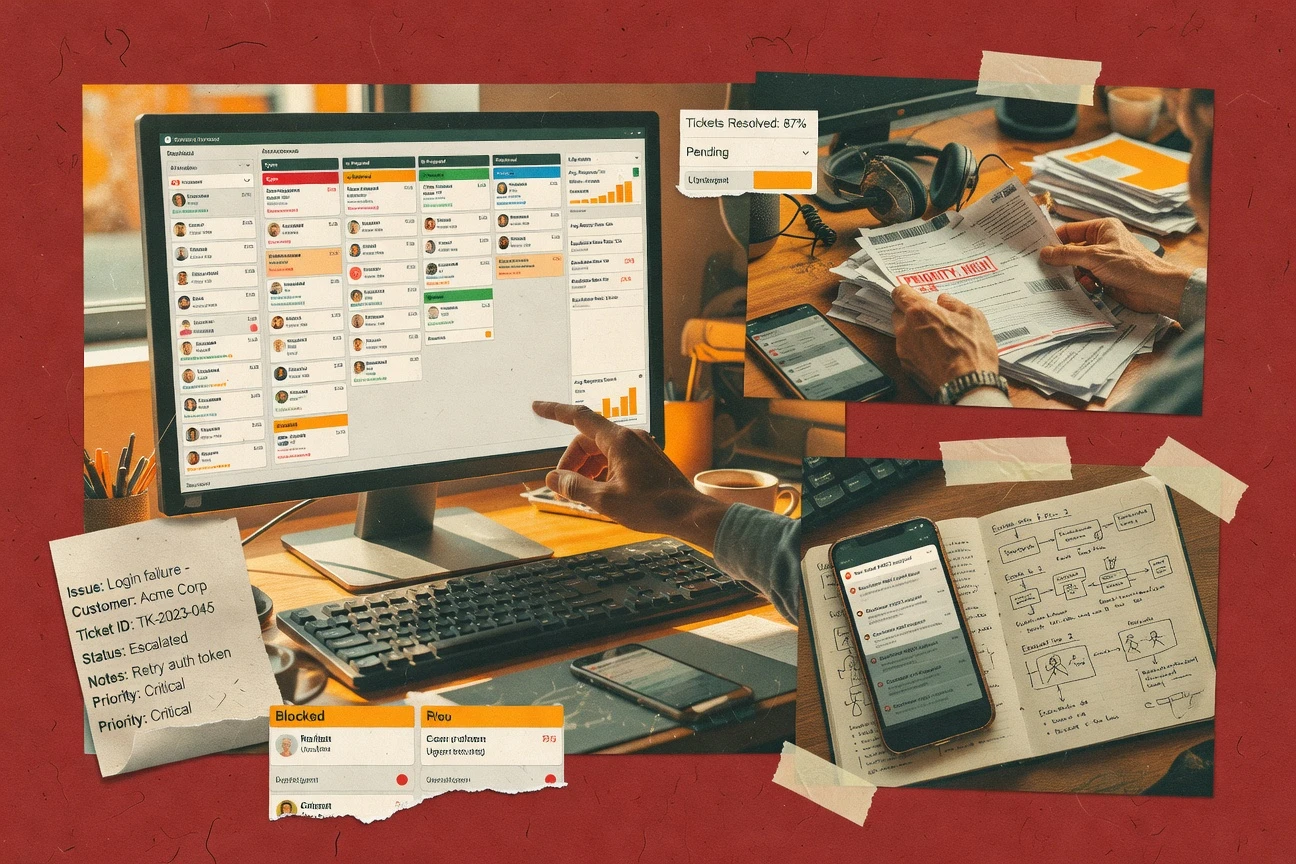
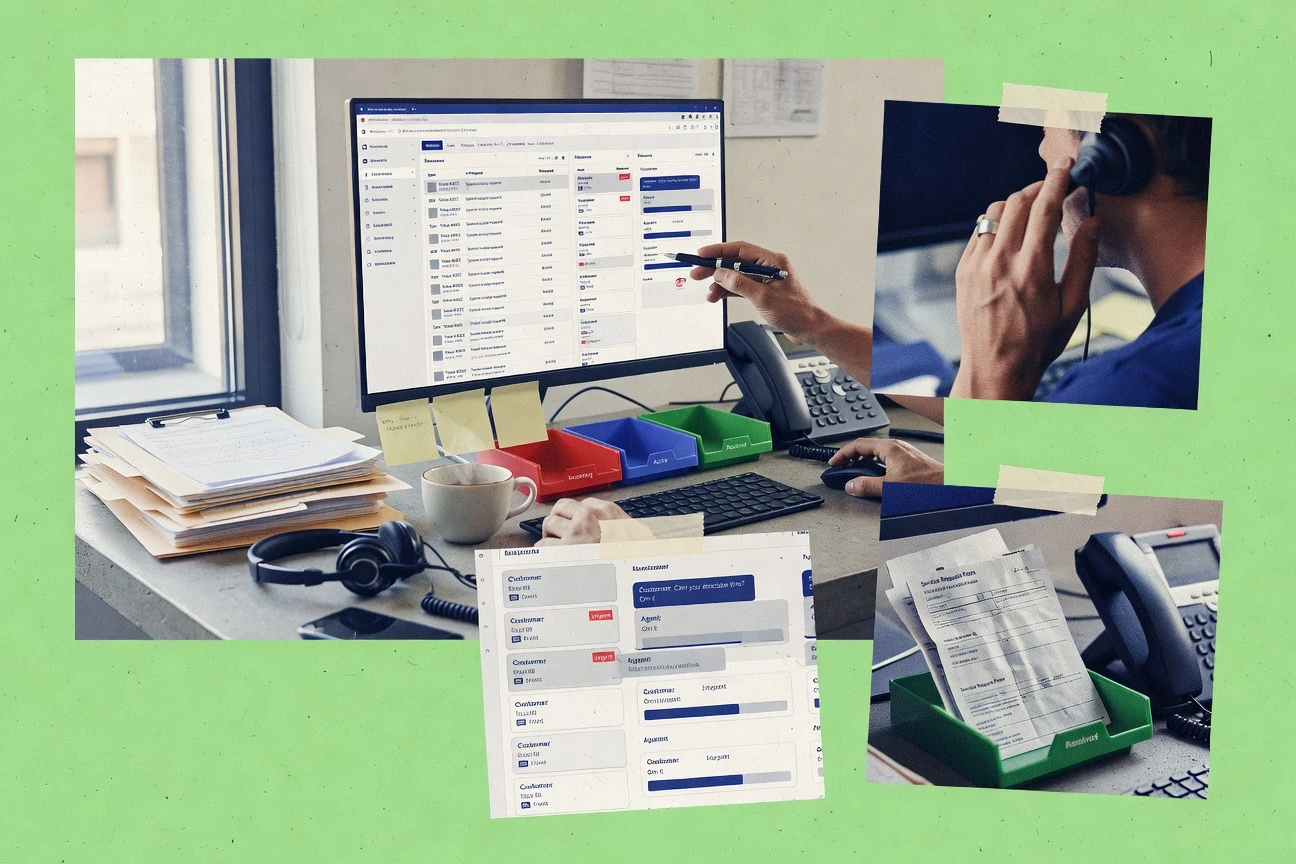
The ticketing component allows support teams to log, assign, prioritize, and track customer inquiries through resolution. Free systems generally provide visual pipeline boards (such as Kanban layouts) where tickets move through stages like "New," "Waiting on Agent," "Pending Customer," and "Resolved." Basic automation, such as auto-assigning tickets or sending acknowledgment emails, may be included.
Shared Inbox and Communication Channels
Managing customer inquiries requires consolidating multiple communication streams. Free platforms often provide a shared team inbox that connects to a company support email address (e.g., support@yourcompany.com). Incoming emails automatically convert into tracked support tickets, ensuring no inquiry slips through the cracks.
Reporting and Dashboards
Visibility into team performance and ticket volume is critical. Free tiers usually offer standard, out-of-the-box reporting dashboards. These dashboards track metrics such as total ticket volume, average resolution time, and open versus closed tickets, providing basic operational insights for team leads.
Comparing Popular Free CRM Ticketing Solutions
Evaluating available software requires comparing features, user limits, and operational constraints across market options. The market features several reputable vendors offering functional free tiers.
| Software Platform | Primary Focus | User Limits | Key Free Features | Notable Limitation |
|---|---|---|---|---|
| HubSpot Service Hub | All-in-one CRM & Support | Unlimited users | Shared inbox, ticketing, basic live chat, CRM integration | Advanced automation and custom reporting require paid tiers |
| Freshdesk | Dedicated Helpdesk & Ticketing | Up to 10 agents | Email ticketing, knowledge base, basic reporting, SLA management | Advanced workflow automation excluded from the free plan |
| Zendesk (Explore Trials) | Enterprise Support Ecosystem | Limited trial periods | Comprehensive ticketing, omnichannel support, robust APIs | Permanent free tier is limited; primarily offers time-bound trials |
| Bitrix24 | Collaboration & CRM | Unlimited users | Task management, CRM, telephony, contact center tools | Interface can feel cluttered due to wide feature breadth |
Note: Software vendors frequently update their feature matrices, pricing tiers, and user caps. Organizations should verify current specifications directly on the provider's official website before committing to a long-term implementation.
Prerequisites and Implementation Steps
Deploying a free CRM ticketing platform successfully requires careful planning, data preparation, and structured execution. Moving haphazardly from ad-hoc email support to a centralized system creates friction for both staff and customers.
1. Define Support Workflows and SLAs
Before configuring the software, map out how your team handles incoming requests. Determine how tickets should be categorized (e.g., billing, technical support, feature request), who should handle specific categories, and what internal service level agreements (SLAs) apply to response times.
2. Clean and Migrate Existing Data
If your organization is transitioning from spreadsheets or legacy systems, audit your existing customer data. Remove duplicate entries, standardize naming conventions, and export contacts into a clean CSV format suitable for CRM import.
3. Connect Channels and Configure Inboxes
Link your primary support communication channels—such as help emails and contact forms—to the platform's shared inbox. Configure auto-responders to assure customers that their inquiry has been successfully received and logged into the tracking system.
4. Train Team Members and Establish Protocols
Conduct training sessions with support, sales, and management staff. Establish clear naming conventions for ticket tags, define internal note protocols, and ensure every team member understands how to update ticket statuses accurately.
Operational Limitations of Free Software
While free tiers offer an accessible entry point, organizations must navigate specific operational constraints to avoid bottlenecks as they scale.
- User and Contact Caps: Many free plans limit the total number of stored contacts, custom properties, or active users. Surpassing these thresholds requires transitioning to paid monthly or annual subscriptions.
- Support Channel Restrictions: Free tiers frequently exclude advanced communication channels such as native inbound phone support, WhatsApp integration, or advanced social media listening tools.
- Limited Automation: Complex workflow automations—such as multi-step routing rules, conditional triggers, and custom webhook integrations—are typically reserved for premium enterprise licenses.
- Vendor Support Availability: Free users rarely receive dedicated account managers or priority 24/7 technical support. Troubleshooting often relies on community forums, knowledge bases, and asynchronous ticketing support.
Common Mistakes to Avoid
Implementing CRM ticketing software without a clear strategy often leads to project failure or user adoption resistance. Avoiding common pitfalls ensures a smoother rollout.
- Overcomplicating the Setup: Avoid creating dozens of custom ticket fields, complex routing rules, and rigid categories during the initial rollout. Start with a minimal, streamlined structure and add complexity organically as team needs evolve.
- Neglecting User Adoption: If support agents find the interface clunky or workflows cumbersome, they may revert to managing requests via personal email inboxes. Involve end-users in the platform selection and testing phases.
- Failing to Monitor Metrics: Neglecting basic performance reports defeats the purpose of centralizing support operations. Regularly review response times, unresolved ticket backlogs, and recurring customer complaints.
Frequently Asked Questions
Is free CRM ticketing software truly free, or are there hidden costs?
Legitimate free tiers provided by reputable software vendors are genuinely free to use without requiring a credit card. However, these plans monetize through an upgraded SaaS business model. As your business grows, you will eventually encounter caps on user seats, data storage, or advanced automation features, prompting an optional migration to paid tiers.
Can I migrate my data if I outgrow the free tier?
Yes. Most established CRM and ticketing platforms allow you to export your data (contacts, companies, and ticket histories) into CSV or JSON formats. This data portability ensures you can transition to a higher tier within the same ecosystem or migrate to an alternative enterprise platform without losing historical records.
How secure is customer data on free software plans?
Reputable software providers apply the same baseline data security standards—such as encryption in transit and at rest, regular security audits, and compliance frameworks like GDPR and SOC 2—across both their free and paid tiers. However, organizations handling sensitive financial or healthcare data must verify specific compliance certifications before storing information in standard cloud environments.
What is the difference between a helpdesk ticket system and a CRM?
A helpdesk ticketing system focuses on tracking, prioritizing, and resolving customer support inquiries. A CRM system focuses on managing customer identities, sales pipelines, and commercial relationships. Combining both into a single platform provides support agents with full historical context regarding who the customer is and what commercial agreements they hold.
How many support agents can use a free CRM tier?
User limits vary significantly depending on the vendor. Some platforms restrict free access to a single user or a small team, while others (such as HubSpot or Bitrix24) allow unlimited free users while restricting advanced feature access and total database record counts.
Conclusion and Next Actions
Adopting free CRM ticketing software provides a practical, low-risk method for organizations to professionalize their customer support operations and unify client interactions. Begin by auditing your current communication volume, identifying essential feature requirements, and testing two or three platforms using their free tiers. Involve your support team in evaluating usability to ensure high adoption rates, and establish clear internal protocols before migrating live customer workflows.
Image Gallery