Synchrony Account Login: Secure Access and Financial Management Guide 2026
Synchrony Bank serves as the primary financial institution for this guide; this content focuses exclusively on accessing retail credit, healthcare financing, and consumer banking portals managed through the official Synchrony ecosystem...
Synchrony Bank serves as the primary financial institution for this guide; this content focuses exclusively on accessing retail credit, healthcare financing, and consumer banking portals managed through the official Synchrony ecosystem.
Contents
Navigating your financial health requires consistent, secure access to your credit accounts. As of 2026, Synchrony continues to integrate advanced biometric authentication and encrypted interfaces to protect consumer data across its retail partner credit cards, CareCredit healthcare financing, and direct banking products. Understanding the nuances of the login ecosystem is the first step toward effective debt management and credit utilization monitoring.
Establishing Secure Access to the Synchrony Ecosystem
The transition to the 2026 digital infrastructure has refined how users authenticate their identities. Synchrony employs a centralized authentication framework, but users often confuse the individual retailer card portals with the master Synchrony bank portal. To maintain account integrity, you must distinguish between your specific credit card provider portal and the broader Synchrony banking interface.
When accessing your accounts, observe these fundamental security protocols:
- Always verify the URL in your browser address bar begins with the legitimate domain associated with your specific card or the primary bank site before entering credentials.
- Ensure your device utilizes a 2026-standard security patch level, as legacy operating systems may be blocked by the server to prevent credential harvesting attacks.
- Utilize a unique, complex passphrase or a reputable third-party password manager to prevent credential stuffing—a primary threat vector targeting financial accounts this year.
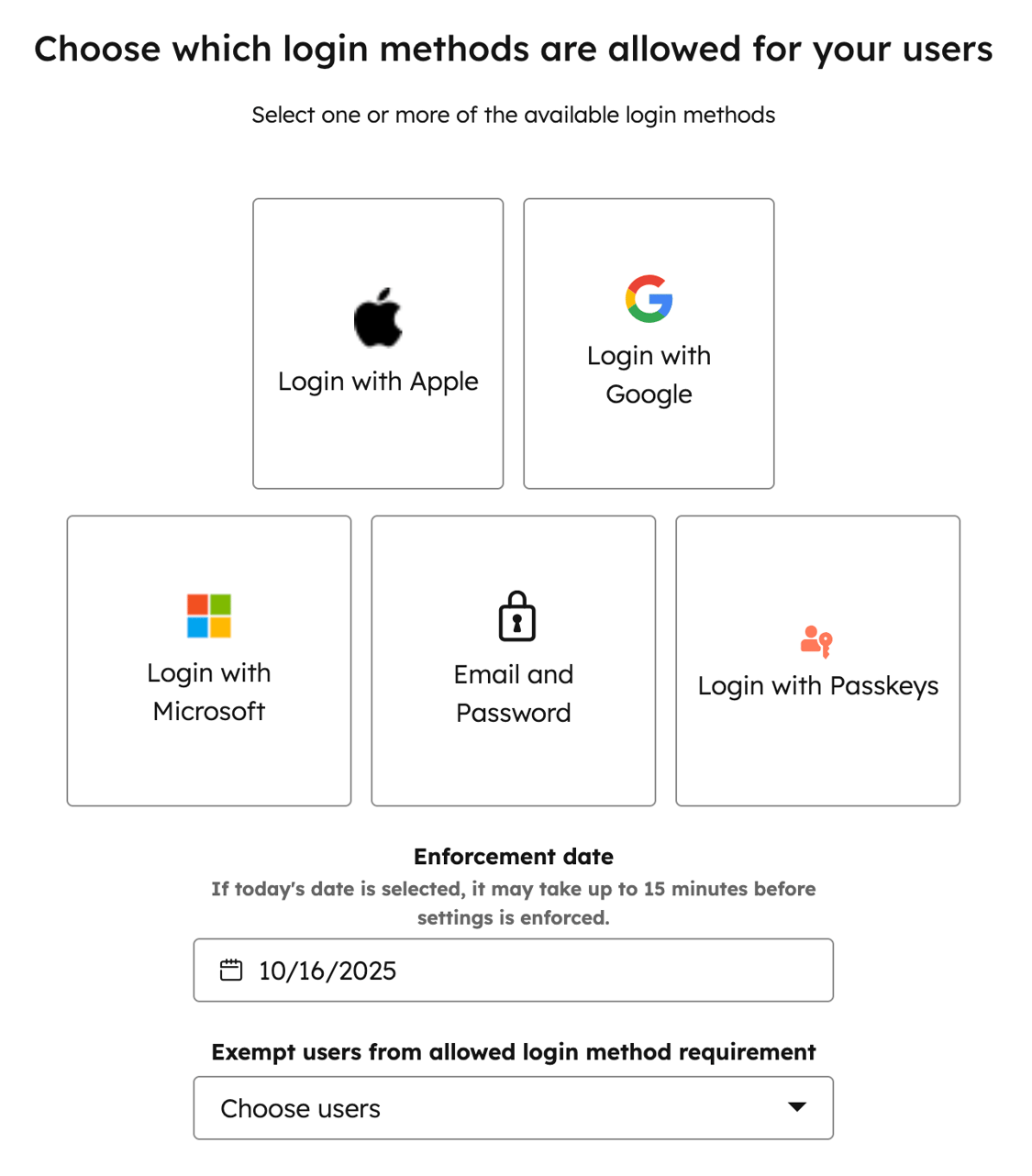
- Enable Multi-Factor Authentication (MFA) via SMS, email, or a dedicated authenticator app. For 2026, Synchrony heavily incentivizes the use of push-notification-based MFA over SMS due to increased SIM-swapping risks.
Troubleshooting Common Login Failures and Connectivity Barriers
Technical interruptions remain the most frequent friction point for users attempting to log in. In 2026, if you find yourself unable to reach the dashboard, verify your status against the following common failure conditions.
Network and Browser Configuration Requirements
Standard Browser Compatibility Modern financial portals require strict adherence to TLS 1.3 encryption protocols. Using an outdated browser version—specifically those released prior to the 2024 cycles—will trigger a connection handshake failure, preventing access to your dashboard for security compliance reasons.
Cache and Cookie Integrity Persistent login loops are frequently caused by corrupted session tokens stored in your browser cache. Clearing your temporary internet files and specifically flushing cookies related to the Synchrony domain often resolves mid-session authentication timeouts.
Managing Diverse Account Types Within the Synchrony Infrastructure
Synchrony manages a vast portfolio ranging from private-label retail cards (such as those for home improvement or electronics stores) to specialized healthcare lines like CareCredit. Below is a comparison of access requirements for these product tiers to ensure you are targeting the correct portal.
| Account Category | Primary Authentication Method | Security Level | Purpose |
|---|---|---|---|
| Retail Credit Cards | User ID + Password + MFA | Standard High | Consumer Purchases |
| CareCredit Healthcare | User ID + Password + MFA | Enhanced HIPAA Compliance | Medical/Vet Financing |
| Synchrony Bank Direct | User ID + Password + Biometric | Maximum | Savings/CD Management |
| Partnership/Co-Brand | Merchant-specific Login | Standard | Rewards Tracking |
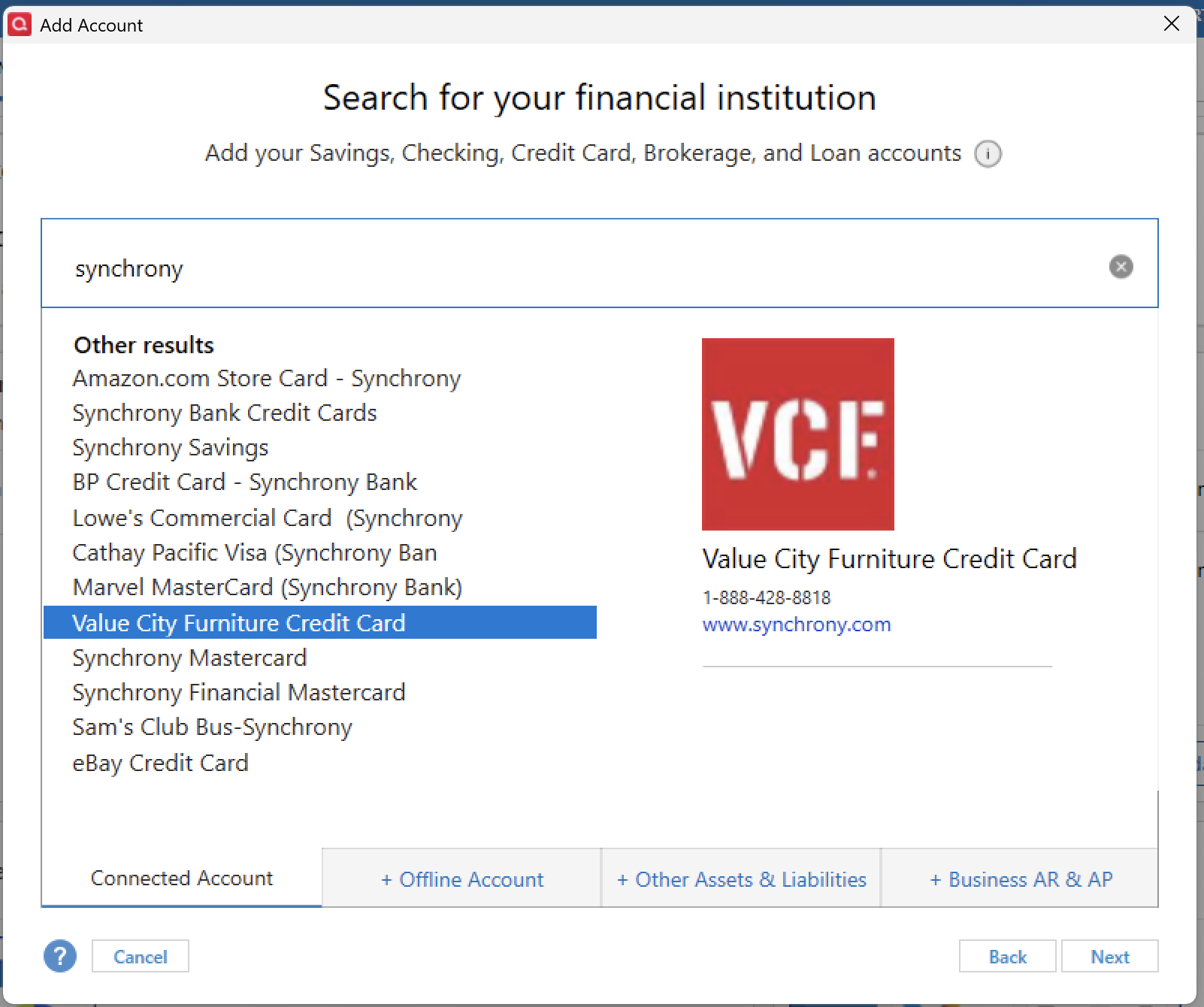
Note that while the look and feel of these portals may differ based on the specific retail partner (e.g., an Amazon store card vs. a Lowe's card), the underlying authentication server remains the Synchrony secure gateway. If you possess multiple accounts, you may be eligible to consolidate them under a single user profile using the Account Aggregation tool introduced in early 2026.
Optimal Financial Hygiene Practices for 2026
Regularly accessing your portal is not merely about making payments; it is a vital tool for real-time fraud detection. By checking your account activity bi-weekly, you align with best practices for identifying unauthorized transactions before they impact your credit score.
Follow these expert strategies to maximize your dashboard utility:
- Set up automated balance alerts that trigger when your credit utilization exceeds 30% of your total limit.
- Review your "Paperless Statements" settings to ensure you are receiving digital notifications for all disclosures and annual percentage rate (APR) notices mandated for 2026.
- Utilize the "Secure Message Center" within the portal to communicate regarding billing discrepancies rather than relying on standard public email channels, which do not meet financial encryption standards.
- Schedule recurring payments at least three days prior to the cycle due date to account for potential processing latency during peak weekend periods.
Frequently Asked Questions Regarding Account Access
How do I recover a forgotten username or password for my Synchrony account? Use the "Forgot User ID" or "Forgot Password" links on the main login screen to initiate a secure recovery flow that requires verification of your Social Security number and the primary email associated with the account. Following this, you will receive a secure token via your registered communication method to reset your credentials.
Is it safe to save my login credentials in a web browser for faster access? While convenient, saving financial passwords in standard browser-based storage is discouraged compared to using dedicated password management software. Password managers provide better encryption and often include features like forced password rotation, which is significantly more secure for high-stakes banking portals.
What should I do if my account is locked due to multiple failed login attempts? Synchrony typically implements a temporary lockout period of 60 minutes after five unsuccessful attempts. If you remain locked out after this period, you must contact customer service directly; their representatives can verify your identity and unlock the portal without requiring a full reset of your account data.
Why does my login redirect me to a different website than the store where I applied for the card? Synchrony maintains separate, co-branded landing pages for different retail partners to ensure a cohesive user experience. Even if you arrive at a portal with a retail store's logo, you are still interacting with the secure Synchrony backend, provided the URL matches the official issuer domain.
Can I manage my CareCredit account through the same portal as my Synchrony retail credit card? Yes, as of 2026, the Synchrony unified dashboard allows you to link your various retail credit lines and CareCredit financing under a single set of credentials. You can add these accounts by navigating to the "Manage Profile" section once you have successfully logged into your primary account.
Proactive Account Management CTA
Maintaining vigilant oversight of your credit portfolio is essential for long-term financial stability. Ensure your contact information and security preferences are updated within your Synchrony portal today. If you encounter persistent technical issues, utilize the official Synchrony mobile application, which offers a more stable environment for authentication than mobile web browsers. Log in to your account now to review your 2026 statement and confirm your payment schedule remains consistent with your current budget.
Image Gallery