Complete Guide to the Metra Time Table and Commuter Schedules for 2026
Navigating the Metra commuter rail network efficiently requires understanding the official Metra time table, line-specific scheduling structures, and real-time transit tools designed for the 2026 operating year. Whether you are commuti...
Navigating the Metra commuter rail network efficiently requires understanding the official Metra time table, line-specific scheduling structures, and real-time transit tools designed for the 2026 operating year. Whether you are commuting from the suburbs into downtown Chicago or planning a weekend trip, knowing how to read, interpret, and track these schedules ensures a seamless travel experience across all 11 rail lines.
Contents
Understanding the Metra Rail Network and Schedule Architecture
The Metra system operates across six collar counties in the Chicago metropolitan area, connecting downtown terminals like Ogilvie Transportation Center, Union Station, Millennium Station, and LaSalle Street Station with outlying suburban branches. Each of the 11 lines features distinct scheduling dynamics shaped by passenger volume, peak direction flows, and track-sharing agreements with freight railroads such as Union Pacific, BNSF, and Canadian National.
System scheduling is broadly categorized into weekday and weekend operations. Weekday schedules prioritize reverse-commute and inbound morning peaks alongside outbound evening rushes. Weekend schedules typically offer reduced frequencies, modified inbound-outbound spacing, and specialized leisure-oriented timetables.
- Inbound vs. Outbound Trains: Inbound trains travel toward downtown Chicago terminals, while outbound trains depart the city toward suburban termini.
- Peak vs. Off-Peak Hours: Peak trains generally run inbound from the start of service until approximately 9:30 AM and outbound from roughly 3:30 PM to 6:30 PM on weekdays.
- Express vs. Local Service: Certain lines feature express trains that skip intermediate stations to accelerate downtown transit times, while local trains service every station along the designated route.
How to Read and Interpret a Metra Time Table
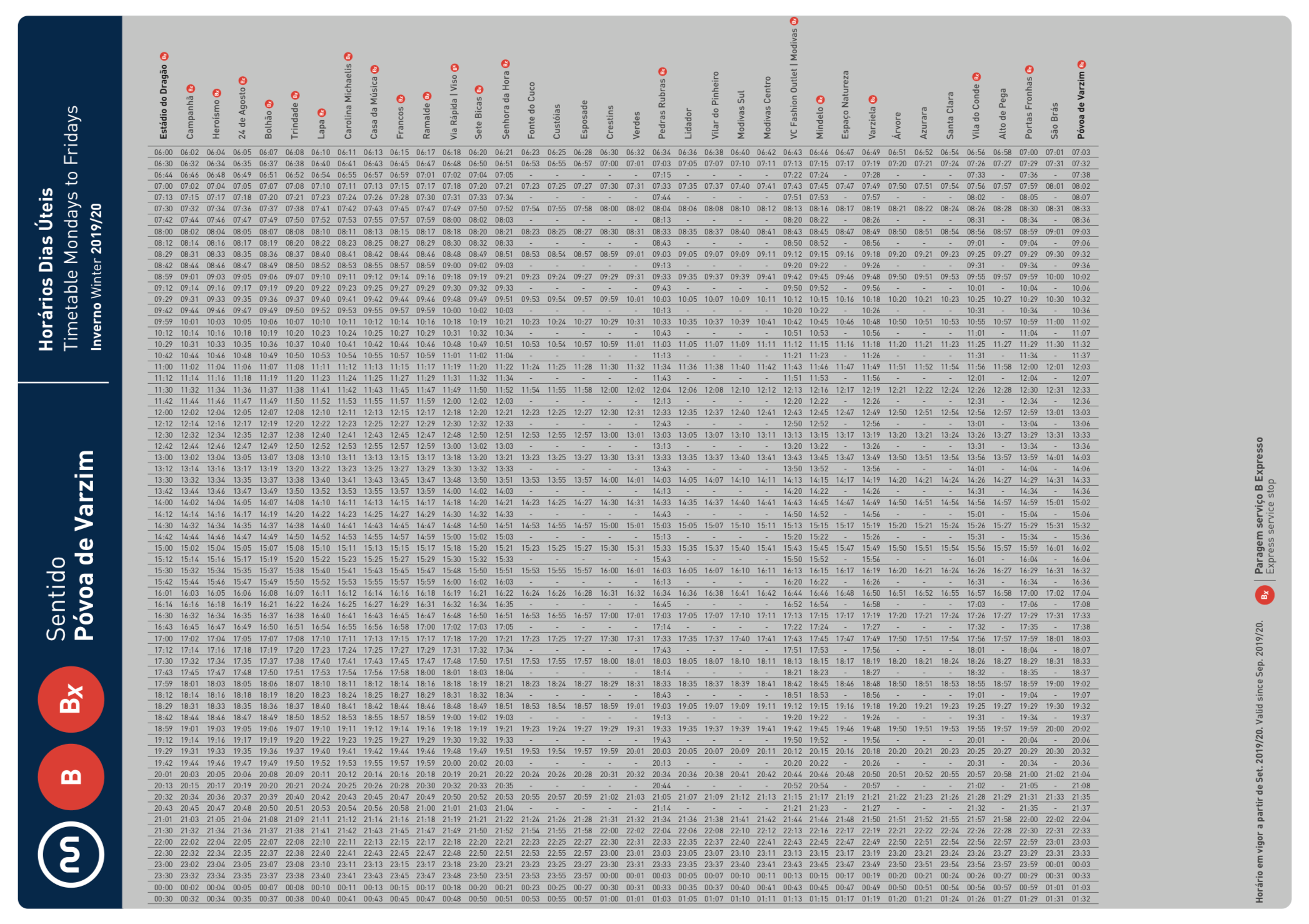
Reading a printed or digital Metra time table involves tracking horizontal train numbers against vertical station columns. Each train is assigned a specific four-digit train number displayed at the top of the schedule column. Odd numbers traditionally indicate inbound trains, while even numbers signify outbound services, though exceptions exist on specific lines.
To locate your route, find your origin station on the vertical axis and follow the row horizontally to identify scheduled departure times. When reviewing connections or transfers, pay close attention to superscript letters or footnote indicators placed next to specific departure times.
Crucial Schedule Footnotes: Pay attention to operational symbols and letters on any time table. Common notations designate trains that operate only on school days, skip specific stations during low-ridership windows, or offer ADA-compliant accessibility accommodations. Always verify holiday schedules, as Metra frequently implements Sunday or modified holiday timetables on major federal holidays.
Overview of Metra Commuter Rail Lines and Terminals
Each of the 11 Metra lines originates from one of four downtown Chicago hubs and serves distinct geographic corridors. Familiarizing yourself with your specific line ensures you consult the correct time table and arrive at the appropriate downtown terminal.
| Metra Line | Primary Terminals | Operating Railroad | Key Geographic Corridor |
|---|---|---|---|
| BNSF Line | Chicago Union Station to Aurora | BNSF Railway | Southwest suburbs via Naperville and Hinsdale |
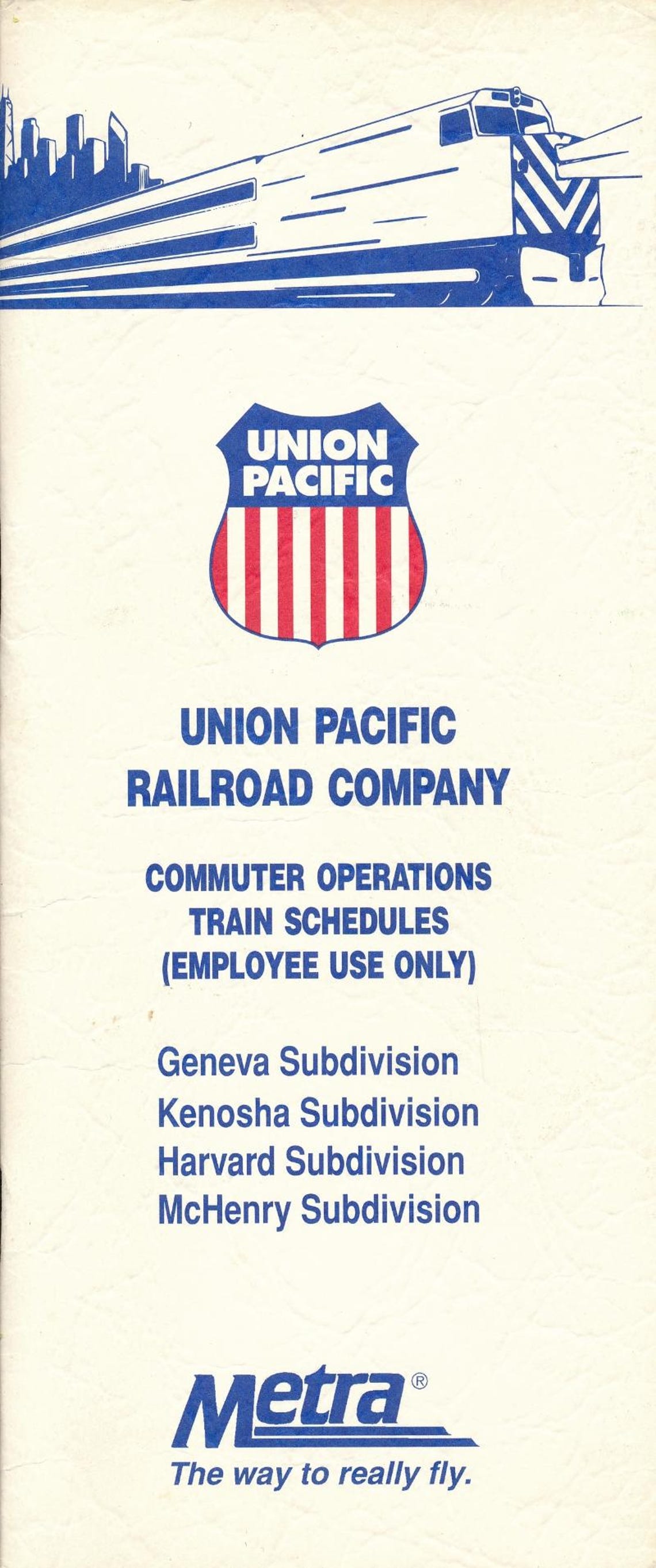
| UP North | Ogilvie Transportation Center to Kenosha | Union Pacific | North Shore suburbs via Evanston and Waukegan |
| UP Northwest | Ogilvie Transportation Center to Harvard/McHenry | Union Pacific | Northwest corridor via Des Plaines and Barrington |
| UP West | Ogilvie Transportation Center to Elburn | Union Pacific | West corridor via Oak Park and Geneva |
| Milwaukee District North | Chicago Union Station to Fox Lake | Metra (Operated by CPRC) | North/Northwest corridor via Deerfield and Libertyville |
| Milwaukee District West | Chicago Union Station to Big Timber | Metra (Operated by CPRC) | West corridor via Elgin and Bensenville |
| Rock Island District | LaSalle Street Station to Joliet/Joliet via Oak Forest | Metra | Southwest corridor via Blue Island and Mokena |
| Southwest Service | Chicago Union Station to Manhattan | Metra (Operated by CSX) | Southwest corridor via Orland Park |
| Heritage Corridor | Chicago Union Station to Joliet | Metra (Operated by CN) | Weekday-only commuter service via Willow Springs |
| North Central Service | Chicago Union Station to Antioch | Metra (Operated by CN) | Northwest suburbs via O'Hare Airport transfer |
| Metra Electric District | Millennium Station to University Park/Blue Island | Metra | South side and southern suburbs via Hyde Park |
Leveraging Digital Tools for Real-Time Metra Scheduling
While static time tables provide reliable baseline schedules for planning purposes, daily operational realities such as track maintenance, weather events, and freight interference can introduce delays. Utilizing digital resources ensures access to up-to-the-minute schedule adjustments.
- Ventra App Integration: The official Ventra application allows riders to purchase mobile tickets and view real-time train tracking powered by GPS data transmitted from locomotives.
- Metra Tracker Interface: The web-based Metra Tracker displays visual maps of active trains across all 11 lines, estimating arrival times down to the minute for every scheduled station stop.
- Service Alerts and RSS Feeds: Subscribing to line-specific email or SMS alerts ensures immediate notification regarding weather-related schedule modifications, track changes, or emergency delays.
Step-by-Step Guide to Planning Your Commuter Journey
Planning a successful trip on the Metra system requires a structured approach to ensure punctuality and avoid missed connections. Follow this systematic workflow when organizing your transit:
- Identify Your Origin and Destination Stations: Locate the exact station names on the Metra system map, keeping in mind that some suburbs feature multiple stops or distinct lines.
- Consult the Correct Line Time Table: Navigate to the official Metra website or Ventra app to download or view the current time table specifically designated for your chosen line.
- Determine Direction and Time Window: Locate either the Inbound or Outbound table based on your travel direction, then scan for your desired arrival or departure window.
- Identify Train Numbers and Stops: Review the column for your preferred train to confirm whether it operates as an express or local service, noting any station skip patterns.
- Check Real-Time Status Prior to Departure: Open the Ventra app or Metra Tracker 15 to 30 minutes before leaving for the station to confirm the train is operating on schedule.
- Arrive Early for Ticketing and Boarding: Arrive at the platform at least 10 minutes prior to scheduled departure. Purchase tickets via the mobile app, ticket vending machines, or onboard with cash/card (note that onboard cash purchases may incur a surcharge if ticket vending machines are available at your origin station).
Common Mistakes to Avoid When Reading Metra Schedules
Navigating train schedules can occasionally lead to costly errors if certain variables are overlooked. Avoiding these frequent missteps protects your commute:
- Confusing Weekday and Weekend Timetables: Assuming weekday frequencies apply on Saturdays or Sundays will result in missed trains, as weekend schedules feature significantly fewer runs.
- Overlooking Directional Columns: Mixing up inbound and outbound columns can send you in the exact opposite direction of your intended destination. Always double-check column headers.
- Ignoring Holiday Schedule Changes: Forgetting that major holidays (such as Memorial Day, Labor Day, Thanksgiving, and Christmas) operate on modified or Sunday schedules.
- Neglecting Freight Train Interference: Failing to account for freight rail congestion, particularly on lines operated via track-sharing agreements with freight carriers like Union Pacific or Canadian National.
Frequently Asked Questions
How can I find the most up-to-date Metra time table?
You can access real-time and downloadable official schedules directly through the Metra website or by utilizing the Ventra mobile application. These digital portals are updated instantly whenever permanent schedule revisions or seasonal adjustments occur.
Are Metra time tables different on weekends compared to weekdays?
Yes, Metra operates completely distinct schedules for weekdays, Saturdays, and Sundays. Weekend schedules typically feature reduced frequencies, fewer peak-hour runs, and specialized timetables designed for leisure travelers and weekend events.
What should I do if my train is delayed according to the time table?
Check the Ventra app or Metra Tracker to view real-time GPS updates and estimated arrival times for your specific train. Additionally, review Metra's service alerts page for official explanations regarding weather disruptions, track maintenance, or freight delays.
Can I purchase tickets onboard the train if I miss the ticket counter?
Yes, tickets can be purchased onboard from the conductor using cash or credit cards. However, if your departure station features an open ticket office or working ticket vending machine, purchasing onboard may incur an additional service surcharge.
How do I know if my Metra train is an express or local service?
Review the vertical station stops listed in the time table column for your specific train number. Express trains will feature dashes or lack arrival times for intermediate stations, indicating that the train bypasses those specific stops to reduce overall travel time.
Are Metra time tables fully accessible for riders with disabilities?
Metra provides accessibility information directly within its schedule footnotes and station guides, indicating which stations feature ADA-compliant boarding lifts and platforms. Riders requiring assistance should verify station accessibility status prior to departure.
Plan Your Commuter Journey Today
To ensure a smooth, reliable transit experience across the Chicago metropolitan area, review the active line schedules and download the official Metra time table for your specific route before heading to the station. Equip yourself with the Ventra app for real-time tracking, verify your departure times against current weekday or weekend matrices, and arrive at the platform early to enjoy seamless, stress-free suburban rail travel.
Image Gallery