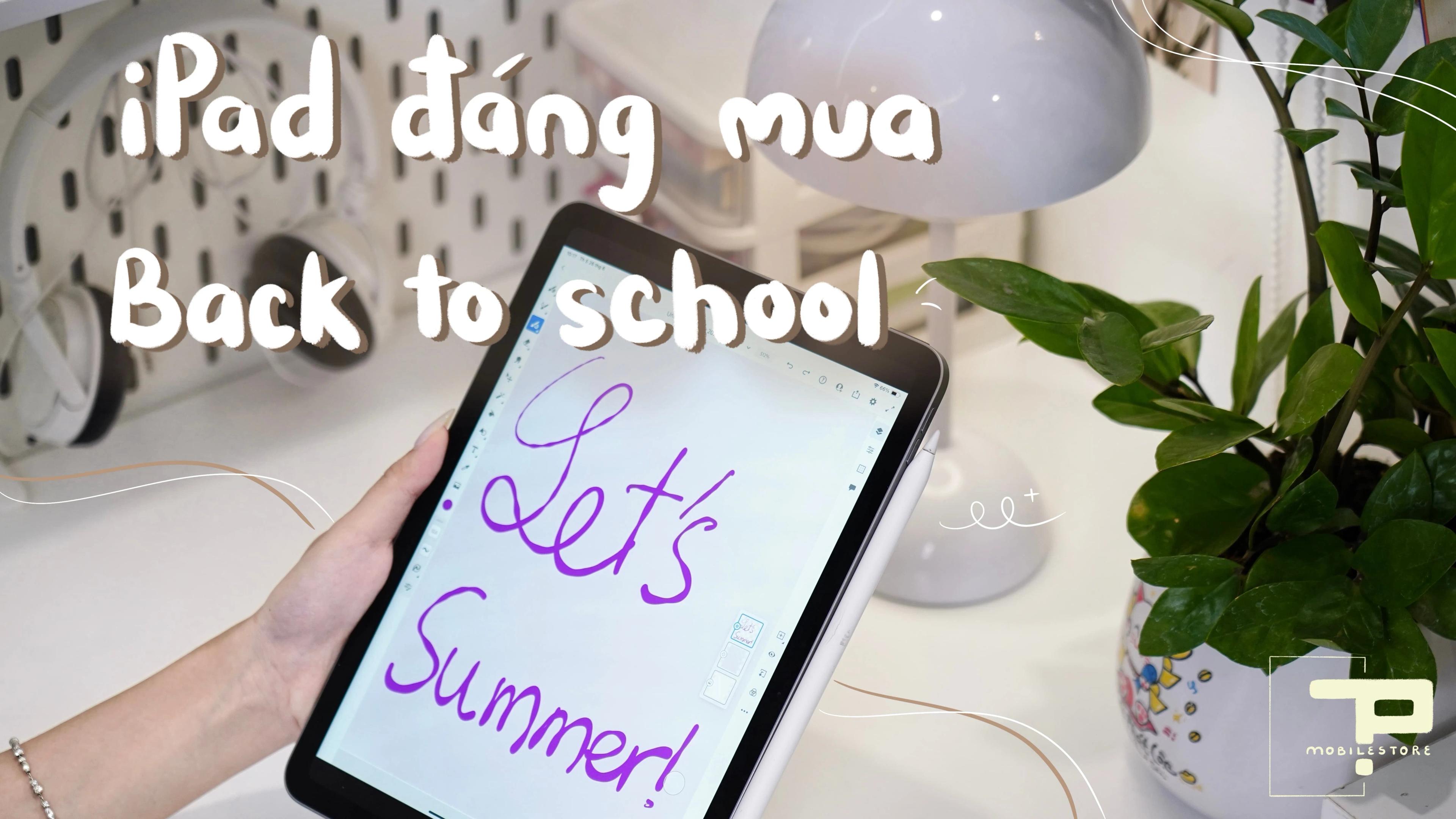
Choosing the Best iPad for Back to School 2026: A Complete Guide
Selecting the right iPad for the 2026 back-to-school season involves balancing performance, portability, and budget. For most students, the iPad Air (M3) offers the best value, combining a powerful processor with Apple Pencil Pro suppo...
Selecting the right iPad for the 2026 back-to-school season involves balancing performance, portability, and budget. For most students, the iPad Air (M3) offers the best value, combining a powerful processor with Apple Pencil Pro support. However, those on a budget should consider the iPad (11th Gen), while power users in creative fields will benefit from the iPad Pro (M4).
Contents
The iPad has evolved from a simple media consumption device into a robust educational tool capable of handling everything from digital note-taking and coding to video editing and 3D modeling. With the 2026 Apple Education Promotion in full swing, students and educators can secure significant savings and additional incentives. This guide details the current lineup, eligibility requirements, and essential accessories to ensure you make an informed investment for the upcoming academic year.
The 2026 Apple Education Discount Program Explained
Every year, usually between June and September, Apple launches its "Back to School" promotion. In 2026, the program continues to offer a two-tiered benefit: direct price reductions via the Apple Education Store and a supplementary incentive, typically in the form of an Apple Gift Card.
Eligibility and Verification
The program is not open to the general public. To qualify for education pricing, you must fall into one of the following categories:
- Higher Education Students: Currently enrolled or accepted students at a college or university.
- Parents: Individuals purchasing on behalf of their child who is a student in higher education.
- Faculty and Staff: Employees of any public or private K-12 or higher education institution.
- School Board Members: Currently serving as elected or appointed members.
In most regions, Apple utilizes UNiDAYS for digital verification. You will need a valid institutional email address (.edu) or documentation such as a student ID card or acceptance letter to unlock the discounted storefront.
2026 Promotional Incentives
For the 2026 season, the standard promotion includes an Apple Gift Card ranging from $100 to $150 with the purchase of an eligible iPad Pro or iPad Air. While the base-model iPad (11th Gen) usually features a discounted price, it often does not include the gift card incentive. Additionally, students can receive 20% off AppleCare+, which is highly recommended for mobile devices used in busy campus environments.
Choosing the Right iPad Model for Your Major
Apple’s iPad lineup in 2026 is segmented to meet specific user needs. Understanding the technical differences between the iPad, iPad Air, and iPad Pro is crucial for matching the hardware to your academic workload.
iPad Air (The Versatile Choice)
The iPad Air remains the "sweet spot" for 80% of students. Available in both 11-inch and 13-inch sizes, the 2026 model utilizes the M3 chip (or potentially a late-cycle M2), providing more than enough power for heavy multitasking and professional-grade apps. Its compatibility with the Apple Pencil Pro—featuring haptic feedback and barrel roll—makes it an exceptional tool for biology students drawing diagrams or humanities students annotating dense PDFs.
iPad Pro (The Powerhouse)
The iPad Pro is designed for students in specialized fields such as architecture, film production, or engineering. With the Ultra Retina XDR display (Tandem OLED) and the M4 chip, it offers unmatched brightness and processing speeds. The Pro model also features ProMotion technology (120Hz refresh rate), which significantly reduces latency when writing or drawing, making the digital ink feel instantaneous.
iPad 11th Generation (The Budget Option)
For students who primarily need a device for web research, email, and basic document editing, the standard iPad is the most cost-effective entry point. It features the A16 or A17 Bionic chip, which is still remarkably capable in 2026. While it lacks the laminated display and high-end processing of the Air, it supports the Apple Pencil (USB-C) and provides a reliable, all-day battery life for a fraction of the cost.
2026 iPad Comparison Matrix
The following table compares the primary iPad models available for the 2026 back-to-school season to help you visualize the technical differences.
| Feature | iPad (11th Gen) | iPad Air (M3) | iPad Pro (M4) |
|---|---|---|---|
| Display Size | 10.9-inch Liquid Retina | 11-inch or 13-inch Liquid Retina | 11-inch or 13-inch Tandem OLED |
| Processor | A17 Bionic | M3 Chip | M4 Chip |
| Pencil Support | Apple Pencil (USB-C) | Apple Pencil Pro / USB-C | Apple Pencil Pro / USB-C |
| Keyboard | Magic Keyboard Folio | Magic Keyboard | Magic Keyboard (Aluminum) |
| Biometrics | Touch ID (Top Button) | Touch ID (Top Button) | Face ID |
| Connector | USB-C | USB-C | Thunderbolt / USB 4 |
| Storage Start | 64GB or 128GB | 128GB | 256GB |
Essential Accessories for Student Productivity
An iPad alone is a powerful tablet, but it requires specific accessories to function as a true laptop replacement or a digital notebook.
The Apple Pencil Pro vs. Apple Pencil (USB-C)
For the 2026 academic year, the Apple Pencil Pro is the definitive choice for those with an iPad Air or Pro. Its "Squeeze" gesture allows students to quickly switch tools or colors without interrupting their flow. Conversely, the Apple Pencil (USB-C) is a more affordable alternative that provides high precision and low latency but lacks pressure sensitivity and wireless charging.
Keyboards and Protective Cases
The Magic Keyboard is a transformative accessory. Its floating cantilever design and integrated trackpad allow for a traditional typing experience, which is essential for writing essays or coding. If you are using the base iPad, the Magic Keyboard Folio offers a detachable keyboard and a kickstand, providing versatility for different desk setups.
For students who prefer to write by hand and do not need a keyboard, a rugged case from brands like OtterBox or UAG is recommended to protect against the inevitable drops that occur in backpacks and lecture halls.
Software and Workflow Optimization
Hardware is only half of the equation. To maximize the "Back to School" investment, students should leverage the latest features in iPadOS 19/20 and specialized educational software.
- Stage Manager: Available on M-series iPads, this feature allows for overlapping windows and external display support. It is invaluable when you need to have a Zoom call, a web browser, and a note-taking app open simultaneously.
- Apple Intelligence: By 2026, Apple’s integrated AI tools offer advanced proofreading, summarization of long lecture transcripts, and image generation for presentations. These tools are built directly into the OS, helping students manage large volumes of information efficiently.
- Math Notes: A standout feature for STEM students, Math Notes allows you to write out equations with the Apple Pencil and see them solved instantly in your own handwriting. It also supports dynamic graphing, which updates as you change variables in your equations.
Buying Strategy: New vs. Refurbished
While the 2026 Back to School promotion offers great deals on new hardware, savvy shoppers should also look at the Apple Certified Refurbished store. Refurbished units are inspected, cleaned, and given a new battery and outer shell.
A refurbished iPad Pro from 2024 or 2025 can often outperform a brand-new iPad Air while costing significantly less. However, keep in mind that refurbished items typically do not qualify for the "Back to School" gift card incentive, so you must calculate the total net cost (Device Price - Gift Card Value) to determine the best deal.
Frequently Asked Questions
When does the 2026 Apple Back to School sale start? The sale typically begins in mid-June for the United States, Canada, and Europe, while regions like Australia and New Zealand usually see the promotion start in January to align with their academic calendar. It generally runs through late September.
Can I use the education discount at the physical Apple Store? Yes, you can receive the education discount at physical Apple Store locations. You will need to bring a valid student ID or proof of employment at an educational institution. The staff will verify your status at the time of purchase.
Is 64GB of storage enough for college? For most students in 2026, 64GB is considered the absolute minimum and may be restrictive. Between system updates, high-resolution textbooks, and cached files from apps like Canvas or Blackboard, storage fills up quickly. Aiming for at least 128GB or 256GB is a safer long-term investment.
Does the iPad replace the need for a MacBook? It depends on your major. For humanities, social sciences, and many business tracks, an iPad with a Magic Keyboard is a complete laptop replacement. However, for computer science (heavy coding), engineering (CAD software), or advanced data science, a MacBook Pro or Air may still be required for specific desktop-class software.
Can I trade in my old iPad toward a new one for school? Yes, Apple’s Trade-In program allows you to exchange your current device for credit toward a new purchase. This credit can be combined with the education discount and the Back to School gift card promotion, significantly lowering the out-of-pocket cost.
Final Recommendation
For the majority of students heading back to school in 2026, the 11-inch iPad Air (M3) with 128GB of storage is the most logical choice. It supports the latest Apple Pencil Pro features, provides desktop-class performance with the M3 chip, and qualifies for the full Back to School gift card incentive. Pair this with a Magic Keyboard and AppleCare+ to create a durable, high-performance workstation that will reliably last through four years of university.
Image Gallery