Complete Guide to Citi Card Payment Online: Portals, Mobile, Cutoff Times, and Autopay Setup
To make a Citi card payment online, sign in to your account at Citibank Online or open the Citi Mobile app, select Payments, enter your checking or savings account details, choose an amount, and submit before 11:59 PM Eastern Time for...
To make a Citi card payment online, sign in to your account at Citibank Online or open the Citi Mobile app, select Payments, enter your checking or savings account details, choose an amount, and submit before 11:59 PM Eastern Time for same-day credit. Cardholders with co-branded retail cards must use the dedicated Citi Retail Services portal.
Contents
Navigating the Citi Online Payment Ecosystem: Core Accounts vs. Retail Services
Citibank manages consumer credit accounts across two primary platforms. Understanding which portal hosts your account prevents login errors, missed billing cycles, and processing delays.
Core Consumer and Commercial Cards
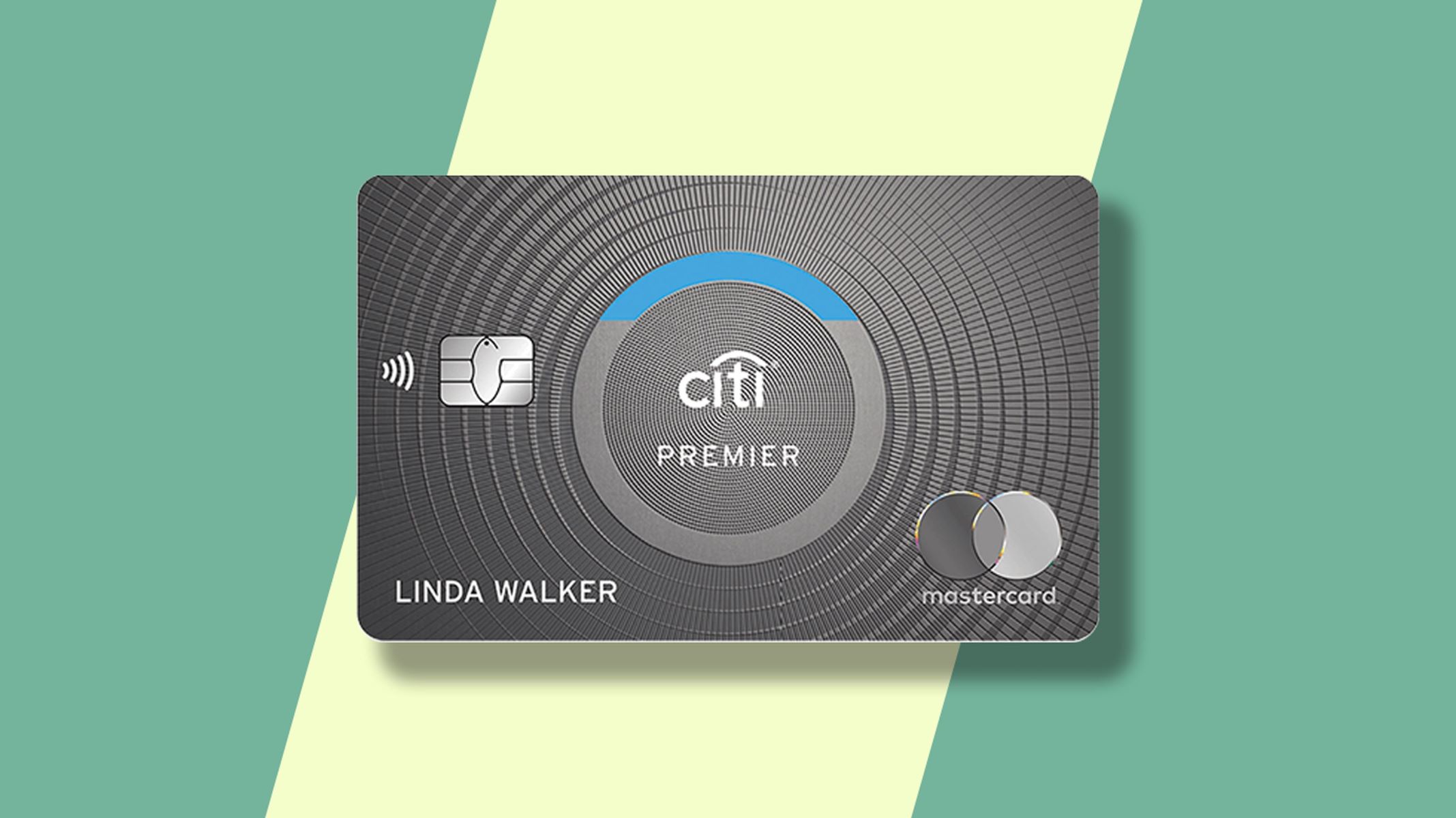
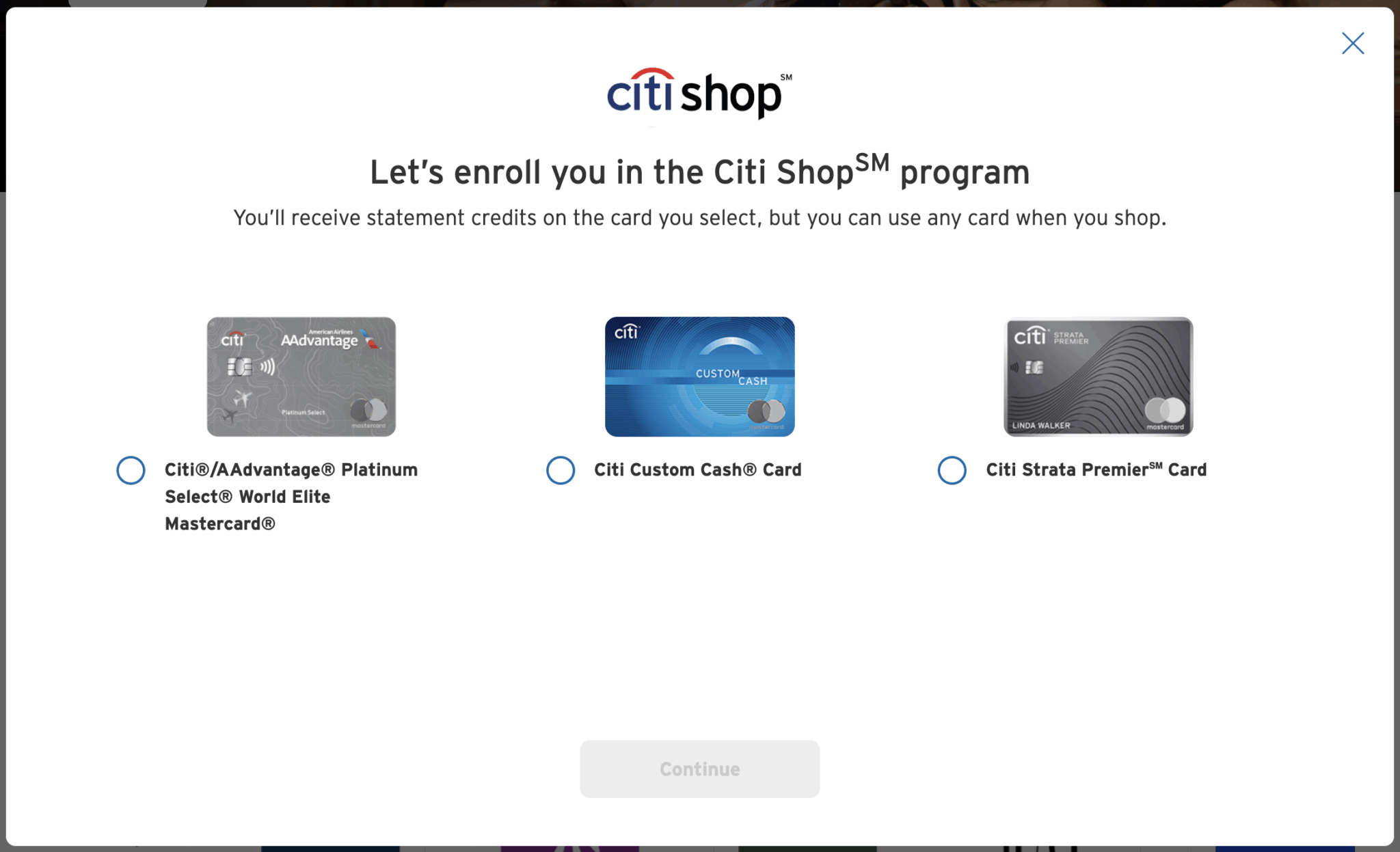
Core accounts include proprietary cards such as the Citi Double Cash, Citi Custom Cash, Citi Strata Premier, and the AAdvantage series, as well as the Costco Anywhere Visa. These accounts are administered directly through Citibank Online and the unified Citi Mobile application. Cardholders manage rewards, balance transfers, personal checking relationships, and credit line configurations through this primary infrastructure.
Co-Branded Citi Retail Services Cards
Citibank issues store-branded and private-label credit cards through its subsidiary, Citi Retail Services. Retail partner accounts—such as The Home Depot Consumer Credit Card, Best Buy Credit Card, Macy's American Express, and Wayfair Mastercard—operate on isolated payment networks. If your physical card displays a retailer logo alongside a secondary bank notice indicating issuance by Citibank, your payment credentials must be registered through the retailer-specific portal hosted on the Citi Retail Services gateway rather than the primary bank homepage.
Account Prerequisites and Verification Setup
Before scheduling an online transaction, you must establish an authorized Automated Clearing House (ACH) connection between your bank account and Citibank.
- Bank Routing Transit Number (RTN): A nine-digit sequence identifying your financial institution, found on personal checks or your electronic banking profile.
- Deposit Account Number: The designated checking or savings account from which funds will be drafted. Money market and business operating accounts are eligible, provided they permit outbound third-party ACH debits.
- Primary Card Verification: The 16-digit card number, the 3-digit Card Verification Value (CVV) on the reverse signature strip, and the primary account holder's billing address ZIP code.
- Security Credential Registration: Two-Factor Authentication (2FA) must be active. Citibank generates dynamic One-Time Passcodes (OTP) dispatched via SMS, voice call, or biometric push notification whenever you link an external bank account.
Payment Routing Compliance Notice External bank accounts must permit NACHA corporate and consumer debits. If your deposit account maintains an active ACH block or debit filter, you must contact your depository institution to whitelist Citi’s corporate originator identifiers before initiating payment to prevent returned-item fees.
Step-by-Step Channels for Online Payments
Citibank provides multiple digital touchpoints to settle balances. Select the method matching your access level and time constraints.
Method 1: Desktop Browser via Citibank Online
Desktop web access provides comprehensive management tools, including historical statement downloads, dispute management, and split-payment scheduling.
- Navigate to the secure Citibank Online portal and input your User ID and Password.
- Complete the multi-factor authentication step if logging in from an unrecognized device or browser.
- Select your credit card from the primary dashboard overview.
- Navigate to the Payments & Transfers tab located in the global navigation bar, then select Make a Payment.
- Select the disbursement source under Pay From. If this is your first session, choose Add an Account to verify external routing and checking details.
- Designate your payment amount by choosing among the Statement Balance, Minimum Due, Current Balance, or an Other Amount.
- Designate your payment date. Selecting the current calendar day processes the payment under today’s credit ledger.
- Review the payment summary page, verify the ACH disclosures, and select Submit Payment. Save or print the confirmation number generated on the terminal screen.
Method 2: Citi Mobile Application (iOS & Android)
The Citi Mobile app offers native biometric authentication, real-time push notifications, and geolocation fraud-defense tools for mobile management.
- Launch the Citi Mobile app and authenticate using Touch ID, Face ID, or your biometric profile.
- Tap the credit card profile card on the central dashboard.
- Tap the blue Make a Payment button beneath your outstanding balance.
- Use the drop-down menu to confirm the source deposit account.
- Enter the numerical value to pay, then choose the transaction execution date.
- Slide the on-screen slider to confirm the transaction. The app presents an alphanumeric confirmation code confirming placement in the active settlement queue.
Method 3: Citi Quick Pay and Guest Payment Systems
For cardholders who have not enrolled in full digital banking access, or who need to make an immediate payment without an active User ID, Citibank provides a limited guest workflow.
- Navigate to the Citi online account lookup portal.
- Enter the full 16-digit credit card number, your date of birth, and the last four digits of the primary account holder’s Social Security Number (or Taxpayer Identification Number).
- Verify your identity using an out-of-band verification code sent to the primary mobile number on file.
- Input your routing and account number directly into the guest ledger interface.
- Designate your payment tier and confirm the instant ACH transfer.
Guest payments carry certain operational limits: you cannot view transactional histories, monitor pending authorizations, or save multiple external payment accounts within a guest session.
Processing Timelines, Daily Cutoffs, and Credit Restorations
Understanding timing distinctions avoids interest charges and late filing penalties. While Citibank records payments effective as of the submission date if received prior to the daily cutoff, the underlying cash transfer follows standard banking settlement cycles.
| Payment Channel | Daily Cutoff Time (Eastern) | Effective Credit Date | Funds Withdrawal from Bank | Credit Limit Restoration |
|---|---|---|---|---|
| Citibank Online (Web) | 11:59 PM ET | Same Day | 1 to 2 Business Days | Immediate (Up to $5,000) / 24–48 Hours (Full) |
| Citi Mobile App | 11:59 PM ET | Same Day | 1 to 2 Business Days | Immediate (Up to $5,000) / 24–48 Hours (Full) |
| Guest Pay Service | 8:00 PM ET | Same Day | 2 to 3 Business Days | 2 to 4 Business Days |
| External Bank Bill Pay | Varies by Bank (Typically 5:00 PM ET) | Date Delivered to Citi | 1 to 3 Business Days | 1 to 3 Business Days from Citi Receipt |
| Scheduled Future Payment | 11:59 PM ET (Prior Day) | Scheduled Date | Day of Execution | Morning of Scheduled Date |
Under the rules governed by the Consumer Financial Protection Bureau (CFPB), if your payment due date falls on a weekend or federal holiday, a payment submitted by 11:59 PM ET on the subsequent business day is considered timely. However, making your payment online before 11:59 PM ET on the actual weekend due date ensures automatic posting without manual customer service adjustments.
Configuring Citi Autopay and Settlement Preferences
Automated payments eliminate the risk of delinquent marks on credit files and mitigate rolling finance charges. When configuring automated payments, you must choose a deduction framework that aligns with your financial strategy:
- Full Statement Balance: Deducts the exact balance stated on the most recent billing statement. This selection completely avoids finance charges under the card’s contractual grace period for purchase balances.
- Minimum Payment Due: Withdraws only the legally mandated minimum sum required to keep the account in current standing. This preserves immediate liquidity, but the remaining balance accumulates interest at your purchase APR.
- Fixed Dollar Amount: Deducts a custom, user-defined sum. If your set amount falls below the contractual minimum due in a specific cycle, Citibank automatically increases the deduction to meet the legal minimum balance requirement.
To activate Autopay, log into your profile, navigate to Payments, select Manage AutoPay, establish your funding source, and choose the withdrawal timing (either on the exact due date or a specified number of calendar days prior).
Autopay adjustments must be submitted at least two business days prior to your billing due date. If an automated cycle is enabled less than 48 business hours before the statement expiration window, you must make a manual one-time payment for the current cycle to avoid late payment penalties.
Troubleshooting Online Payment Failures and Returned Items
When a digital payment fails to post or is rejected by your financial institution, determining the root cause prevents additional punitive fees.
- Payment Processing Failures
- Data & Entry Issues
- Inverted Routing/Account Numbers
- Mismatched Legal Name
- Bank Settlement Issues
- NSF (Non-Sufficient Funds)
- Daily ACH Transfer Limits
- Portal & Technical Errors
- Browser Cache / Cookie Conflicts
- Inactive Two-Factor Authentication
- Data & Entry Issues
Invalid Routing or Account Information
If an external account is added with inverted numbers, Citibank cannot detect the error during the submission phase. The transaction displays as "Pending" immediately, but the Federal Reserve ACH network will reject the transfer within 48 to 72 hours.
Resolution: Delete the erroneous bank entry completely under Manage Bank Accounts, re-input the verified account data directly from an official bank document, and manually submit the payment.
Non-Sufficient Funds (NSF) and Returned Payments
If a payment is submitted against an account lacking collected funds, your bank returns the debit item. Citibank may assess a returned payment fee of up to $41 and revoke instant credit restoration privileges.
Resolution: Fund the primary deposit account and resubmit the payment manually. Do not assume Citibank will attempt a secondary processing pull. Frequent returned items can prompt an automated risk review, resulting in an adverse reduction of your total credit line.
System Timeouts and Script Blocking
Users operating aggressive browser ad-blockers, virtual private networks (VPN), or corporate firewalls may encounter blank screens or infinite loops on the payment submission terminal.
Resolution: Disable content blockers, bypass VPN services routing through international endpoints, clear your browser cache, or complete the transfer via the native Citi Mobile application.
Digital Security Frameworks and Safe Payment Practices
Maintaining transaction security prevents unauthorized transfers and credential harvesting.
- Always Verify the Secure Sockets Layer (SSL) Signature: Ensure your browser displays an authenticated, encrypted connection directly to the official domain before entering banking credentials.
- Use Passkeys and Biometric Tokens: Modern iterations of the Citi Mobile application support FIDO2-compliant passkeys, replacing traditional alphanumeric passwords with cryptographic key pairs tied to your authenticated physical device.
- Audit Connected Third-Party Aggregators: If you use external budgeting software or wealth management tools to track liabilities, only link them via open-banking APIs supported directly by Citibank. Never give your raw login credentials to non-accredited aggregators.
- Set Up Real-Time Account Alerts: Configure instant push notifications and SMS alerts for any payment scheduled, submitted, or canceled. Immediate notifications alert you to unauthorized access before an erroneous transaction settles.
Frequently Asked Questions
What happens if I pay my Citi card online on the due date?
If you submit your payment through Citibank Online or the Citi Mobile app before 11:59 PM Eastern Time on your due date, the payment is credited on that same day. You will not be assessed a late fee or penalty APR, even if the funds take an additional one to two business days to clear your checking account.
Why hasn't my available credit updated after an online payment?
Citibank frequently restores credit limits immediately for standard amounts, but larger payments or accounts with recent returned items undergo a security hold. During a risk assessment review, Citibank temporarily holds credit restoration for three to seven business days until the ACH debit clears your depository institution.
Can I make a Citi card payment using a debit card online?
No, Citibank does not accept direct debit card payments through standard self-service online portals. Online credit card payments must be funded via ACH electronic bank transfer using your bank routing and checking or savings account numbers. Debit card payments can typically only be processed by calling Citi customer service directly.
What is the maximum payment amount permitted online in a single day?
Citibank limits single online electronic payments to your current total account balance or up to a standard maximum cap of $50,000 per transaction, whichever is lower. If you need to make a larger payment to clear your balance, you must schedule multiple smaller payments across consecutive business days or arrange a wire transfer through customer support.
How do I cancel a pending online payment on my Citi card?
You can cancel an online payment if it is still listed in "Scheduled" status within your digital dashboard. Navigate to Payments, click Scheduled Payments, locate the target transaction, and select Cancel. Payments that have shifted to "Processing" cannot be canceled, as the electronic ACH instruction has already been transmitted to the clearing network.
Action Plan for Optimizing Your Citi Card Payments
To ensure zero finance charges and maintain optimal credit health, configure your Citi credit card account for complete operational reliability:
- Audit Your Portals: Verify whether your card is serviced via Citibank Online or Citi Retail Services.
- Add Two External Accounts: Link a primary checking account alongside a verified secondary savings reserve to prevent payment failures if your primary account runs low on funds.
- Activate AutoPay for the Statement Balance: Schedule the deduction three to five days ahead of the formal due date. This buffer lets you monitor the transaction and make a manual payment if your primary bank encounters an ACH issue.
- Set Up Transaction Monitoring: Turn on email or push notifications for statement generation, payment confirmations, and scheduled execution notices in your profile preferences.
Taking these proactive steps keeps your Citi account in good standing, protects your credit rating, and prevents unnecessary interest charges or fees.
Image Gallery