Free VPN for iPhone: A Guide to Securing Your iOS Data in 2026
Choosing a free VPN for your iPhone in 2026 requires balancing essential privacy protections against the inherent limitations of zero-cost services. While reputable providers offer secure, encrypted tunnels for public Wi-Fi usage, user...
Choosing a free VPN for your iPhone in 2026 requires balancing essential privacy protections against the inherent limitations of zero-cost services. While reputable providers offer secure, encrypted tunnels for public Wi-Fi usage, users must be aware of data caps, server restrictions, and privacy policies that distinguish legitimate "freemium" models from predatory data-harvesting applications.
Contents
Understanding VPN Architecture on iOS
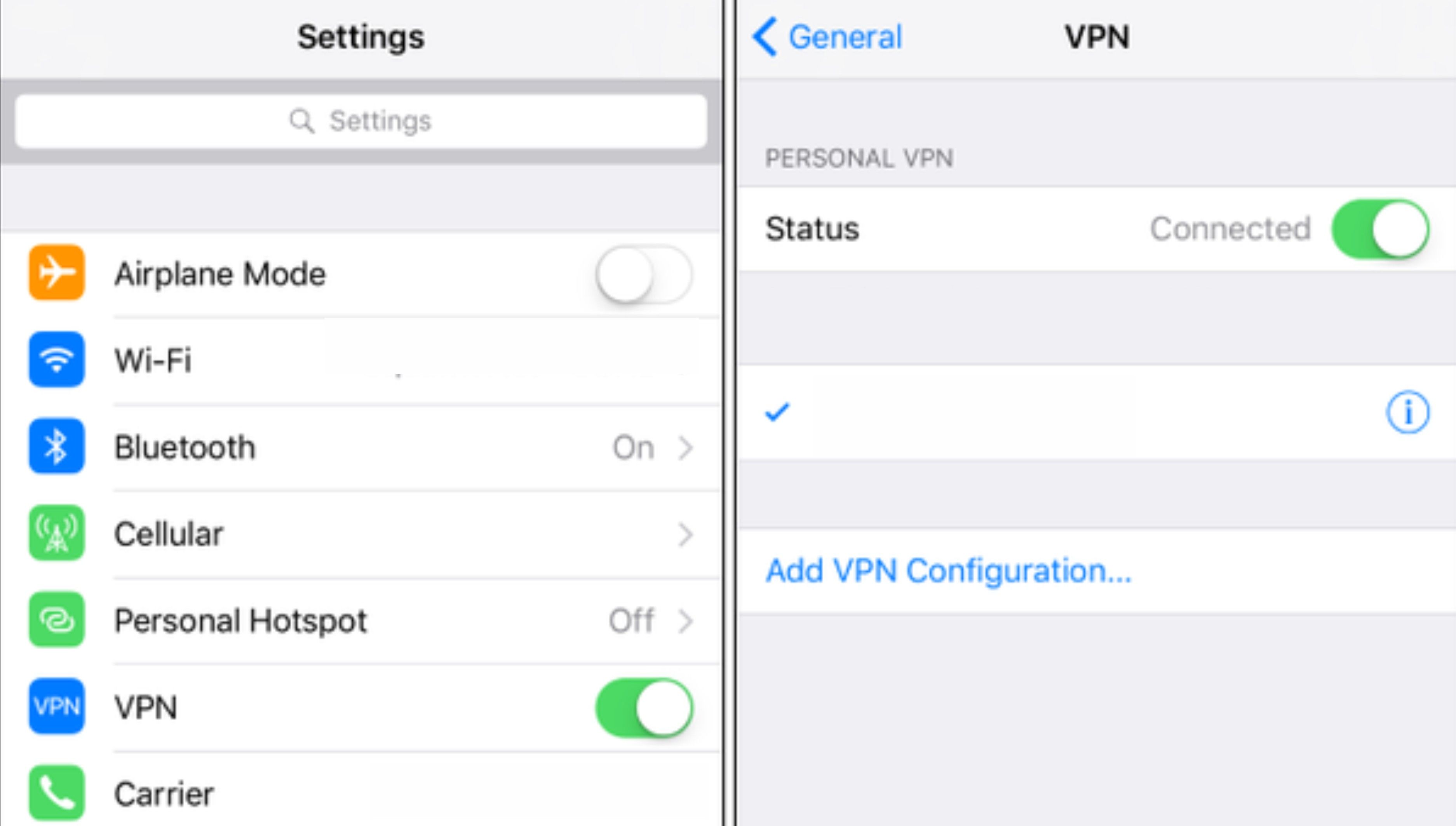
Virtual Private Networks (VPNs) create an encrypted tunnel between your iPhone and the internet, masking your IP address and rerouting traffic through a remote server. On iOS, this is implemented primarily through the Network Extension framework provided by Apple. In 2026, the gold standard for these connections is the WireGuard protocol, which offers superior performance and energy efficiency compared to legacy protocols like IPsec or OpenVPN.
When you install a VPN application on your iPhone, you are essentially granting that app permission to manage your device’s network traffic. This is a significant security delegation. A high-quality VPN provider should utilize "Always-on" VPN configurations and a "Kill Switch" feature—which Apple calls "Connect on Demand"—to ensure that if the encrypted tunnel drops, your internet connection is immediately severed to prevent data leaks.
Identifying Legitimate Freemium Models
The vast majority of "free" apps in the App Store that claim to be VPNs are not true privacy tools. A sustainable business model for a free VPN must be transparent. Legitimate companies offer a free tier to demonstrate their service quality, hoping users will eventually upgrade to a paid subscription.
- Transparency: Reputable providers maintain publicly audited "no-logs" policies. This means they do not store records of your browsing history, connection timestamps, or source IP addresses.
- Funding: If a VPN is entirely free without a paid upgrade path, it is likely monetizing your data by selling your browsing behavior to third-party advertisers or injecting tracking cookies into your traffic.
- Infrastructure: True VPN providers own and maintain their server infrastructure. Avoid services that use unstable, public peer-to-peer (P2P) networks, as these can expose your device to malicious nodes.
Technical Requirements for iOS VPNs
To ensure your iPhone remains secure, a VPN must adhere to specific technical standards. By 2026, many older encryption methods have been deprecated. Ensure your chosen application supports the following:
- AES-256 Encryption: The industry standard for data encryption. Any service still relying on 128-bit encryption or weaker protocols should be avoided.
- IKEv2/IPsec or WireGuard: These are currently the most stable and performant protocols for mobile devices, handling network switching (like moving from Wi-Fi to 5G) without dropping the connection.
- App-Level Kill Switch: Essential for preventing data exposure during tunnel reconfiguration.
- Leak Protection: The service must demonstrate protection against DNS leaks, where your iPhone’s domain name system requests bypass the VPN tunnel and go directly to your ISP.
Comparison of Common VPN Service Tiers
The following table compares the typical attributes of reputable "freemium" VPN services available for iOS users in 2026.
| Feature | Reputable Freemium Provider | Unvetted/Shadowy VPN Apps |
|---|---|---|
| Data Policy | Strict No-Logs (Audited) | Data Harvesting/Logging |
| Encryption | AES-256 / ChaCha20 | Weak / Obsolete |
| Data Cap | Limited (e.g., 5-10GB/mo) | Unlimited (High Risk) |
| Speed | Moderate (throttled) | Unstable / High Latency |
| Advertising | Minimal/Internal Upgrades | Aggressive/Malicious Ads |
| Protocol | WireGuard / IKEv2 | Proprietary / Unverified |
Risks of Using Unverified VPN Applications
Downloading an unvetted VPN application is often more dangerous than not using a VPN at all. When you connect to a malicious VPN, you are essentially inviting a "Man-in-the-Middle" (MitM) attacker to sit between your device and the internet.
Privacy Warning
Many "Free" VPNs listed on the App Store are owned by shell companies based in jurisdictions without robust data privacy laws. These applications often request excessive permissions, including access to your microphone, camera, or contact list, which are entirely unnecessary for network encryption. Always check the developer's privacy policy and the country of incorporation before granting these permissions.
Configuring Your iPhone for Privacy
Beyond using a VPN, you should enable native iOS security features to complement your network protection. These settings ensure that even if a VPN app malfunctions, your data footprint remains minimized.
- Private Relay: If you subscribe to iCloud+, keep Apple's Private Relay enabled. It acts as a secondary layer of privacy for Safari traffic, masking your IP from trackers.
- Limit IP Address Tracking: Navigate to Settings > Wi-Fi, tap the "i" icon next to your network, and ensure "Limit IP Address Tracking" is toggled ON.
- App Tracking Transparency: Ensure this is enabled in Settings > Privacy & Security to prevent apps from tracking your activity across other companies' apps and websites.
Frequently Asked Questions
Is it safe to use a free VPN for banking apps on my iPhone?
It is generally not recommended. While a reputable free VPN provides encryption, free tiers often prioritize traffic for paid users, leading to potential latency or connection drops during sensitive transactions. Use your home network or cellular data without a VPN for banking unless you have a dedicated, verified paid service.
Do free VPNs store my browsing history?
Legitimate freemium VPN providers perform annual third-party audits to prove they do not store user activity logs. However, unvetted "free" VPNs frequently sell your traffic metadata to third-party data brokers as a way to cover their server costs.
Why does my connection speed drop when using a free VPN?
Free VPN tiers typically restrict bandwidth and limit the number of available servers. When many users connect to the same free server simultaneously, congestion occurs, resulting in slower speeds and higher ping times compared to your standard ISP speed.
Can a free VPN allow me to access streaming content from other countries?
Most reputable free VPNs explicitly block streaming services to encourage users to purchase a premium subscription. If a free VPN claims to provide unlimited access to global streaming libraries, it is likely using compromised IP addresses that will be quickly detected and blocked by the service providers.
How do I verify if my VPN is actually working?
Use a third-party "IP Leak Test" website via Safari while the VPN is active. If the website shows your real ISP's location and IP address rather than the VPN server's location, the VPN is failing to route your traffic correctly and should be uninstalled immediately.
Strategic Recommendation
If you require a VPN for sporadic, low-bandwidth tasks like checking email on public airport Wi-Fi, utilize a reputable provider that offers a limited-data free tier. Look for companies that have existed for at least five years, have verifiable headquarters in privacy-friendly jurisdictions, and publish regular transparency reports. Avoid any VPN application that requires invasive permissions or displays pop-up advertisements. For regular, high-bandwidth usage or sensitive data transmission, the inherent limitations of free services—namely connection stability and speed throttling—make a low-cost, reputable paid subscription the superior technical choice for iOS security in 2026.
Image Gallery