How to Use HBO Go (Now Max) on Your Devices in 2026
To use the service formerly known as HBO Go on your devices today, you must download the Max app, as HBO Go was retired in the United States in 2020. You can access content by signing in with your cable provider credentials or a direct...
To use the service formerly known as HBO Go on your devices today, you must download the Max app, as HBO Go was retired in the United States in 2020. You can access content by signing in with your cable provider credentials or a direct Max subscription on compatible smart TVs, mobile phones, tablets, and gaming consoles.
Contents
The landscape of premium streaming has shifted significantly since the era of HBO Go. For users searching for "how to use HBO Go US," it is essential to understand that HBO Go—the legacy "TV Everywhere" service—has been fully integrated into Max. This evolution consolidated HBO’s prestige library with broader Discovery and Warner Bros. catalogs. Whether you are a long-time cable subscriber or a digital-first viewer, the following guide provides the comprehensive technical steps to set up and optimize your viewing experience on all supported hardware in 2026.
The Evolution of HBO Go into Max
Historically, HBO Go served as the digital extension for customers who purchased an HBO subscription through a traditional cable or satellite provider (such as Comcast Xfinity, Spectrum, or DirecTV). Parallel to this, HBO Now existed as a standalone service for those without cable. In May 2020, WarnerMedia (now Warner Bros. Discovery) launched HBO Max to bridge these services.
By July 2020, HBO Go was officially discontinued in the US, and in May 2023, HBO Max rebranded simply to Max. Today, in 2026, the Max application is the singular gateway for all HBO content. If you still have an active HBO subscription through a television provider, your credentials remain valid for signing into Max at no additional cost.
Supported Devices and Technical Requirements
Before beginning the installation, ensure your hardware meets the current performance standards for high-bitrate 4K streaming. While Max supports a wide range of legacy devices, the best experience in 2026 is found on hardware capable of handling AV1 decoding and Dolby Vision.
Compatible Hardware Categories
- Smart TVs: Samsung (Tizen OS 2016+), LG (webOS 3.5+), Sony Bravia, and Vizio SmartCast TVs.
- Streaming Media Players: Apple TV 4K (3rd Gen and newer), Roku Ultra, Amazon Fire TV Stick 4K Max, and Chromecast with Google TV.
- Gaming Consoles: PlayStation 5, PlayStation 4, Xbox Series X|S, and Xbox One.
- Mobile & Tablets: iOS 16.0 or later, Android OS 11 or later.
- Web Browsers: Latest versions of Chrome, Firefox, Safari, and Edge on Windows, macOS, and ChromeOS.
Network Requirements
For standard High Definition (HD) streaming, a stable connection of at least 5 Mbps is required. However, for 4K UHD content with Dolby Atmos audio, Max recommends a minimum download speed of 25 Mbps. In 2026, many households utilize Wi-Fi 6E or Wi-Fi 7 routers; connecting your streaming device via the 6GHz band or a wired Ethernet connection is highly recommended to prevent buffering during peak usage hours.
Setting Up Max on Your Devices: Step-by-Step
The process for using the service remains similar to the old HBO Go workflow, but with a more streamlined authentication process.
On Smart TVs and Streaming Sticks
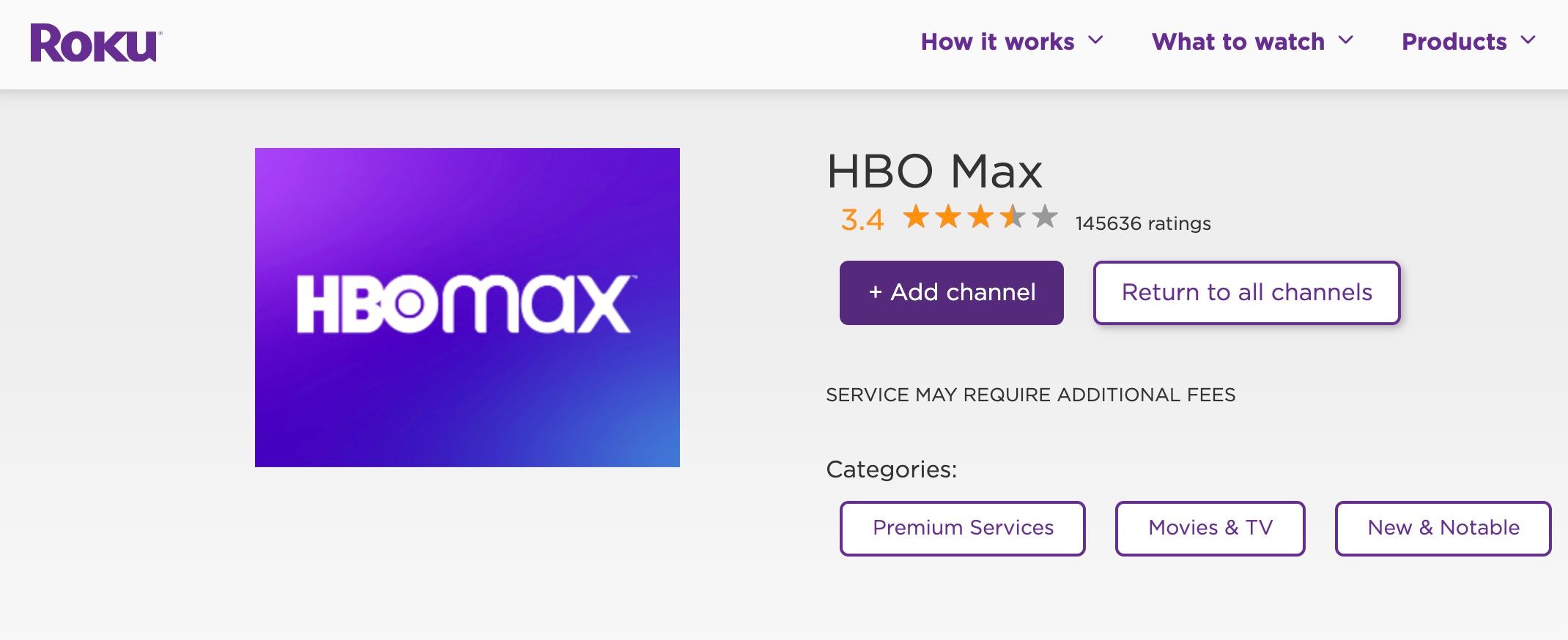
- Download the App: Navigate to your device's App Store (e.g., LG Content Store, Samsung Smart Hub, or Roku Channel Store). Search for "Max" and select Download or Install.
- Open the App: Launch Max from your home screen.
- Choose "Sign In": You will be presented with a prompt to sign in. Most TVs will display a 6-character alphanumeric code.
- Activate via Mobile/PC: On a separate smartphone or computer, go to max.com/activate.
- Enter the Code: Type the code displayed on your TV into the web interface.
- Select Provider or Direct Login: If you used HBO Go via a cable company, select "Connect Your Provider". Choose your provider from the list (e.g., Cox, Optimum, Frontier) and log in with those specific credentials.
- Confirm Profile: Once authenticated, the TV screen will refresh, allowing you to select or create a viewer profile.
On Mobile Devices (iOS and Android)
- Install: Visit the Apple App Store or Google Play Store. Download the Max app.
- Authentication: Open the app and tap the Profile icon.
- Login: If you are a new subscriber, you can sign up directly via In-App Purchase. If you are using legacy "HBO Go" access, tap "Sign in with a Provider".
- Biometric Sync: In 2026, many devices support Passkeys. Once logged in, you can enable Passkeys to bypass passwords for future sessions.
Managing Your Account and Profiles
Unlike the original HBO Go, Max offers robust profile management, which is essential for households with multiple viewers.
- Adult vs. Kid Profiles: You can create up to five profiles. Kids' profiles allow for strict content ratings (G, PG, PG-13) and can be locked with a PIN.
- Downloads for Offline Viewing: On mobile and tablet devices, you can download movies and episodes to watch without an internet connection. Note that this feature is typically reserved for the "Ad-Free" and "Ultimate Ad-Free" tiers.
- My List: This replaces the old "Watchlist" from HBO Go. It syncs across all devices, so you can start a show on your iPhone during a commute and finish it on your Sony TV at home.
2026 Subscription Tiers and Pricing
If you are not using a provider login and wish to subscribe directly, Max offers several tiers. The following table compares the features available as of 2026:
| Tier Name | Monthly Price | Resolution | Concurrent Streams | Ad Experience |
|---|---|---|---|---|
| Max With Ads | $9.99 | 1080p HD | 2 Devices | Limited Commercials |
| Max Ad-Free | $16.99 | 1080p HD | 2 Devices | No Ads / 30 Downloads |
| Max Ultimate | $20.99 | 4K UHD + Atmos | 4 Devices | No Ads / 100 Downloads |
Note: Prices may vary based on promotional bundles with mobile carriers or internet service providers.
Troubleshooting Common Access Issues
Even with modern 2026 software, technical hurdles can occur. Most "HBO Go" style login issues stem from credential mismatches or regional restrictions.
"Can't Verify Subscription" Error
This is common for users who access Max through a third-party provider like Hulu, Prime Video, or a cable company. Ensure your provider account is in good standing. If you recently changed your cable package, it may take up to 24 hours for the "Entitlement" to sync with the Max servers. Clearing the app cache on your Fire TV or Roku can often force a refresh of this data.
Troubleshooting Buffering and Quality
If your stream is stuck in low resolution:
- Check Bandwidth: Use a speed test tool to ensure you are receiving at least 25 Mbps.
- Update Firmware: Ensure your Smart TV's OS is updated. Manufacturers like Samsung and LG frequently release patches that improve DRM (Digital Rights Management) handling for streaming apps.
- Cycle Power: Unplug your streaming stick or TV from the wall for 60 seconds to clear the system RAM.
Using Max While Traveling
While HBO Go was strictly geofenced to the US, Max offers limited portability. If you are traveling within certain parts of Latin America or Europe where Max is available, you may be able to stream content. However, the library will change to reflect local licensing laws. For full access to your US library while abroad, ensure your "Home Region" is correctly set in your account settings before departure.
Advanced Features for 2026 Users
As of 2026, Max has integrated several advanced features that were not present in the original HBO Go interface:
- SharePlay (iOS/Apple TV): You can watch HBO originals in sync with friends over a FaceTime call.
- Interactive Discovery: Max now includes "Live" hubs for news and sports, allowing you to switch between on-demand series and live events seamlessly.
- Enhanced Audio Descriptions: For visually impaired users, Max provides expanded audio description tracks for the majority of its original programming.
Frequently Asked Questions
Can I still use the original HBO Go app?
No. The HBO Go application was removed from all digital storefronts in 2020. Any legacy HBO Go app remaining on older hardware will no longer connect to servers. You must delete the old app and install Max to continue viewing.
My cable provider isn't listed in the Max login. What should I do?
If your TV provider is not listed in the primary grid, select "View All Providers." If it is still missing, contact your provider's customer service. Some smaller regional cable companies may have discontinued their partnership with Warner Bros. Discovery, or they may require you to authenticate through their own proprietary app first.
How do I use Max on a device that doesn't have the app?
If you have an older "dumb" TV or a projector without built-in apps, the best solution is to use an external HDMI device like a Google Chromecast or an Apple TV. Alternatively, you can connect a laptop via HDMI and stream through a web browser at max.com.
Does Max support 4K for all HBO shows?
No. While almost all new HBO Originals (like House of the Dragon or The Last of Us) are available in 4K UHD with Dolby Vision, older legacy content originally produced for HBO Go may be capped at 1080p HD. You must also have the "Ultimate Ad-Free" subscription tier to access 4K playback.
Can I share my Max password with family members?
Max allows for multiple profiles within a single household. However, in line with industry trends as of 2026, the service has implemented "household verification" measures. Sharing your login with individuals living outside your primary residence may result in a prompt to add an "Extra Member" for an additional monthly fee.
Final Recommendation
To successfully use the services once provided by HBO Go on your devices in 2026, focus on the Max ecosystem. Ensure your streaming hardware is updated to the latest firmware and that your internet speeds are optimized for 4K. If you are transitioning from a cable-based HBO subscription, keep your provider login details handy, as these are the key to unlocking the app without paying for a separate digital subscription.
Image Gallery