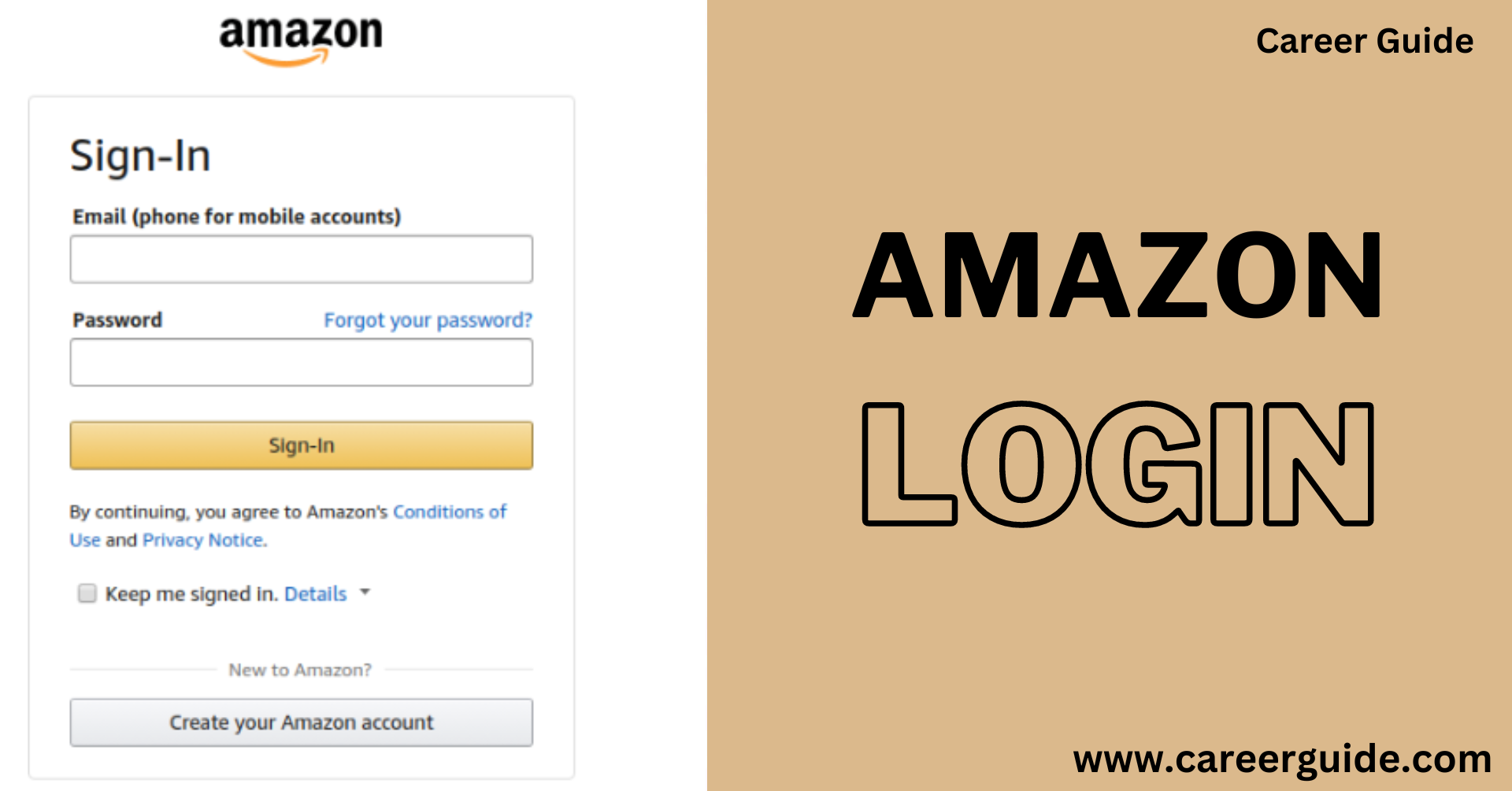
Accessing and Managing Your Account with the Amazon Store Card Login App in 2026
Managing your Amazon Store Card or Amazon Prime Store Card via mobile applications involves logging into the official financial portal provided by Synchrony Bank, the issuing bank for these revolving credit accounts. Because there is n...
Managing your Amazon Store Card or Amazon Prime Store Card via mobile applications involves logging into the official financial portal provided by Synchrony Bank, the issuing bank for these revolving credit accounts. Because there is no standalone app exclusively named the "Amazon Store Card Login App," cardholders must access their accounts through the official Synchrony Bank mobile app or the main Amazon shopping application, both of which securely interface with Synchrony's credit management infrastructure.
Contents
Navigating digital financial tools requires a clear understanding of security protocols, application navigation, and account synchronization. This guide provides a comprehensive overview of how to access your account, configure security features, troubleshoot common login issues, and maximize your credit card benefits efficiently.
Understanding the Amazon Store Card Ecosystem
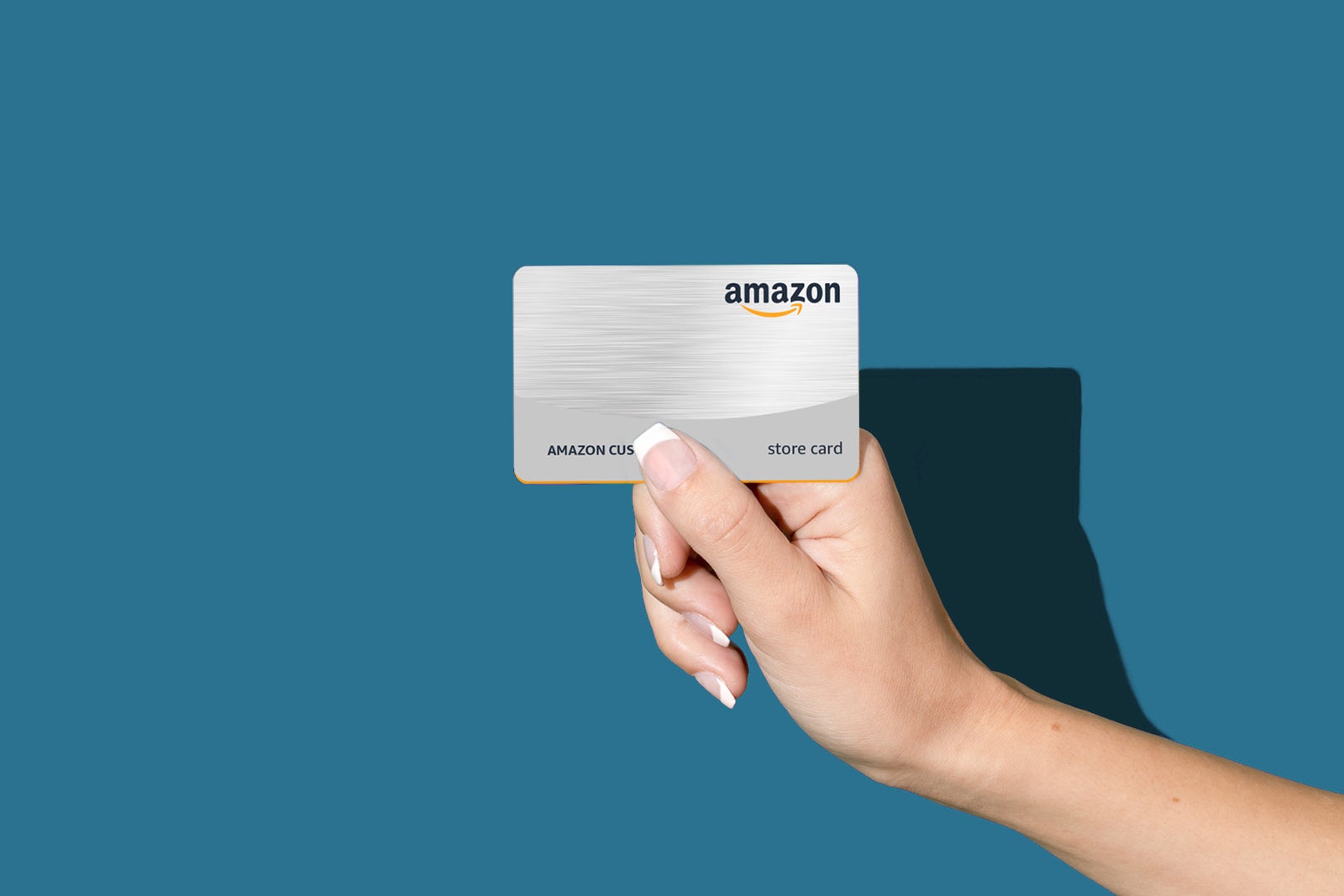
The Amazon Store Card and Amazon Prime Store Card are private-label credit cards issued and managed by Synchrony Bank. Unlike general-purpose credit cards like Visa or Mastercard, these accounts are restricted to purchases made on Amazon.com and affiliated properties.
Cardholders frequently search for a dedicated login application because managing credit on mobile devices has become the industry standard. However, Synchrony Bank centralizes all credit card management through its proprietary mobile infrastructure rather than maintaining a separate application for every retail partner it services.
Important Security Notice Always verify that you are downloading official applications published by Synchrony Bank or Amazon.com, Inc. Third-party applications claiming to offer direct balance tracking or quick login features often represent phishing risks and violate financial data privacy standards.
Official Access Channels
- Synchrony Bank Mobile App: The primary application for checking balances, viewing billing statements, scheduling payments, and managing alerts.
- Amazon Mobile Shopping App: Offers integrated payment management, allowing Prime members to view partial account details and apply card rewards directly at checkout.
- Responsive Web Portal: Accessible via mobile browsers if you prefer not to install dedicated financial applications on your device.
Prerequisites and Initial Setup for Mobile Account Access
Before attempting to log into your account via mobile devices, certain prerequisites must be met to ensure a seamless authentication process. Setting up your profile correctly on a secure desktop or mobile browser often simplifies subsequent mobile app logins.
Required Information
- Account Credentials: Your registered username and password associated with your Synchrony Bank online profile.
- Active Card Details: Your 16-digit account number or Social Security Number verification during initial profile creation.
- Two-Factor Authentication (2FA) Device: Access to a registered mobile phone number or email address capable of receiving One-Time Passcodes (OTPs).
- Compatible Operating System: An iOS or Android device running current software updates to support modern banking encryption protocols.
Step-by-Step Guide to Downloading and Logging In
To access your account securely through the official Synchrony Bank application, follow this structured procedural workflow.
- Download the Official App: Navigate to the Apple App Store (for iOS) or Google Play Store (for Android) and search for "Synchrony Bank." Verify that the developer is listed as Synchrony Bank before downloading.
- Launch and Select Account Type: Open the application and navigate to the retail credit card section, or search specifically for Amazon within the issuer directory if prompted.
- Enter Credentials: Input your registered username and password. If this is your first time using the mobile app with an existing web profile, your credentials will sync automatically.
- Complete Two-Factor Authentication: Enter the 6-digit OTP sent to your trusted mobile number or email address to verify your identity.
- Enable Biometric Security: Follow the prompt to enable Face ID, Touch ID, or Android fingerprint authentication for rapid, secure future logins.
Feature Comparison: Synchrony App vs. Amazon App
Cardholders often wonder whether they should use the Synchrony Bank app or the Amazon app for managing their store card. Each platform serves a distinct purpose within the credit lifecycle.
| Feature / Capability | Synchrony Bank Mobile App | Amazon Shopping App |
|---|---|---|
| Primary Purpose | Full credit account management and servicing | E-commerce checkout and reward redemption |
| View Full Statement History | Yes (PDF downloads available) | No (Summary view only) |
| Schedule One-Time Payments | Yes | Yes (at checkout or account settings) |
| Set Up Auto-Pay | Yes | No |
| Request Credit Limit Increase | Yes | No |
| View FICO Score (Prime Cards) | Yes | Yes |
| Manage Authorized Users | Yes | No |
Financial Terms, Rewards, and Account Management
Maximizing the value of your Amazon Store Card requires understanding its core financial mechanics, interest rates, and promotional financing offers.
Promotional Financing Options
- Equal Pay: Allows cardholders to spread out payments over equal monthly installments for qualifying purchases without revolving interest, provided the balance is paid in full within the promotional window.
- Special Financing (Deferred Interest): Offers extended payment terms (e.g., 6, 12, or 24 months). Interest accrues from the purchase date but is waived if the total promotional balance is paid before the promotional period expires. Failure to pay the full balance results in retroactive interest charges applied to the original purchase amount.
Rewards Structure for Prime Members
Active Amazon Prime members holding the Amazon Prime Store Card earn a continuous percentage back (typically 5%) on all eligible purchases made on Amazon.com and Whole Foods Market. These rewards are automatically deposited into your Amazon account as cash-back points, which can be applied directly toward future purchases at checkout.
Troubleshooting Common Login and App Issues
Technical difficulties can occasionally interrupt your ability to access your account. Applying systematic troubleshooting steps resolves the vast majority of login failures.
- Incorrect Credentials: If your password is rejected, use the "Forgot Password" utility within the app. Do not make excessive repeated attempts, as this triggers temporary account lockouts for security protection.
- Biometric Failure: If Face ID or fingerprint recognition fails, log in manually using your username and password, then re-enable biometric permissions in the app settings menu.
- App Crashing or Freezing: Ensure your application is updated to the latest version available in your app store. Clearing cache data (on Android) or reinstalling the application (on iOS) often resolves corrupted local files.
- Network Connectivity Issues: Switch between Wi-Fi and cellular data to rule out local network restrictions that may block secure financial server handshakes.
Security Best Practices for Mobile Credit Management
Protecting your financial data on mobile devices requires adherence to strict cybersecurity habits. Because mobile apps store authentication tokens, securing your physical device is just as important as securing your password.
- Enable Device Lock Screens: Utilize a strong PIN, complex passcode, or biometric lock on your smartphone to prevent unauthorized physical access if your device is lost or stolen.
- Avoid Public Wi-Fi: Refrain from accessing financial accounts or submitting credit card payments while connected to unsecured, open public Wi-Fi networks unless utilizing a trusted Virtual Private Network (VPN).
- Monitor Account Alerts: Configure push notifications within the Synchrony app for transaction alerts, payment due reminders, and security changes to detect unauthorized activity immediately.
Frequently Asked Questions
Can I check my Amazon Store Card balance without downloading an app?
Yes, you can access your account balance by logging into the Synchrony Bank web portal using any mobile or desktop web browser, or by checking the "Your Payments" or "Your Account" section within the main Amazon website.
Is there a separate app specifically called the Amazon Store Card app?
No, there is no standalone application bearing that exact name. Synchrony Bank manages all digital servicing for the card through its primary Synchrony Bank mobile application and integrated web portals.
What should I do if my account is locked due to multiple failed login attempts?
If your account is locked for security reasons, you must use the password recovery tool on the Synchrony Bank login portal or contact Synchrony customer service directly via the phone number listed on the back of your credit card to verify your identity and restore access.
How do I update my registered phone number for two-factor authentication?
You can update your personal contact information, including phone numbers and email addresses, by logging into the Synchrony Bank mobile app or web portal and navigating to the profile security settings menu.
Can I make a same-day payment through the mobile login app?
Yes, the Synchrony Bank mobile application allows you to link a bank account and schedule one-time payments that credit your store card account on the same business day if submitted before daily cutoff times.
Secure Your Financial Management Today
Maintaining control over your revolving credit lines ensures optimal financial health and prevents missed payment penalties. Download the official Synchrony Bank application or log into the secure portal today to review your current balance, monitor promotional financing expiration dates, and configure automated payment schedules tailored to your financial routine.
Image Gallery