The Best To Do List Apps for iPhone: 2026 Productivity Guide
Choosing the right to-do list app for your iPhone in 2026 requires balancing native iOS integration, cross-platform synchronization, and specific workflow methodologies like Getting Things Done (GTD) or Time Blocking. Whether you need...
Choosing the right to-do list app for your iPhone in 2026 requires balancing native iOS integration, cross-platform synchronization, and specific workflow methodologies like Getting Things Done (GTD) or Time Blocking. Whether you need a simple task manager or a complex project management suite, the best choice depends on your reliance on the Apple ecosystem and your need for collaborative features.
Contents
Critical Hardware and Software Prerequisites
Before selecting a productivity application, verify your device's compatibility with the latest iOS frameworks. As of 2026, most premium task managers require iOS 17 or higher to support advanced features like interactive widgets, Lock Screen Activity, and on-device machine learning for natural language processing (NLP).
- Hardware Requirements: Ensure your iPhone has sufficient storage to handle local task databases, especially if you utilize file attachments or heavy media-rich task descriptions.
- iCloud Integration: For seamless synchronization, prioritize apps that utilize CloudKit, which offers superior background sync performance compared to proprietary cloud solutions.
- Privacy Standards: Audit the app’s data collection practices within the App Store’s Privacy Nutrition Labels to ensure compliance with your personal or organizational security protocols.
Comparative Analysis of Task Management Solutions
Selecting an application often comes down to the trade-off between power and simplicity. The following table provides a technical comparison of the leading task managers currently optimized for the 2026 iOS environment.
| App Name | Primary Methodology | Offline Capability | Native Widget Support | Best For |
|---|---|---|---|---|
| Things 3 | Manual / GTD | Full | Extensive | Apple Ecosystem Purists |
| Todoist | Hierarchical Lists | Sync-dependent | High | Cross-Platform Teams |
| TickTick | Time Blocking | Full | Excellent | Calendar/Task Fusion |
| Microsoft To Do | Simple Checklist | Sync-dependent | Moderate | Microsoft 365 Users |
| OmniFocus 4 | Advanced GTD | Full | Professional | Complex Project Management |
Deep Dive into Top-Tier Ecosystem Performance
Things 3: The Gold Standard for iOS Native Experience
Things 3 continues to dominate the iOS market by adhering strictly to Apple’s Human Interface Guidelines. Its architecture leverages Core Data for lightning-fast responsiveness. In 2026, its "Magic Plus" button remains the fastest way to capture input across the UI, and its lack of subscription fees—preferring a one-time purchase model—distinguishes it from the software-as-a-service (SaaS) competition.
Todoist: The Power of Natural Language Processing
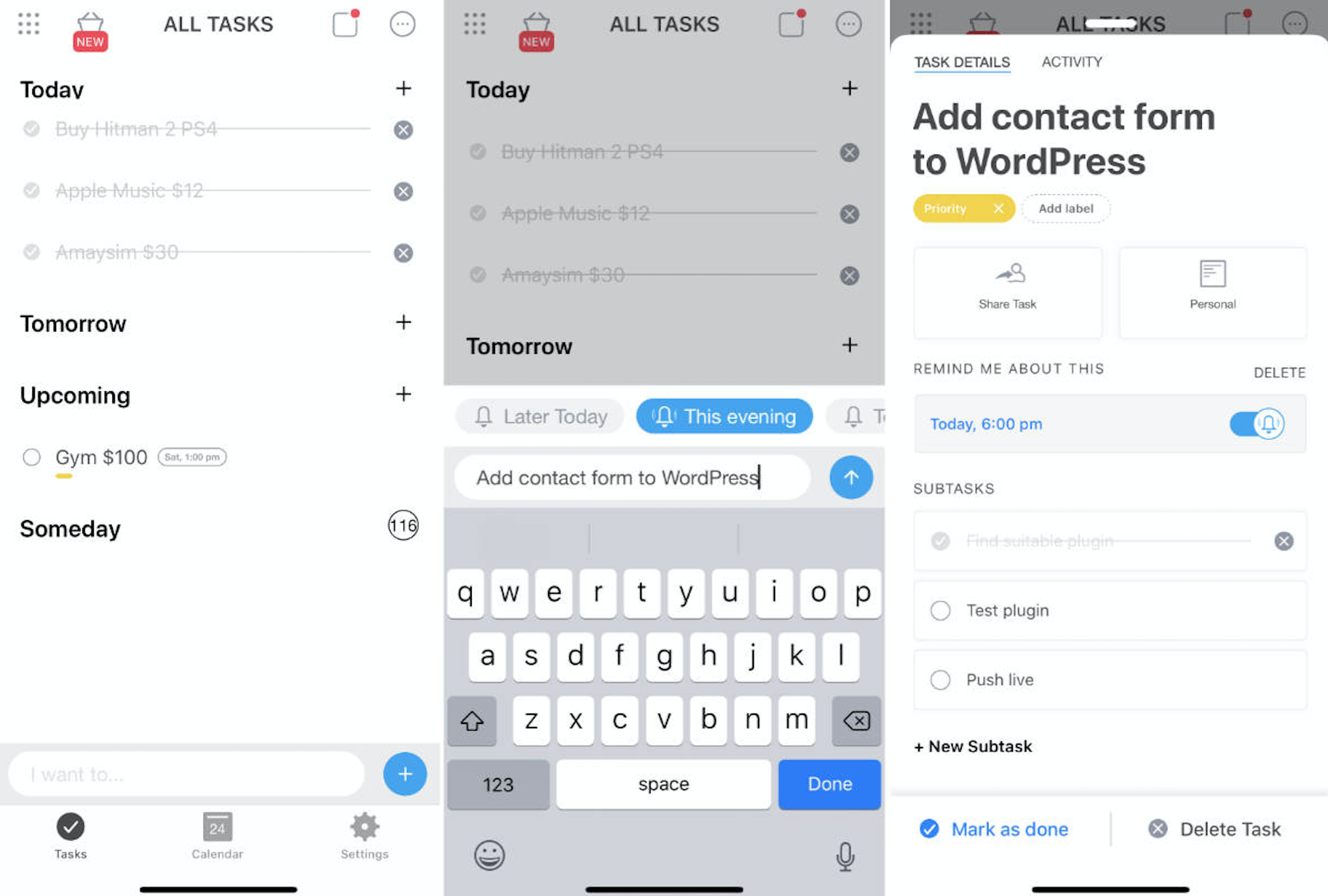
Todoist remains the most robust choice for users needing deep integration with third-party tools like Zapier, Slack, or Notion. Its NLP engine is remarkably accurate in 2026, allowing users to type "Review report every Friday at 4pm" to automatically set a recurring deadline. Its primary limitation remains its reliance on a consistent data connection for the most complex synchronization tasks.
TickTick: Integrated Time Management
TickTick bridges the gap between a to-do list and a calendar. By allowing users to drag tasks directly onto a visual timeline, it serves as an excellent tool for those practicing time blocking. It includes a built-in Pomodoro timer, which is a significant value-add for users who do not wish to switch between multiple productivity utilities on their iPhone.
Optimizing Your iPhone for Task Management
To maximize the efficiency of any to-do list app, you must leverage the specific capabilities afforded by the iPhone’s operating system.
Strategic Implementation for Workflow Success
Focus Modes: Create a dedicated Work Focus Mode that only allows notifications from your chosen to-do app and professional communication tools. This reduces cognitive friction by muting social media and entertainment alerts during your designated deep-work blocks.
Smart Stacks: Group your task management widget within a Smart Stack alongside your Calendar and Reminder widgets. This allows the iPhone’s intelligence to surface your next action item at the exact moment it is most relevant to your location or schedule.
Siri Integration: Utilize Shortcuts to create custom voice commands. By building a Siri Shortcut that appends items to your Inbox list via voice, you eliminate the latency between capturing a task and recording it.
Addressing Common Workflow Bottlenecks
Many users fail to maintain their to-do lists due to "collection fatigue." This occurs when the barrier to entering a task is too high.
- Reduce Friction: Always keep your "Inbox" or "Quick Entry" widget on your Home Screen. If it takes more than two taps to record a task, you will eventually abandon the system.
- Review Cycles: A to-do list is only effective if it is accurate. Dedicate 10 minutes every Friday morning to perform a "Weekly Review" to archive completed items and reschedule tasks that lost priority.
- Task Granularity: Avoid creating vague tasks like "Project X." Instead, break them down into "Draft Outline for Project X" or "Email Client regarding Project X." Specificity is the primary driver of execution.
Frequently Asked Questions
Which to-do list app is best for privacy-conscious users?
Things 3 and OmniFocus are generally considered superior for privacy because they rely primarily on local device storage and standard iCloud syncing, rather than third-party cloud servers that aggregate user behavior data. Both maintain strict data ownership policies.
Do I need a subscription for these apps in 2026?
It depends on the developer. Things 3 and OmniFocus generally operate on a perpetual license model, while Todoist and TickTick utilize subscription-based tiers to fund ongoing server costs for cross-platform synchronization and advanced cloud-based automation features.
Can I use these apps with Original Apple Reminders?
Yes. Many third-party apps, such as GoodTask, function as a front-end overlay for the native Apple Reminders database. This allows you to benefit from the power of a professional task manager while keeping your data synced natively across all iCloud-connected devices without third-party server reliance.
How do I stop my to-do list from becoming overwhelming?
The most common mistake is failing to use a "Someday" folder. Move any tasks that are not actionable within the next 7 days to a secondary list. By only viewing active tasks in your daily view, you maintain the focus necessary to complete high-priority items.
Are these apps compatible with Apple Watch?
Most leading apps, including Todoist, TickTick, and Things 3, provide robust Apple Watch complications. This enables you to check off tasks directly from your wrist, which is an essential feature for managing short-term tasks or grocery lists while mobile.
Final Recommendation for 2026 Users
For the majority of iPhone users, Things 3 offers the best balance of aesthetic design, local performance, and cognitive ease. If your workflow requires heavy collaboration or interaction with diverse business software stacks, Todoist is the industry standard for interoperability. Evaluate your specific requirement for cloud synchronization versus local-first privacy before committing to a subscription-based model.
Image Gallery