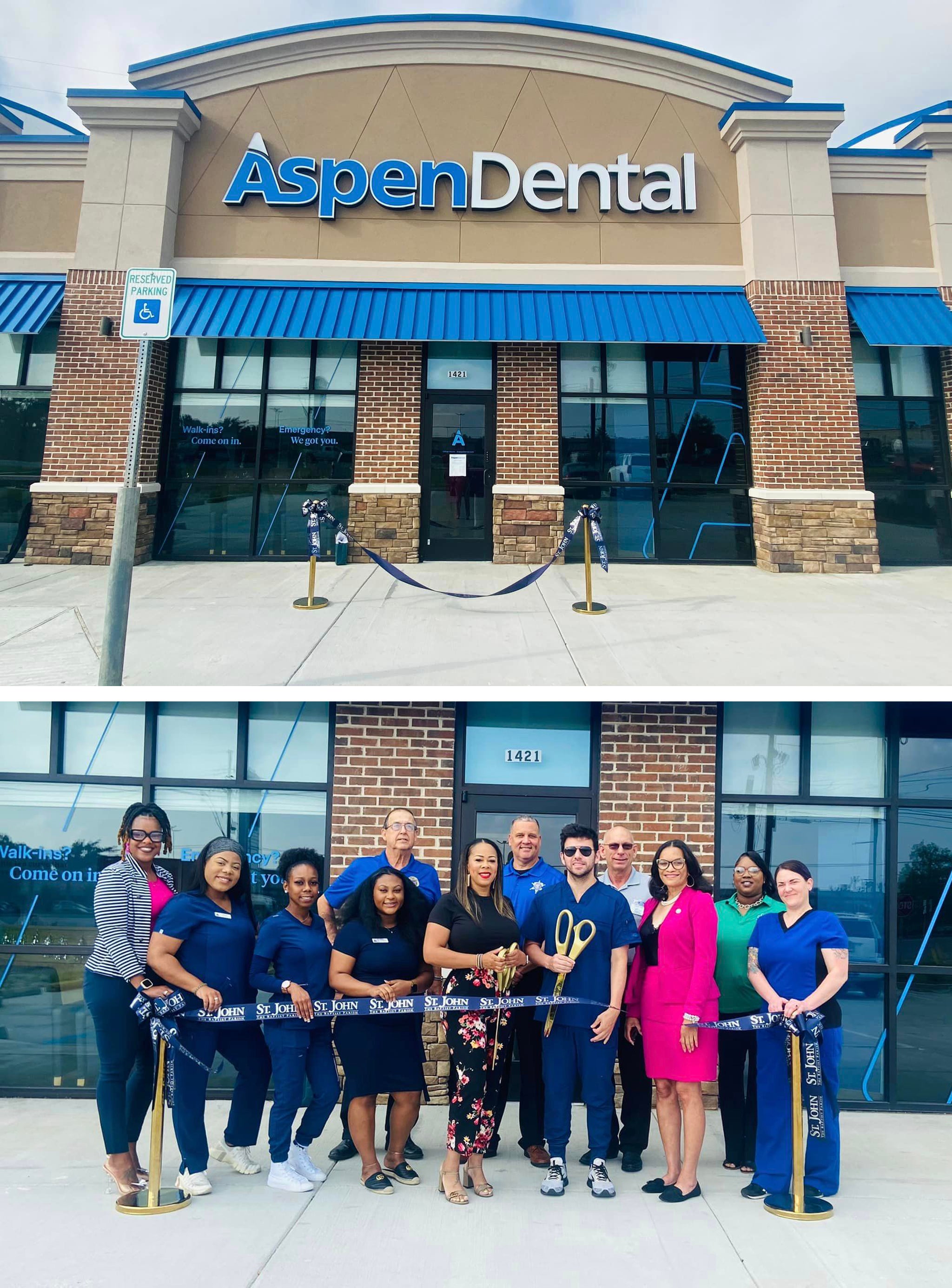
Navigating the Aspen Dental Online Booking Experience in 2026
The Aspen Dental online booking experience allows patients to schedule dental appointments through a centralized web portal by selecting their preferred location, service type, and time slot. This digital interface streamlines patient...
The Aspen Dental online booking experience allows patients to schedule dental appointments through a centralized web portal by selecting their preferred location, service type, and time slot. This digital interface streamlines patient intake, reduces wait times, and provides real-time visibility into office availability for both new and returning patients.
Contents
Understanding the Digital Appointment Workflow
The online scheduling platform serves as the primary bridge between the patient and local Aspen Dental practice management systems. By utilizing a cloud-based interface, the platform synchronizes available provider slots with your geographic location. As of 2026, the system is designed to prioritize efficiency by capturing essential patient data—such as insurance provider and chief dental complaint—before you even step into the office.
This process eliminates the traditional friction of telephone scheduling, which often involves lengthy hold times and manual data entry errors. When you interact with the booking portal, your request is fed directly into the office's scheduling software, allowing the practice team to prepare for your arrival and verify benefits prior to your appointment time.
Step-by-Step Guide to Securing Your Appointment
To ensure a successful booking, follow this systematic approach. This process is optimized for both desktop and mobile browsers, ensuring accessibility for all users.
- Access the Primary Portal: Navigate to the official Aspen Dental website and select the Find a Dentist tool.
- Geographic Selection: Enter your zip code or city to filter for the nearest office locations.
- Specify Appointment Type: Choose the nature of your visit, such as a New Patient Exam, Emergency Appointment, or Routine Cleaning.
- Availability Review: The calendar view displays real-time openings. Select a time that aligns with your schedule.
- Information Intake: Provide your full name, contact details, and insurance carrier information. If you are uninsured, indicate your status to facilitate a discussion about financing options like the Aspen Dental Patient Financing program.
- Confirmation: Once submitted, you will receive a digital confirmation via email or SMS, which will include instructions on completing any necessary digital registration forms.
Insurance and Payment Status Considerations
Aspen Dental offices operate as independent professional practices that contract with a wide range of insurance providers. However, coverage varies significantly by state and specific plan networks. It is critical to note that while many locations participate in major PPO networks, they may not be "in-network" for every iteration of a carrier's plan.
Operational Status and Financial Responsibility
Insurance Network Participation: Most locations accept a broad spectrum of dental PPO plans. Always verify coverage at the specific location you have selected, as provider participation is verified at the office level rather than the corporate level.
Government Programs: While many offices work to accommodate various patients, eligibility for state-funded programs like Medicaid or CHIP is highly localized and dependent on the specific state's dental provider participation status. Please contact the office directly if your primary coverage is a state-funded managed care plan.
Out-of-Pocket and Financing: Aspen Dental offers internal financing programs designed for patients without insurance or those requiring extensive treatment plans. These are subject to credit approval and specific terms and conditions established for the 2026 fiscal year.
Comparison of Booking Methods
Choosing between online scheduling and traditional methods depends on the urgency of your dental needs.
| Feature | Online Booking Portal | Telephone Scheduling |
|---|---|---|
| Availability | 24/7 Access | Office Hours Only |
| Wait Time | None | Variable (High during peak hours) |
| Data Accuracy | High (Patient input) | Dependent on staff entry |
| Complex Needs | Limited (Standard slots) | Preferred for surgical cases |
| Instant Confirmation | Yes | Verbal confirmation |
Troubleshooting Common Booking Issues
Users occasionally encounter hurdles during the online scheduling process. Understanding these common failure points can save significant time.
- Location Mismatch: If your preferred office does not appear, verify your zip code. Some offices serve specific regions only and may not appear in national broad-match searches.
- Provider Availability: High-demand offices may show no available slots for the upcoming 48 hours. If you are experiencing a dental emergency—such as severe swelling, uncontrollable pain, or trauma—the online portal may trigger a prompt to call the office directly rather than book online.
- Browser Cache Errors: If the calendar fails to load, clear your browser’s cache or attempt the booking using an Incognito/Private window. Outdated cookies from previous site visits can sometimes interfere with the real-time script of the booking widget.
- Technical Verification: Ensure your contact information, specifically your mobile number, is correct. Automated confirmation systems rely on SMS verification to validate your identity before finalizing the slot.
Frequently Asked Questions
Can I book an emergency dental appointment online? The online portal is designed for both routine and urgent care. However, if you are experiencing a life-threatening dental emergency, such as difficulty breathing or severe facial swelling, you should seek emergency medical care at an urgent care center or hospital emergency room instead of booking a dental slot.
Do I need to pay a deposit when booking online? Generally, standard booking does not require an upfront payment. However, certain specialized services or high-demand procedures may require a deposit to hold the chair time. Any such requirements will be clearly displayed during the final step of the digital booking flow.
How far in advance can I book an appointment? The system typically allows for scheduling up to 60 to 90 days in advance. If you require a recurring series of appointments for an ongoing treatment plan, it is often more efficient to coordinate these dates with the front-desk staff during your initial visit.
What happens if I need to cancel my appointment? You can manage your appointment via the link provided in your confirmation email. Please attempt to provide at least 24 to 48 hours' notice for cancellations to ensure that the time slot can be offered to another patient who may be in need of care.
Is my personal health information secure during the booking process? Yes, the Aspen Dental booking platform is engineered to comply with HIPAA (Health Insurance Portability and Accountability Act) standards, ensuring that any information transmitted during the scheduling process is encrypted and handled according to federal privacy regulations.
Recommendations for Optimal Patient Experience
For the best results in 2026, ensure you have your dental insurance card and a list of current medications ready before you begin the online process. If you are a new patient, the system will prompt you to complete a health history questionnaire. Filling this out in advance of your appointment is strongly recommended, as it allows the clinical team to review your medical background—such as history of heart conditions, diabetes, or allergies—which can dictate the safety of certain dental procedures. If you have complex medical requirements, calling the office remains the most prudent action to ensure your safety and the appropriateness of the scheduled care.
Image Gallery