Mastering the Escapesf Net Reception Area Experience: A 2026 Operational Guide
Navigating the escapesf net reception area requires an understanding of physical check-in protocols, digital credentialing, and arrival logistics for visitors accessing the facility. This comprehensive guide outlines the exact steps, t...
Navigating the escapesf net reception area requires an understanding of physical check-in protocols, digital credentialing, and arrival logistics for visitors accessing the facility. This comprehensive guide outlines the exact steps, technical requirements, security protocols, and spatial layouts needed to ensure a seamless entry process for all guests and participants in 2026.
Contents
Understanding the Physical and Digital Layout of the Reception Zone
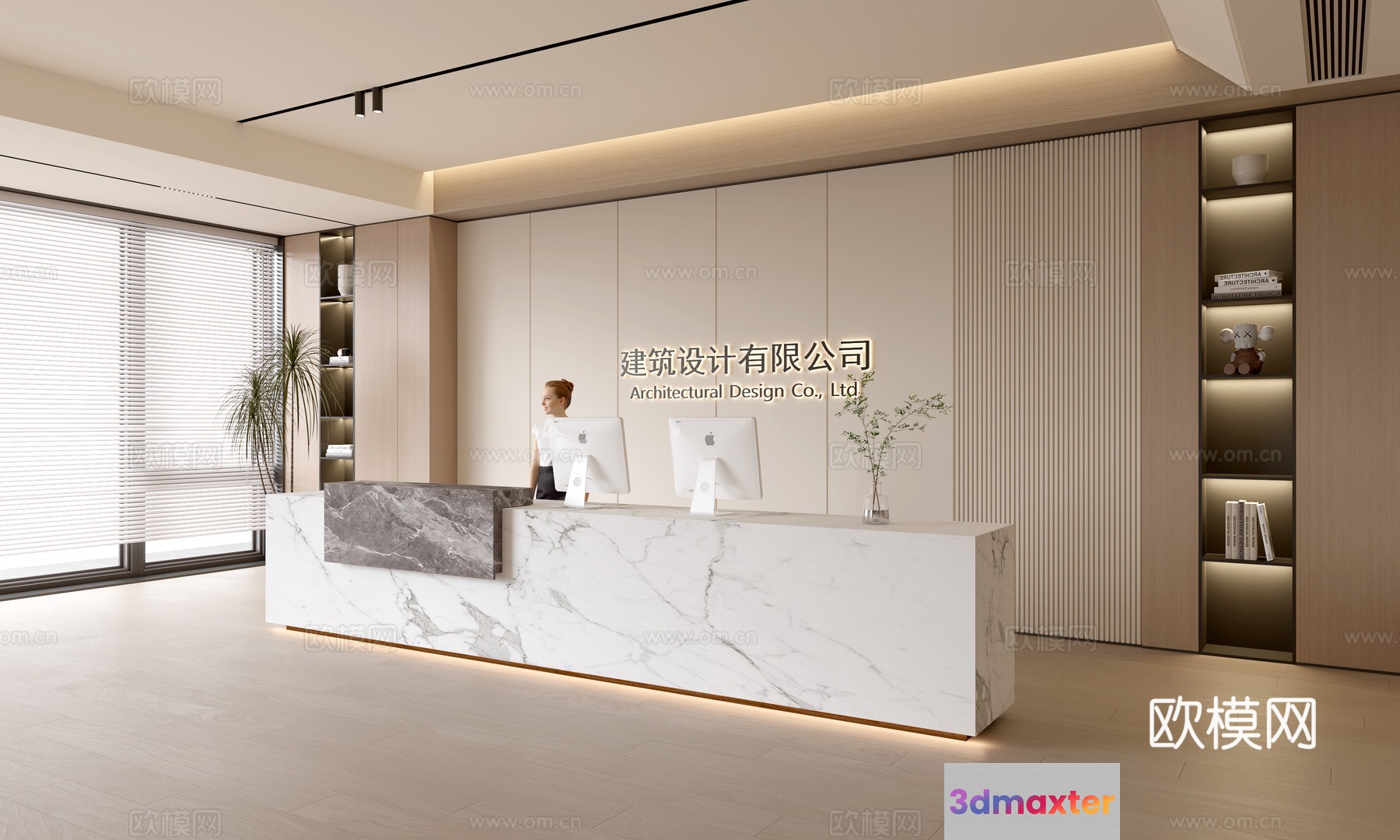
The primary point of contact for visitors arriving at the escapesf net reception area bridges physical architecture and digital access control. Located strategically to manage high-volume foot traffic, the reception desk acts as the primary security checkpoint and orientation hub. Understanding the structural layout prevents delays and ensures visitors immediately locate check-in kiosks or staff members.
Modern visitor management systems integrated into the reception space rely on pre-registration databases. Upon stepping into the facility, guests interact with automated check-in terminals or check in directly with the front desk coordinator.
- Digital Check-In Kiosks: Touchscreen interfaces designed for rapid badge printing and visitor logging.
- Staffed Concierge Desk: Dedicated personnel available for credential verification, troubleshooting, and visitor assistance.
- Security Turnstiles: Physical access barriers that unlock automatically upon successful scan of a temporary visitor credential or pre-issued digital pass.
- Waiting Lounge: Designated seating areas equipped with connectivity options for early arrivals or those waiting for escorted entry.
Step-by-Step Arrival and Check-In Protocol
Executing a smooth entry into the facility depends on following a precise sequence of operational steps. Whether attending a scheduled session or arriving for a business appointment, adhering to the standard check-in workflow eliminates administrative friction.
- Pre-Arrival Registration: Complete any digital waivers or identity verification forms sent via email prior to your arrival date to fast-track your entry.
- Initial Identity Verification: Present a valid government-issued photo ID or digital confirmation barcode at the reception desk or automated terminal.
- Credential Issuance: Receive your temporary RFID badge, adhesive visitor pass, or active mobile credential linked to your smartphone.
- Security Screening: Pass through metal detection or baggage scanning areas if mandated by the specific security tier active for the day.
- Escort Protocol Compliance: Wait in the designated reception lounge until your host or designated escort arrives to grant access to restricted interior zones.
Technical Specifications and Connectivity Standards
The escapesf net reception area functions as a digitally optimized zone, leveraging robust infrastructure to support high-speed visitor authentication and continuous network access. Facility administrators maintain strict protocols regarding wireless connectivity and device management within the reception perimeter.
- Guest Wi-Fi Network: High-bandwidth, isolated wireless network available for visitors, accessible via captive portal login.
- Bandwidth Allocation: Prioritized traffic shaping ensures seamless check-in processing even during peak visitor hours.
- RFID Badge Standards: Utilization of encrypted 13.56 MHz smart cards to prevent unauthorized credential cloning and secure turnstile passage.
- Data Privacy Compliance: All visitor logs collected at reception are encrypted in transit and at rest in compliance with regional data protection frameworks.
Comparative Analysis of Access Tiers and Verification Methods
Different categories of visitors experience distinct check-in procedures based on their clearance level and purpose of visit. The following table breaks down the verification requirements, access scope, and processing time for each visitor type.
| Visitor Classification | Verification Requirements | Access Scope | Average Processing Time |
|---|---|---|---|
| Pre-Registered Guest | QR Code / Digital Pass + Photo ID | Public Reception & Approved Meeting Zones | Under 60 Seconds |
| Unscheduled Visitor | Government ID + Host Verification | Reception Lounge Only (Escorted Entry Required) | 3 to 7 Minutes |
| Contract Vendor / Service Provider | Corporate ID + Background Check Clearance | Service Corridors & Technical Rooms (Escorted) | 5 to 10 Minutes |
| Returning Staff / Member | Active RFID Keycard / Biometric Scan | Full Facility Access Per Clearance Level | Instantaneous |
Security Protocols, Guidelines, and Prohibited Items
Maintaining a secure environment within the escapesf net reception area requires adherence to strict safety standards. Security personnel enforce these guidelines uniformly to protect all occupants and maintain operational integrity.
Security Compliance Notice: All bags, parcels, and personal items brought into the reception area are subject to visual inspection or electronic screening. Refusal to comply with security directives will result in immediate denial of entry and revocation of temporary access privileges. Prohibited items include unauthorized recording devices, weapons of any kind, and hazardous materials. Visitors must display their issued credentials visibly at all times while moving beyond the reception boundary.
Common Troubleshooting and Arrival Obstacles
Visitors occasionally encounter technical or administrative hurdles upon reaching the reception desk. Recognizing these common failure points allows for rapid resolution and minimizes waiting times.
- Expired or Unrecognized QR Codes: If a digital pass fails to scan, present the confirmation email or booking reference number to the receptionist for manual database lookup and instant badge generation.
- Host Unavailability: If your designated host does not respond to notification alerts upon your arrival, reception staff will attempt secondary contact methods or direct you to an alternative internal point of contact.
- Wi-Fi Authentication Failures: Reset network settings and ensure your device connects to the designated visitor SSID rather than internal corporate networks, then re-authenticate through the captive browser prompt.
Frequently Asked Questions
What should I bring with me to check in at the escapesf net reception area?
Bring a valid government-issued photo ID and any digital or printed confirmation codes provided during your scheduling or registration process. Having these ready expedites identity verification and badge issuance.
Can I access high-speed internet while waiting in the reception area?
Yes, a secure guest Wi-Fi network is available throughout the reception zone. Simply select the designated guest network on your device and follow the on-screen captive portal instructions to connect.
What happens if I arrive without a pre-scheduled appointment?
Unscheduled visitors must report directly to the staffed concierge desk for manual registration, identity verification, and host approval. Entry is contingent upon confirming your appointment with an internal staff member.
Are lockers or secure storage areas available for personal luggage?
Storage options within the reception zone are limited. Large luggage or prohibited items must be declared to security upon entry, and visitors are strongly encouraged to travel light when visiting the facility.
How are my personal details handled upon check-in?
Visitor data collected at the reception desk is encrypted, stored securely in compliance with privacy regulations, and used exclusively for facility security, safety logging, and visit management purposes.
Plan Your Arrival Today
Ensure a frictionless entry by reviewing your pre-arrival communications, organizing your identification credentials, and arriving a few minutes prior to your scheduled appointment. Proper preparation guarantees immediate access and a productive experience inside the facility.
Image Gallery