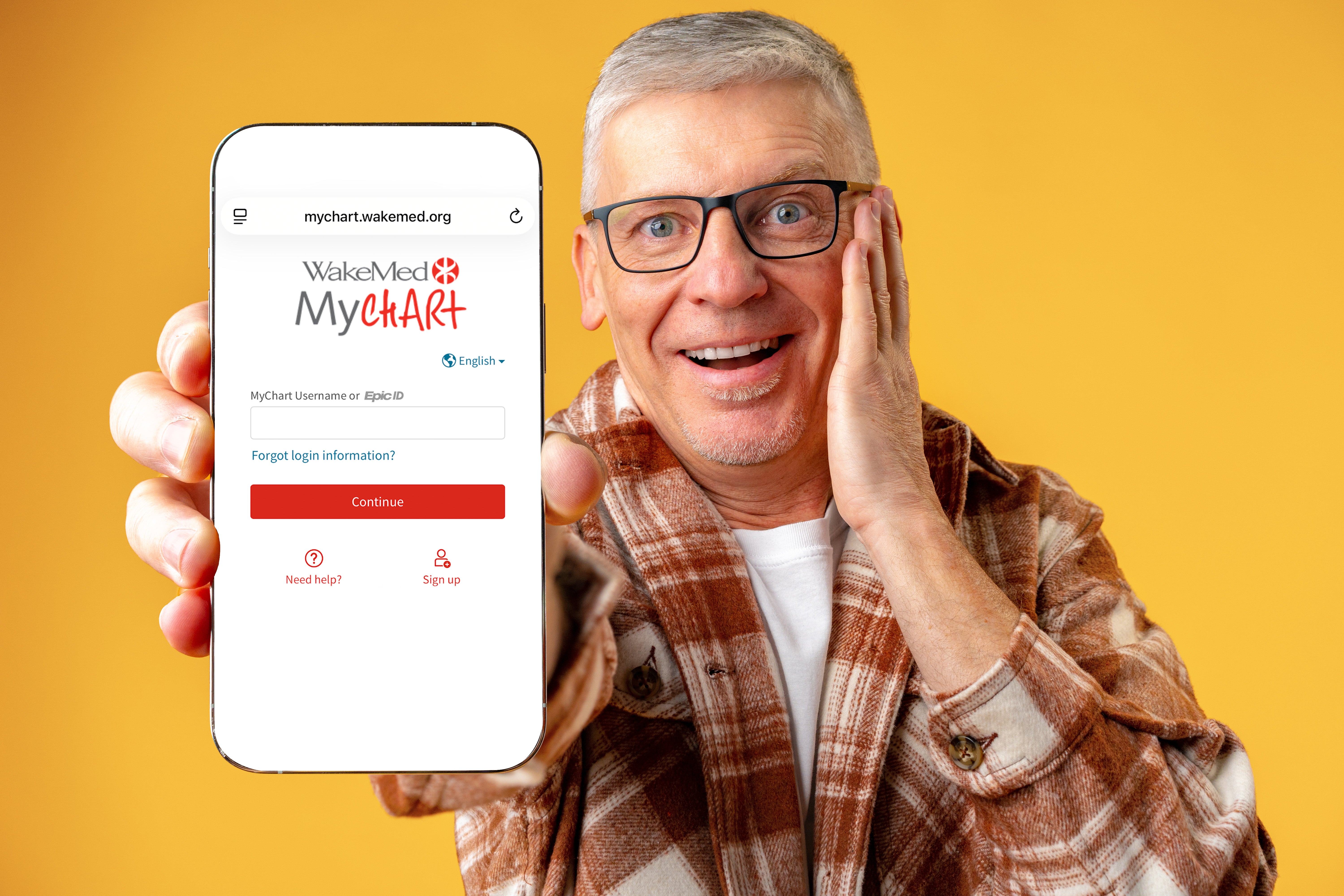
Accessing Your Methodist Hospital MyChart Account in 2026
Methodist Hospital MyChart is a secure, web-based patient portal powered by Epic Systems that allows patients to manage their health information, communicate with clinical staff, and review medical records. Accessing your account requi...
Methodist Hospital MyChart is a secure, web-based patient portal powered by Epic Systems that allows patients to manage their health information, communicate with clinical staff, and review medical records. Accessing your account requires an active registration code provided by your Methodist provider or a self-service sign-up process verified through secure identity authentication protocols.
Contents
Understanding the Role of MyChart in Your Methodist Healthcare Journey
The MyChart platform serves as the central digital hub for patients affiliated with the Methodist health system. Because Methodist systems operate on the Epic Electronic Health Record (EHR) infrastructure, MyChart ensures that your clinical data—ranging from laboratory results to specialist consultation notes—remains interoperable across various facilities and regional clinics.
In 2026, the integration of patient data has reached higher levels of automation. When you log in, you are not merely viewing a static document; you are accessing a dynamic database that updates in real-time as your care team records diagnostic findings. This connectivity is essential for patients with chronic conditions requiring frequent monitoring, as it eliminates the need for manual record requests or waiting for physical mail to receive updates on diagnostic screenings or upcoming procedure authorizations.
Prerequisites for Successful Account Registration and Activation
Before you can view your records, you must establish your identity within the hospital’s specific instance of the Epic portal. Unlike generic health apps, Methodist Hospital MyChart is proprietary to the health system, meaning an account created for a different hospital network will not grant you access to Methodist records.
- Patient Identification: You must be a registered patient at a Methodist facility. If you have not visited a clinic or hospital within the network, you must schedule an initial appointment to establish your electronic record.
- Activation Code: Upon your first visit, your provider usually issues a one-time activation code. This code is typically printed on your After Visit Summary (AVS).
- Identity Verification: If you do not have an activation code, the portal offers a third-party identity verification service. This usually requires providing your Social Security number or state-issued identification details to verify your identity against secure public records.
- Hardware Requirements: Accessing the portal requires a standard web browser (Chrome, Safari, Edge, or Firefox) or the MyChart mobile application, which remains the primary mobile interface for 2026.
Navigating Essential Features for Patient Management
Once authenticated, the dashboard provides a suite of tools designed to streamline administrative tasks and improve clinical communication. Each feature is designed to reduce the administrative burden on hospital staff while providing patients with immediate access to their data.
| Feature Category | Description | Primary Benefit |
|---|---|---|
| Test Results | Automated release of lab, imaging, and pathology reports. | Faster access to critical diagnostic data without waiting for a phone call. |
| Appointment Scheduling | Direct booking for routine visits and follow-up consultations. | Eliminates long hold times on scheduling center telephone lines. |
| E-Visits | Synchronous or asynchronous messaging for minor health concerns. | Provides a path for medical advice without needing a physical office visit. |
| Prescription Refills | Direct request interface to your current pharmacy and provider. | Ensures timely medication compliance and automatic tracking of pending requests. |
Managing Communication with Your Clinical Care Team
The messaging function within Methodist Hospital MyChart is governed by specific clinical protocols. It is important to remember that the portal is not intended for medical emergencies. If you are experiencing a life-threatening symptom or severe acute illness, you must seek emergency care or call 911 immediately rather than sending a portal message.
For non-urgent matters, the message center allows you to attach images, ask clarifying questions about a medication, or discuss non-emergent changes in your condition. Providers generally respond within two to three business days, depending on their clinic’s internal operational policies for 2026. Keep in mind that these messages become part of your permanent medical record; therefore, it is advisable to be concise and provide specific details regarding any symptoms or concerns.
Troubleshooting Common Access and Technical Hurdles
If you find yourself locked out of your account or unable to access specific records, follow this systematic approach to identify the source of the issue.
Credential Recovery Protocols
Password Reset Assistance: If you have forgotten your password, use the automated "Forgot Password" link on the login page. This will trigger a verification link to your registered email address.
Account Lockouts: Multiple failed attempts will trigger a security lockout. In this scenario, do not keep attempting to guess your credentials. Contact the Methodist Hospital IT Support Help Desk directly to verify your identity and reset your account status manually.
Browser Cache Issues: Frequently, login failures are caused by outdated cached data in your web browser. Clearing your cache or attempting to log in via an Incognito/Private window often resolves persistent authentication loops.
Frequently Asked Questions
Can I view my family members' medical records through my own account? Yes, this is known as "Proxy Access." You must submit a formal request to the hospital’s Health Information Management (HIM) department to gain permission to view the records of a minor or an adult who has granted you medical power of attorney.
Does Methodist Hospital MyChart accept all insurance types? The portal itself is a tool for accessing information; it does not change your insurance coverage. Your ability to book appointments through the portal depends on whether your specific insurance plan is currently contracted with the Methodist network, which should be verified via your insurance provider’s website for 2026.
Are my health records stored securely? Yes, the platform employs industry-standard AES-256 encryption. All data transmission is handled via HTTPS, and the system complies with HIPAA regulations regarding the privacy and security of Protected Health Information (PHI).
How do I update my personal information, such as my address or insurance? You can update your demographic and insurance information directly through the "Profile" or "Personal Information" section of the portal. It is recommended to verify these details before any scheduled appointment to avoid delays in processing or billing.
Is there a fee to use the MyChart portal? No, access to your Methodist Hospital MyChart account is provided free of charge to all active patients as part of the standard patient care infrastructure.
Optimizing Your Use of the Portal for Better Health Outcomes
To maximize the value of the platform in 2026, ensure that you maintain an updated list of current medications and allergies within the "Health" tab. Whenever you have a physical visit, the triage nurse or medical assistant will verify this information. Having it pre-filled in your portal allows for a more efficient check-in process. Furthermore, utilize the "Document Center" to download your immunization records and past physical examination results, which can be shared with specialists outside of the Methodist network if necessary.
By taking an active role in managing your digital record, you ensure that your healthcare providers have the most accurate, real-time information available to inform their clinical decisions, ultimately leading to higher quality care and better health management.
Image Gallery