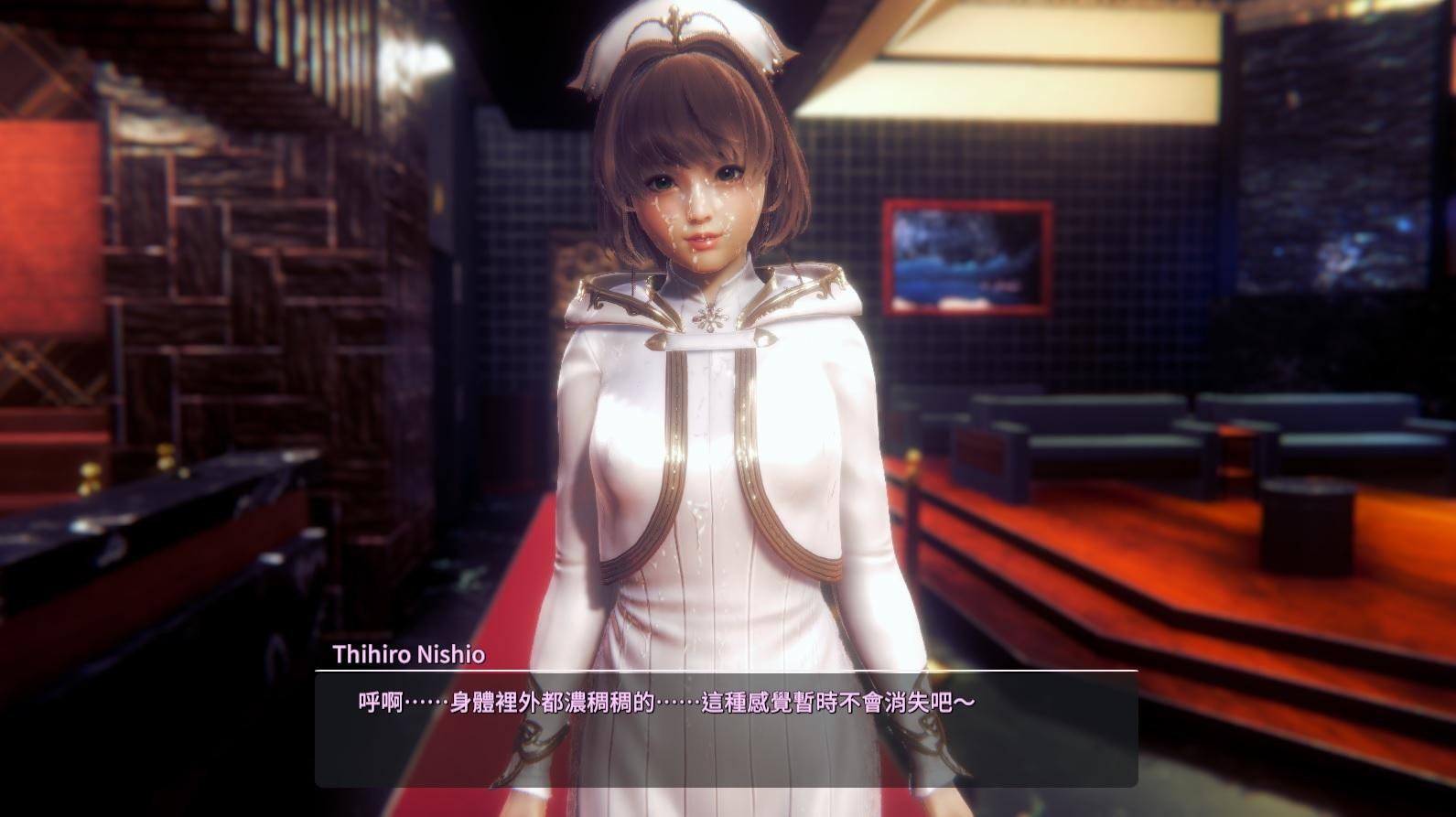
The Ultimate Guide to Honey Select 2 Card Sharing in 2026
Honey Select 2 card sharing is the process of exchanging character data stored within PNG image files, allowing players to import and export highly detailed character models between game installations. By placing these specific PNG fil...
Honey Select 2 card sharing is the process of exchanging character data stored within PNG image files, allowing players to import and export highly detailed character models between game installations. By placing these specific PNG files into the UserData chara directory, the game engine reads embedded metadata to reconstruct the character’s appearance, outfits, and personality traits exactly as the original creator intended.
Contents
Honey Select 2: Libido remains a cornerstone of the 3D character customization subculture in 2026. While the original developer, Illusion, transitioned through various organizational shifts, the community-driven architecture for sharing character "cards" has only become more sophisticated. This guide provides a deep technical dive into the mechanics of card sharing, the essential modding infrastructure required to support them, and the most reliable repositories for high-quality assets in the current year.
The Technical Architecture of Honey Select 2 Character Cards
The genius of the Honey Select 2 system lies in steganography—the practice of hiding data within an ordinary file. Every character you see shared online is technically a standard PNG image, but it contains hidden blocks of binary data that the game’s Unity-based engine parses upon loading.
How Data is Embedded in PNGs
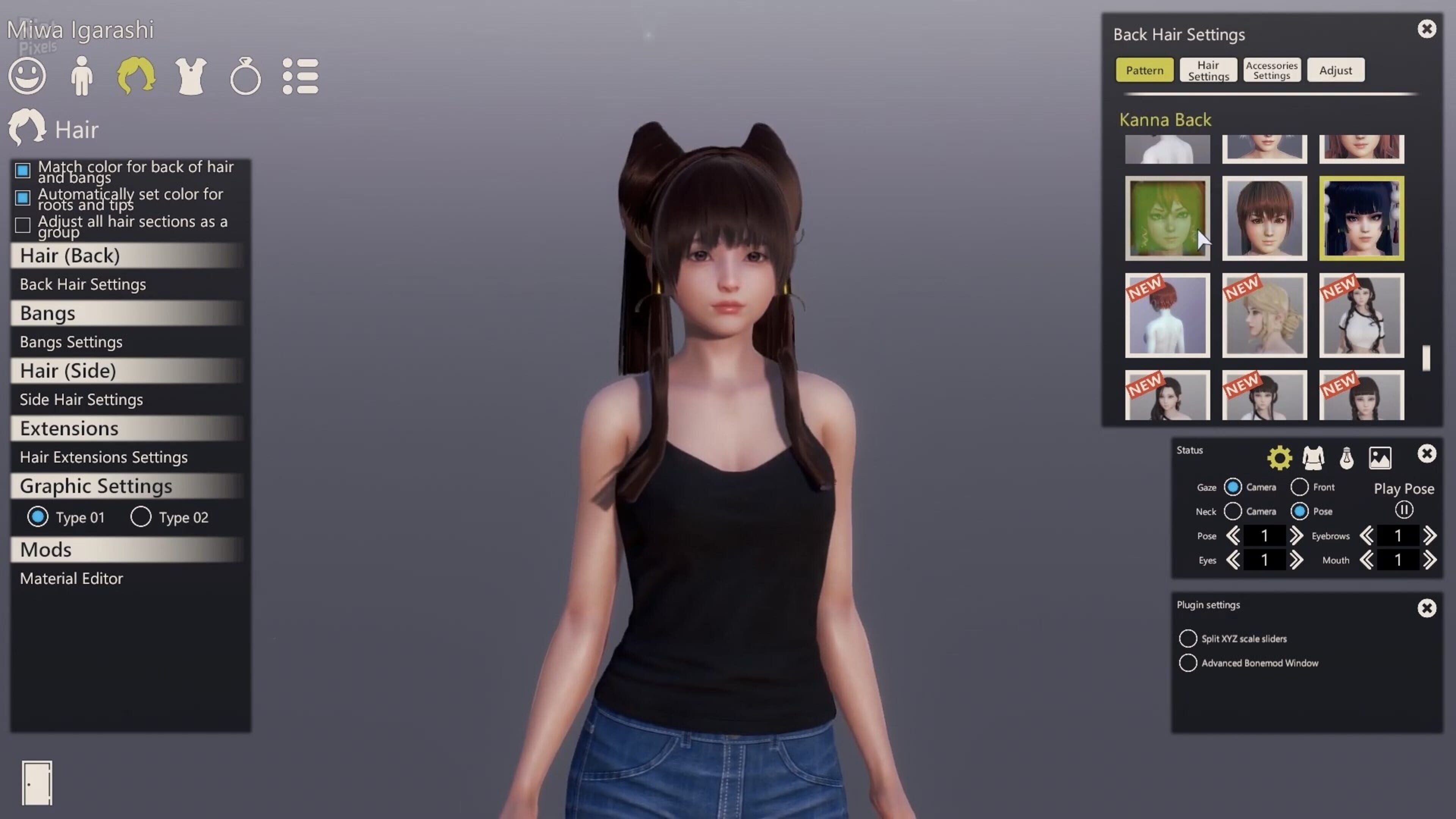
When you save a character in the game’s "Maker" mode, the software generates a preview image of the character. Behind the visible pixels, the engine writes a serialized string of data. This data includes:
- Morphology: Precise coordinate data for facial features, limb length, and skeletal proportions.
- Material Settings: Shader values for skin gloss, subsurface scattering, and eye transparency.
- Asset References: ID tags for hair styles, clothing pieces, and accessories.
- Metadata: The character’s name, birthday, and personality archetype used for the simulation mode.
Because these are standard PNGs, they can be uploaded to social media, forums, and image boards without losing their character data, provided the hosting site does not strip metadata or re-compress the image into a lossy format like JPEG.
Essential Directory Structures for Card Sharing
To participate in card sharing, you must understand the directory hierarchy of the game. In 2026, the standardized installation path typically follows a organized structure within your main game folder.
Primary Card Directories
Female Characters The vast majority of shared content is for female models. These files must be placed in the folder located at HoneySelect2 / UserData / chara / female.
Male Characters Male character cards follow a similar logic but must be placed in HoneySelect2 / UserData / chara / male to appear in the game’s selection menus.
Coordinate Cards Unlike full character cards, coordinate cards share only the outfit. These are stored in HoneySelect2 / UserData / coordinate and can be applied to any existing character model.
Necessary Modding Frameworks for 2026 Compatibility
In 2026, the "Vanilla" experience of Honey Select 2 is rarely used for card sharing. Most creators use third-party assets that require a specific modding environment to load correctly. If you download a card and the character appears bald or naked, you are likely missing these dependencies.
BepInEx and Sideloader
The backbone of modern Honey Select 2 modding is the BepInEx framework. It allows the game to load custom scripts and assets without modifying the original game files. The Sideloader mod is particularly critical for card sharing; it allows the game to recognize .zipmod files located in the "mods" folder.
The KKPrefs and Extended Save Plugins
Many high-end character cards utilize "Extended Save" (ExtSave) data. This allows creators to save information that the base game doesn't support, such as custom bone scaling (using the BoneMod plugin) or advanced skin overlays (using the Overlay Customizer). Without these plugins installed in your BepInEx/plugins folder, shared cards will often lose their unique proportions or skin details.
Comparison of Card Types and Requirements
The following table outlines the different types of character cards you will encounter in the community and what is required to use them successfully.
| Card Type | File Extension | Dependency Level | Best Use Case |
|---|---|---|---|
| Vanilla Card | .png | Zero (No mods) | Basic gameplay, maximum stability. |
| Modded (Soft) | .png | Low (Standard Mods) | Characters using community-made hair or clothes. |
| High-Poly (HP) | .png | High (Custom Shaders) | Professional-grade photography and Studio mode. |
| Coordinate Card | .png | Variable | Sharing specific outfits or seasonal "lookbooks". |
| Studio Scene | .png | Extreme | Sharing entire 3D dioramas including lighting and poses. |
Where to Find and Share Cards in 2026
The landscape of card sharing has stabilized into a few high-authority hubs. While many older forums have faded, the following platforms represent the primary sources for character data today.
- The Illusion Cards Booru: This remains the gold standard for searchable character cards. It utilizes a robust tagging system (e.g., "Cosplay," "Original Character," "Game Rip") that allows users to filter by mod requirements.
- Pixiv: By searching for the Japanese or English tags for Honey Select 2, you can find thousands of creators who host their cards as high-resolution PNGs. Note that some creators may provide a download link in the description to bypass Pixiv’s image compression.
- Community Discord Servers: For the most cutting-edge "cards," specialized Discord communities often host "card-sharing" channels. These are particularly useful for finding characters that utilize the latest 2026 mod releases.
- The BetterRepack Repositories: For users who want a "plug-and-play" experience, the community-maintained "BetterRepack" often includes thousands of curated cards pre-sorted by quality and compatibility.
Step-by-Step Guide to Importing Shared Cards
If you have downloaded a character card from one of the sources above, follow these steps to ensure it appears in your game correctly:
- Verify File Integrity: Ensure the file is a .png and has not been converted to .jpg or .webp during the download process.
- Navigate to UserData: Open your Honey Select 2 installation folder and locate the UserData folder.
- Sort by Gender: Open the chara folder, then select either female or male.
- Transfer the File: Drag and drop the downloaded PNG into this folder.
- Check for Mods: If the card creator listed specific mod requirements (like "HF Patch" or "KKManager" dependencies), ensure your mod library is updated.
- Launch the Game: Enter the "Character Maker" or "Studio" mode. The new character should now appear in the load list.
Troubleshooting Common Card Sharing Issues
Even with the correct files, errors can occur. In 2026, most issues stem from version mismatches or missing "Zipmods."
The "Red Text" Error
When loading a card in the Maker, you may see red text indicating missing IDs. This means the card was built using an asset (a specific shirt, hair piece, or accessory) that you do not have in your "mods" folder. To fix this, use a tool like KKManager to scan the card; it can often identify the missing mod and provide a download link.
Distorted Body Proportions
If a character appears with strangely long limbs or a distorted torso, you are likely missing the BoneMod or ABMX (Advanced Bone Mod X) plugin. These plugins are essential for "Slider Plus" settings, which allow creators to go beyond the game's default body limits.
Invisible Characters
An invisible character usually indicates a missing "Body Skin" mod or an incompatible shader version. Ensure your Illy Shaders or Sideloader plugins are updated to the 2026 stable releases to maintain rendering compatibility with newer cards.
Best Practices for Exporting Your Own Cards
If you wish to share your creations with the community, follow these industry-standard practices to ensure others can use your cards easily:
- Clean the Metadata: Use the "Save with mod list" option if available, which embeds a text list of required mods into the PNG's comment field.
- Use High-Quality Previews: Ensure your character is well-lit and centered when saving, as this becomes the "face" of the card in the browser.
- Standardize Naming: Name your file clearly (e.g., "OC_Name_By_Creator.png") to help users organize their libraries.
- Check Compatibility: Test your card on a "Vanilla" or "Standard Modded" installation to see how it looks for someone who might be missing your specific custom assets.
Frequently Asked Questions
Can I share cards between Honey Select 2 and the original Honey Select? No, the engines are fundamentally different. However, there are "Card Converters" available in the 2026 modding kits that can translate the basic morphology data from Honey Select 1 cards into a format that Honey Select 2 can read, though some manual adjustment of hair and clothes will be required.
Is it safe to download cards from unknown sources? Generally, yes, because PNG files are not executable. However, always be cautious of "self-extracting" archives (.exe) claiming to be card packs. Stick to .png files for characters and .zipmod files for assets to ensure system security.
Why does the card look different in my game than in the preview image? This is almost always due to lighting and shader settings. The "Studio" mode allows for advanced post-processing effects (like Bloom, SSAO, and Color Grading) that are saved in the "Studio Scene" rather than the "Character Card" itself. To get the exact look, you often need the corresponding Scene file.
How many cards can Honey Select 2 handle at once? The game can index thousands of cards, but a very large UserData/chara folder (over 5,000 cards) can significantly increase the initial loading time of the Character Maker. It is recommended to use subfolders within the female directory to categorize your collection and keep performance stable.
Are there 2026-specific cards that won't work on older versions of the game? Yes. Cards created using the "2026 v3.0 Shader Update" or the "Ultra-HD Mesh Mod" will require the latest community patches. If you are running an older "Repack" from 2022 or 2023, these new cards may fail to load or cause the game to crash.
Maintaining a clean and updated mod environment is the key to a seamless Honey Select 2 card sharing experience. By following the directory standards and dependency requirements outlined here, you can access a nearly infinite library of community-created content that keeps the game fresh and visually stunning in 2026.
Image Gallery