Complete Guide to Obtaining Honey Select 2 Character Card Free Options in 2026
Finding and downloading character cards for Honey Select 2: Libido DX allows players to expand their customization libraries without spending money, utilizing community-driven repositories and specialized sharing platforms. These files...
Finding and downloading character cards for Honey Select 2: Libido DX allows players to expand their customization libraries without spending money, utilizing community-driven repositories and specialized sharing platforms. These files, saved in specific image formats containing embedded character data, require proper directory placement to function within the game engine's custom character creation suite.
Contents
Understanding Honey Select 2 Character Cards and File Structures
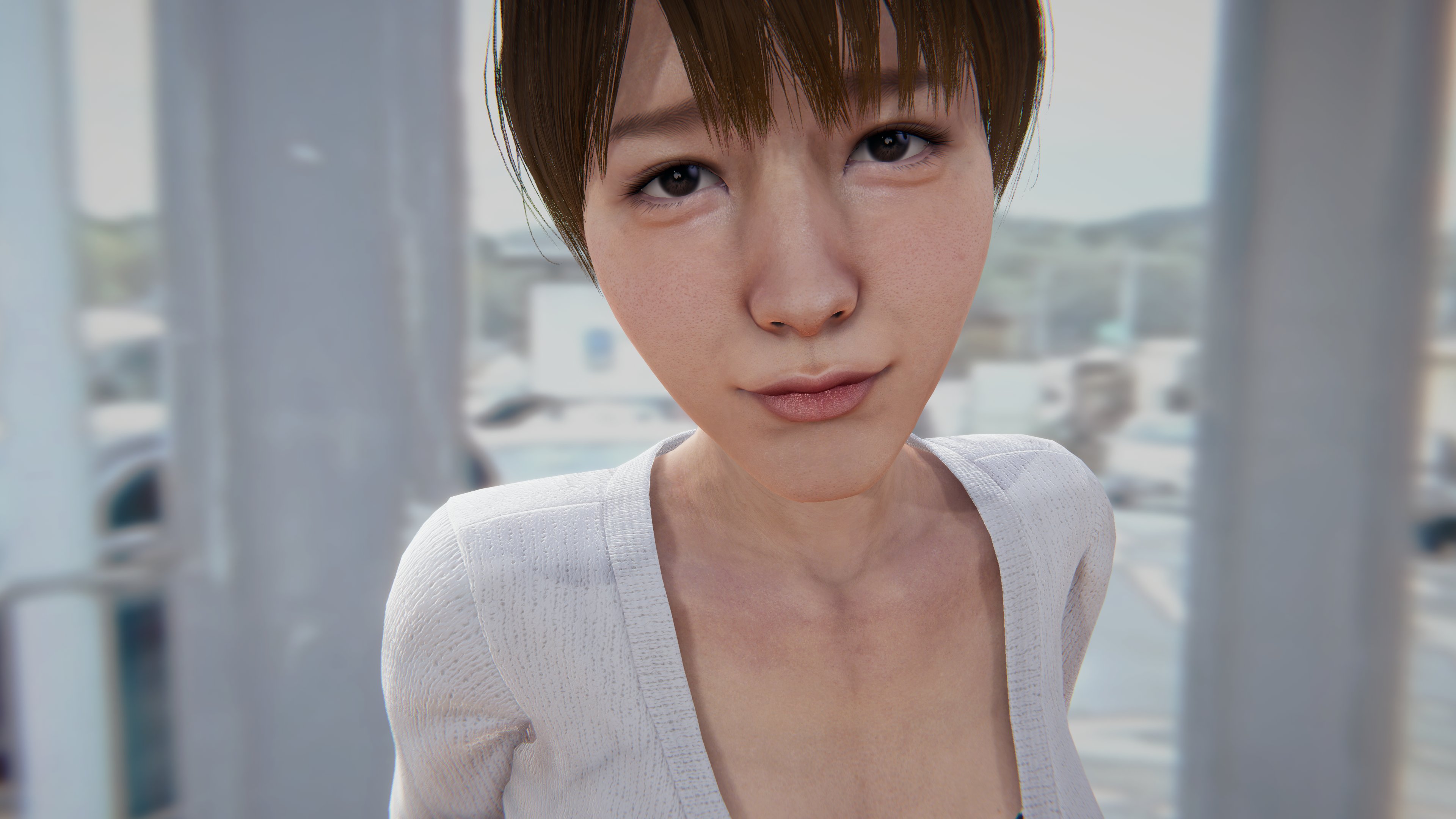
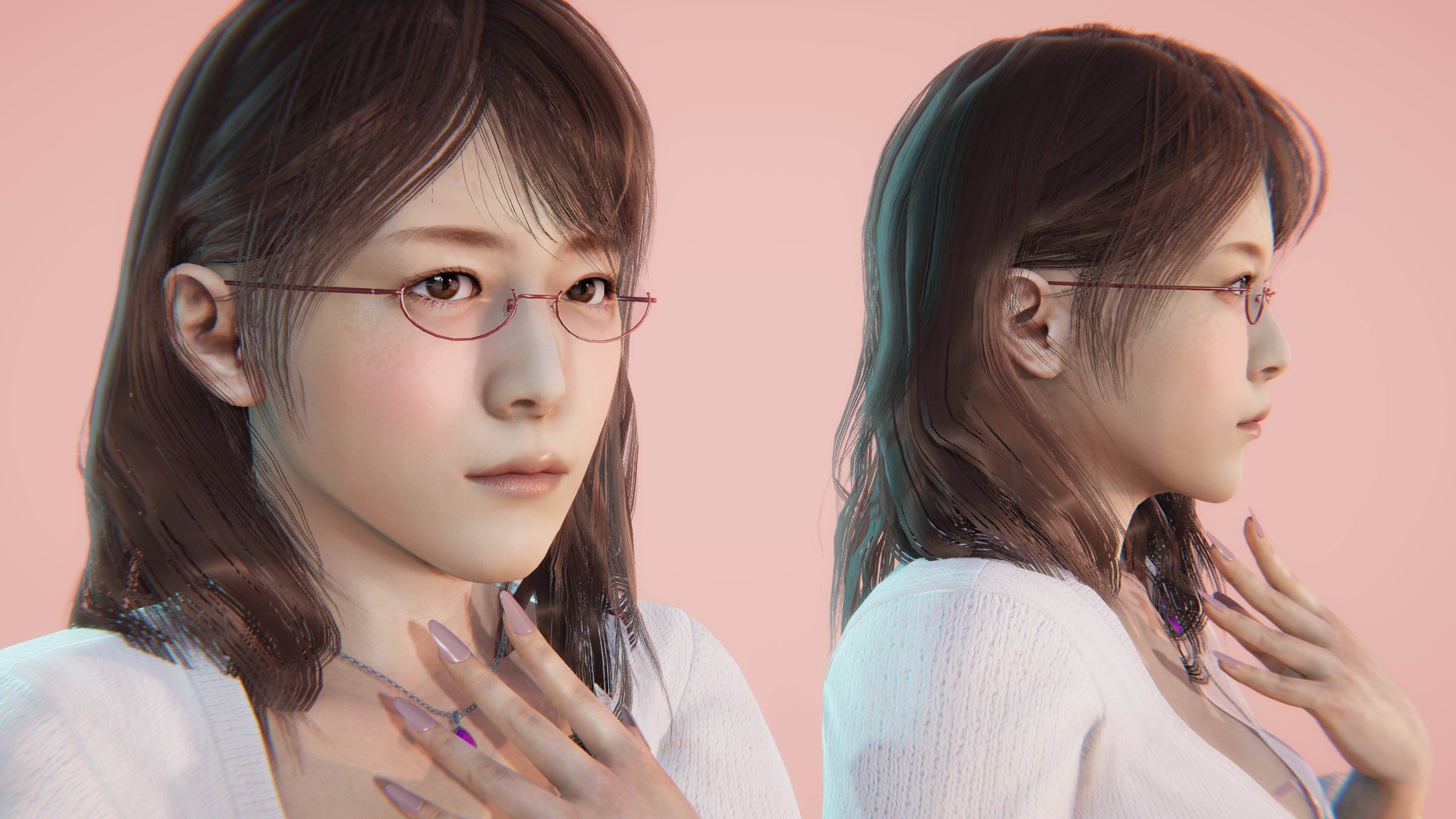
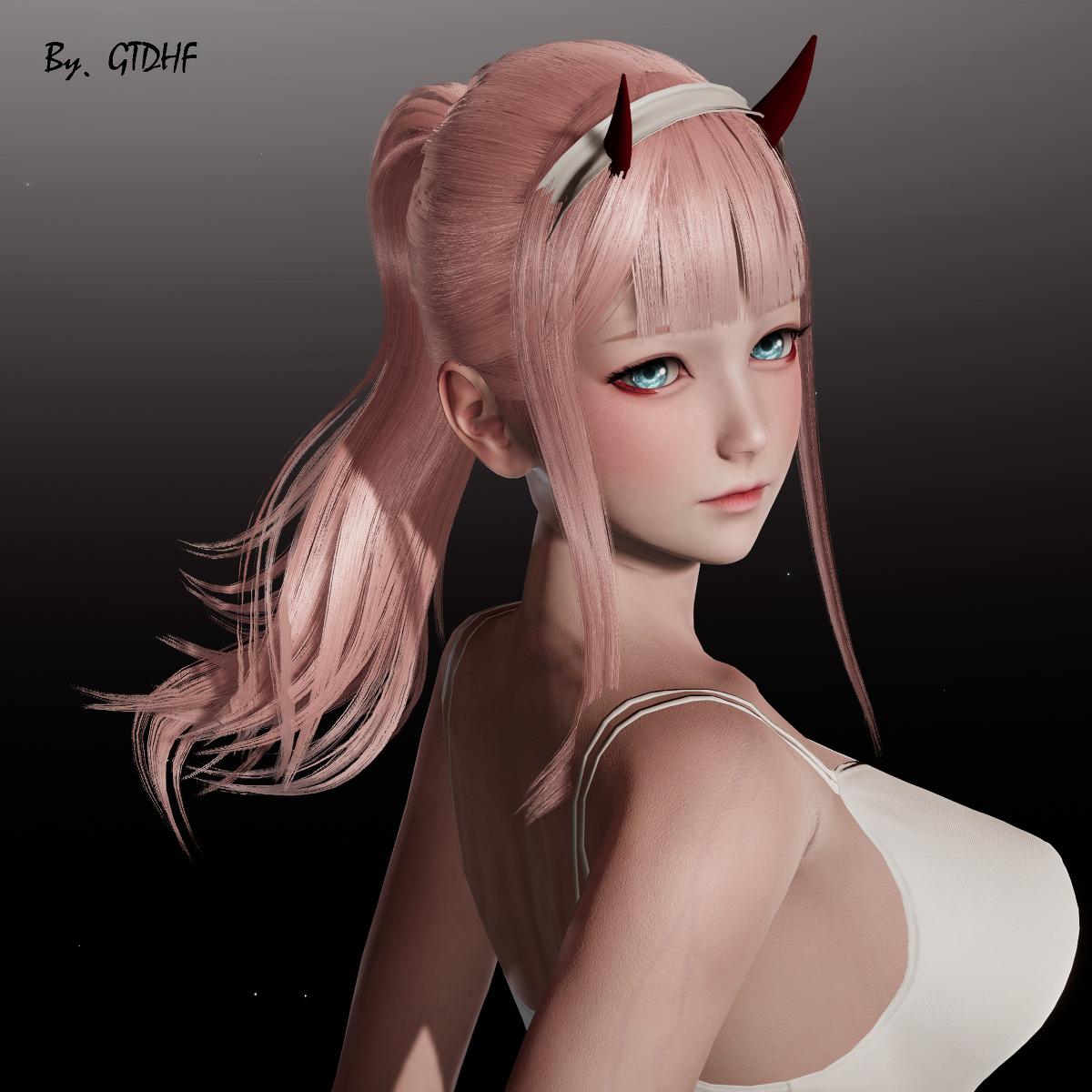
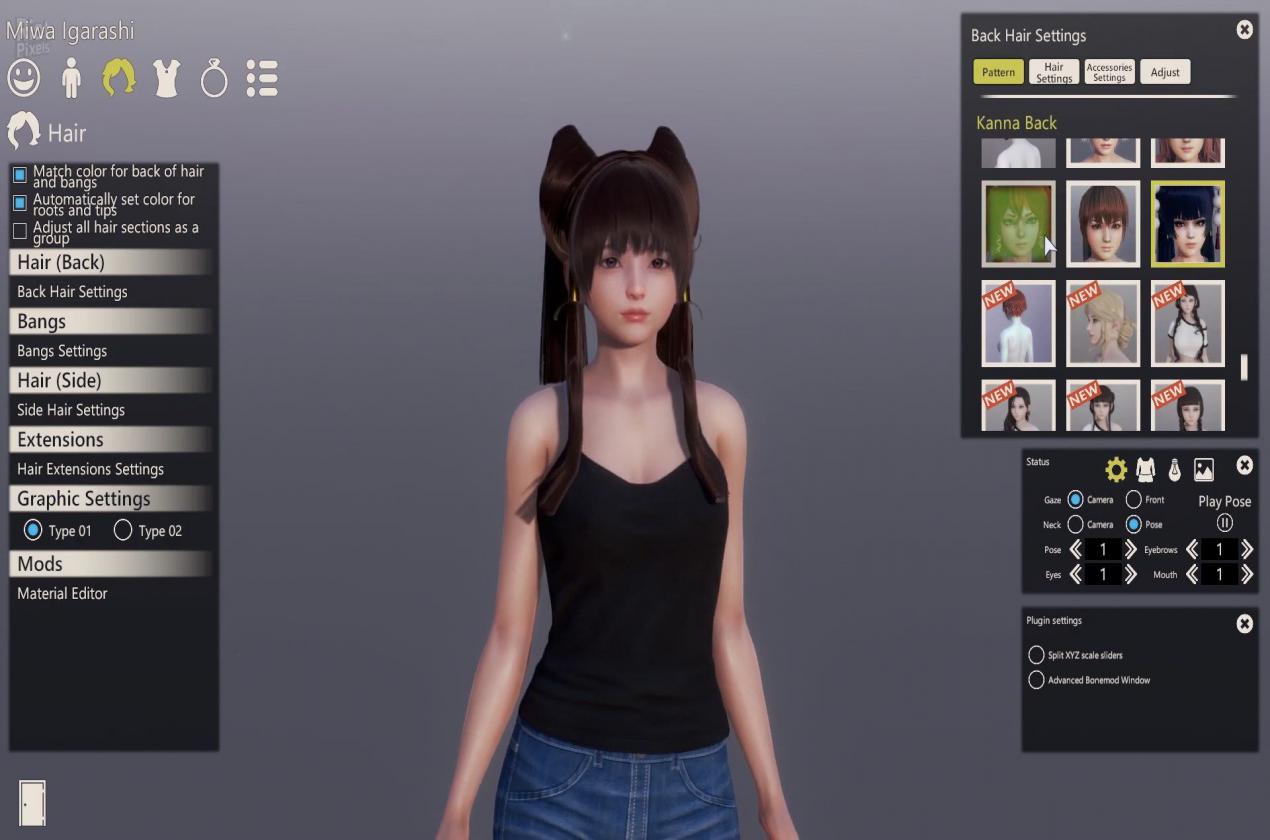
Honey Select 2 character cards serve as portable data containers that store all appearance parameters, clothing selections, facial structures, and body adjustments for characters within Illusion's engine. Structurally, these are standard PNG images that embed proprietary game data within their metadata chunks. When the game loads a valid character card, it reads the hidden payload to reconstruct the 3D model instantly, bypassing the manual slider adjustments in the character maker.
The core system relies on specific file naming conventions and directory paths to ensure the game recognizes newly acquired cards. Players must understand where these files live within their installation directories to avoid common loading errors or missing asset warnings.
- File Format: Standard PNG images with embedded binary customization data.
- Default Save Path: User/Documents/Illusion/HoneySelect2/userdata/chara/female (or male).
- File Size Range: Typically varies from 200 KB to several megabytes depending on modded clothing and hair assets.
- Metadata Integrity: Modifying the image dimensions or compressing the file via standard image editors can corrupt the embedded character data.
Safe Platforms and Repositories for Free Character Cards
Acquiring character cards safely requires navigating dedicated community hubs where creators upload their work for public sharing. Major community platforms prioritize user safety, but downloading files from unverified third-party link shorteners or suspicious file-sharing sites introduces malware risks. Trusted repositories generally feature user reviews, preview screenshots, and clear indications of required mod dependencies.
Modding communities centered around Illusion titles maintain organized databases where cards are tagged by style, anime accuracy, realism, or original character design. Utilizing these established networks protects local system environments while ensuring high-quality aesthetic standards.
- Pixiv and Pixiv Fanbox: Often feature direct card downloads attached to creator posts or linked via external drives.
- Illusion Softworks Community Forums: Historical archives containing foundational user-created cards.
- Dedicated Discord Communities: Invite-only or public servers featuring dedicated sharing channels for community-made assets.
- Specialized Card Repositories: Web platforms built exclusively for sorting, tagging, and previewing Honey Select 2 character files.
| Repository Type | Safety Level | Mod Dependency Risk | Ease of Navigation |
|---|---|---|---|
| Dedicated Modding Forums | High | Low (Usually documented) | High |
| Curated Community Databases | High | Moderate | Very High |
| Random File Hosting Links | Low | High (Potential adware) | Low |
| Social Media Sharing Threads | Moderate | Moderate | Low |
Step-by-Step Guide to Installing Free Character Cards
Integrating downloaded character cards into Honey Select 2 requires simple file management steps. Ensuring that all prerequisites, such as requiredBepInEx plugins and studio mods, are installed beforehand prevents missing asset errors where the character loads with default textures or distorted limbs.
- Locate and download the desired character card PNG file from a trusted community repository.
- Open File Explorer and navigate to the local Honey Select 2 user directory, typically located in your Documents folder under Illusion/HoneySelect2/userdata/chara/female.
- Move or copy the downloaded PNG file directly into the female or male folder depending on the character type.
- Launch Honey Select 2 and enter the Character Maker or Studio mode.
- Access the Load Character menu, locate the newly added thumbnail, and select it to apply the appearance data to your active workspace.
Essential Prerequisites and Dependency Management
Downloading a free character card does not guarantee it will look identical in-game to the creator's preview screenshots. Many community cards rely heavily on third-party mods, custom hair meshes, clothing mods, and custom shaders managed through BepInEx and plugin loaders like KKManager or Sideloader. Without these underlying assets, the game substitutes missing items with vanilla defaults or displays error messages.
Managing dependencies effectively involves reading the creator's upload notes carefully. Creators frequently list required plugin packs, studio plugins, and specific mod IDs. Keeping your plugin manager updated ensures compatibility with cards created using advanced modification tools.
- BepInEx Framework: The foundational mod loader required for almost all custom asset integration in Illusion games.
- Material Editor and Shader Plugins: Necessary for advanced skin, eye, and clothing textures.
- Sideloader Modpack (MoreData): Allows the game to read external mod folders without cluttering core game archives.
- StudioNEO v2 Enhancements: Vital if the character card was configured specifically for use within Studio mode scenes.
Troubleshooting Common Character Card Loading Errors
Encountering errors when loading a free character card usually stems from version mismatches, missing mod dependencies, or corrupted file downloads. Recognizing specific error codes and behavioral symptoms allows users to resolve issues quickly without breaking their save data or reinstalling the game.
When a card fails to appear in the selection menu, verify that the file extension is strictly .png and that it resides in the correct subfolder (female vs. male). If the character loads with deformed features or missing clothing items, cross-reference the missing assets using plugin management tools to locate and download the required third-party mods.
- Infinite Loading Screen: Usually caused by corrupted metadata or incompatible mod versions attempting to load simultaneously.
- Missing Textures / Pure White Models: Indicates an absence of required texture mods or outdated shader plugins.
- Card Not Showing in Menu: Often caused by placing the file in the root game directory instead of the specific userdata/chara folder.
- Game Crash on Load: Frequently triggered by severe conflicts between outdated BepInEx plugins and newer character card data structures.
Frequently Asked Questions
Where should I place downloaded Honey Select 2 character cards?
Place downloaded character card PNG files directly into the Documents/Illusion/HoneySelect2/userdata/chara/female or male folder depending on the character's gender. The game engine automatically scans this directory when you open the character loading menu.
Why do some downloaded character cards look deformed or missing clothes?
Deformities and missing clothing occur when a card relies on third-party mods, custom clothing assets, or specific hair packs that are not installed on your system. Installing the required mod dependencies listed by the creator resolves this issue.
Can I edit a free character card after loading it into the game?
Yes, you can fully modify any loaded character card within the Honey Select 2 Character Maker by adjusting sliders, changing clothing, and altering facial features before saving it as a new custom card.
Are all character cards found online completely free to use?
The vast majority of community-shared character cards on public repositories and forums are distributed for free by creators for personal use. However, some creators lock specific variations behind creator platforms, so always respect community guidelines and licensing notes.
What should I do if a character card file is saved as a ZIP or RAR archive?
If a card downloads inside a compressed archive, extract the contents using software like 7-Zip or WinRAR to retrieve the raw PNG image file before placing it into your game's character directory.
Ensure your game installation and mod managers are fully updated to maintain seamless compatibility with the latest community-shared character cards and assets.
Image Gallery