SunTrust Sign On Banking: Accessing Your Account via Truist in 2026
To access SunTrust sign-on banking in 2026, you must use the Truist digital portal, as the SunTrust brand fully transitioned following its merger with BB&T. Users should visit the official Truist website or use the Truist Mobile app, e...
To access SunTrust sign-on banking in 2026, you must use the Truist digital portal, as the SunTrust brand fully transitioned following its merger with BB&T. Users should visit the official Truist website or use the Truist Mobile app, employing their migrated credentials or new Truist IDs to manage personal, small business, or corporate accounts securely.
Contents
While the "SunTrust" name remains a significant search term for millions of long-term clients, the operational reality in 2026 is a unified ecosystem under Truist Financial Corporation. Whether you are seeking a personal dashboard, wealth management tools, or corporate treasury services, the "sign-on" process is now centralized to provide enhanced security and integrated financial planning tools that were not available under the legacy SunTrust infrastructure.
The Evolution of SunTrust Digital Access to Truist
The transition from SunTrust to Truist was one of the largest financial mergers in recent U.S. history. By 2026, the integration is complete, meaning all legacy SunTrust systems, routing numbers (for new transactions), and digital portals have been decommissioned or redirected.
Historical Context and Brand Migration
The merger of SunTrust and BB&T, announced in 2019, created the sixth-largest U.S. bank. The technical "cutover"—where SunTrust accounts moved to the Truist core banking system—was finalized years ago. In 2026, "SunTrust Sign On" serves as a legacy entry point that redirects users to a more robust, cloud-native banking platform designed for high-speed transactions and advanced data encryption.
Why You Still See "SunTrust" in Search and Documentation
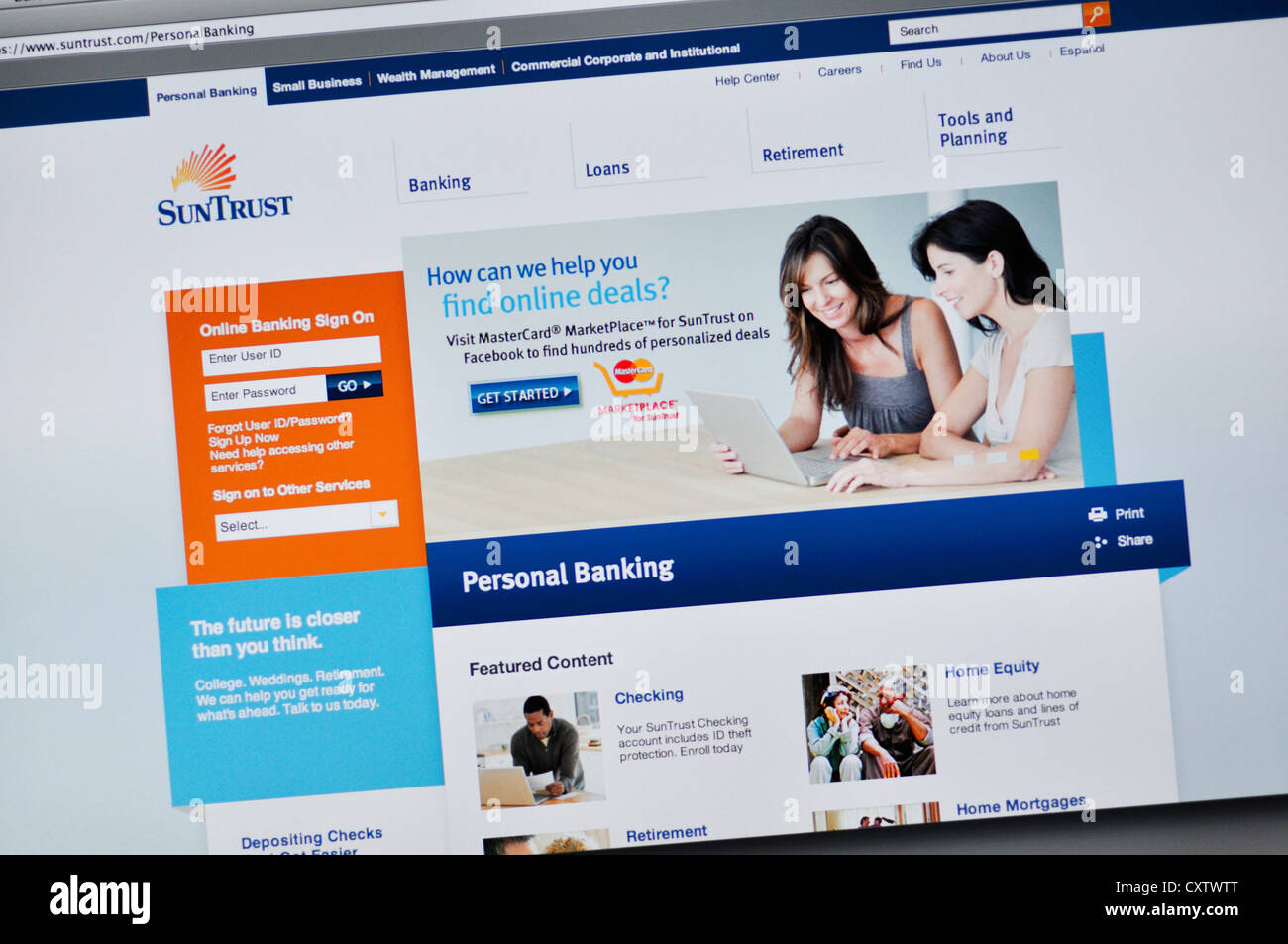
Many users still have old checks, debit cards (though most expired by 2025), or bookmarked URLs labeled "SunTrust." In 2026, these bookmarks typically trigger a 301 redirect to the Truist login page. It is critical for security purposes to ensure that you are landing on the verified truist.com domain to avoid phishing attempts that exploit the legacy brand name.
Step-by-Step Guide to SunTrust (Truist) Sign On in 2026
Navigating the sign-on process requires specific credentials and adherence to updated security protocols. Follow these steps to access your account via desktop or mobile.
1. Verification of the Secure Portal
Before entering any credentials, verify the URL. In 2026, the only valid portal is the Truist official site. Look for the padlock icon in the browser address bar, indicating an active SSL (Secure Socket Layer) certificate.
2. Entering Credentials
- User ID: This is the unique identifier you created during the migration or upon opening a new Truist account.
- Password: Truist now enforces complex password requirements (minimum 12 characters, including special characters and numbers).
- Remember Me: Only use this feature on private, encrypted devices. Avoid this on public Wi-Fi or shared computers.
3. Multi-Factor Authentication (MFA)
In 2026, MFA is no longer optional for most account types. You will be prompted to verify your identity via:
- Push Notifications: A prompt sent to your registered Truist Mobile App.
- Hardware Tokens: Primarily for corporate and high-net-worth wealth management clients.
- SMS/Email Codes: Used as a secondary fallback, though biometrics are preferred for higher security.
Comparing Legacy SunTrust vs. 2026 Truist Digital Features
The shift from SunTrust to Truist brought significant technical upgrades. The following table outlines the key differences in the digital banking experience.
| Feature | Legacy SunTrust (Pre-Transition) | Truist Sign On (2026 Standard) |
|---|---|---|
| Primary Login URL | suntrust.com | truist.com |
| Authentication | Single Password / Security Questions | Biometric / Multi-Factor Authentication |
| Mobile Integration | SunTrust Mobile App (Separate) | Integrated Truist App (Unified) |
| Payment Ecosystem | Popmoney / Basic Wire | Zelle / Real-Time Payments (RTP) |
| Insights & Analytics | Basic Transaction History | AI-Driven Spending Insights & Delta Goals |
| Customer Support | Phone/Branch Heavy | 24/7 Virtual Assistant & In-App Chat |
Specialized Sign-On: Business and Wealth Management
SunTrust was renowned for its "Online Treasury Manager" and "Commercial Online" portals. In 2026, these have been replaced by the Truist Business and Corporate suites.
Truist Business Login
For small business owners, the sign-on provides access to payroll services, ACH origination, and integrated accounting software links (like QuickBooks or Xero). The 2026 interface allows for "Switch User" functionality, enabling owners to toggle between personal and business profiles without logging out, provided the accounts are linked under a single Social Security Number or EIN.
Truist Wealth and Premier Banking
High-net-worth clients who previously used SunTrust Private Wealth Management now access their portfolios through the Truist Wealth portal. This sign-on includes:
- Real-time brokerage tracking.
- Direct secure messaging with dedicated wealth advisors.
- Advanced estate planning document vaults.
Security Protocols and 2026 Banking Standards
Sign-on security has evolved to combat sophisticated cyber threats. Truist employs several "under-the-hood" technologies during your sign-on session:
- Behavioral Biometrics: The system analyzes typing speed, mouse movements, and device tilt (on mobile) to ensure the person logging in is the authorized user.
- Device Fingerprinting: Truist recognizes "trusted devices." If you sign on from a new location or a new browser in 2026, a mandatory identity challenge is triggered.
- Encrypted Data Transmission: All data between your browser and the bank is encrypted using 256-bit AES encryption, exceeding the minimum standards set by the FFIEC (Federal Financial Institutions Examination Council).
Expert Insight: Troubleshooting Login Failures
If your SunTrust sign-on credentials are not working in 2026, the most common cause is a dormant account or a failure to complete the mandatory Truist security update. If you haven't logged in since the legacy SunTrust days, your account may be "locked for inactivity." You will need to contact Truist support at 844-4TRUIST (844-487-8478) to verify your identity and reactivate your digital access.
Mobile Banking Sign-On: The Truist App Experience
By 2026, the mobile app is the primary touchpoint for over 80% of former SunTrust users. The "SunTrust Sign On" experience on mobile is now defined by:
- FaceID/TouchID: Seamless entry without typing passwords.
- Mobile Check Deposit: Enhanced with AI to prevent "double-presentment" errors common in older systems.
- Card Controls: The ability to instantly "freeze" a misplaced debit or credit card directly from the login splash screen.
- Contactless Entry: Using the app to authenticate at Truist ATMs instead of using a physical card.
Troubleshooting Common Sign-On Issues
Even with advanced 2026 technology, users may encounter hurdles. Use the following logic to resolve issues:
- Forgotten User ID/Password: Use the "Forgot" links on the Truist homepage. You will need your Social Security Number (or Tax ID) and your account/debit card number.
- Account Locked: This usually occurs after three failed attempts. Wait 20 minutes for an automated reset, or use the app to verify via biometrics to bypass the lockout.
- Browser Incompatibility: As of 2026, legacy browsers like Internet Explorer are strictly prohibited. Ensure you are using the latest version of Chrome, Safari, or Edge.
- Phishing Warnings: If you receive an email asking you to "Update your SunTrust account" in 2026, it is a scam. Truist does not send emails using the SunTrust brand for security updates.
Frequently Asked Questions (FAQ)
Can I still use my old SunTrust username to sign on?
In most cases, yes, if you migrated your account during the transition period; however, Truist may have prompted you to update it if there was a duplicate ID in the merged system. If your legacy username no longer works in 2026, you must use the "Forgot User ID" tool on the Truist portal to retrieve your current identifier.
Is the SunTrust mobile app still available in the App Store?
No, the SunTrust mobile app was removed from the Apple App Store and Google Play Store several years ago. You must download the "Truist Mobile" app to access your banking features on a smartphone or tablet in 2026.
What happened to SunTrust's Online Treasury Manager for businesses?
The SunTrust Online Treasury Manager has been fully replaced by Truist Compass and Truist Business Online. These platforms offer superior cash flow forecasting and more granular employee permission settings than the legacy SunTrust system.
How do I sign on if I have both a personal and a business account?
Truist provides a "merged view" sign-on for 2026. Once you log in with your primary credentials, you can use the dashboard toggle to switch between your personal checking and your business accounts without needing separate login sessions.
Are my SunTrust login details safe during the transition to Truist?
Yes, the transition involved high-level data encryption and regulatory oversight to ensure all client data remained secure. In 2026, your data is protected by Truist’s multi-layered security framework, which includes 24/7 fraud monitoring and SOC2-compliant data centers.
Can I sign on to SunTrust banking from outside the United States?
You can sign on to Truist banking from abroad, but the 2026 security system may flag international IP addresses. It is recommended to use the Truist Mobile app with biometrics enabled or notify the bank via the "Travel Notice" section of the portal before logging in from a foreign country to avoid account freezes.
Managing Your Banking Transition Successfully
While the "SunTrust sign on" is a relic of the past, the underlying financial stability and service have moved into a more technologically advanced era with Truist. To ensure uninterrupted access in 2026, users should prioritize keeping their mobile app updated and regularly auditing their security settings.
If you are a former SunTrust client who has not yet accessed the Truist digital platform, your first step should be a formal "Enrollment" or "Recovery" process on the Truist homepage. This will bridge the gap between your legacy records and the modern 2026 banking interface, providing you with full control over your financial assets.
Image Gallery