CVS In-Store Pickup Guide: How to Order Online and Collect Locally in 2026
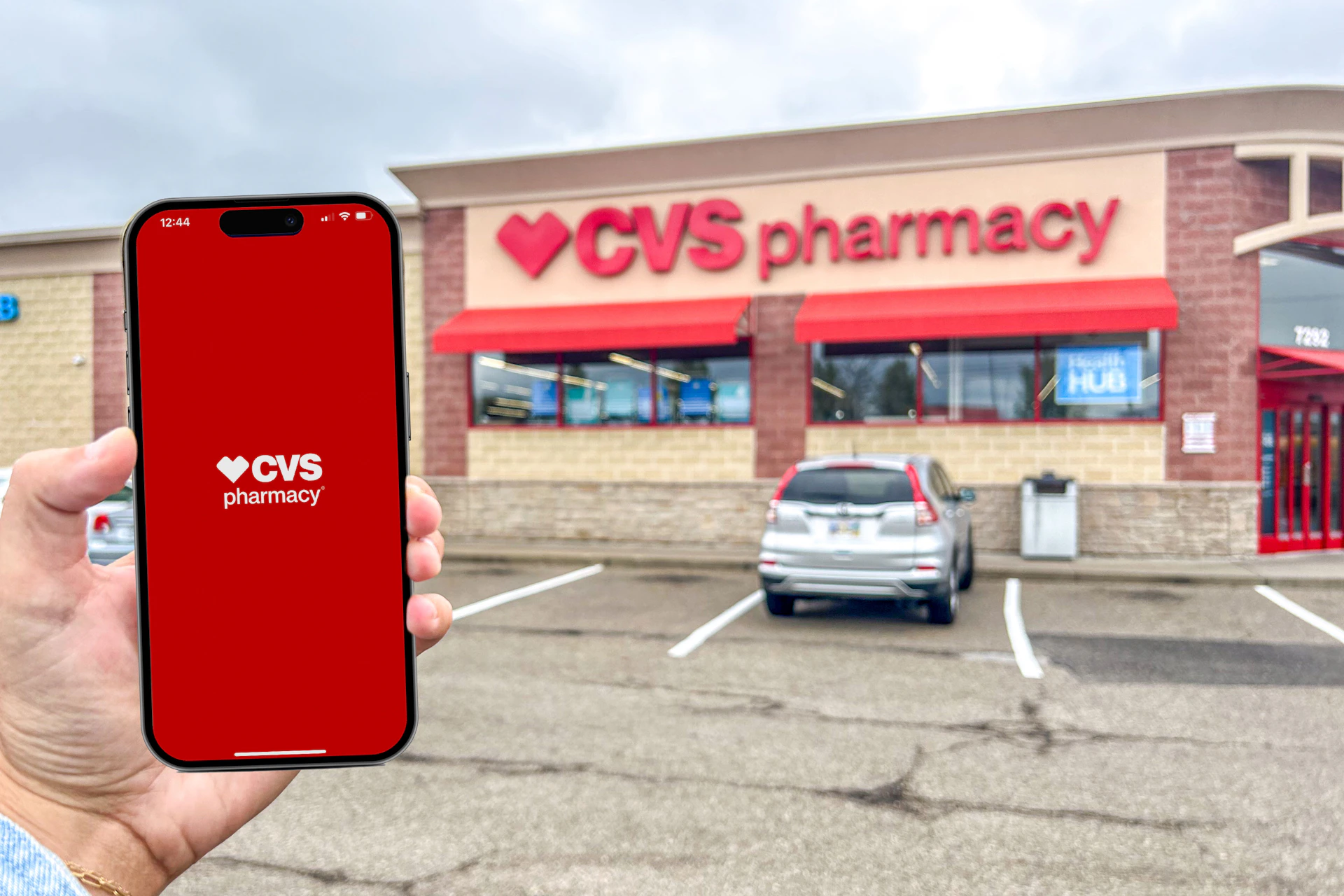
CVS in-store pickup allows customers to shop online or via the CVS app and collect their purchases at a local branch, often within hours, without paying shipping fees. This service bridges digital retail convenience with physical store...
CVS in-store pickup allows customers to shop online or via the CVS app and collect their purchases at a local branch, often within hours, without paying shipping fees. This service bridges digital retail convenience with physical storefront accessibility, covering everything from everyday household goods and photo prints to essential over-the-counter health items and select pharmacy prescriptions.
Contents
Understanding the CVS In-Store Pickup Service Model
The CVS in-store pickup framework functions by synchronizing real-time inventory from a designated brick-and-mortar location with the enterprise e-commerce system. When an order is placed, automated fulfillment triggers notify store associates to pick the items from the sales floor or stockroom, stage them in a secure holding area, and update the customer's status via email or text message.
This model eliminates the variability of standard parcel delivery timelines and protects against porch piracy. Customers secure web-only promotional pricing, digital coupon stackability, and ExtraCare rewards while maintaining immediate access to their goods. Understanding fulfillment windows and eligibility criteria ensures a seamless transaction from digital cart to physical counter.
Core Eligibility and Product Categories
Not every item in the vast CVS catalog qualifies for immediate same-day local collection. Inventory availability depends entirely on the stock levels of the specific store selected at checkout.
- Health and Wellness: Over-the-counter medications, first aid supplies, vitamins, and personal care items are widely eligible for rapid two-hour or same-day pickup.
- Beauty and Cosmetics: A vast array of cosmetics, skin care, and hair care products can be bundled into a single pickup order.
- Photo Services: Custom prints, photo books, canvas enlargements, and passport photos utilize dedicated processing stations within the store.
- Grocery and Convenience: Snacks, beverages, and household paper goods are stocked for immediate retrieval.
- Prescription Medications: Managed through the CVS Pharmacy app or dedicated pharmacy counter, distinct from front-store merchandise.
Step-by-Step Instructions for Placing and Collecting an Order
Executing a successful in-store pickup requires navigating the digital interface correctly and knowing where to report inside the physical storefront. Following a precise workflow prevents canceled orders, stock discrepancy issues, and wasted trips.
1. Selecting the Correct Store Location
Before adding items to your virtual cart, set your preferred pickup location on the CVS website or mobile app. Inventory counts fluctuate constantly by zip code and individual store format (e.g., standard retail store versus a CVS Pharmacy inside a Target).
2. Building and Checkout Cart
Add eligible items marked with the "Pickup Ready in Hours" or "Pick Up Today" badge. Apply digital ExtraCare coupons and promotional codes directly in the cart before finalizing payment. Select "Store Pickup" as your fulfillment method during checkout.
3. Waiting for the Ready Notification
Do not drive to the store immediately after submitting your order. Wait for an official email or text notification stating that your order is "Ready for Pickup." Arriving prior to this confirmation means store associates have not yet processed your items.
4. Navigating the Store and Collection Point
Bring a valid government-issued photo ID and the barcode or order confirmation number displayed on your smartphone. Head directly to the designated pickup counter. In many modern layouts, front-store pickup is consolidated at the main cash registers, photo kiosk, or a dedicated express pickup lane.
Comparing CVS In-Store Pickup, Same-Day Delivery, and Standard Shipping
Choosing the right fulfillment method depends on urgency, item availability, and associated fees. The following comparison breaks down the operational differences between CVS's primary shopping channels.
| Fulfillment Method | Average Timeframe | Cost & Fees | Best Used For |
|---|---|---|---|
| In-Store Pickup | Ready in 2 hours or same day | Free (No order minimums) | Urgent household needs, avoiding shipping delays, securing web-only deals. |
| Same-Day Delivery | Within hours (via courier partners) | Delivery fee applies (Free with CarePass) | Bedridden patients, urgent prescriptions, heavy items when transport is unavailable. |
| Standard Shipping | 1 to 4 business days | Free on orders over a threshold (or CarePass) | Bulk purchasing, specialty items not stocked locally, non-urgent goods. |
Essential Requirements and Documentation Needed at Collection
To protect customer security and prevent retail shrinkage, CVS enforces strict protocols regarding order handoff. Having the correct documentation ready accelerates the process and avoids complications at the register.
- Order Barcode: The QR code or barcode sent via email or displayed inside the CVS mobile app allows associates to scan and close out the transaction instantly.
- Government-Issued Photo ID: Required if your order contains age-restricted items (such as cold medicines containing pseudoephedrine, alcohol, or tobacco products) or specific health-related products.
- Alternate Pickup Persons: If someone else is collecting your order, you must designate them during the online checkout process by providing their legal name and contact details. They must present their own photo ID and the order confirmation.
Common Pitfalls and Troubleshooting Strategies
Even with automated inventory systems, occasional friction points occur during the pickup cycle. Recognizing these potential issues helps resolve them swiftly.
Out-of-Stock Cancellations
If an item sells out on the physical sales floor between the time you place your order and an associate picks it, that specific item will be canceled from your order, and your payment method will be adjusted accordingly. Always check your email for partial fulfillment notices before leaving for the store.
Missing Pickup Notifications
If several hours have passed without a "Ready for Pickup" notification, check your spam folder or open the CVS app to review order status. High-volume shopping periods, such as holiday weekends or severe weather events, can extend processing windows beyond the standard two-hour threshold.
Designated Parking and Curbside Options
While traditional in-store pickup requires entering the building, many locations offer Curbside Pickup. If your chosen store supports curbside, park in a designated spot, tap "I'm Here" in the app or call the store phone number provided in your notification, and an associate will bring the items directly to your vehicle trunk.
Advantages and Disadvantages of CVS In-Store Pickup
Weighing the operational benefits against potential limitations ensures you can make an informed decision about utilizing the service.
Pros
- Cost Efficiency: Completely free of charge with no hidden handling fees.
- Speed: Rapid turnaround times for urgent household and health items.
- Promotional Access: Full compatibility with online-only sales, ExtraCare Bucks, and digital coupons.
- Inventory Certainty: Secures items before walking into a potentially depleted physical store aisle.
Cons
- Location Dependency: Dependent entirely on local store stock levels; rare or specialty items may be unavailable locally.
- Processing Delays: Peak hours can result in longer wait times for order fulfillment notifications.
- Store Hours Restriction: Pickup is limited to the operating hours of the specific retail branch, which may vary for pharmacy versus front-store counters.
Practical Recommendations for Frequent Shoppers
To maximize efficiency when using CVS digital services, maintain an active profile on the CVS mobile app linked to your ExtraCare card. Consistently review digital manufacturer coupons before checking out to stack savings onto your pickup order. If you utilize the service regularly, consider evaluating membership programs like CarePass to unlock additional perks, such as waived fees on eligible delivery options when in-store pickup is not feasible. Always verify your store's holiday hours before heading out to collect time-sensitive items.
Frequently Asked Questions
How long does it take for a CVS in-store pickup order to be ready?
Most front-store pickup orders are prepared and marked ready for collection within two hours during normal operating hours. High-volume periods or specialized photo printing orders may require extended processing windows. Always wait for the official confirmation message before traveling to the store.
Can I cancel or modify a CVS pickup order after it has been placed?
Once an order is submitted into the system, direct modifications to the items inside the cart are generally not possible. However, you can contact the store directly to request a cancellation, or simply decline to pick up the order, at which point uncollected items are automatically restocked after a designated holding period, triggering a full refund.
What happens if I forget to pick up my CVS order?
CVS holds in-store pickup orders for a limited number of days (typically 3 to 7 days). If the order is not collected within this window, the transaction is automatically canceled, the items are returned to inventory, and any funds charged to your payment method are reversed.
Do I need to pay for CVS in-store pickup?
No, in-store pickup is a completely free service offered by CVS with no minimum purchase requirement. You only pay for the items purchased, plus applicable local sales tax and any environmental or bottle deposit fees mandated by state law.
Can I send someone else to pick up my CVS order for me?
Yes, you can designate an alternate person to collect your order during the online checkout process. The designated individual must bring a valid government-issued photo ID and the order confirmation details to complete the verification and handoff process at the store counter.
Image Gallery