What Does the Three Finger Salute Mean? Decoding the Famous Computing and Cultural Gestures
The term "three finger salute" most famously refers to the Ctrl + Alt + Delete keyboard shortcut used in computing to interrupt processes or reboot systems. However, depending on the cultural or historical context, it can also describe...
The term "three finger salute" most famously refers to the Ctrl + Alt + Delete keyboard shortcut used in computing to interrupt processes or reboot systems. However, depending on the cultural or historical context, it can also describe specific political hand gestures symbolizing resistance, solidarity, or athletic celebration.
Contents
The Computing Origin: The Ctrl + Alt + Delete Shortcut
In the world of personal computing, the three finger salute is the colloquial name for pressing the Control, Alternate, and Delete keys simultaneously. This iconic keyboard combination holds a foundational place in the history of personal computing and system administration.
David Bradley, an engineer on the original IBM PC development team, designed the sequence in 1981. Originally, it was created as a hardware-level debugging shortcut to allow developers to reboot the machine without powering it completely off. David Bradley famously noted that while he invented it, Bill Gates made it famous by making it the mandatory login and security sequence for Windows operating systems.
As operating systems evolved, the function of the shortcut shifted:
- Early MS-DOS and Windows 9x: Pressing the combination instantly rebooted the computer, bypassing normal shutdown procedures.
- Modern Windows NT-based Systems (Windows XP through Windows 11): The combination invokes a secure operating system interrupt. It brings up a dedicated security screen allowing users to lock the computer, switch users, sign out, change a password, or launch the Task Manager.
Technical Function and Security Significance
The primary reason this shortcut remains effective is its deep integration into the operating system architecture. In modern Windows environments, the BIOS and the keyboard controller handle the interrupt hardware-level signal directly. This means that even if a full-screen application, game, or malicious process freezes and locks up the graphical user interface, the operating system kernel is hardwired to listen for this specific hardware event.
When pressed, it invokes the Secure Attention Sequence (SAS). The SAS ensures that no rogue application running with standard user privileges can spoof the login or password prompt, because the operating system guarantees that the screen appearing immediately after the keystroke is authentic and controlled exclusively by the kernel.
| Operating System Era | Primary Function of Shortcut | System Level Handling |
|---|---|---|
| IBM PC DOS (1981) | Immediate system reboot (warm boot) | Direct hardware interrupt via BIOS |
| Windows 95 / 98 | Task termination and quick reboot | Software-level trap to close unresponsive apps |
| Windows 10 / 11 (2026) | Secure security menu (Lock, Task Manager, Sign out) | Secure Attention Sequence (SAS) managed by kernel |
Troubleshooting Unresponsive Systems Using the Shortcut
When a computer freezes, hangs, or experiences a sudden drop in frame rates due to resource exhaustion, the three finger salute serves as the primary diagnostic gateway.
- Step 1: Press Ctrl + Alt + Delete simultaneously on your physical or virtual keyboard.
- Step 2: Wait up to 5 seconds for the kernel to process the hardware interrupt if the CPU is heavily loaded.
- Step 3: Select Task Manager from the resulting secure menu interface.
- Step 4: Navigate to the Processes tab to identify applications or background services consuming 99% to 100% of your CPU, memory, or disk bandwidth.
- Step 5: Right-click the offending process and select End Task to force-close the frozen application.
If the security menu itself fails to load, it indicates a severe kernel panic, driver crash, or hardware failure (such as failing RAM or an overheating processor), which usually necessitates a hard power cycle via the physical power button.
Cultural and Political Meanings of the Three Finger Salute
Outside of information technology, the phrase "three finger salute" applies to several distinct gestures with deep social and political implications.
The Hunger Games Resistance Symbol
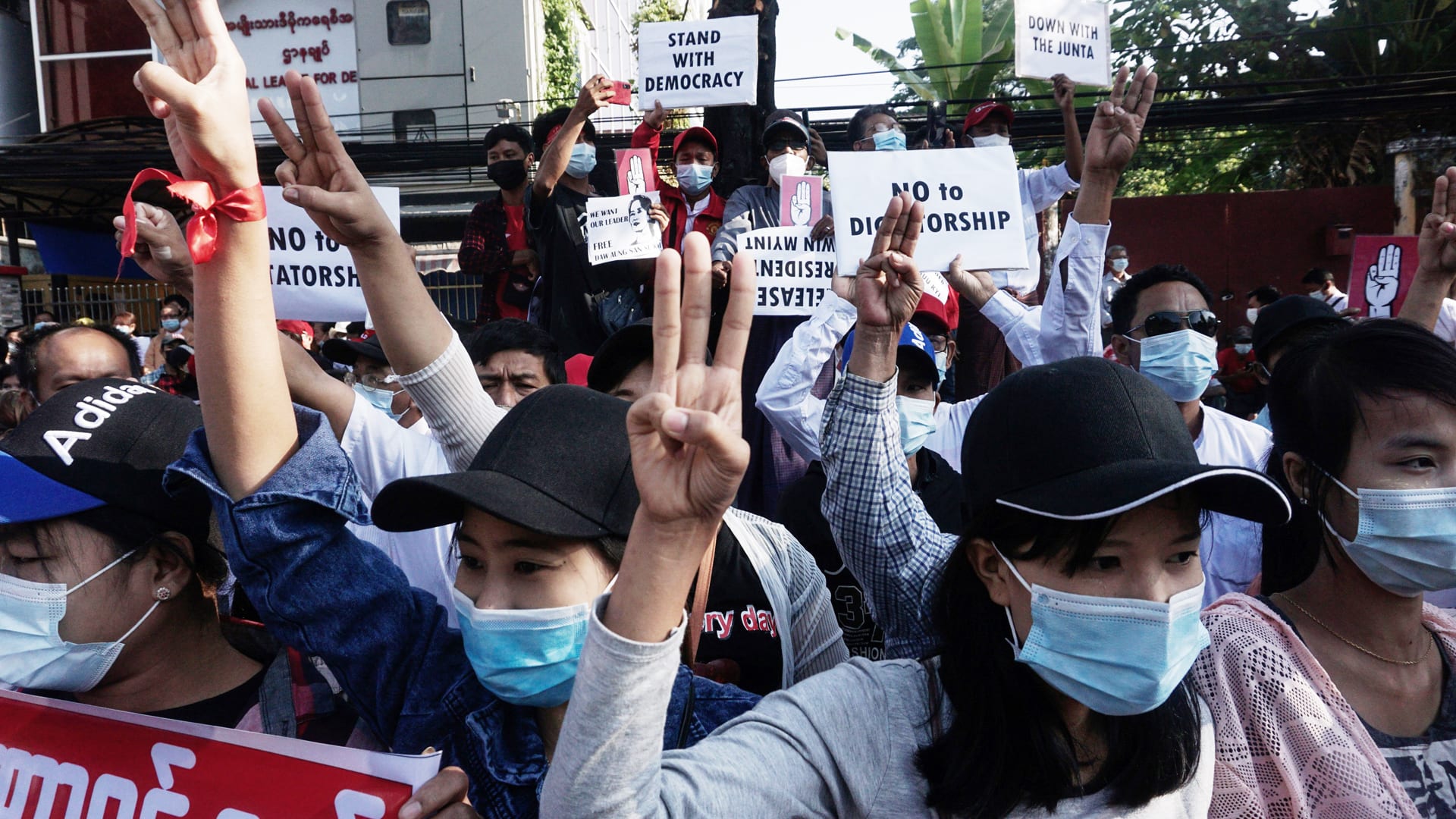
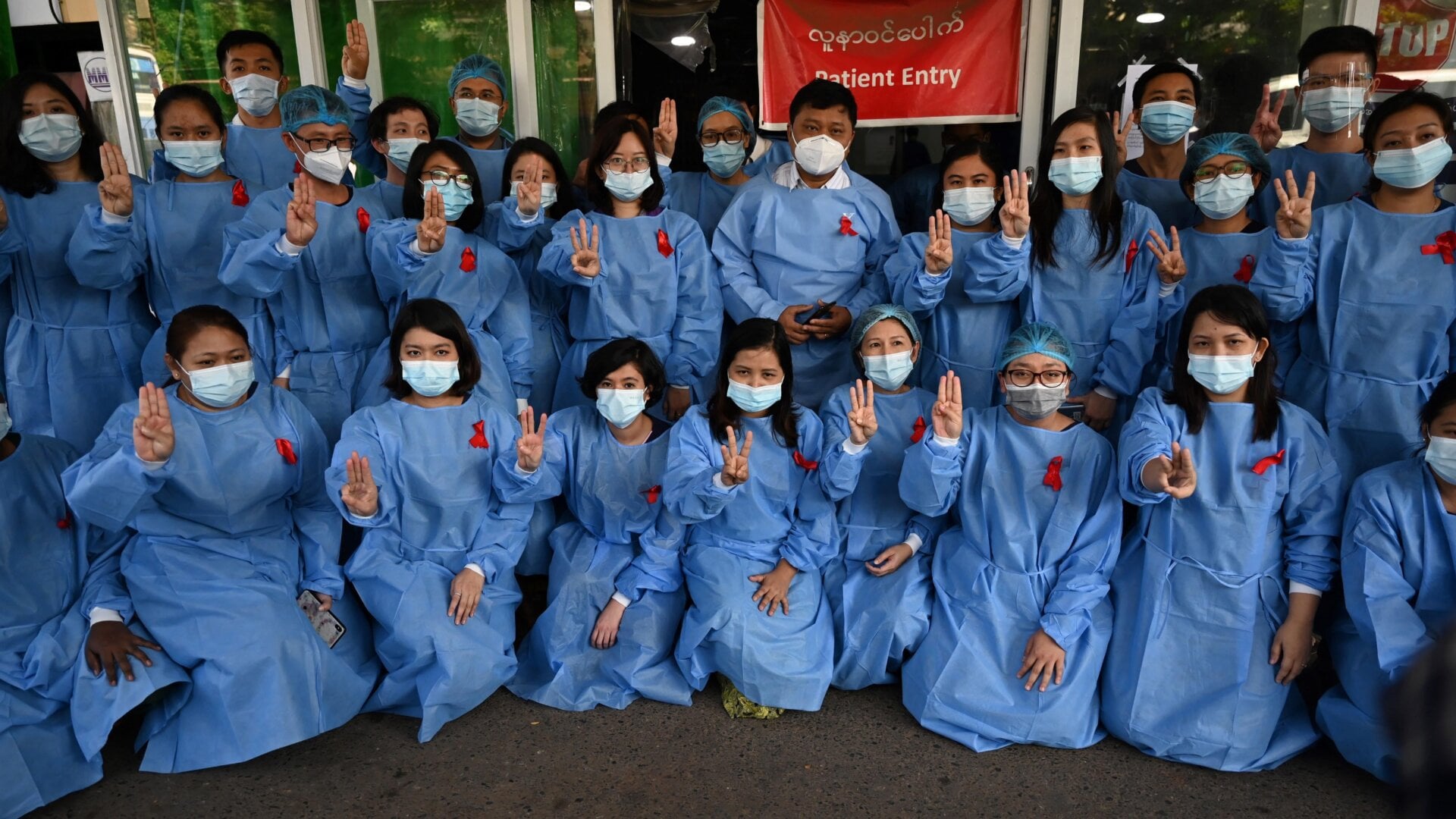
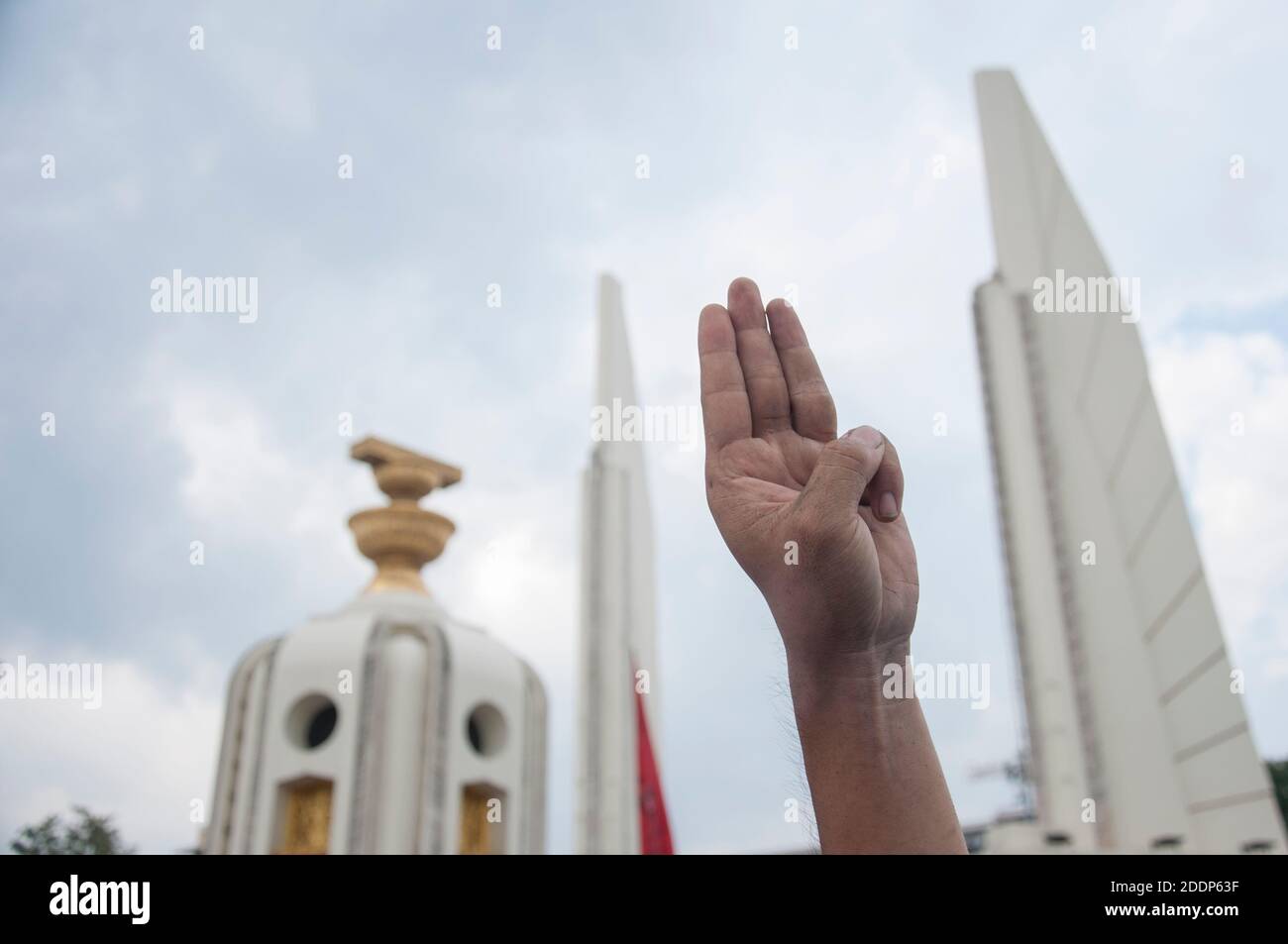
In modern pop culture, popularized by Suzanne Collins's The Hunger Games book and film franchise, holding up three fingers (the index, middle, and ring fingers pressed together with the thumb holding down the pinky) represents a silent gesture of rebellion, admiration, and farewell against oppressive authority. In the real world, political activists in various Southeast Asian countries have adopted this exact fictional symbol during pro-democracy protests to signal solidarity against authoritarian governance.
Regional and Historical Variations
Various historical contexts attribute meaning to holding up three fingers:
- The Olympic Salute: Some historical athletic events involved raising three fingers to represent core sporting values or podium placements.
- Military and Oath Gestures: Certain military traditions or scouting organizations utilize a three-finger raise to signify core tenets, honor, or adherence to a specific code of conduct.
Comparison: Computing vs. Cultural Meanings
To avoid confusion, it helps to distinguish the primary contexts in which the term appears across digital and physical domains.
| Aspect | The Computing Shortcut | The Cultural/Political Gesture |
|---|---|---|
| Medium | Physical keyboard (Ctrl + Alt + Del) | Human hand gesture |
| Primary Domain | Information Technology, Software Troubleshooting | Political activism, Pop culture, Resistance |
| Intent | Interrupt a frozen system or access security menus | Express solidarity, defiance, or allegiance |
| Global Recognition | Universal among PC users | Specific to regional protests and media fans |
Expert Insight: Never rely on the three finger salute as a permanent fix for chronic system instability. If your computer frequently requires a forced task termination or system reboot, run built-in diagnostic tools such as the System File Checker (SFC) via Command Prompt or check for outdated hardware drivers that might be causing kernel-level deadlocks.
Frequently Asked Questions
What does the three finger salute do on a PC?
It triggers the Secure Attention Sequence, interrupting the operating system to open a secure menu where you can access the Task Manager, lock your computer, or sign out. This sequence allows you to safely close frozen applications without shutting down the entire machine.
Who invented the Ctrl + Alt + Delete shortcut?
David Bradley, an engineer on the original IBM PC development team, created the sequence in 1981. He designed it as a quick way for programmers to reboot the machine during testing phases without turning off the physical power switch.
Why is it called a "salute"?
The term is a humorous tech-industry slang phrase comparing the physical act of reaching across the keyboard with multiple fingers to a formal military salute.
Can you use the three finger salute on a Mac?
No. macOS utilizes a different set of shortcuts for managing running applications, most notably Command + Option + Escape, which opens the "Force Quit Applications" window directly.
Is the three finger salute safe to use when a game crashes?
Yes. Pressing the keys sends a low-level interrupt signal to the Windows kernel, allowing you to regain control of your display and safely terminate the hanging application.
Conclusion and System Management Best Practices
Understanding what the three finger salute means empowers you to navigate both digital troubleshooting and modern cultural symbols with confidence. Whether you are using the classic Ctrl + Alt + Delete combination to rescue a frozen Windows environment or recognizing international symbols of civic resistance, this versatile term bridges computing history and human expression. Keep your operating system updated, monitor your background resource usage, and utilize the Task Manager wisely to maintain optimal system performance.
Image Gallery